Basic Fixes:
- Restart phone: Simple tricks are often the most useful. So, before you try other solutions, restart your device to see if it fixes the issue.
- Verify Silent mode is off: If your phone’s silent mode is enabled, you will not hear the ringtone. Look for the silent mode symbol in the status bar. Alternatively, go to Settings > Sound & vibration to change the profile.
- Check volume slider: Some phones (OnePlus models) offer a dedicated slider switch on the side to activate DND and silent mode. Ensure it’s in the ringer position.
- Try a different ringtone: The issue can stem from a download ringtone. Change the phone’s ringtone by going into the Sound & vibration settings and try again.
Check the Ringtone in Safe Mode
Sometimes, the issue is caused by a third-party app. You must boot your device in Safe mode to confirm if that’s the case.
Step 1: Press and hold the power button on your phone.
Step 2: When the power options appear, tap and hold the Power off option until your phone prompts you to enter safe mode.
Step 3: Tap OK and your device will boot in safe mode. You will see the text Safe mode mentioned at the bottom-left corner.
To access safe mode using the physical keys, follow these steps:
Step 1. Turn off your phone.
Step 2. Press and hold the power button until you see the manufacturer’s logo, then release the power button.
Step 3. Press and hold the volume up and down buttons until the device starts in safe mode.
Once you are in safe mode, try calling your phone and see if you can hear the ringtone. If the issue goes away in safe mode, a third-party app could be responsible. Try uninstalling third-party apps one by one to find the culprit app. In most cases, it would be an app related to music or audio.
Was this helpful?
Last updated on 26 July, 2024
Read Next
 How to Set a Video as a Ringtone on Android
Converting a Video to Audio Whether you already have a video downloaded on your smartphone or want to use a YouTube video, the first step would be to convert it
How to Set a Video as a Ringtone on Android
Converting a Video to Audio Whether you already have a video downloaded on your smartphone or want to use a YouTube video, the first step would be to convert it
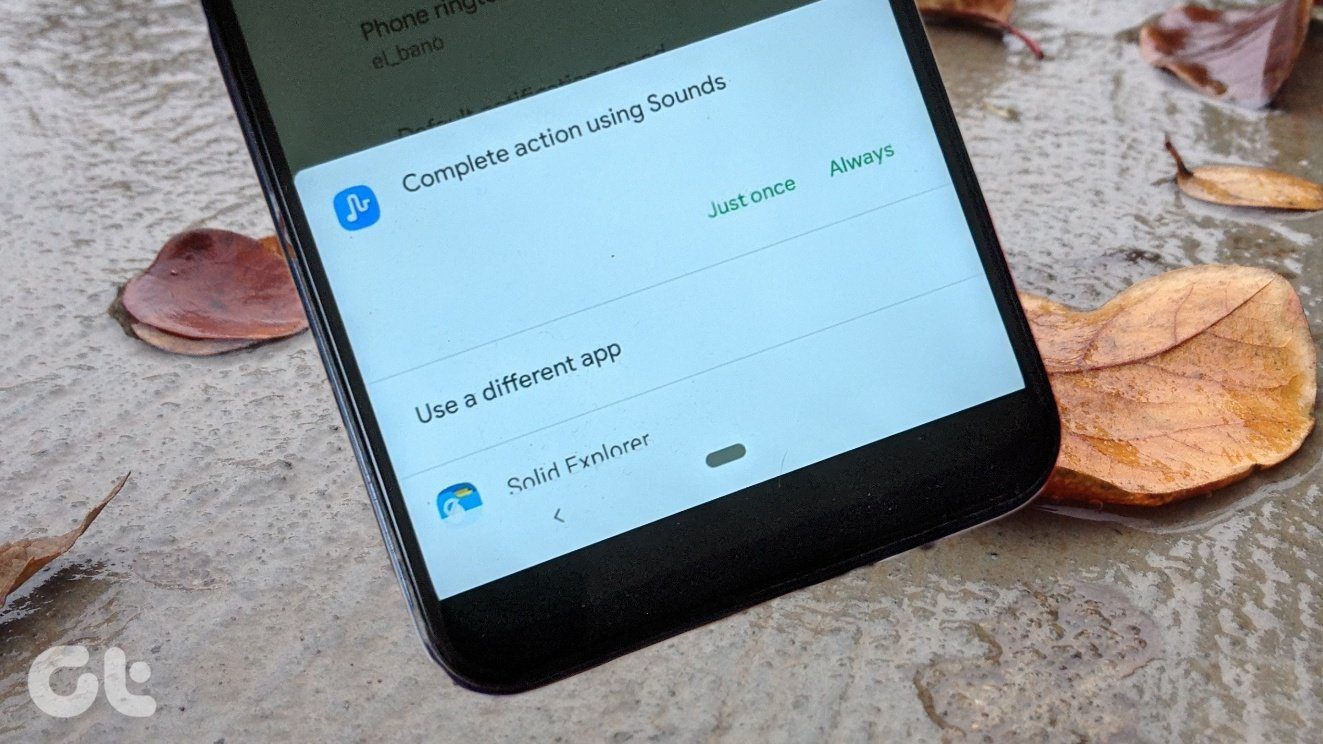 How to Reset the Default Ringtone App on Android
Method 1: Clear Defaults for the Ringtone App If you've accidentally set a third-party ringtone app (e.g.
How to Reset the Default Ringtone App on Android
Method 1: Clear Defaults for the Ringtone App If you've accidentally set a third-party ringtone app (e.g.
 How to Change Zoom App Ringtone and Notification Sound
How to Change Zoom Incoming Call Ringtone on Android, iPhone, and iPad If you use Zoom daily, you might be bored of its same ringtone or notification sound.
How to Set WhatsApp Audio as Ringtone on iPhone
How to Set an Audio File From WhatsApp as a Ringtone on Your iPhone Before setting a WhatsApp audio file as a ringtone, you will first have to save it
How to Change Zoom App Ringtone and Notification Sound
How to Change Zoom Incoming Call Ringtone on Android, iPhone, and iPad If you use Zoom daily, you might be bored of its same ringtone or notification sound.
How to Set WhatsApp Audio as Ringtone on iPhone
How to Set an Audio File From WhatsApp as a Ringtone on Your iPhone Before setting a WhatsApp audio file as a ringtone, you will first have to save it
 5 Ways to Fix Camera App Not Working on Android Issue
Basic Fixes: Restart your phone: Rebooting your Android phone fixes common glitches with the Camera app.
5 Ways to Fix Camera App Not Working on Android Issue
Basic Fixes: Restart your phone: Rebooting your Android phone fixes common glitches with the Camera app.
 4 Ways to Fix Speaker Not Working on Your Android Phone
Basic Fixes: Turn up the volume: You should use the volume button on your Android phone to increase the audio levels manually.
4 Ways to Fix Speaker Not Working on Your Android Phone
Basic Fixes: Turn up the volume: You should use the volume button on your Android phone to increase the audio levels manually.
 5 Ways to Fix MIUI Widgets Not Working Issue
Basic Fixes Restart device: Restart your MIUI device to fix temporary bugs and glitches.
5 Ways to Fix MIUI Widgets Not Working Issue
Basic Fixes Restart device: Restart your MIUI device to fix temporary bugs and glitches.
 5 Ways to Fix Samsung Themes Not Working Issue
Fix 1: Sign Out of Your Samsung Account Once you sign out of your Samsung account, restart your device, and sign in again to check if the problem is solved.
5 Ways to Fix Samsung Themes Not Working Issue
Fix 1: Sign Out of Your Samsung Account Once you sign out of your Samsung account, restart your device, and sign in again to check if the problem is solved.
The article above may contain affiliate links which help support Guiding Tech. The content remains unbiased and authentic and will never affect our editorial integrity.