


Why Can’t I See Stories on Facebook Messenger
Several factors can affect your story experience in Facebook Messenger.
- Network connection problems.
- Corrupt Messenger cache.
- Your account is restricted.
- An active data saver mode.
- Outdated Messenger apps.
- If you’re not seeing stories from someone
- The user has deleted the story.
- The person has hidden the story from your account.
- They have restricted you on Facebook Messenger.
- You might have muted their story.
Basic Fixes
- Check Messenger Status – There can be times when Messenger servers are having a rough day. You can go to Downdetector and confirm the issue with Facebook Messenger. Wait for the company to fix the issue, and stories will start appearing for you in the app.
- Force stop and reopen Messenger – If you can’t see stories on Facebook Messenger, force-stop and restart the app. This should reset any glitch, settings error, and more, hopefully resolving the issue.
- Clear Messenger Cache (Android) – Corrupted caches can lead to Messenger lag, missing messages, and stories. Clear the Messenger cache and try again.
- Update or reinstall Messenger – A buggy app can also be behind the issue. Update or reinstall the app to avail a bug-free and error-free experience.
Fix 1. Check the Highlights Section
Meta has recently added Notes feature on Facebook Messenger (similar to Instagram Notes). And with that the location of Messenger Stories has been shifted. Instead of their usual post above the messages, they are now moved to the Highlight section.
So, if you can’t see Facebook Stories on the chat page of Messenger, go to Hightlight tab.


Fix 2. Use Facebook to See Stories
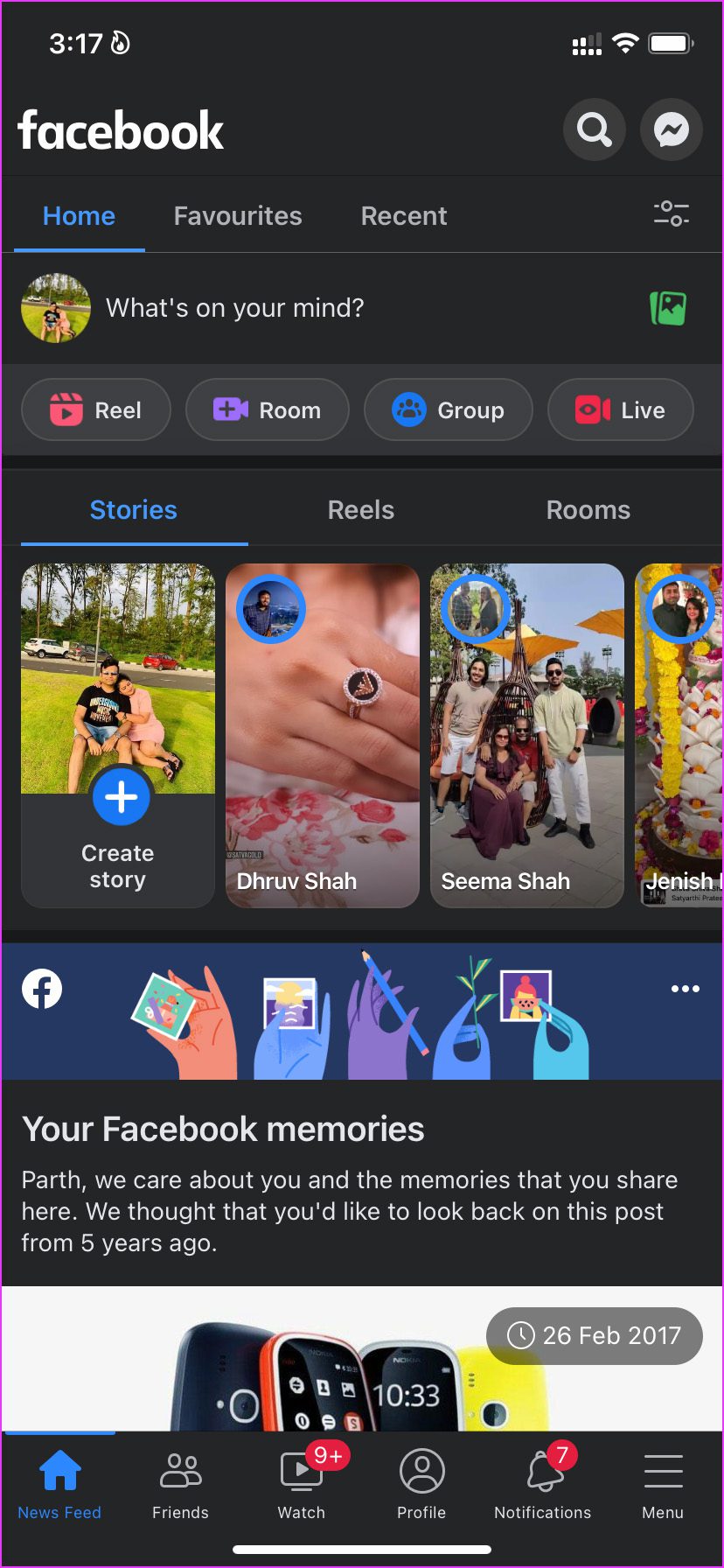
You can check uploaded stories from the Facebook app as well. Open Facebook and cycle through the stories at the top.
Was this helpful?
Thanks for your feedback!
Last updated on 31 July, 2024
4 Comments
Leave a Reply
Read Next
 Facebook Story vs Messenger Story: Similarities and Differences
Key Differences and Similarities FeatureFacebook StoriesMessenger StoriesCross-PostingFacebook Stories are visible to Messenger contacts.Messenger Stories are visible to Facebook friends.AvailabilityAvailable on mobile apps and the Facebook website.Available only on the mobile
Facebook Story vs Messenger Story: Similarities and Differences
Key Differences and Similarities FeatureFacebook StoriesMessenger StoriesCross-PostingFacebook Stories are visible to Messenger contacts.Messenger Stories are visible to Facebook friends.AvailabilityAvailable on mobile apps and the Facebook website.Available only on the mobile
 How to Add Multiple Photos to Facebook and Messenger Story
Add Multiple Photos From Android and Ios Devices Step 1: Tap on Create Story on the home screen and tap on Select Multiple.
How to Add Multiple Photos to Facebook and Messenger Story
Add Multiple Photos From Android and Ios Devices Step 1: Tap on Create Story on the home screen and tap on Select Multiple.
 What to Do if You Can’t Delete a Story on Facebook Messenger
Try Basic Fixes Wait for the story to post and try again.
What to Do if You Can’t Delete a Story on Facebook Messenger
Try Basic Fixes Wait for the story to post and try again.
 Top 4 Ways to Fix Facebook Messenger Not Showing Messages
Preliminary Fixes Check Messages Requests in Hidden Inbox: Sometimes, messages from people who are not on your friends list may not appear in your main inbox.
Top 4 Ways to Fix Facebook Messenger Not Showing Messages
Preliminary Fixes Check Messages Requests in Hidden Inbox: Sometimes, messages from people who are not on your friends list may not appear in your main inbox.
 Top 4 Ways to Fix Facebook Messenger Not Showing Active Status
https://youtu.be/BQ7VyEtSDlI Preliminary Fixes The Person Has Disabled Active Status: If the person whose active status you’re trying to see has disabled their active status, you won't be able to see
Top 4 Ways to Fix Facebook Messenger Not Showing Active Status
https://youtu.be/BQ7VyEtSDlI Preliminary Fixes The Person Has Disabled Active Status: If the person whose active status you’re trying to see has disabled their active status, you won't be able to see
 4 Ways to Fix Facebook Marketplace Messages Not Showing up in Messenger
Basic Fixes Check your network connection: Ensure your device has a good internet connection.
4 Ways to Fix Facebook Marketplace Messages Not Showing up in Messenger
Basic Fixes Check your network connection: Ensure your device has a good internet connection.
 4 Fixes for Instagram Story Views Not Showing
Basic Fixes Use a public account: Go to your profile > Settings and activity > Account privacy > disable Private account.
4 Fixes for Instagram Story Views Not Showing
Basic Fixes Use a public account: Go to your profile > Settings and activity > Account privacy > disable Private account.
 3 Ways to Fix Facebook Messenger Camera Not Working on Android and iPhone
Fix 1: Enable Camera Permission for Messenger Like any other app, Messenger needs permission to access your phone's camera.
3 Ways to Fix Facebook Messenger Camera Not Working on Android and iPhone
Fix 1: Enable Camera Permission for Messenger Like any other app, Messenger needs permission to access your phone's camera.
The article above may contain affiliate links which help support Guiding Tech. The content remains unbiased and authentic and will never affect our editorial integrity.

Hi, Thank you for writing this quide. I have done everything on the list and it still does not work for me. This is very strange because it´s my friends stories that Ican not see and it has worked before. My friend has not blocked me and I have not muted my friends stories either.
I do not know what else to do to make it work? I have the lastest app version, cleared cache well I did everything on your list and nothing works. Pleae advise whar can we do to make it work again?
The same is true for me as well. I don’t know what the problem is but I know for sure that my friend has not blocked me not have I muted their stories.
this what exactly happened to me, even the fb story was set in public but still I cannot view the story in fb and messenger app. We also unfriended each other in fb then became friends again hoping it would settle the technicalities, so much to our regret wasting the many years of fb friendsary, yet it doesn’t solve the problem. kindly help if you know how to fix this error
Same!!! My girlfriend can’t see my stories on facebook T.T