


Basic Fixes
- Force Restart Discord: You can force quit Discord on your PC or Mac using Task Manager or Activity Monitor. Once done, try relaunching the app to see if it works.
- Change Platforms: Alternatively, you can always move to Discord mobile apps or the web to fetch new messages and continue the conversation.
- Select a Specific Channel: When you join a specific server on Discord, the app tries to load all the messages at once. When working with a slow internet connection, it might lead to a failure to load messages error. Click on one of the text channels marked by # on the sidebar and load the latest messages.
- Check Discord Servers: If Discord servers are having a rough day, you can’t send or receive any new messages. You can check their status from Discord’s official site, or via DownDetector.
- Update Discord: Discord is available on the Microsoft Store on Windows and the Mac App Store. If you are dealing with an outdated Discord app, update it to the latest version and try again.
Fix 1: Use VPN
Discord might have blocked your IP address due to a temporary ban or excessive usage. Interestingly, some users on Reddit managed to resolve Discord’s failed-to-load messages error by using a VPN (Virtual Private Network).
You can use any popular VPN service, such as ExpressVPN or NordVPN, and set it up on your PC or Mac. You can connect to a server in another region and load Discord messages again.
Fix 2: Mark Discord Messages as Read
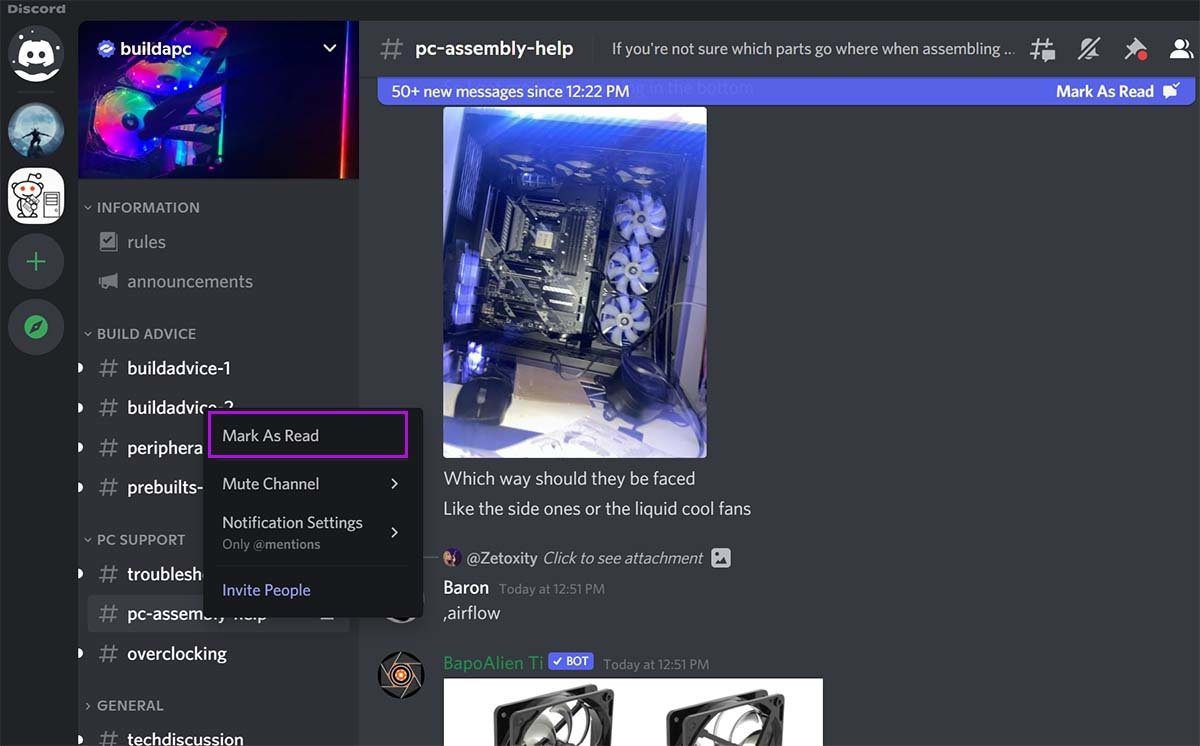
Using this trick, a Redditor managed to fix Discord’s failed-to-load messages error. You can right-click on the channel name and select the ‘Mark as Read’ option. After a minute or two, you should see new messages loading on the channel.
Fix 3: Wait for Your Temporary Ban to Lift
This is one of the prime factors for Discord’s failed to load messages error. Some users spam the reactions to a message or continuously copy-paste the messages in several channels. Discord detects it as spam and bans your account temporarily. You should avoid following activities on Discord.
- Spamming a reaction to a message
- Copy-pasting too many messages
- Sending automatic replies or spam messages
You need to wait it out, and Discord should restore your account within a few days.
FAQs
When you open Discord on a slow internet connection, the app may not load all the servers properly and show a black screen.
The first Discord ban lasts for around three days.
Was this helpful?
Last updated on 09 July, 2024
1 Comment
Leave a Reply
Read Next
 6 Ways to Fix Failed to Load Web Page Error in Steam for Windows
Fix 1: Terminate Steam Processes and Reopen the App The "Failed to load web page" error in Steam can occur if one of the app processes is experiencing issues.
6 Ways to Fix Failed to Load Web Page Error in Steam for Windows
Fix 1: Terminate Steam Processes and Reopen the App The "Failed to load web page" error in Steam can occur if one of the app processes is experiencing issues.
 4 Fixes for “Failed to Load Module” Error on Twitch
Try Basic Fixes Ensure Twitch servers are working: Before trying anything, it's a good idea to ensure that the Twitch servers are working.
4 Fixes for “Failed to Load Module” Error on Twitch
Try Basic Fixes Ensure Twitch servers are working: Before trying anything, it's a good idea to ensure that the Twitch servers are working.
 Top 7 Ways to Fix Google Chrome Failed to Load Extension
Extensions play an important role in the Chrome ecosystem.
Top 7 Ways to Fix Google Chrome Failed to Load Extension
Extensions play an important role in the Chrome ecosystem.
 5 Ways to Fix “Unable to Load Photo” Error on iPhone
Try Basic Fixes Free up storage space: A lack of storage space could prevent your iPhone from loading photos from the cloud.
5 Ways to Fix “Unable to Load Photo” Error on iPhone
Try Basic Fixes Free up storage space: A lack of storage space could prevent your iPhone from loading photos from the cloud.
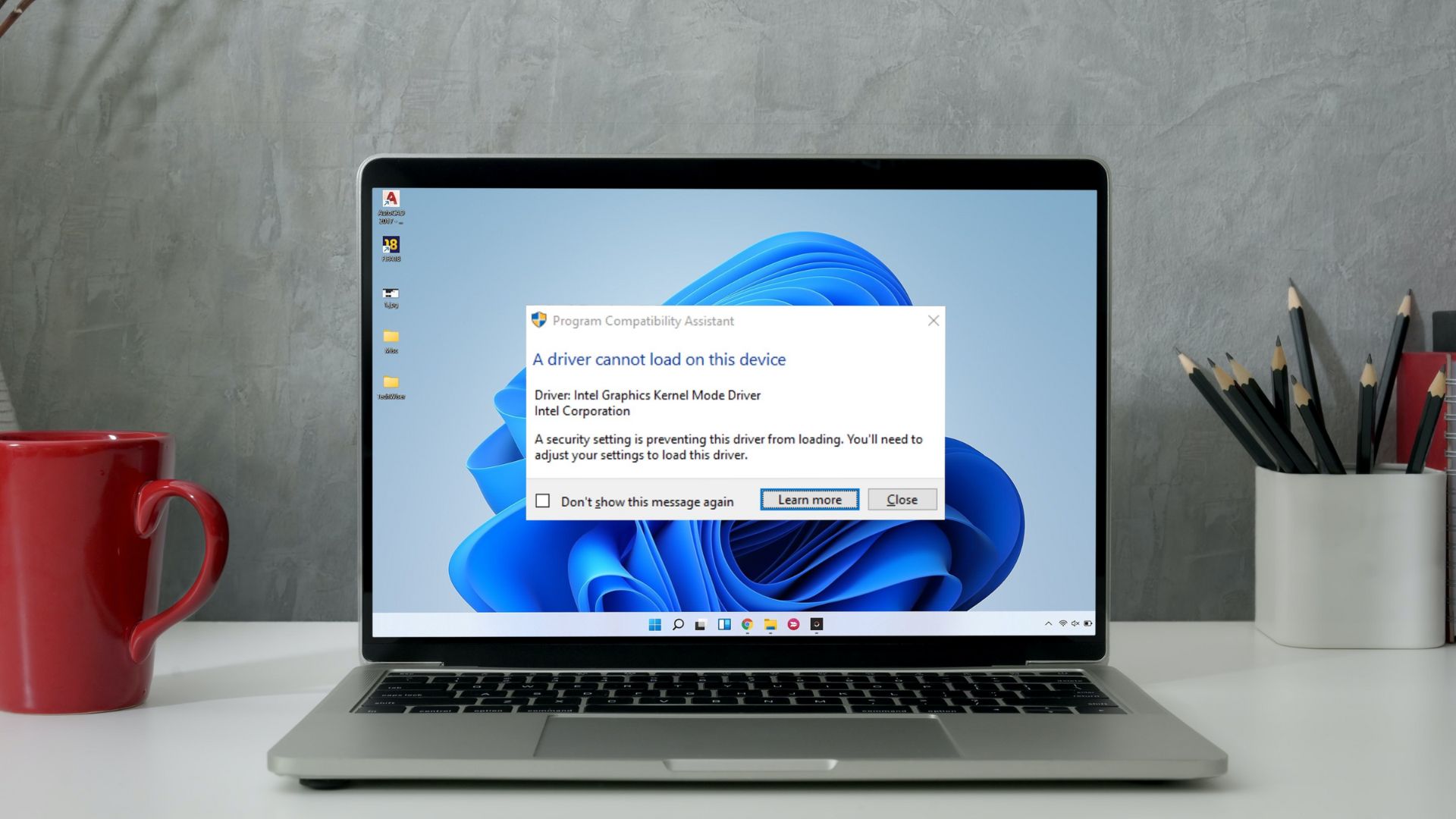 5 Ways to Fix “A Driver Cannot Load on This Device” Error on Windows 11
Fix 1: Update the Problematic Driver If a driver is incompatible, Windows may fail to load it.
5 Ways to Fix “A Driver Cannot Load on This Device” Error on Windows 11
Fix 1: Update the Problematic Driver If a driver is incompatible, Windows may fail to load it.
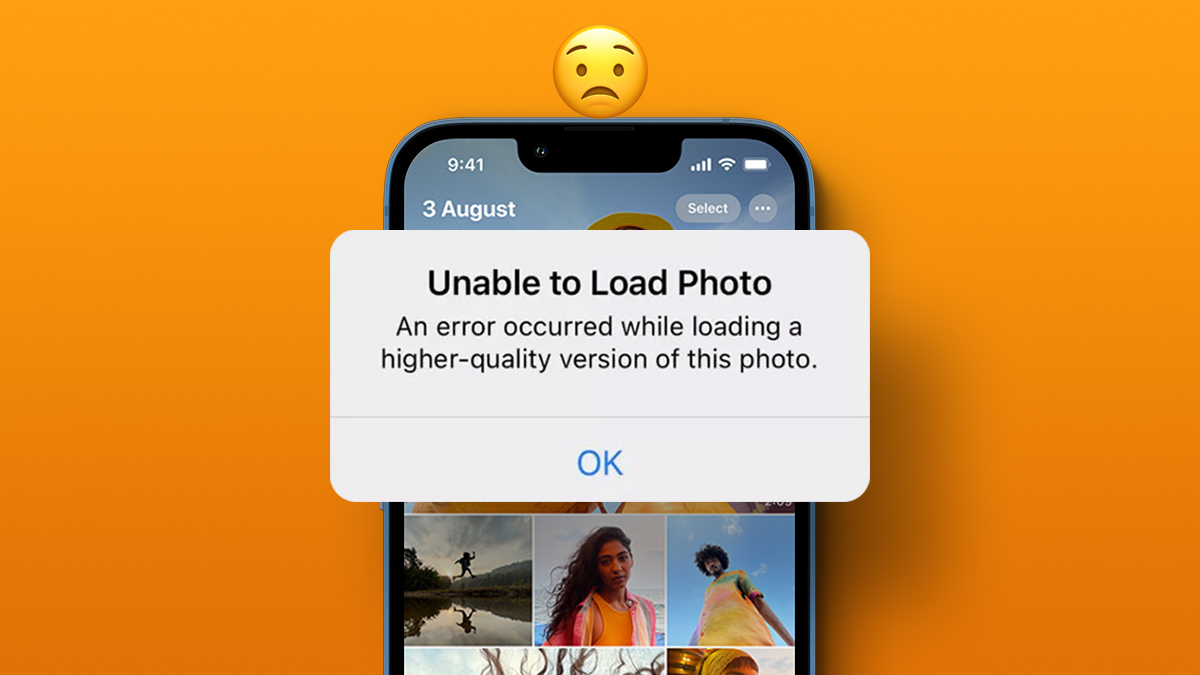 4 Ways to Fix Unable to Load Video or Photo Error on iPhone
Basic Fixes Turn off Low Power Mode: Unless your iPhone is running really low on battery, it's best to turn off Low Power Mode since it limits background activities like
4 Ways to Fix Unable to Load Video or Photo Error on iPhone
Basic Fixes Turn off Low Power Mode: Unless your iPhone is running really low on battery, it's best to turn off Low Power Mode since it limits background activities like
 Top 7 Ways to Fix Google Docs Unable to Load File Issue
Google Docs is one of the popular word-processing software out there.
Top 7 Ways to Fix Google Docs Unable to Load File Issue
Google Docs is one of the popular word-processing software out there.
 3 Ways to Fix Failed to Connect Spotify to Discord
Quick Fixes Check if Discord or Spotify Are Down: Usually, servers of online services can go under maintenance or face an outage.
3 Ways to Fix Failed to Connect Spotify to Discord
Quick Fixes Check if Discord or Spotify Are Down: Usually, servers of online services can go under maintenance or face an outage.
The article above may contain affiliate links which help support Guiding Tech. The content remains unbiased and authentic and will never affect our editorial integrity.

i dont know if this helped much because i have this verification thing so i put in my number and i verify it but i dont see anything sent to me from discord or notifications i literally tried so many times and it said they sent the 6 digit code to my phone but i literally see nothing sent