Fix 1: Repair Files From File Explorer
Step 1: Open the Microsoft Excel app on your computer.
Step 2: Select File at the top-right corner > select Open.

Step 3: Find an Excel file from your computer and expand the Open menu.
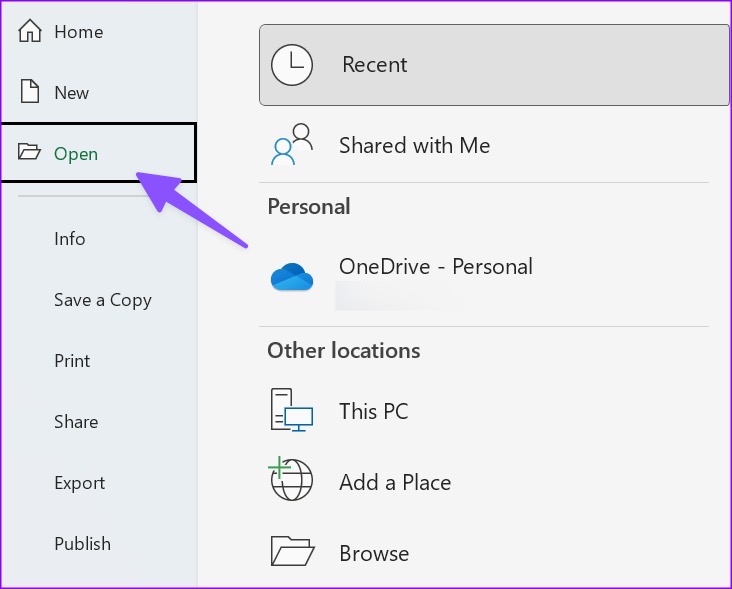
Step 4: Select Open and Repair and start making changes.

Fix 2: Disable Read-Only Permission
Sometimes, you need to disable the read-only permission from file properties for it to save changes.
Step 1: Press the Windows key + E keyboard shortcut to launch the File Explorer app on your Windows 11 computer.
Step 2: Find an Excel file and right-click on it. Open Properties.
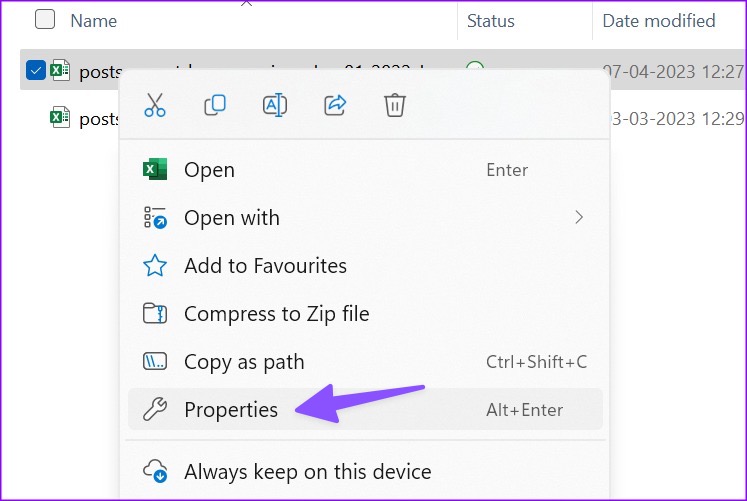
Step 3: Uncheck the Read-only box > click Apply > hit OK.

Fix 3: Disable Add-ons
If Excel runs fine in Safe mode, it confirms that the issue is with one of the installed add-ons.
Step 1: Open an Excel file on your PC > select File.
Step 2: Go to More > choose Options.

Step 3: Select Add-ins > hit Go beside the Manage menu.

Step 4: Turn off the checkmark beside add-ins > hit OK.

You can restart Excel and start making edits without any problem. If Excel is still not saving changes, you can repair Microsoft Office; continue reading.
Fix 4: Repair Office
Step 1: Click the Windows + I keyboard shortcut to open the Settings app.
Step 2: Select Apps from the left sidebar > Installed Apps from the right pane.
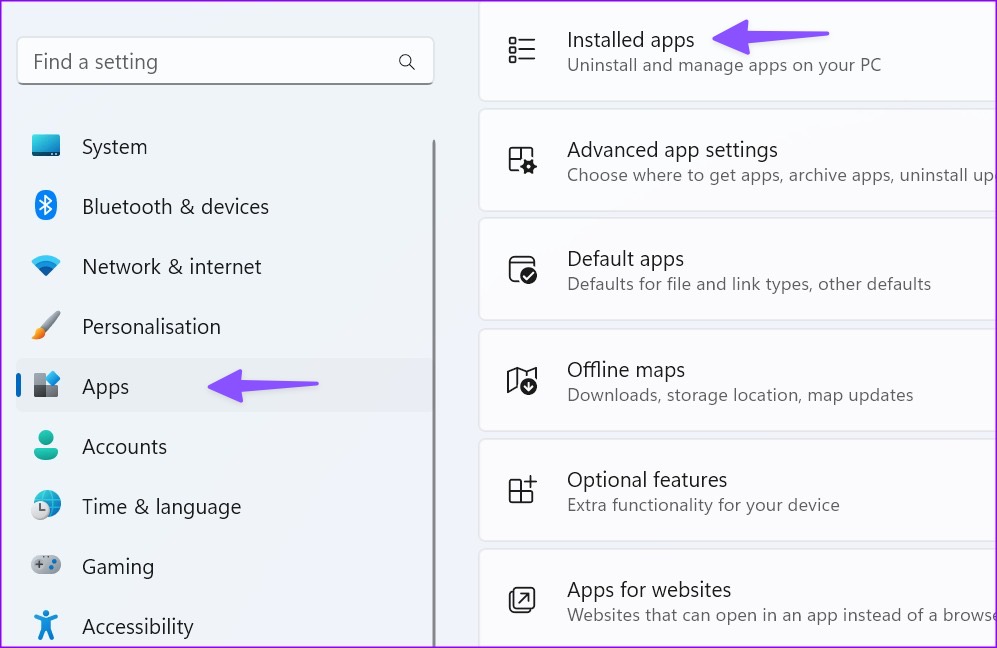
Step 3: Scroll to Microsoft 365 > click the three horizontal dots menu beside it > select Modify.

Step 4: Click the radio button beside Quick Repair > select Repair.

Follow the on-screen instructions to complete the repair process.
Fix 5: Manually Save a Copy Offline
Step 1: Open a troubling Excel file > hit the File menu at the top left corner.
Step 2: Select Save a Copy.

Step 3: Save the Excel file to a relevant folder.
If you face the same problem on Excel for Mac, check our dedicated post to fix the problem.
Was this helpful?
Last updated on 29 May, 2024
Read Next
 How to Fix Discord Profile Theme and Other Changes Not Saving
Basic Fixes Check your network connection: Ensure your device has a good internet connection.
How to Fix Discord Profile Theme and Other Changes Not Saving
Basic Fixes Check your network connection: Ensure your device has a good internet connection.
 4 Ways to Fix Microsoft Outlook Not Saving Drafts on Windows
Try Basic Fixes Use Outlook search to locate the draft: Outlook may sometimes fail to sort your drafts correctly, making it difficult to locate them.
4 Ways to Fix Microsoft Outlook Not Saving Drafts on Windows
Try Basic Fixes Use Outlook search to locate the draft: Outlook may sometimes fail to sort your drafts correctly, making it difficult to locate them.
 6 Ways to Fix Microsoft PowerPoint Not Saving Files on Windows
Fix 1: Ensure the File Is Not Opened Elsewhere Having a PowerPoint file open in multiple apps can prevent you from editing it.
6 Ways to Fix Microsoft PowerPoint Not Saving Files on Windows
Fix 1: Ensure the File Is Not Opened Elsewhere Having a PowerPoint file open in multiple apps can prevent you from editing it.
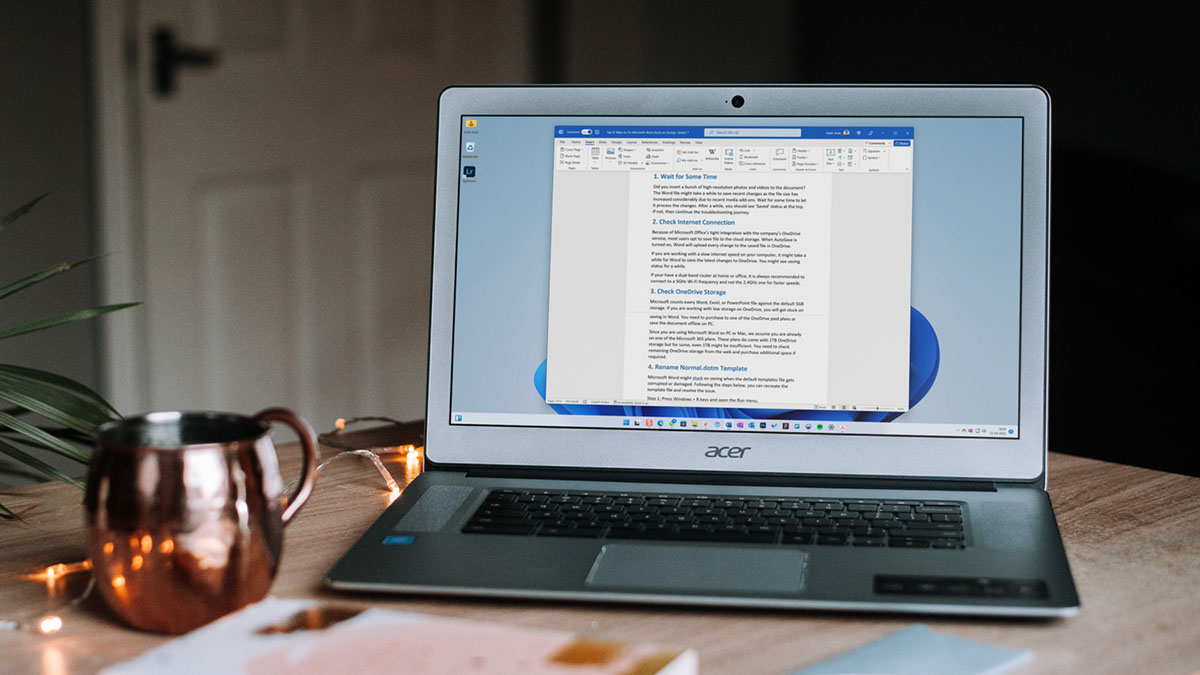 5 Ways to Fix Microsoft Word Stuck on Saving
Basic Fixes Wait for some time: Give it a moment since Word files might take a while to save recent changes, especially when the file size has increased considerably.
5 Ways to Fix Microsoft Word Stuck on Saving
Basic Fixes Wait for some time: Give it a moment since Word files might take a while to save recent changes, especially when the file size has increased considerably.
 6 Ways to Fix Microsoft Edge Not Saving Passwords
Fix 1: Ensure Edge Is Allowed to Save Passwords If Edge is failing to show the "Save password" prompt on websites, you should first ensure that Edge is allowed to
6 Ways to Fix Microsoft Edge Not Saving Passwords
Fix 1: Ensure Edge Is Allowed to Save Passwords If Edge is failing to show the "Save password" prompt on websites, you should first ensure that Edge is allowed to
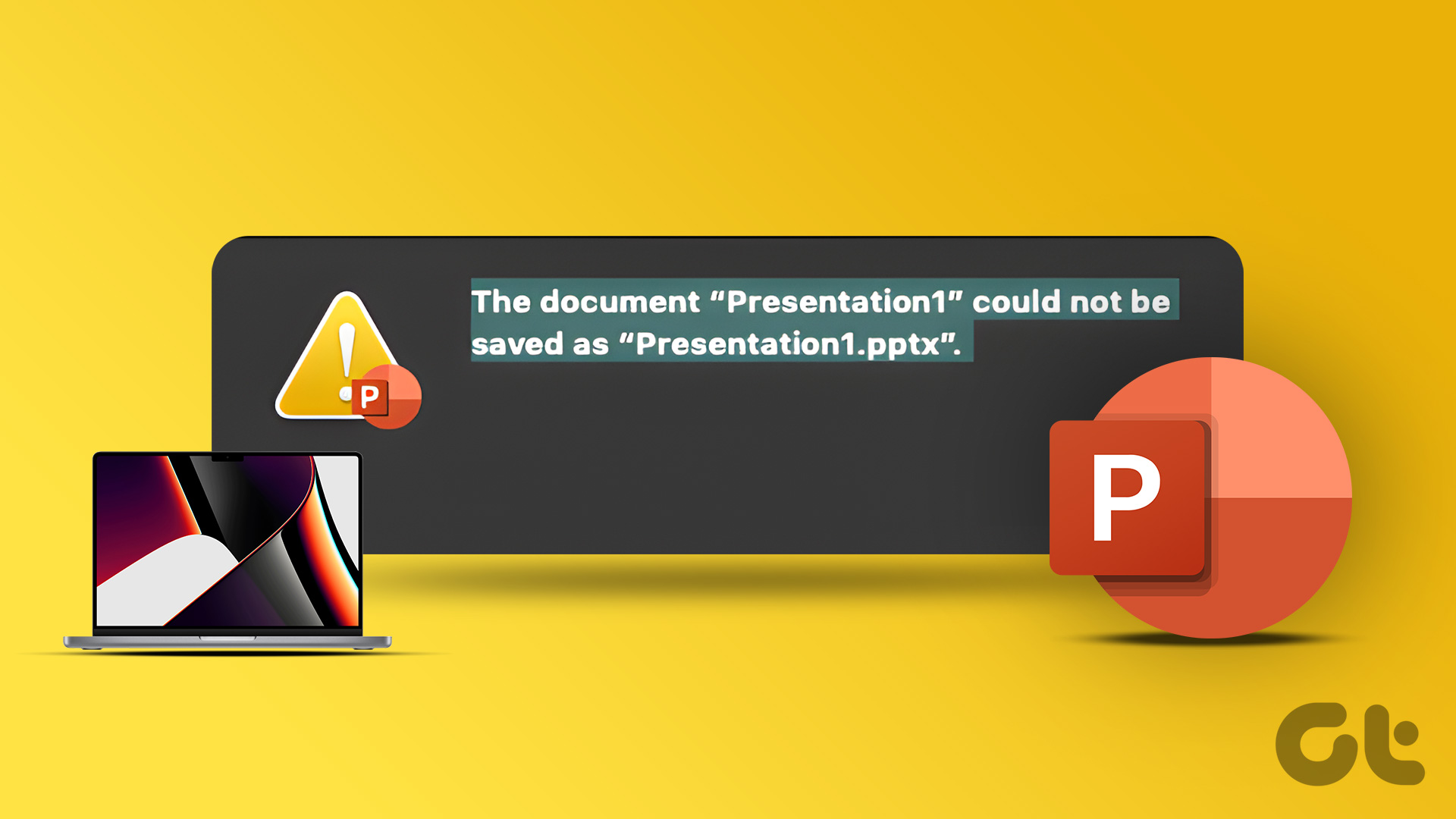 2 Ways to Fix Microsoft PowerPoint Not Saving on Mac
Basic Fixes Check your internet connection: If you use any cloud storage services, you must have an active internet connection to sync the latest changes in your PowerPoint file.
2 Ways to Fix Microsoft PowerPoint Not Saving on Mac
Basic Fixes Check your internet connection: If you use any cloud storage services, you must have an active internet connection to sync the latest changes in your PowerPoint file.
 8 Best Ways to Fix Mouse Sensitivity Changes Randomly on Windows 10
While mice and keyboards help while working with desktop or laptop, the mouse gets finicky sometimes.
8 Best Ways to Fix Mouse Sensitivity Changes Randomly on Windows 10
While mice and keyboards help while working with desktop or laptop, the mouse gets finicky sometimes.
 7 Ways to Fix Undoing Changes Made to Your Computer in Windows 11
Fix 1: Boot Your PC Into Safe Mode If Windows becomes stuck on the undoing changes screen, you will first have to boot your PC into Safe Mode to troubleshoot
7 Ways to Fix Undoing Changes Made to Your Computer in Windows 11
Fix 1: Boot Your PC Into Safe Mode If Windows becomes stuck on the undoing changes screen, you will first have to boot your PC into Safe Mode to troubleshoot
The article above may contain affiliate links which help support Guiding Tech. The content remains unbiased and authentic and will never affect our editorial integrity.