A riser cable is essentially a cable that allows you to extend the PCIe port. This is great for installing multiple pieces of hardware in a cramped space. But more importantly, if you plan to mount your GPU vertically inside your PC cabinet, you need a PCIe riser cable. Here are some good options to choose from.
ASIAHORSE Shielded Extreme
- Length: 207mm
- Angle: 90-degree, 180-degree
- Warranty: 1-year

In terms of length, you get the standard 207mm length. However, as for the connector, you can choose whether you want a right-angled connector or a straight-up PCIe extender. As such, you can easily reach and install your graphics card, regardless of its orientation. You can also choose between a white or black color variant to match your setup.
EZDIY-FAB
- Length: 200mm, 300mm
- Angle: 90-degree
- Warranty: 1-year

Available in both black and white color options, you can purchase the EZDIY-FAB riser cable in either a 200mm or a longer 300mm length option. The EZDIY-FAB riser cable also comes with shielding for each of the 48 inner cables. It also comes with a lock catch for a better hold on to your GPU.
LINKUP Shielded Riser Cable
- Length: 50mm, 100mm, 150mm, 200mm, 250mm, 300mm, 600mm, 700mm, 800mm
- Angle: 90-degree, 180-degree
- Warranty: 1-year

The LINKUP Ultra PCIe 4.0 riser cable is compatible with all the latest graphics cards out there while assuring maximum speeds. In fact, the brand boasts over 64GB/s bi-directional speeds over the PCIe 4.0 channel. Furthermore, the cable’s low latency and high-speed transmission capabilities make it ideal for gaming and other high-performance applications. The cable is also flexible and can be adjusted to fit any build, which is particularly useful for builds with limited space.
LIAN LI PW-PCI-420
- Length: 200mm or 600mm
- Angle: 90-degree
- Warranty: 1-year

Speaking of aesthetics, this is by far the cleanest-looking PCIe 4.0 riser cable out there. You can select the cable in either black or white color to match the look of your rig. Once installed, it looks and feels premium, and adds elegance to your setup.
Cooler Master MasterAccessory Riser Cable
- Length: 200mm or 300mm
- Angle: 90-degree
- Warranty: 1-year

In case you wish to add a bit of flair to your rig, this riser cable from Cooler Master has a single purple cable on it that makes it look unique. Also, the PCB here is one of the best in its class. It’s built to provide high speeds even under high thermal loads and also comes with moisture resistance.
Thermaltake TT Premium
- Length: 200mm or 300mm or 600mm or 1000mm
- Angle: 180-degree
- Warranty: 2-year

One of the best features of this cable is its flexibility. It can be bent and twisted into a range of shapes and angles, which makes it ideal for use in tight spaces or complex builds. Despite its flexibility, the cable retains its structural integrity, ensuring that there is no signal loss or data corruption. The only downside here is that it doesn’t come with mounting screws included in the package.
FAQs About PCIe Riser Cables
It depends upon your use case. Typically, PCIe riser cables are often used by gamers and cryptocurrency miners who want to improve their system’s performance and aesthetics by vertically mounting their graphics card away from the motherboard. This results in better airflow, and thus, better performance. However, you need to ensure that your cabinet supports a vertical mount in the first place. At the end of the day, if you don’t plan on vertically mounting your GPU, you don’t need a PCIe riser cable.
Yes. PCIe 4.0 riser cables are backward compatible with PCIe 3.0 slots. This is because PCIe in itself is backward compatible, meaning that newer devices can be used on older slots. However, do note that the connection will operate at PCIe 3.0 speeds.
If you are using a low-quality riser cable, it can take a toll on your GPU performance. Poor quality riser cables with inadequate shielding, incorrect wiring, or inadequate PCIe lanes, can cause signal degradation and lead to instability or reduced performance of the GPU. However, if you use a high-quality PCIe riser cable, there won’t be any signal degradation. Thankfully, all the options mentioned in the list above should work perfectly fine without causing any issues.
Was this helpful?
Last updated on 20 May, 2024
Read Next
 7 Best Thunderbolt 4 Cables: Cables That Roar
The new Thunderbolt 4 specification offers speeds of up to 40Gbps.
7 Best Thunderbolt 4 Cables: Cables That Roar
The new Thunderbolt 4 specification offers speeds of up to 40Gbps.
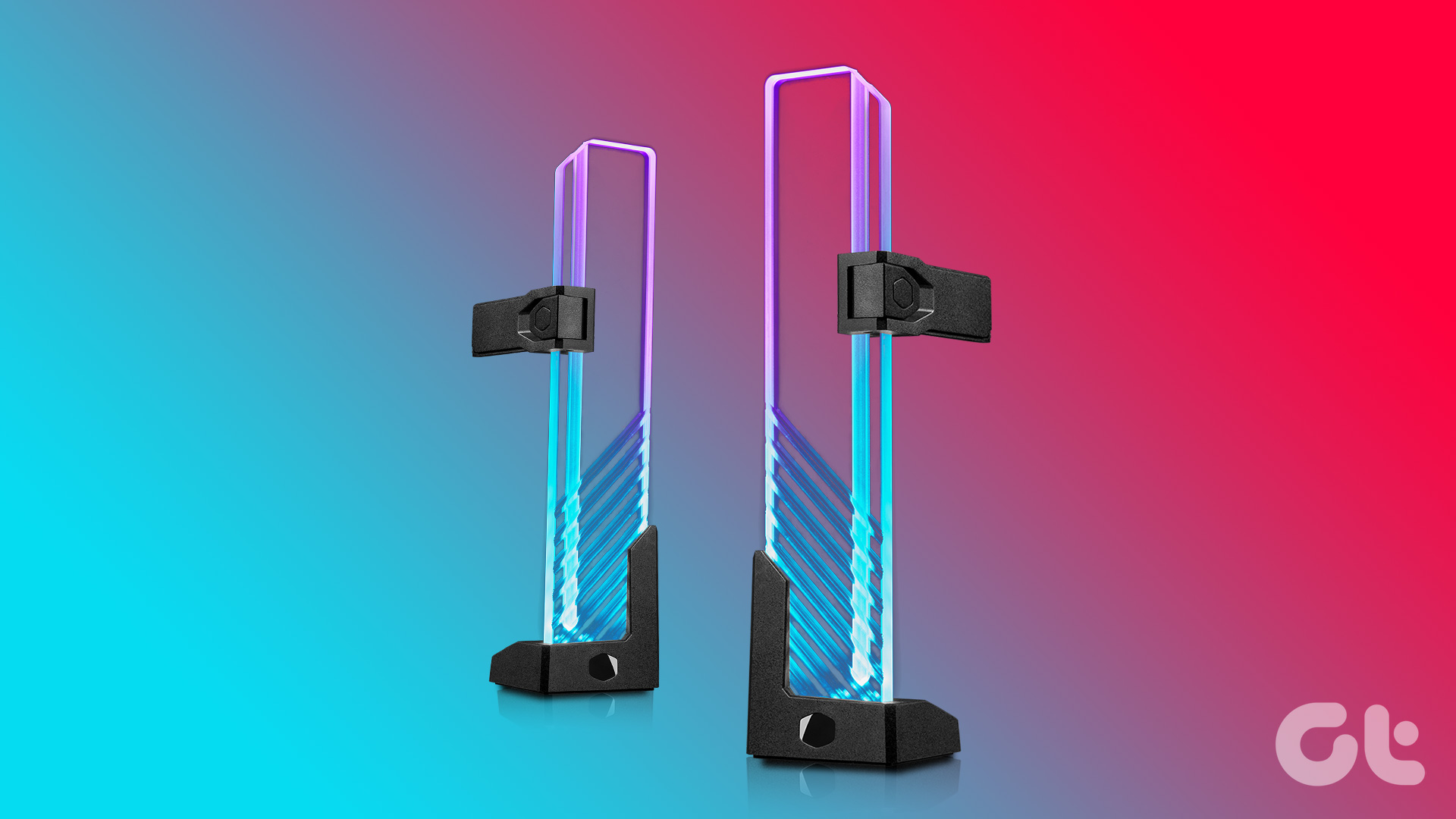 6 Best GPU Support Brackets You Can Buy
With the increasing weight and size of modern GPUs, you must provide additional support to the graphics card in a bid to prevent sagging and avoid potential damage to the
6 Best GPU Support Brackets You Can Buy
With the increasing weight and size of modern GPUs, you must provide additional support to the graphics card in a bid to prevent sagging and avoid potential damage to the
 How to Completely Uninstall Existing GPU Drivers the Right Way
How to Uninstall GPU Drivers Using DDU Step 1: Download the DDU installer from the Guru3D dedicated webpage.
How to Completely Uninstall Existing GPU Drivers the Right Way
How to Uninstall GPU Drivers Using DDU Step 1: Download the DDU installer from the Guru3D dedicated webpage.
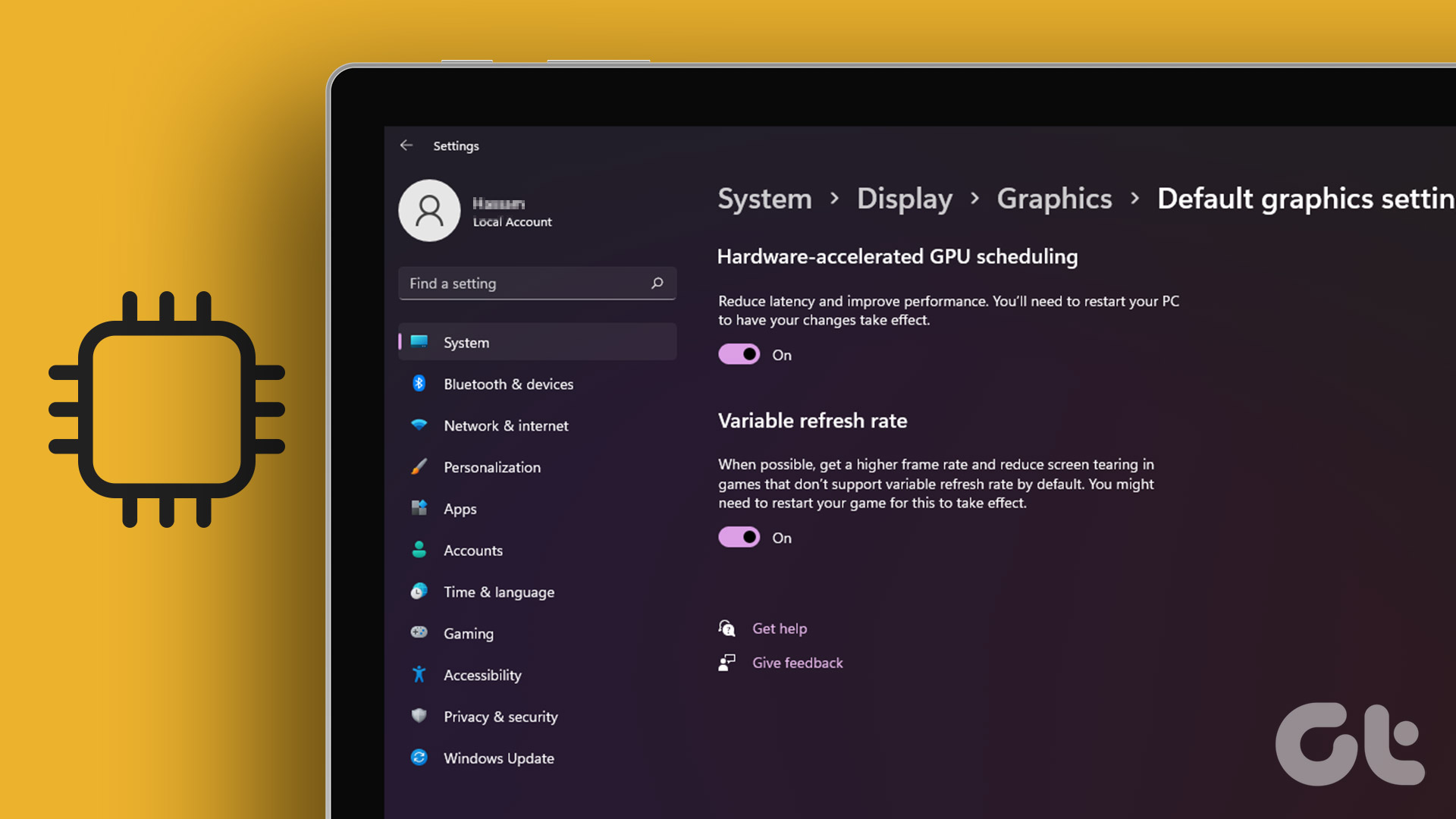 How to Use Hardware Accelerated GPU Scheduling on Windows 11
What Is Hardware Accelerated GPU Scheduling?
How to Use Hardware Accelerated GPU Scheduling on Windows 11
What Is Hardware Accelerated GPU Scheduling?
 Top 5 Ways to Fix a D3D11-Compatible GPU is Required to Run the Engine Error on Windows 11
Preliminary Fixes Update DirectX: Updating DirectX can resolve compatibility issues and errors related to the D3D11 GPU.
Top 5 Ways to Fix a D3D11-Compatible GPU is Required to Run the Engine Error on Windows 11
Preliminary Fixes Update DirectX: Updating DirectX can resolve compatibility issues and errors related to the D3D11 GPU.
 5 Ways to Check GPU Health on Windows
https://youtu.be/JGwJ-_hIzfg Method 1: Using Task Manager The Windows Task Manager can help you in checking GPU health.
5 Ways to Check GPU Health on Windows
https://youtu.be/JGwJ-_hIzfg Method 1: Using Task Manager The Windows Task Manager can help you in checking GPU health.
 Best 5 Fixes for Windows 11 Not Detecting GPU
Basic Fixes: Update Windows: While this will not work every time, there is a chance that specific components will be outdated and no longer function correctly.
Best 5 Fixes for Windows 11 Not Detecting GPU
Basic Fixes: Update Windows: While this will not work every time, there is a chance that specific components will be outdated and no longer function correctly.
 6 Best USB-C to DisplayPort Cables That You Can Buy
USB-C is a powerful connector found on most ultrathin, compact laptops, such as the MacBook Air, Dell XPS 13, or the Microsoft Surface Laptop 3.
6 Best USB-C to DisplayPort Cables That You Can Buy
USB-C is a powerful connector found on most ultrathin, compact laptops, such as the MacBook Air, Dell XPS 13, or the Microsoft Surface Laptop 3.
The article above may contain affiliate links which help support Guiding Tech. The content remains unbiased and authentic and will never affect our editorial integrity.