Bing is far more than merely a competitor to Google. This handy search engine and the app it comes with have a lot of nifty and even fun features to help you in your searching. In this article, we’ll be looking at 8 Bing features and how you can get in on the fun.
Bing Features You Should Know About
Let’s get straight into it. Here are 8 Bing features to enhance your browsing:
Integrated AI
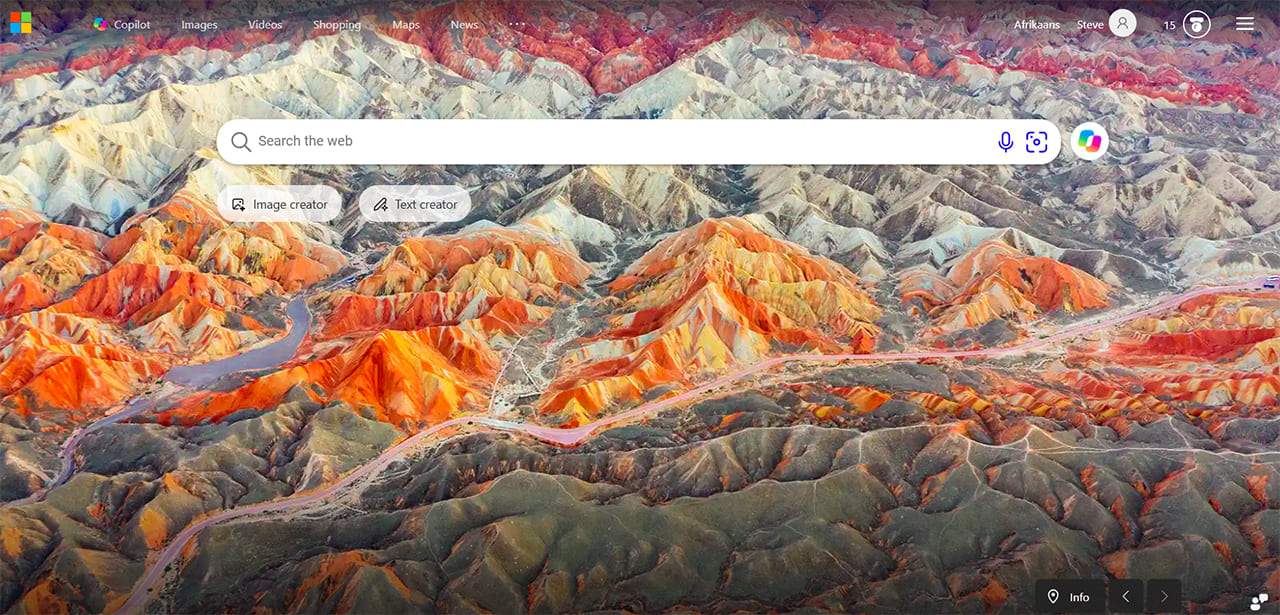
Copilot slots in very well with Bing, so much so that it now occupies two buttons below the search bar. Simply type in your prompt instead of a search and click “Image creator” or “Text creator” below.
Bing Rewards

Did you know that you can use Bing searches to support charitable causes? Eligible Microsoft Rewards members can use the “Give with Bing” program to direct qualifying Rewards points toward participating nonprofit organizations. Sign in to your Microsoft account and check the “Rewards” or “Give with Bing” page for the available options in your region.
The Games Section

Sometimes you want a quick break. Bing and Microsoft’s MSN portal offer access to online games, including casual games in several categories. Look for the games section in the current Bing or MSN interface; its location and available categories may vary as Microsoft updates the site.
Changing Background Image

If you use it enough, you’ll know that Bing changes its background image every day, keeping things fresh and your search background looking stunning with a high-res image. You can also change it from panorama to still image (or remove it entirely) via Settings.
Bing Webmaster Tools

Website owners can use Bing Webmaster Tools to monitor search performance, review indexing information, research keywords, analyze backlinks, and identify technical SEO issues. The platform can also give insight into how your site content is cited in supported AI-generated answers. These tools can help spot chances to improve your site’s visibility, but they can’t guarantee you’ll get top search rankings or inclusion in Copilot answers.
Preview Windows

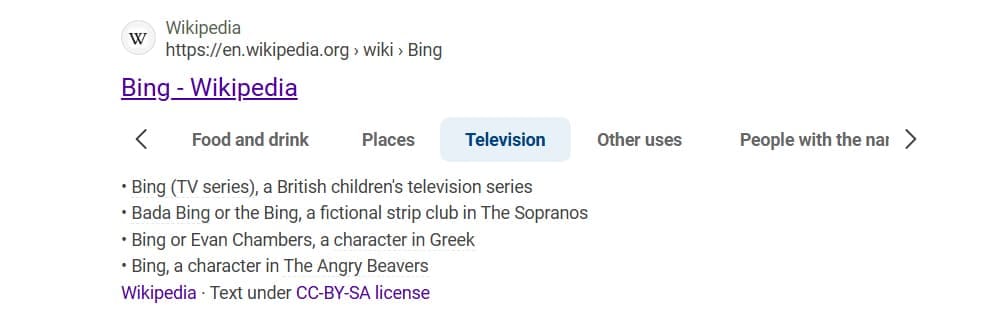
One of several Bing unique features is the ability to hover over a video in the search result and have it start playing as a preview. It’s a quick way to see without fully committing and browse at a glance. Some websites, like Wikipedia, will also offer different subsections or a table of contents up front to make browsing easier.
AI Performer Insights
Website owners can use Bing Webmaster Tools to see how their content appears in AI-generated answers. The AI Performance report shows which pages are cited, how the citations change over time, and which searches are associated with those citations. This info can help publishers understand how their content is being engaged with across supported Microsoft AI sites.
Visual Search
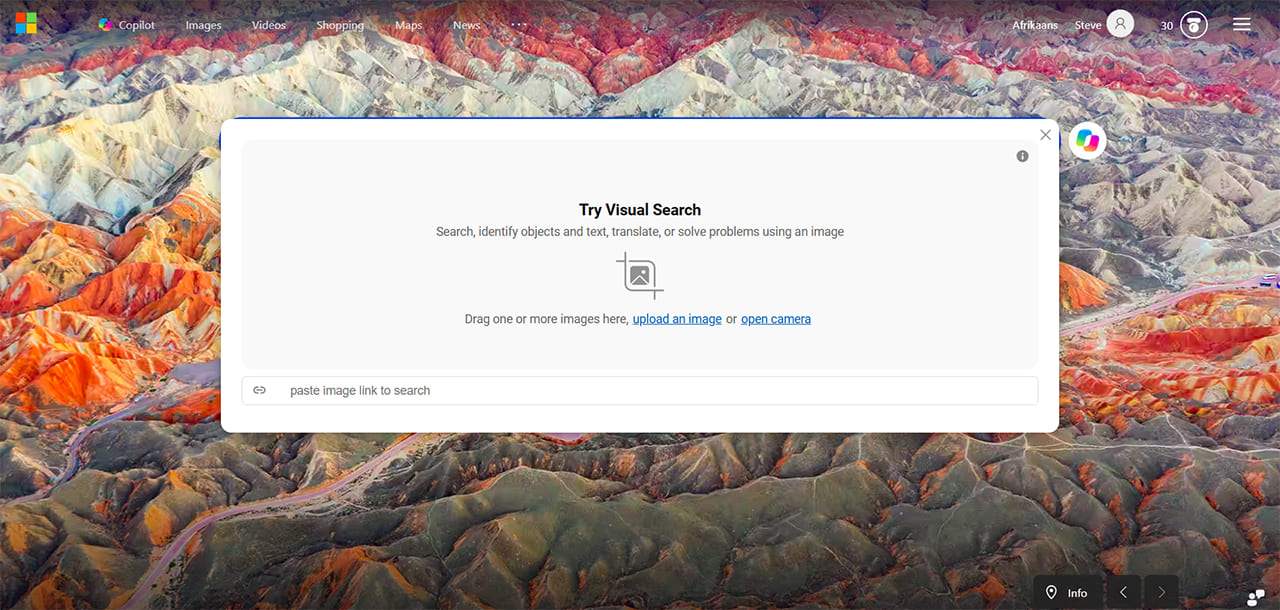
Much like Google, you can also use Bing to search with an image: great for when you have a picture but are not sure what words to use to find it. The icon sits right in the search bar and allows you to drag and drop or manually upload the picture you want to search with.
Was this helpful?
Last updated on 21 October, 2026
Read Next
 The Insta360 X3 Is the Most Fun Gadget I Used in 2022: Here’s Why
One of the main reasons I decided to pursue a career in tech journalism was my fascination with smartphones.
The Insta360 X3 Is the Most Fun Gadget I Used in 2022: Here’s Why
One of the main reasons I decided to pursue a career in tech journalism was my fascination with smartphones.
 3 Ways to Fix Google Chrome Search Engine Changing to Bing
Why Is Chrome Searching With Bing?
3 Ways to Fix Google Chrome Search Engine Changing to Bing
Why Is Chrome Searching With Bing?
 How to View, Export, and Delete Bing Chat History
How to Find Bing Chat History On PC Step 1: Open Bing Chat by clicking the Chat button from the Bing Home screen.
How to View, Export, and Delete Bing Chat History
How to Find Bing Chat History On PC Step 1: Open Bing Chat by clicking the Chat button from the Bing Home screen.
 How to Use Bing Image Creator to Create Cool AI Images
How to Create Images With Bing Image Creator Based on OpenAI's Dall-E, Bing AI image generator lets users use the same service capabilities without a subscription.
How to Use Bing Image Creator to Create Cool AI Images
How to Create Images With Bing Image Creator Based on OpenAI's Dall-E, Bing AI image generator lets users use the same service capabilities without a subscription.
 5 Ways to Remove Bing from Windows 11
Method 1: Disable Bing Cloud Content Search Here's how to disable Bing from providing search results on your Windows PC.
5 Ways to Remove Bing from Windows 11
Method 1: Disable Bing Cloud Content Search Here's how to disable Bing from providing search results on your Windows PC.
 5 Interesting LinkedIn AI Features You Should Know About
AI is starting to appear on many major sites and platforms we use each day, like LinkedIn, the world’s leading professional networking platform.
5 Interesting LinkedIn AI Features You Should Know About
AI is starting to appear on many major sites and platforms we use each day, like LinkedIn, the world’s leading professional networking platform.
 Cool Hidden Features in Microsoft Teams
MS Teams is one of the top meeting apps, rivaling the likes of Zoom and Google Meet.
Cool Hidden Features in Microsoft Teams
MS Teams is one of the top meeting apps, rivaling the likes of Zoom and Google Meet.
 How to Disable All Copilot AI Features in Microsoft Edge
Microsoft has been steadily adding AI features into Edge through Copilot, from the sidebar assistant to inline writing tools and image generation.
How to Disable All Copilot AI Features in Microsoft Edge
Microsoft has been steadily adding AI features into Edge through Copilot, from the sidebar assistant to inline writing tools and image generation.
The article above may contain affiliate links which help support Guiding Tech. The content remains unbiased and authentic and will never affect our editorial integrity.