A new Windows update means changes, rollbacks, patches, and new features. Not all of these will be visible or shouted from the rooftops by Microsoft. If you’re curious about what Windows Update KB5079391 has to offer, this article will be your guide.
Not the Smoothest Start
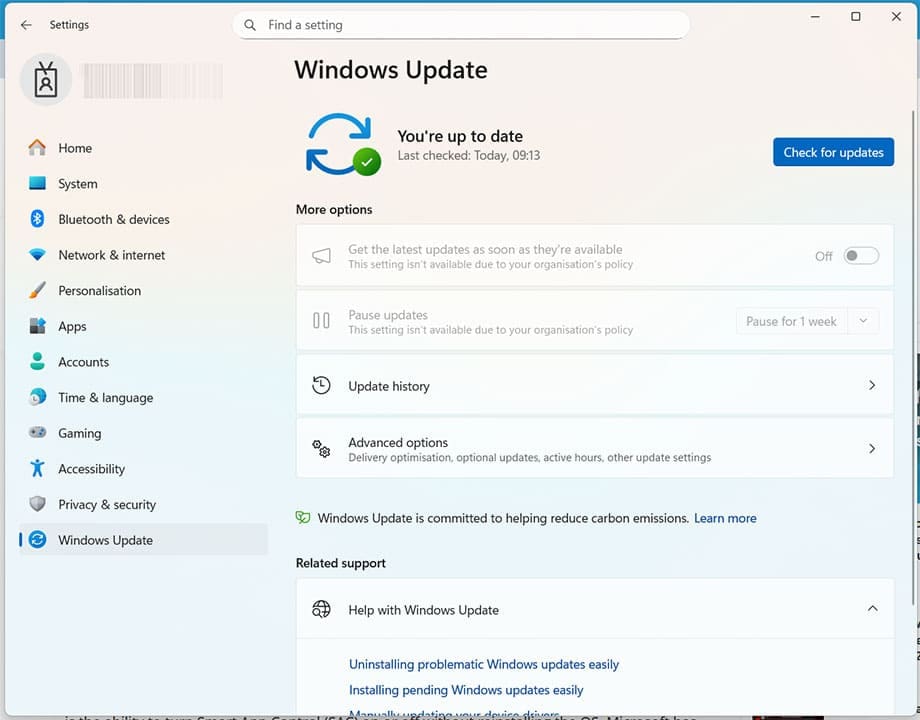
Right out the gate, Windows Update KB5079391 was running into problems. On its preview release date, March 26, some users reported installation issues, prompting Microsoft to temporarily recall the update. It wasn’t a fatal error, by any means, but did lead to a failure to install and an error code 0x80073712 appearing.
Microsoft re-released the major features on March 31, with the KB5086672 update. Features include similar functionally, just with a different version number. Let’s take a look at the features offered.
It’s just a question of when. In the meantime, let’s take a look at what will be offered with it.
Windows Update KB5079391 Features
Let’s explore what update KB5079391, or KB5086672 now offers:
Smart App Control
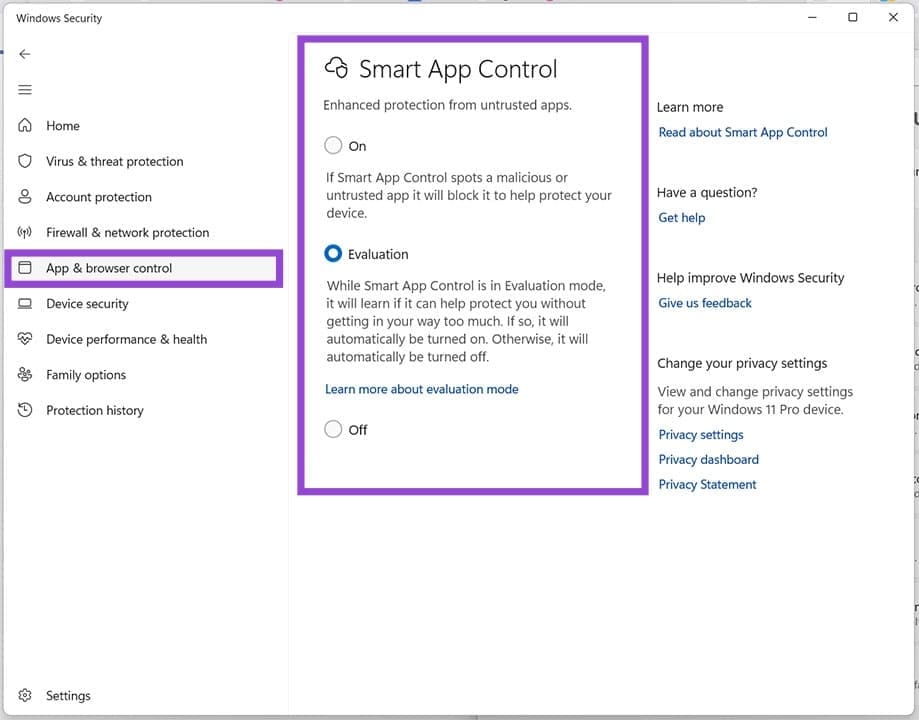
Smart App Control is Windows’ way of keeping track of your apps, using cloud-based information and active monitoring to ensure that nothing malicious is being executed by any app installed on your machine. Previously, enabling this service required users to reinstall Windows 11. The good news is that it can be easily toggled in Settings, under “App & browser control.”
Better Monitor Support
Do you have a monitor with a refresh rate over 100Hz, or a USB4 monitor connection? The good news is that the update provides better support for both, offering more reliable monitor performance. This also includes better power usage, including switching monitors to a low-power state when not in use.
Windows Hello Improvements
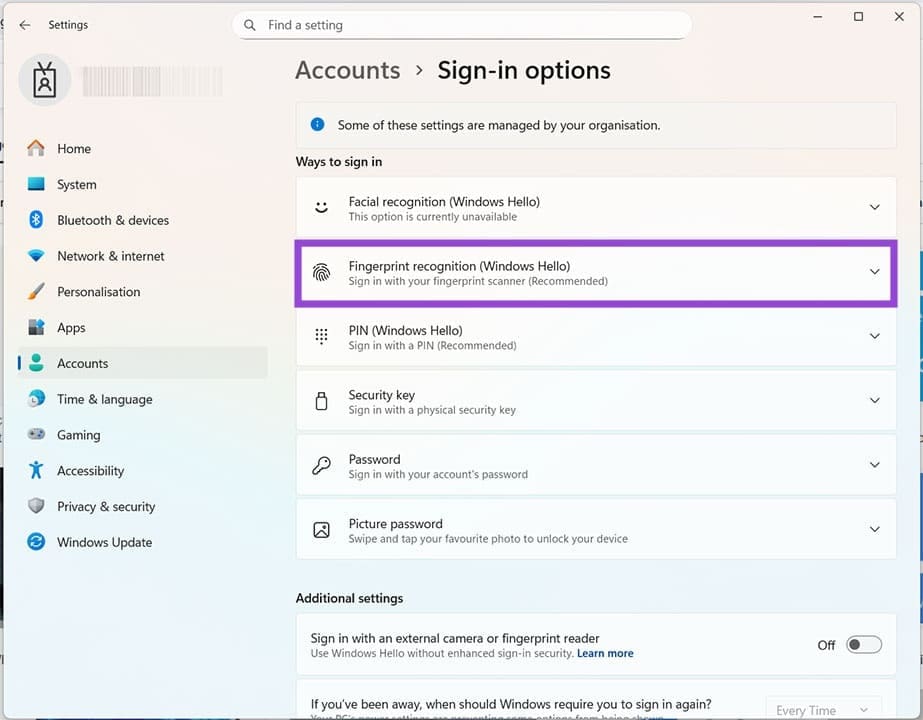
For those signing in with facial recognition and fingerprint recognition in the “Windows Hello” section of Sign-in options, the latest update will provide some important reliability improvements to make this sign-in method feel more stable.
Further Changes to File Explorer
Your chief way of navigating around Windows also got some more improvements. File Explorer is now better at detecting and blocking any unauthorized downloads. Preview is also being improved, allowing users to unlock this feature for viewing files downloaded from the internet. No longer will users have to find workarounds to make this happen.
Better Stability in Recovery Mode
This won’t apply to everyone, but the update brings better stability to WinRE, especially for those running X64 apps on ARM64 devices.
Improvements to Narrator
If you’re a frequent user of the Narrator tool to help you navigate, then this app will offer you a better experience. Microsoft has improved Natural Voices, so they won’t sound so unnatural. It’s a cosmetic change, but one that can make all the difference if you’re a frequent user.
Better App Control for Business
Those using App Control for Business will find that the update has brought improved tagging. This includes better decision-making on behalf of the service, resulting in smarter, more reliable app tagging.
Was this helpful?
Last updated on 26 April, 2026
Read Next
 3 Ways to Delete Old Windows Update Files From Windows 10 and 11
Method 1: Delete Old Windows Update Files via Settings The Storage section of the Settings app provides a detailed breakdown of all temporary files on your PC, including old Windows
3 Ways to Delete Old Windows Update Files From Windows 10 and 11
Method 1: Delete Old Windows Update Files via Settings The Storage section of the Settings app provides a detailed breakdown of all temporary files on your PC, including old Windows
 5 Best Ways To View Windows Update History In Windows 11
By constantly updating your Windows 11 operating system, you get access to new or improved features to deliver a better user experience.
5 Best Ways To View Windows Update History In Windows 11
By constantly updating your Windows 11 operating system, you get access to new or improved features to deliver a better user experience.
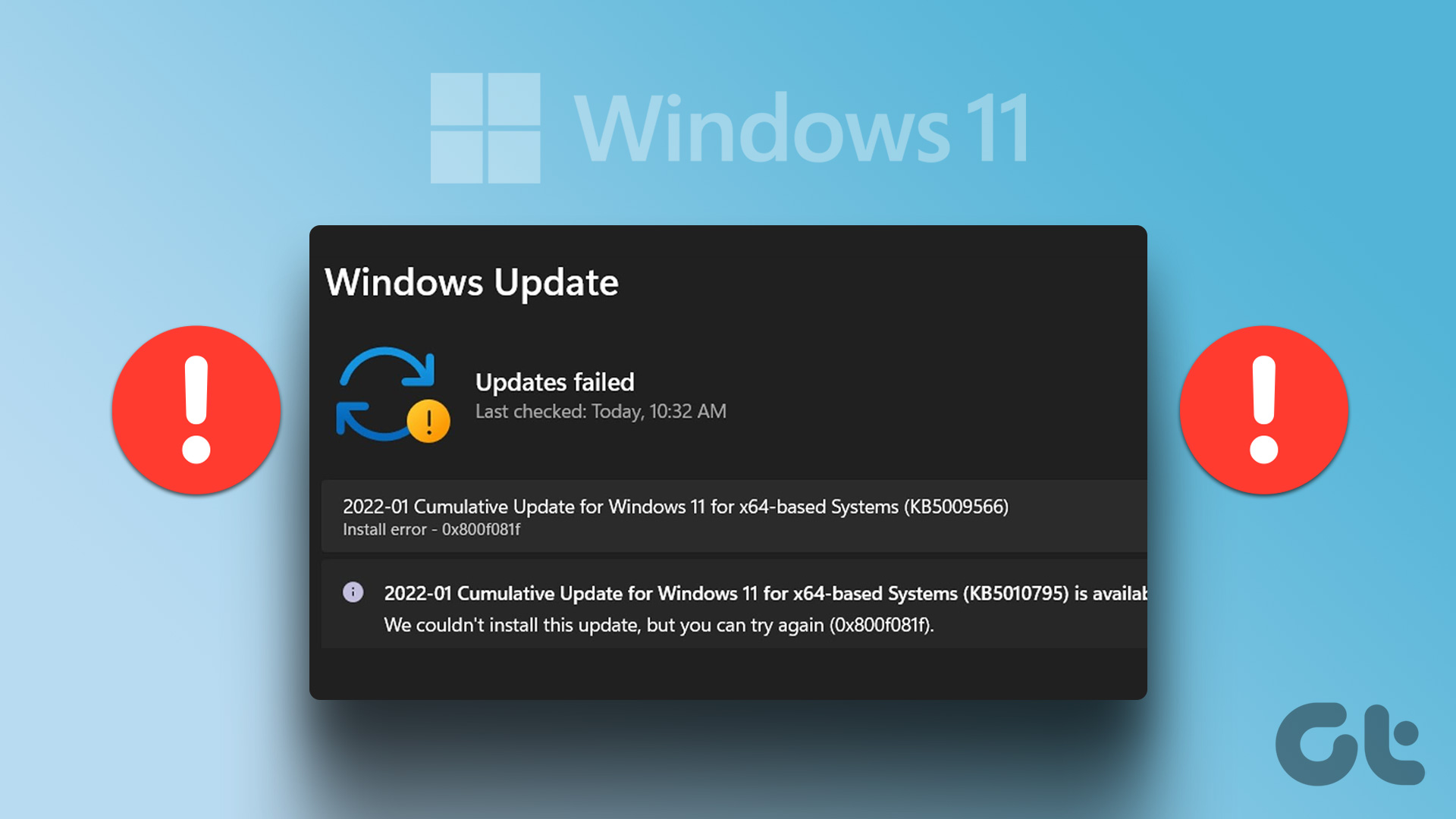 7 Best Fixes for Windows Update Error 0x800f081f in Windows 11
Microsoft regularly releases Windows updates to introduce new features and fix known issues.
7 Best Fixes for Windows Update Error 0x800f081f in Windows 11
Microsoft regularly releases Windows updates to introduce new features and fix known issues.
 How to Get Windows 11 25H2 if It Doesn’t Show in Windows Update
Windows 11 hasn’t had the best track record with major software updates.
How to Get Windows 11 25H2 if It Doesn’t Show in Windows Update
Windows 11 hasn’t had the best track record with major software updates.
 5 Ways to Fix Windows Keeps Installing the Same Update
Fix 1: Run the Windows Update Troubleshooter Whenever you encounter any issues with Windows Updates, you should first run the built-in troubleshooter.
5 Ways to Fix Windows Keeps Installing the Same Update
Fix 1: Run the Windows Update Troubleshooter Whenever you encounter any issues with Windows Updates, you should first run the built-in troubleshooter.
 How to Update Epic Games Launcher and Its Games on Windows
How to Check and Update Epic Games Launcher Epic Games Launcher auto-updates along with its games.
How to Update Epic Games Launcher and Its Games on Windows
How to Check and Update Epic Games Launcher Epic Games Launcher auto-updates along with its games.
 No Sound After Windows 11 Update – What to Do
Did you hear that?
No Sound After Windows 11 Update – What to Do
Did you hear that?
 Windows 11 Deactivated After 24H2 Update
You signed up for Windows 11 and had the fully enabled version installed on your PC.
Windows 11 Deactivated After 24H2 Update
You signed up for Windows 11 and had the fully enabled version installed on your PC.
The article above may contain affiliate links which help support Guiding Tech. The content remains unbiased and authentic and will never affect our editorial integrity.