While Copilot might not be leading the charge in AI development, Microsoft is definitely not slowing down the pace of additions and innovations. First rolled out to Windows Insiders last year, Copilot Actions was a dedicated feature that has since grown into Copilot Tasks, available to all users who have signed in.
In this article, we’ll be exploring the functions of Microsoft Copilot Tasks.
What Is Microsoft Copilot Tasks?
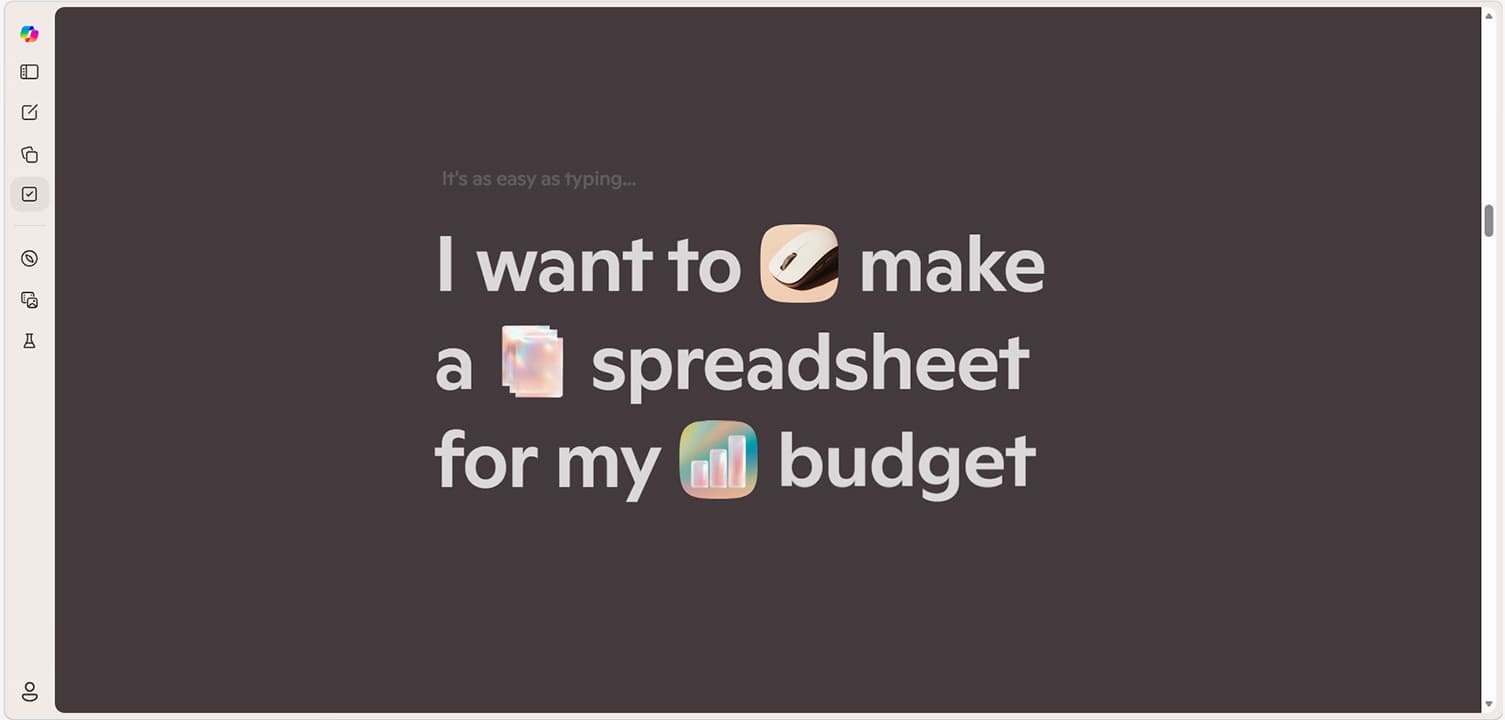
Tasks is Microsoft’s offering for the next stage of AI development: Agentic AI. This goes beyond the familiar LLM chatbot and instead seeks to provide deeper intelligence that can integrate with apps, browse the web, and plan and execute multi-stage requests. OpenClaw AI is a prime example of agentic AI, and admittedly has more features than Microsoft Copilot at the moment.
What Does It Do?
Though barely out of the gate in terms of release to a wide audience (and still rolling out to many), Microsoft has a lot of plans for what Copilot Tasks can do. Some major ones include:
- Deep web browsing, with the ability to look for current and regional information
- Task automation, which can be as simple as creating reminders or as complex as managing payments and app subscriptions. Tasks you set can be regular or scheduled, set to run at a specific time and date
- The capacity to execute multi-step tasks from natural language input across multiple apps and system functions in Windows 11
- Outlook, Calendar, and other tools can be used to create and manage events, provided you are signed in to the same account
- For Office Suite users, Tasks will help create and edit documents and files, such as generating or summarizing an Excel or Word document
It remains to be seen whether all these will be implemented effectively and how well they are. That said, Microsoft has promised that for any financial decisions, explicit human approval will be needed first. Copilot will also not start any tasks unless specifically instructed to by the user. You also have the power to cancel a task at any time through the “interrupt message” button.
How to Access Copilot Tasks
Copilot Tasks belonged to the Windows Insiders Program first and has had a very staggered release into the mainstream yet. As such, it might not be available for you, but we’re going to show you how to check and activate it if you can:
Step 1. You’ll need to ensure that you’re signed in to your Microsoft account on your desktop or browser version of Copilot. Do so if you aren’t already.
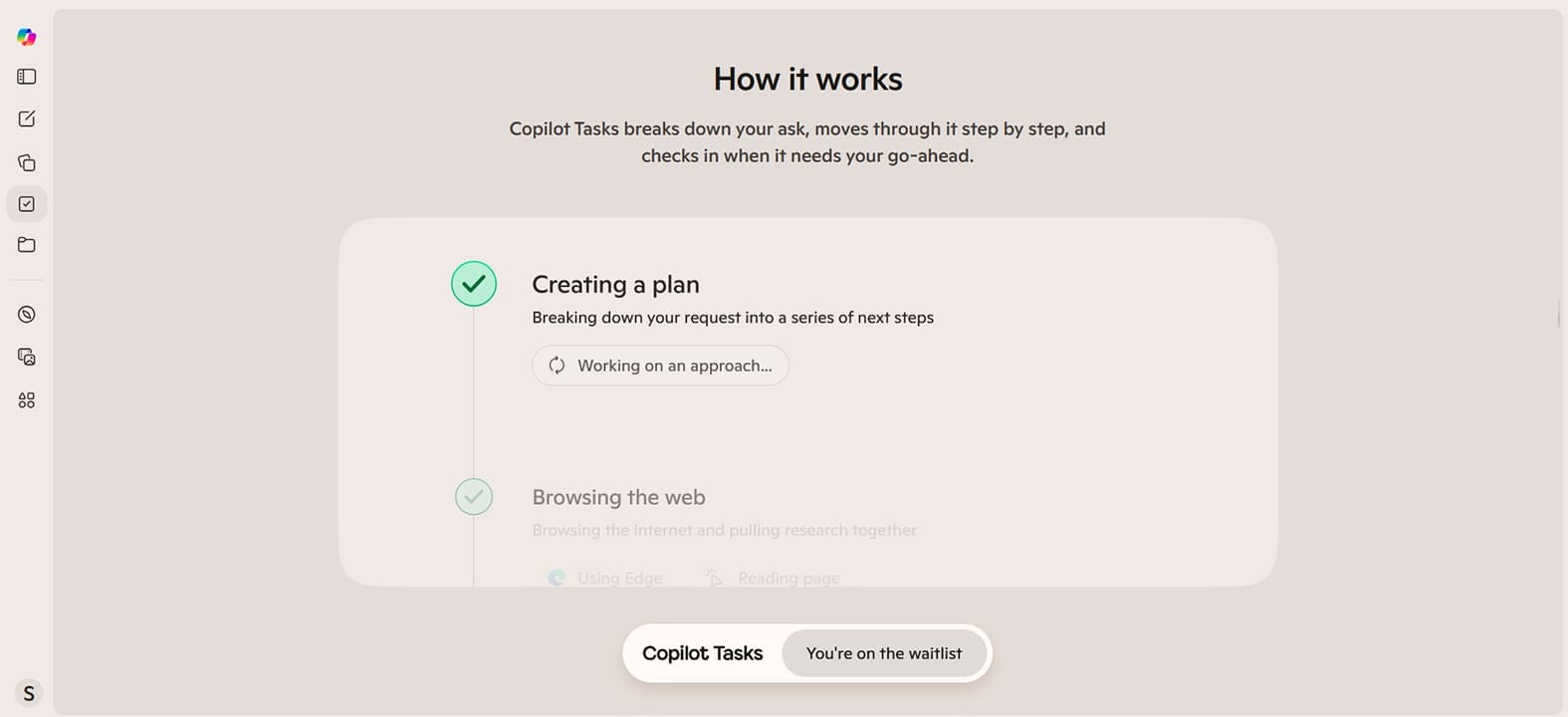
Step 2. Ensure that you’re signed up for the preview of Copilot Tasks. You need to visit the site to do so.
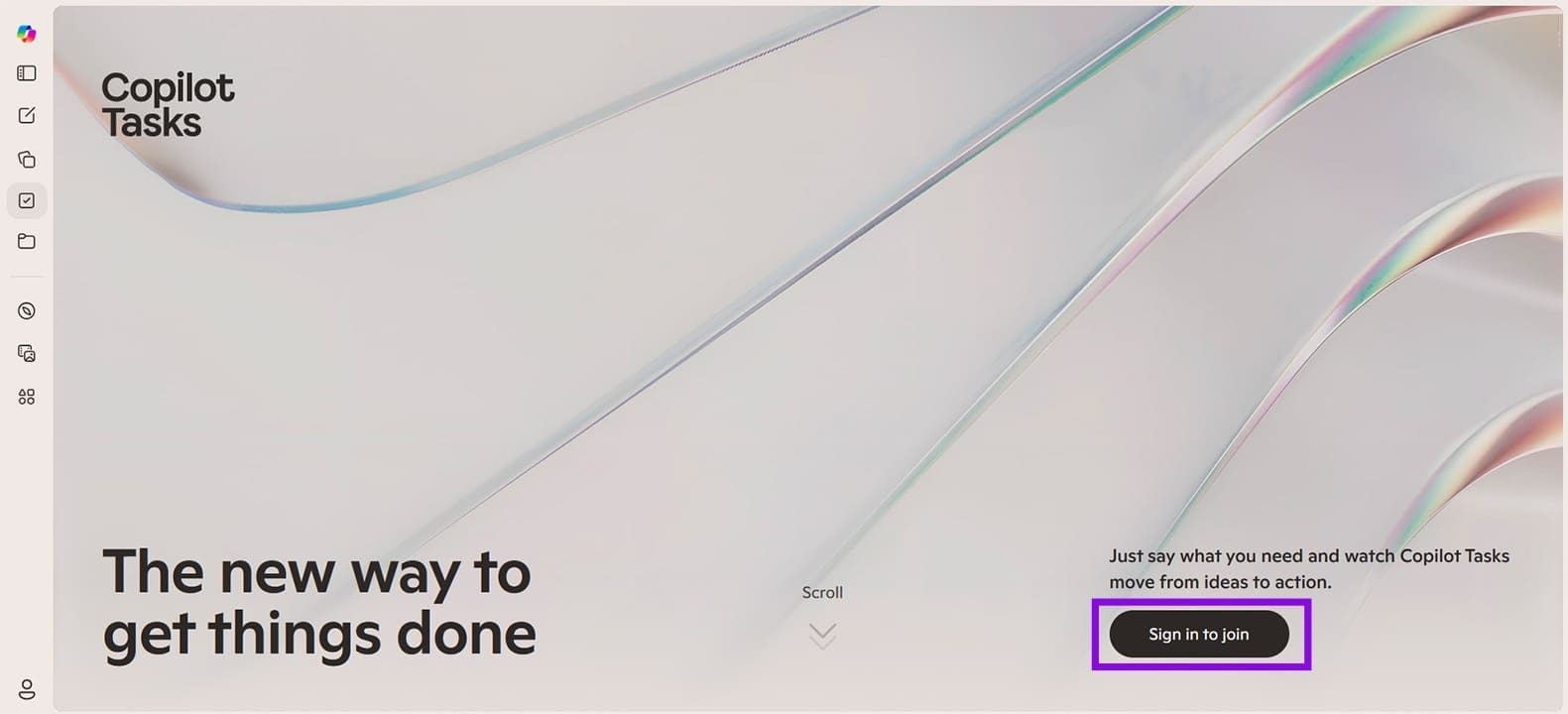
Step 3. Confirm your login details, and you should be all set to go.
Was this helpful?
Last updated on 29 May, 2026
Read Next
 Firefox Has Enabled Ad Tracking for All Users (Here’s What to Do About It)
What Does Mozilla Mean by Privacy-Preserving Ad Measurement?
Firefox Has Enabled Ad Tracking for All Users (Here’s What to Do About It)
What Does Mozilla Mean by Privacy-Preserving Ad Measurement?
 How to Remove Copilot From Microsoft Edge
Method 1.
How to Remove Copilot From Microsoft Edge
Method 1.
 6 Cool Things You Can Do with Telegram’s New Microsoft Copilot AI Bot
Telegram's latest addition is the integration of Microsoft’s Copilot AI bot.
6 Cool Things You Can Do with Telegram’s New Microsoft Copilot AI Bot
Telegram's latest addition is the integration of Microsoft’s Copilot AI bot.
 Three Ways You Can Get More Accurate Responses From Microsoft Copilot
We love Microsoft Copilot but there’s also an uncomfortable truth you’ve probably seen yourself – it doesn’t always give the best results to prompts.
Three Ways You Can Get More Accurate Responses From Microsoft Copilot
We love Microsoft Copilot but there’s also an uncomfortable truth you’ve probably seen yourself – it doesn’t always give the best results to prompts.
 How to Disable All Copilot AI Features in Microsoft Edge
Microsoft has been steadily adding AI features into Edge through Copilot, from the sidebar assistant to inline writing tools and image generation.
How to Disable All Copilot AI Features in Microsoft Edge
Microsoft has been steadily adding AI features into Edge through Copilot, from the sidebar assistant to inline writing tools and image generation.
 8 Best Ways to Fix iMessage Needs to Enabled to Send This Message Error
Apple's iMessage is the exclusive messaging service separating iOS from Android.
8 Best Ways to Fix iMessage Needs to Enabled to Send This Message Error
Apple's iMessage is the exclusive messaging service separating iOS from Android.
 What Does FaceTime Photos Must be Enabled on Both Devices Mean
What Is the FaceTime Photos Must be Enabled on Both Devices Message This message means that the FaceTime Live Photos feature is disabled either on your or the other participant’s
What Does FaceTime Photos Must be Enabled on Both Devices Mean
What Is the FaceTime Photos Must be Enabled on Both Devices Message This message means that the FaceTime Live Photos feature is disabled either on your or the other participant’s
 Google Tasks vs Google Keep: Which is Better
The Main Difference Between Google Tasks and Google Keep Feature Google Tasks Google KeepMain Purpose Task Management Note-taking with to-do functionalityReminders Time-based reminders only Time and location-based remindersIntegration with Calendar
Google Tasks vs Google Keep: Which is Better
The Main Difference Between Google Tasks and Google Keep Feature Google Tasks Google KeepMain Purpose Task Management Note-taking with to-do functionalityReminders Time-based reminders only Time and location-based remindersIntegration with Calendar
The article above may contain affiliate links which help support Guiding Tech. The content remains unbiased and authentic and will never affect our editorial integrity.