
Have you ever needed to remove a background from an image quickly? Remove.bg has always been the perfect tool for it. Simply load your image, wait a few seconds, and grab the cutout.
Sounds simple, yes? Well, that’s about to change: The Remove.bg website is shutting down on December 1st, 2026. The background remover will then be integrated into Canva, while the API will be integrated with Leonardo.Ai.
Have you ever wished for a quick and clean cutout without all the hassle? That’s exactly what Remove.bg alternatives can help you achieve.
We tested the best Remove.bg alternatives in 2026 for product photos and portraits. And guess what? A tool that’s great with product edges might struggle with messy hair. So, we’ve ranked them separately to help you pick the right one.
What You Lose When Remove.bg Shuts Down
Did you ever think that you could just click away to get the background removed? That was Remove.bg: quick, easy, and great. Well, now that it’s closing, things are about to get a little more complicated for you.
- Fast background removal: You will no longer be able to upload, cut, and download on a dedicated site.
- Desktop app and plugins: Your go-to tools for apps like Photoshop, Figma, and more? They’re switching off.
- API access: Developers who use API access will need to move to Leonardo.Ai to keep things running.
- No-account previews: Canva requires you to log in and work inside a design to remove a background.
So, what’s your next best option? It depends on the photos. Are you a product seller or a photographer taking portraits? Different needs require a different option. And speaking of free plans: some offer full-sized, full-quality images, some have limits. Your choice?
How We Tested: Two Lanes, Two Images
Ever thought to yourself, can one background remover be used on both sneakers and cluttered hair? This is what we were curious about.
We selected a pair of images for the test from photos we owned or had permission to use commercially. Each tool received the same originals.
| Test | Image | What we checked |
|---|---|---|
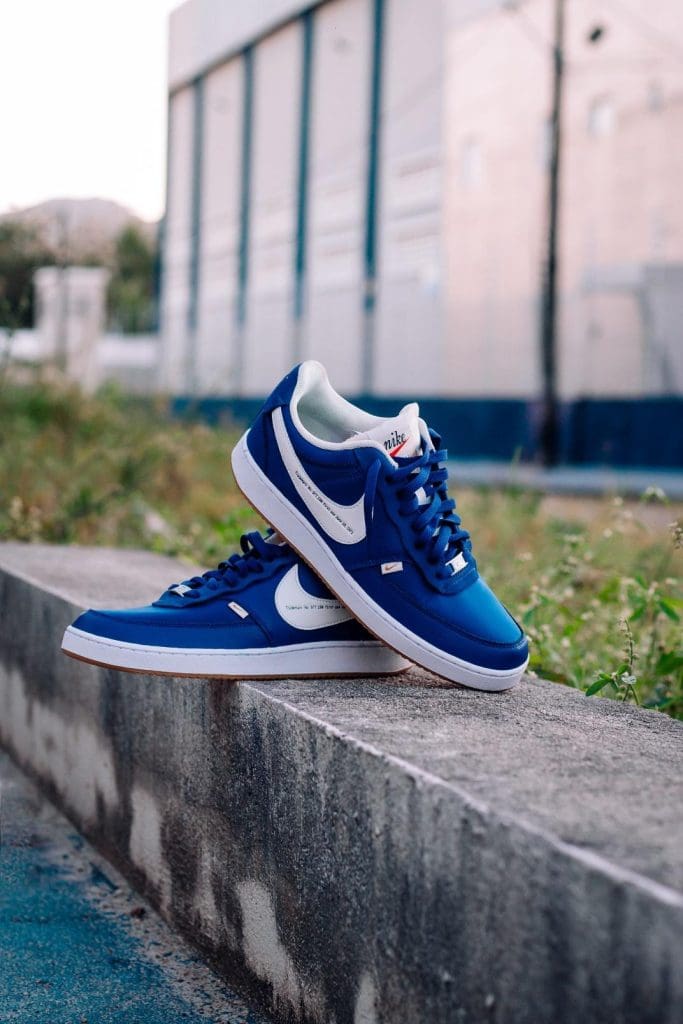
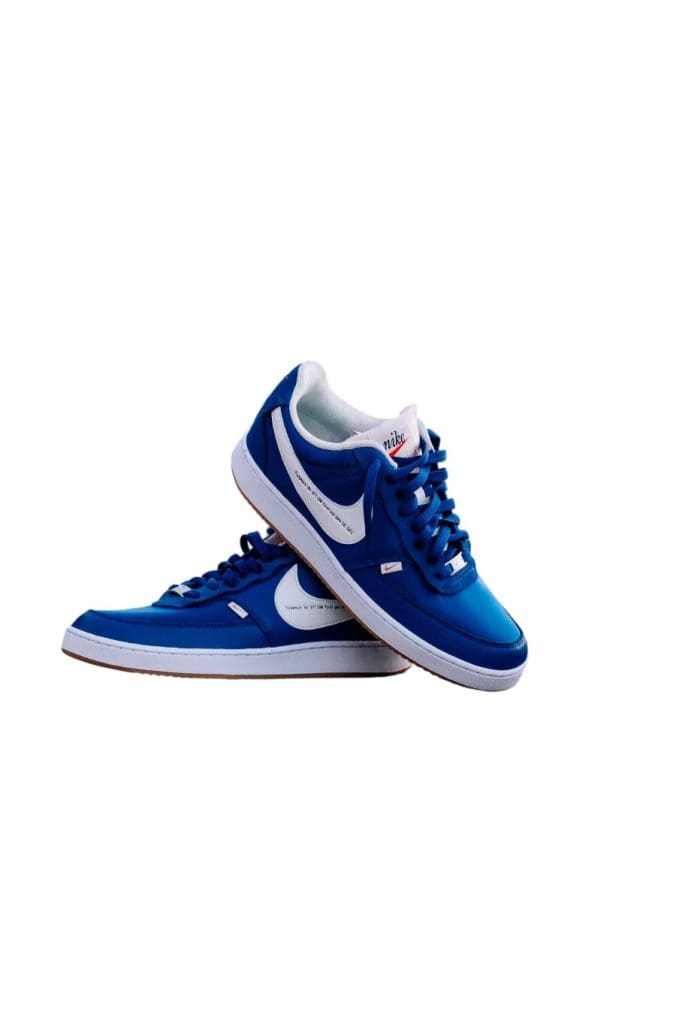
| Product test | A pair of sneakers | Clean edges, laces, soles, and small gaps |
| Portrait test | A studio headshot with flyaway hair | Fine hair strands, natural edges, and missing details |

Curious which tool is perfect for your image editing projects? We looked at cutout speed, free-tier limits, logging in, and batch support for each platform. As for image quality, we zoomed in to 200% to carefully inspect the edges on white and black backgrounds.
Every tool has an excellent, fair or poor rating for each of the images so you can immediately identify which you will want to use for portraits versus products.
Because, come on, a tool that cuts out a perfect sneaker profile isn’t guaranteed to handle every strand of hair effortlessly.
The Best Remove.bg Alternatives
1. Designkit: Best Overall For Product Photos
Have a bunch of product photos that need backgrounds removed? Designkit is the tool for you. Upload your photo, remove its background, and preview it, all without creating an account or having to download and install an app.
So, how is Designkit better than Remove.bg? There’s no need to install any software. You can easily remove the background, replace it with white or any color, and resize your images for online shopping platforms like Amazon or Shopify, or for social media.
Pretty handy when you’ve got a whole product catalog to update!
Here’s what you get with Designkit:
- 100 free cutouts daily: Remove backgrounds and export up to 100 full-resolution images per day for free.
- No signup for previews: Upload images and check the cutouts without an account. Full-resolution downloads require login.
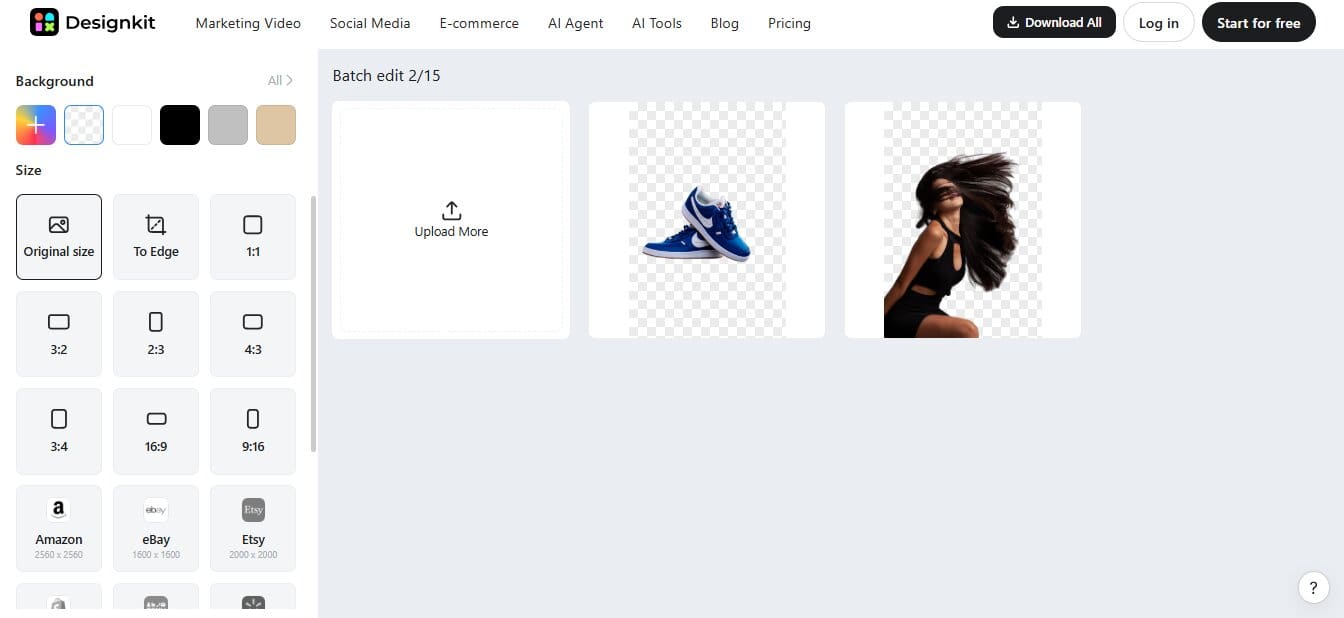
- Batch removal: Process up to 15 images at once and use Download All to save time.
- No watermarks: Download clean images without added branding.
- Multiple formats: Upload JPG, PNG, or WebP files and export in PNG, JPG, or WebP.
- Extra editing tools: Change backgrounds, enhance images, remove objects, and create product listing photos.
Product Lane Results: Awesome
Need to know how to get the perfect sneaker shot? Designkit is on the job! In less than three seconds, it removed the background, and the sneaker edges, laces, and small spaces looked perfect. How about that space between the shoelaces? Nailed it!
Portrait Lane Results: Excellent
Designkit didn’t miss out on portraits either. Hair edges didn’t get cropped into rough stubs, even with a busy backdrop.
Pricing: Designkit offers a Free plan, a Basic plan at $10/month, and a Pro plan at $20/month. All three include 100 free background removals per day.

2. Canva
Want to take one basic background removal a step further and turn it into a beautiful design? Yes, you can do that with Canva! The best part? You can isolate objects while creating product listings, social posts, and marketing graphics. Did you know it’s the official Remove.bg alternative?

Product Lane Verdict: Excellent
Canva handled our sneaker photo well. The edges, laces, and small gaps looked clean. No messy cutouts here! The only drawback was speed. It took around 4 seconds to remove the background.

Portrait Lane Verdict: Excellent
Our model’s flyaway hair also looked natural. Fine strands stayed visible, and the background disappeared without obvious rough edges.
Pricing: Canva has a Free plan with limited background removal. Pro costs around $18/month, while Business starts at $25/month per person. Prices may vary by region.
3. Photoroom: Best For Ecommerce Product Photos
Have you ever looked at a pile of product images and known they should be cleaned up? Photoroom is here to save the day. It can effortlessly cut out backgrounds and insert studio backdrops, real-looking shadows, and lifestyle scenes. Resize images, adjust the lighting, change colors, and create video ads.
Download in JPG, PNG, or WebP. Batch edit hundreds of images at a time, or auto-resize with its API, for bigger stores.
Product Lane Verdict: Good
Photoroom handled our sneaker photo well. The shoe edges, laces, and small gaps looked clean. The final cutout was sharp and ready for product listings.

Portrait Lane Verdict: Good
Our model’s flyaway hair also looked great. The fine strands stayed visible, and the edges looked natural. Not bad for a tool focused mainly on products!
Photoroom took about 8 to 10 seconds to remove the background during our tests, while Designkit was able to do it within three seconds.
When editing dozens of photos like that, it’s a huge difference!
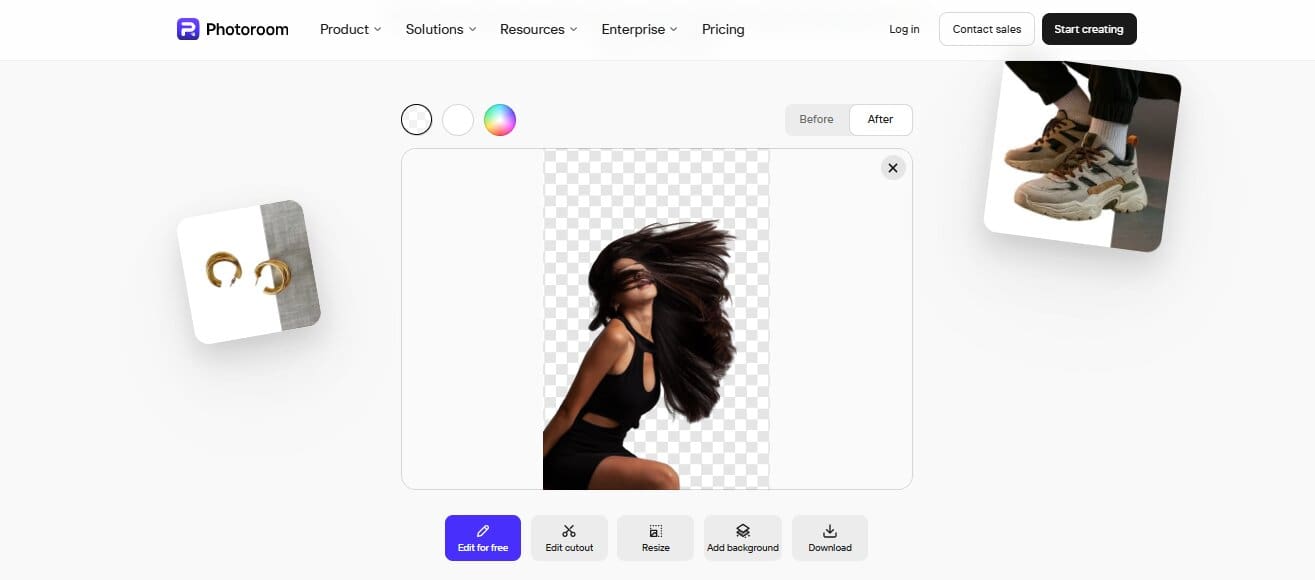
Pricing: Photoroom offers a free version with limited features. The Pro plan costs $2.99/month, Max costs $6.99/month, and Ultra costs $82.50/month, all billed yearly.
Comparison Of Best Remove.bg Alternatives
| Tools | Login to upload? | Batch support | Free limit | Notes |
|---|---|---|---|---|
| Designkit | No | Yes, up to 15 images | Up to 100 daily | Full-resolution exports require login |
| Canva | Yes | Yes, up to 50 images (paid) | Limited free downloads; exact cap not stated | Official Remove.bg successor |
| Photoroom | No | Paid batch exports | Daily limit applies; number not published | Free workflow supports individual cutouts |
Conclusion
Need a little help without Remove.bg? Don’t stress, there are still so many great alternatives out there. But which one should you choose?
Designkit is our favorite for fast background removal. It’s quick, and you get 100 free cutouts a day for either product shots or portraits. We recommend Canva if you want to create designs as well, and Photoroom is a good option for ecommerce, though it’s a bit slower.
Why pay or wait longer when a free tool will do the trick? Try Designkit for free and see how simple it is to turn your photos into crisp, ready-to-use cutouts.
Was this helpful?
Last updated on 16 November, 2026
Read Next
 Google Drive Desktop 2026: Ransomware Detection & Restore Explained
Quite a lot of our day-to-day workflow now happens in the Cloud, whether by convenience or necessity.
 How To Post Multiple Landscape and Portrait Photos on Instagram
Instagram Size Guide for Images Adhering to Instagram's recommended image sizes is paramount to ensure that your photos are displayed in the best possible quality.
 Three Best Mechanical Keyboards to Get In 2026
Mechanical keyboards are the go-to if you need to use them for any extended amount of time.
 Best Proxy Providers to Buy From in 2026: Tested & Compared
Choosing a proxy provider used to be straightforward.
 Best Android Apps for Budgeting in 2026
Most people do not fail at budgeting because they do not know what a budget is.
 Where Your Paycheck Should Actually Live: 6 Everyday Bank Accounts Worth Switching To in 2026
Most people pick a bank once and never look back, even as fees and interest rates have changed underneath them.
 The 10 Best AI-Powered Firewalls for Enterprise Security in 2026
In 2026, firewalls are doing a lot more than just blocking ports and IP ranges.
 How to Convert Normal Photos to Portrait on iPhone 15 and Older Models
Add Portrait Mode to an Existing Photo on iPhone 15 Series Both the A17 Pro and the A16 Bionic have a neural engine and an image-sensing processor that help run
The article above may contain affiliate links which help support Guiding Tech. The content remains unbiased and authentic and will never affect our editorial integrity.