1. Metro Music Player
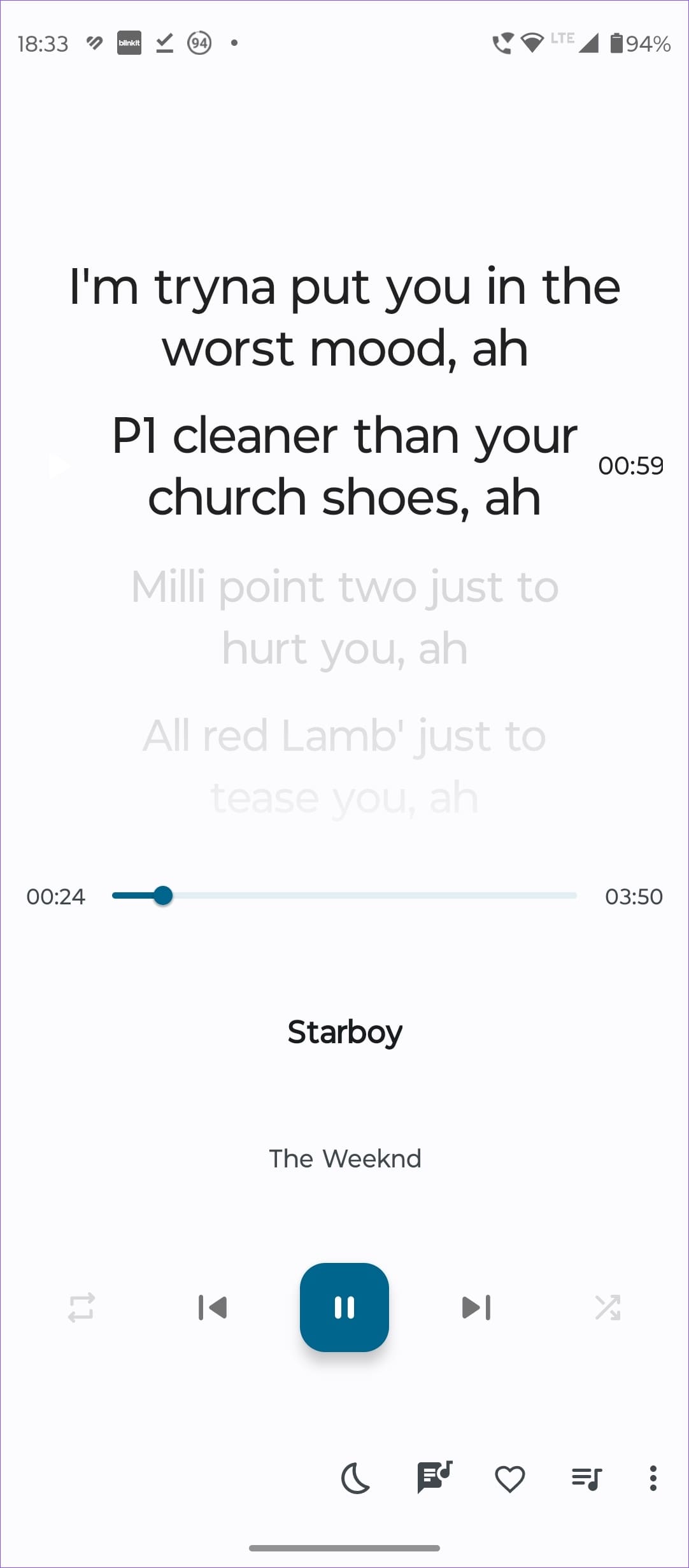
Metro Music Player is one of the most customizable music players out there, and for good reason. It’s free, open-source, and exclusively available on F-Droid. The player offers a wide range of features that make it stand out. It has everything from local playback to a sleep timer, home screen widgets, and different themes. The interface is highly customizable, allowing you to blacklist songs, categorize album artists, and even auto-download artist images from Last.fm. Plus, the material-like design is visually appealing.

Pros:
- Free and open-source
- Available on F-Droid
- Local playback only
- Sleep timer feature
- Home screen widgets
- Customizable interface with various themes
- Blacklist option
- Album artist support
- Auto-download artist images from Last.fm
Cons:
- Infrequent updates
- Only available on F-Droid
- Lyrics not fetched directly from the internet
Price: Free
2. Musicolet Music Player
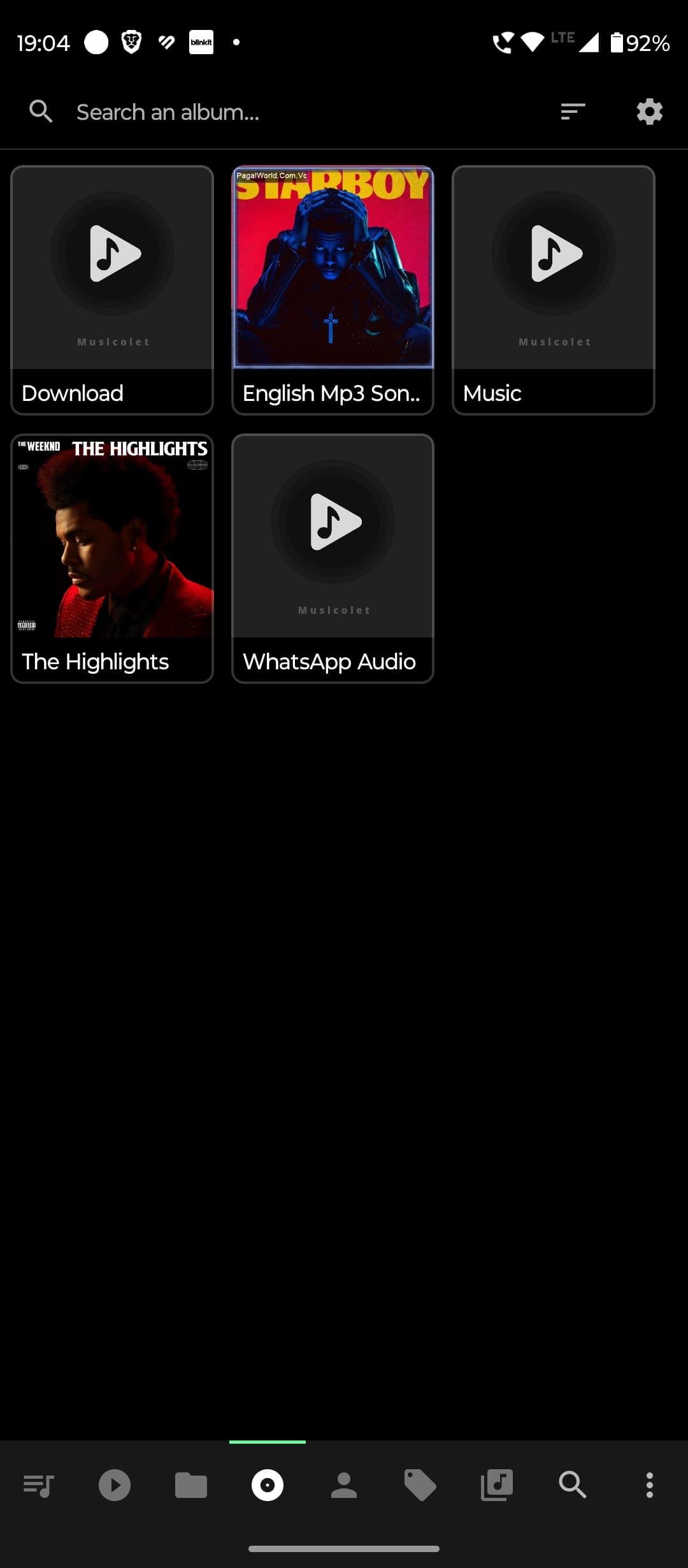
Musicolet Music Player is a strong contender in the music player market, with impressive features. However, this abundance of features can be confusing, especially for less tech-savvy users. Despite its complexity, the app is ad-free and offers both a free and pro version, ensuring an uninterrupted listening experience
Pros:
- Ad-free experience
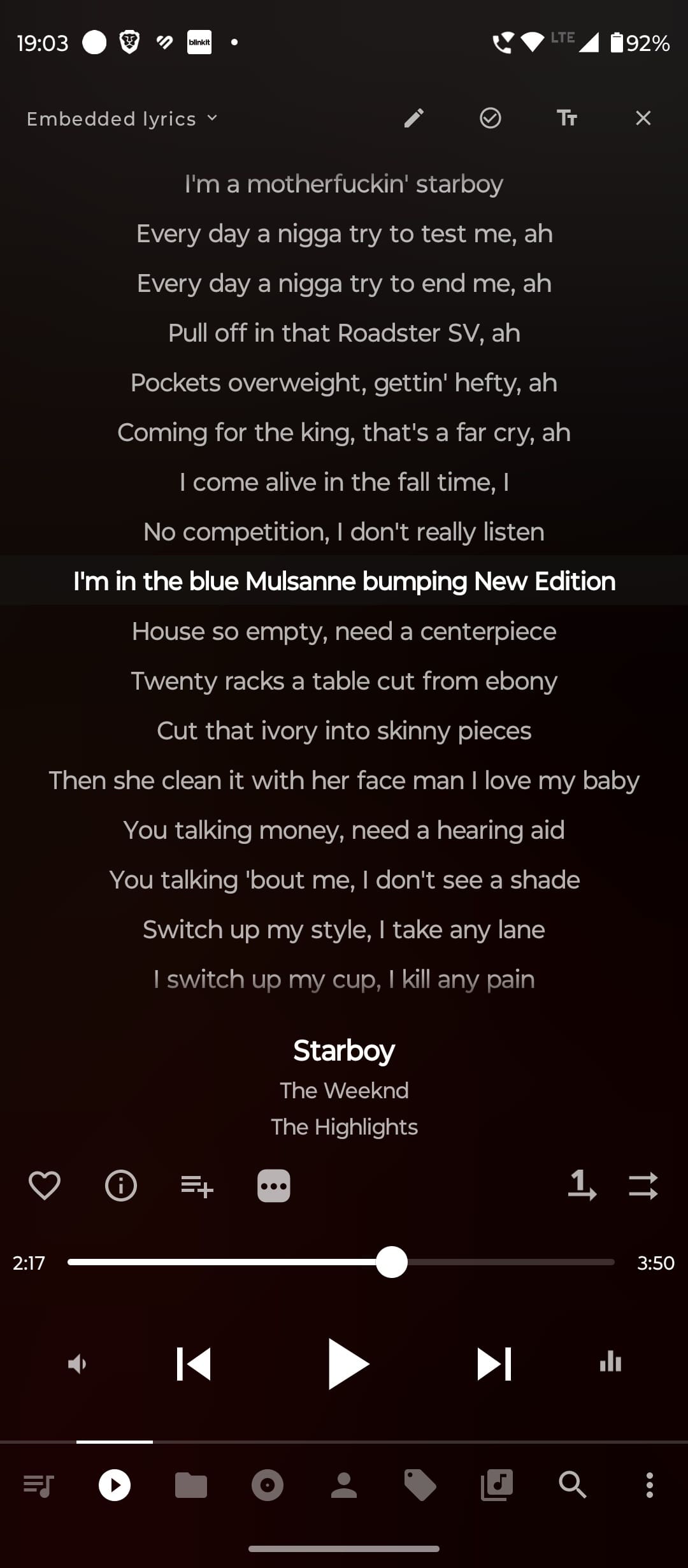
- Supports pre-loaded and custom lyrics
- Categories music by tags, albums, artists
- Includes most played, not played, recently added, recently played categories
- Supports multiple formats like mp3, flac, m4a, opus, wma, ape, dsf, aiff
- Queue setting capability
- Various equalizers available
- Lightweight app
Cons:
- Overwhelming number of features for beginners
- Complex interface
- No functionality to fetch artist images
Price: Free, $5.95 for the full version
3. PowerAmp Music Player
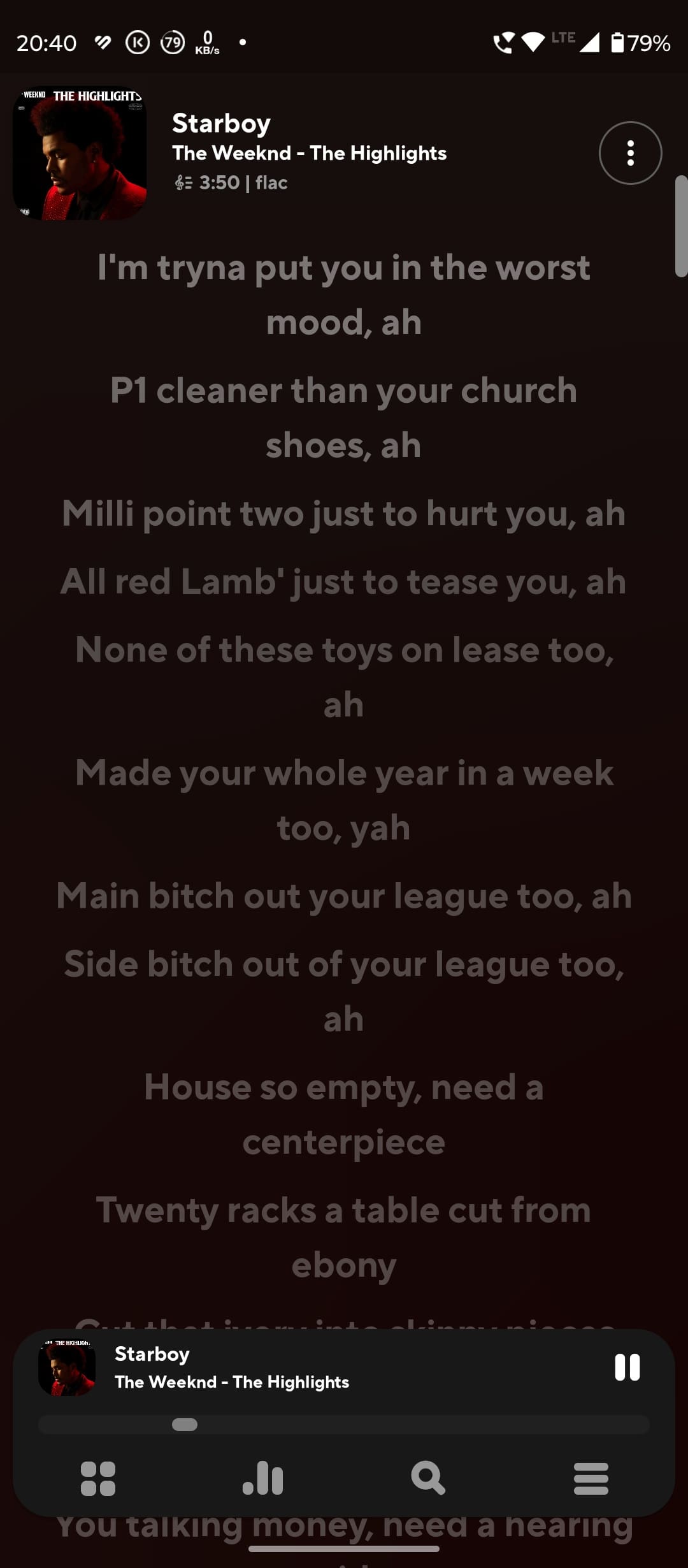
PowerAmp Music Player is one of the most customizable and tech-focused music player apps available. It’s well-regarded for its feature-packed design, making it a favorite among users who enjoy high-res audio and extensive customization options. If you understand music tech, you’ll appreciate the ability to tailor your audio experience precisely.
The app categorizes songs in numerous ways, including by artist, album artist, genre, year, composer, playlist, stream, cue, most played, top-rated, and low-rated. The interface is fluid and modern, featuring a highly customizable equalizer with various presets.

Pros:
- Highly customizable
- Perfect for high-res audio enthusiasts
- Categories songs in multiple ways
- Fluid and modern interface
- Customizable equalizer with presets
- Lyrics support with editing options
- Free trial available
Cons:
- It can be confusing for simple users
- Feature-heavy for those seeking a basic music experience
Price: Free trial, $1.77 for the full version
4. Oto Music
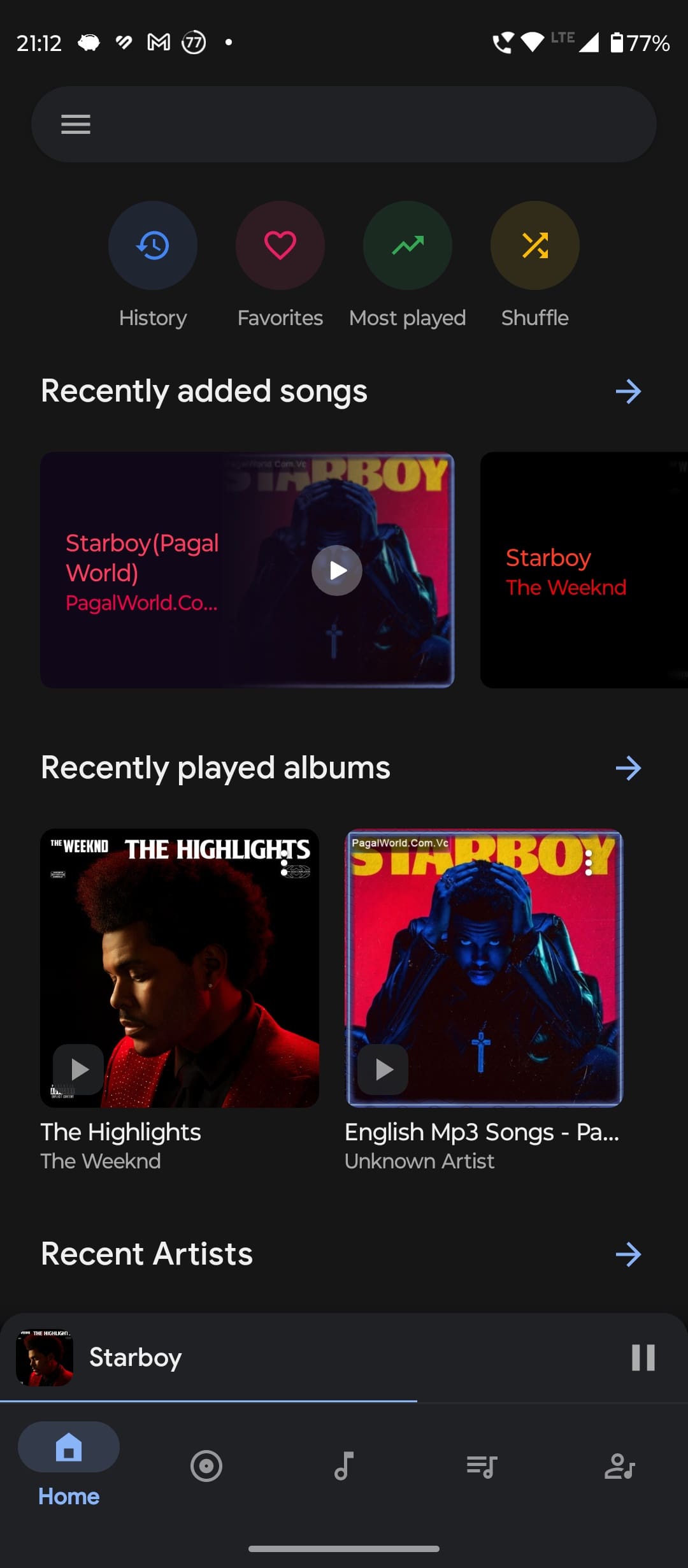
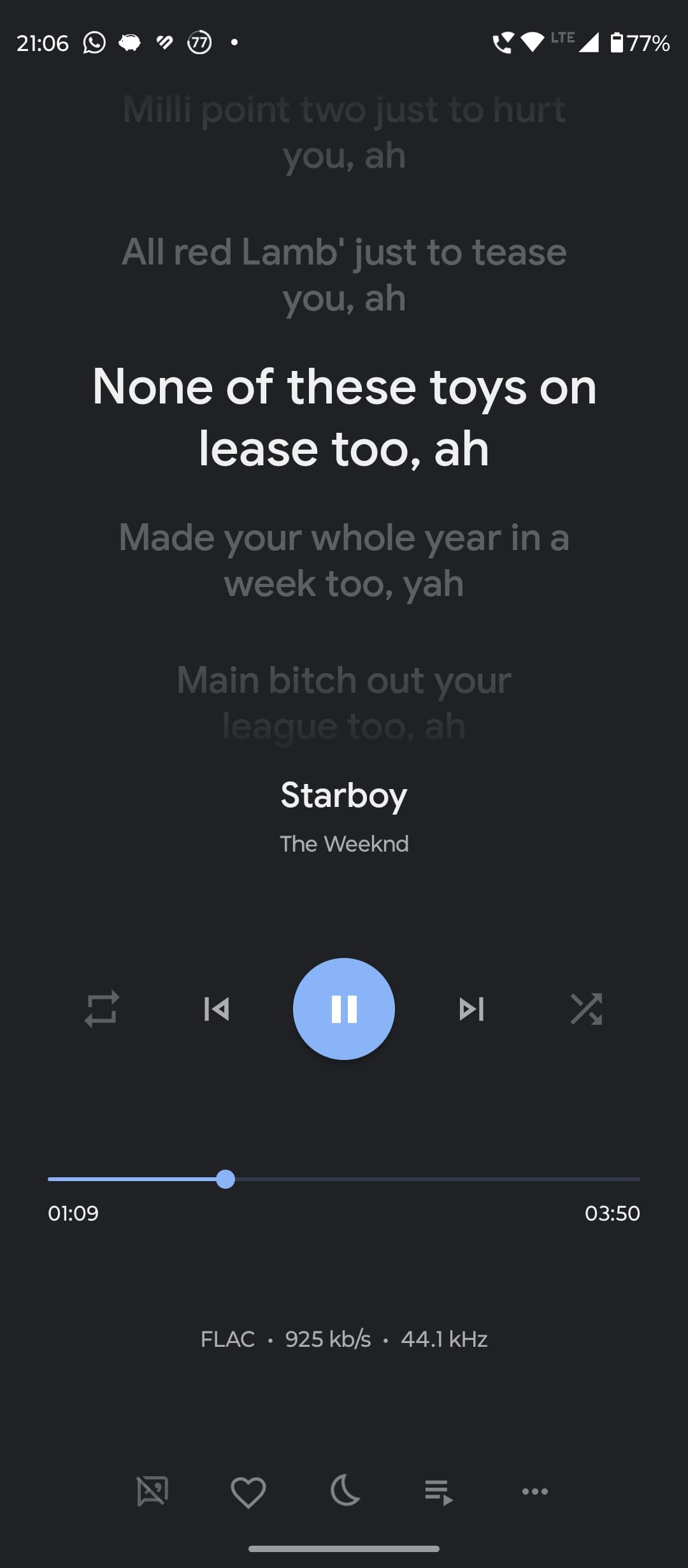
Oto Music is the app that strikes the perfect balance between being feature-packed, easy to use, and aesthetically pleasing. It boasts all the features you could want in a music player. It covers all bases, from playing high-res audio and having a built-in equalizer to liking songs and viewing your most played tracks. You can also see your playback history, categorize songs by albums and artists, and fetch artist images from the internet. The app even shows you the bitrate and kilohertz of the music you’re playing.
Pros:
- High-res audio support
- Built-in equalizer
- Like songs feature
- View most played songs
- Playback history
- Fetch artist images from the internet
- Sleep timer feature
- Queue songs easily
- Tag editor included
- Simple and consistent theme
- Open-source
Cons:
- Lyrics editor is not intuitive
Price: Free, $2.14 for the full version
5. BlackPlayer Music Player
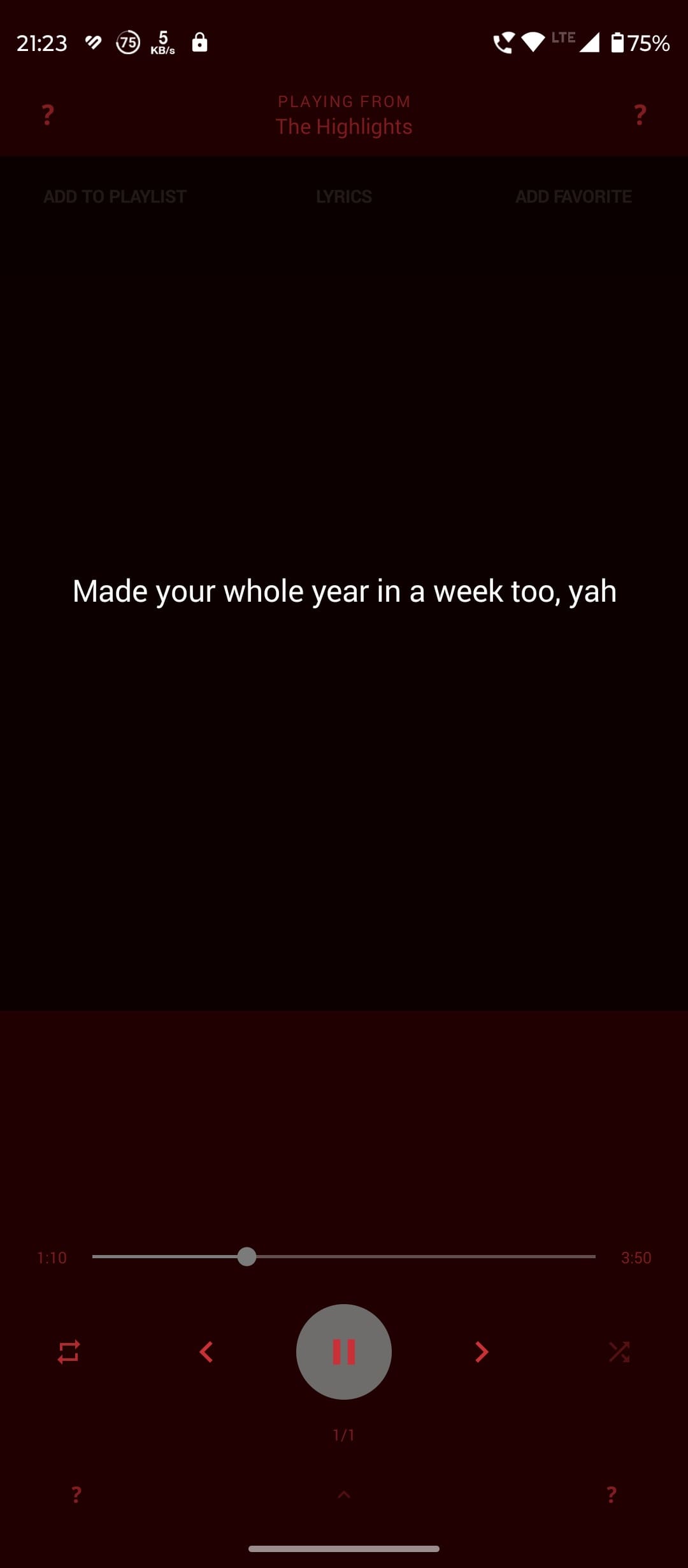
Blackplayer is another music player app that deserves attention for good reasons. Its simplicity and ease of use make it appealing. The free version includes ads, but you can upgrade to BlackPlayer EX to remove ads and unlock additional features. The interface isn’t as modern as other apps, resembling Android 4.0, but it’s straightforward and user-friendly.
Though not aesthetically pleasing, it supports high-res audio files and offers valuable features like album view, most played tracks, unplayed tracks, recently added tracks, and folder view. It also fetches artist images and descriptions from the internet.

Pros:
- Simple and easy to use
- Supports high-res audio files
- Album view
- Most played tracks view
- Unplayed tracks view
- Recently added tracks view
- Folder view
- Fetches artist images and descriptions from the internet
- Frequently update
Cons:
- The free version contains ads
- Interface is outdated
- There is no Tag Editor for lyrics in the free version
Price: $3.69
Was this helpful?
Last updated on 16 August, 2024
Read Next
 How to Enable Song Lyrics on YouTube Music
How to Find Lyrics on YouTube Music on Mobile Let us start by showing the steps to check real-time lyrics on the YouTube Music app on your iPhone or Android
How to Enable Song Lyrics on YouTube Music
How to Find Lyrics on YouTube Music on Mobile Let us start by showing the steps to check real-time lyrics on the YouTube Music app on your iPhone or Android
 How to Appear Offline or Invisible on Steam (Without Saying Offline)
How to Go Invisible or Offline on the Steam Desktop App Appearing offline or invisible on the Steam desktop app is quick and easy.
How to Appear Offline or Invisible on Steam (Without Saying Offline)
How to Go Invisible or Offline on the Steam Desktop App Appearing offline or invisible on the Steam desktop app is quick and easy.
 3 Ways to Fix Lyrics Not Showing on Spotify for Android and iPhone
Basic Fixes Try playing another song: Spotify does not have lyrics for every track in its library.
3 Ways to Fix Lyrics Not Showing on Spotify for Android and iPhone
Basic Fixes Try playing another song: Spotify does not have lyrics for every track in its library.
 How to View Lyrics on Spotify Mobile, Desktop and TV
How to See Lyrics in Spotify for Desktop or Web Players If lyrics are available for that particular song, you’ll notice a tiny Mic icon in the Now Playing bar
How to View Lyrics on Spotify Mobile, Desktop and TV
How to See Lyrics in Spotify for Desktop or Web Players If lyrics are available for that particular song, you’ll notice a tiny Mic icon in the Now Playing bar
 4 Android Browsers With Extension Support
1.
4 Android Browsers With Extension Support
1.
 5 Ways to Fix Snapchat Support Code C14A Error
What Does Snapchat’s Support Code: C14A Error Indicate?
5 Ways to Fix Snapchat Support Code C14A Error
What Does Snapchat’s Support Code: C14A Error Indicate?
 6 Best Offline Multiplayer Racing Games for Android
I and my friends were discussing racing games a few days back, again, and decided to play some while we waited for a friend to pick us up.
6 Best Offline Multiplayer Racing Games for Android
I and my friends were discussing racing games a few days back, again, and decided to play some while we waited for a friend to pick us up.
 13 Cool MX Player Tips and Tricks You Must Check Out
When it comes to playing videos on your smartphone, no other player plays it better than the much popular MX Player.
13 Cool MX Player Tips and Tricks You Must Check Out
When it comes to playing videos on your smartphone, no other player plays it better than the much popular MX Player.
The article above may contain affiliate links which help support Guiding Tech. The content remains unbiased and authentic and will never affect our editorial integrity.