Applying the Parchment Background Effect in Microsoft Word
Step 1. Choose the Design tab on the Ribbon.
Step 2: Click the tiny arrow for Page Color on the right of the interface and select Fill Effects.

Step 3. In the Fill Effects box, click on the Texture tab > Parchment texture > click OK.
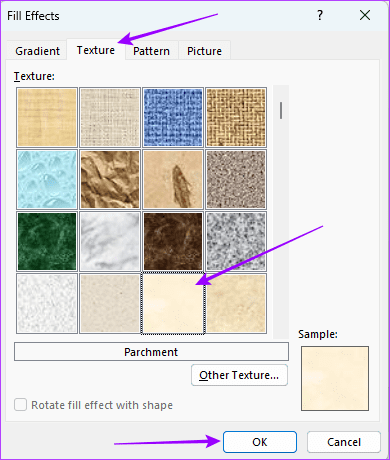
Note that to use this feature, you may have to click through the texture swatches on display (the names appear just below) and select the swatch for Parchment since you can’t search by name.
Was this helpful?
Thanks for your feedback!
Last updated on 24 April, 2024
Read Next
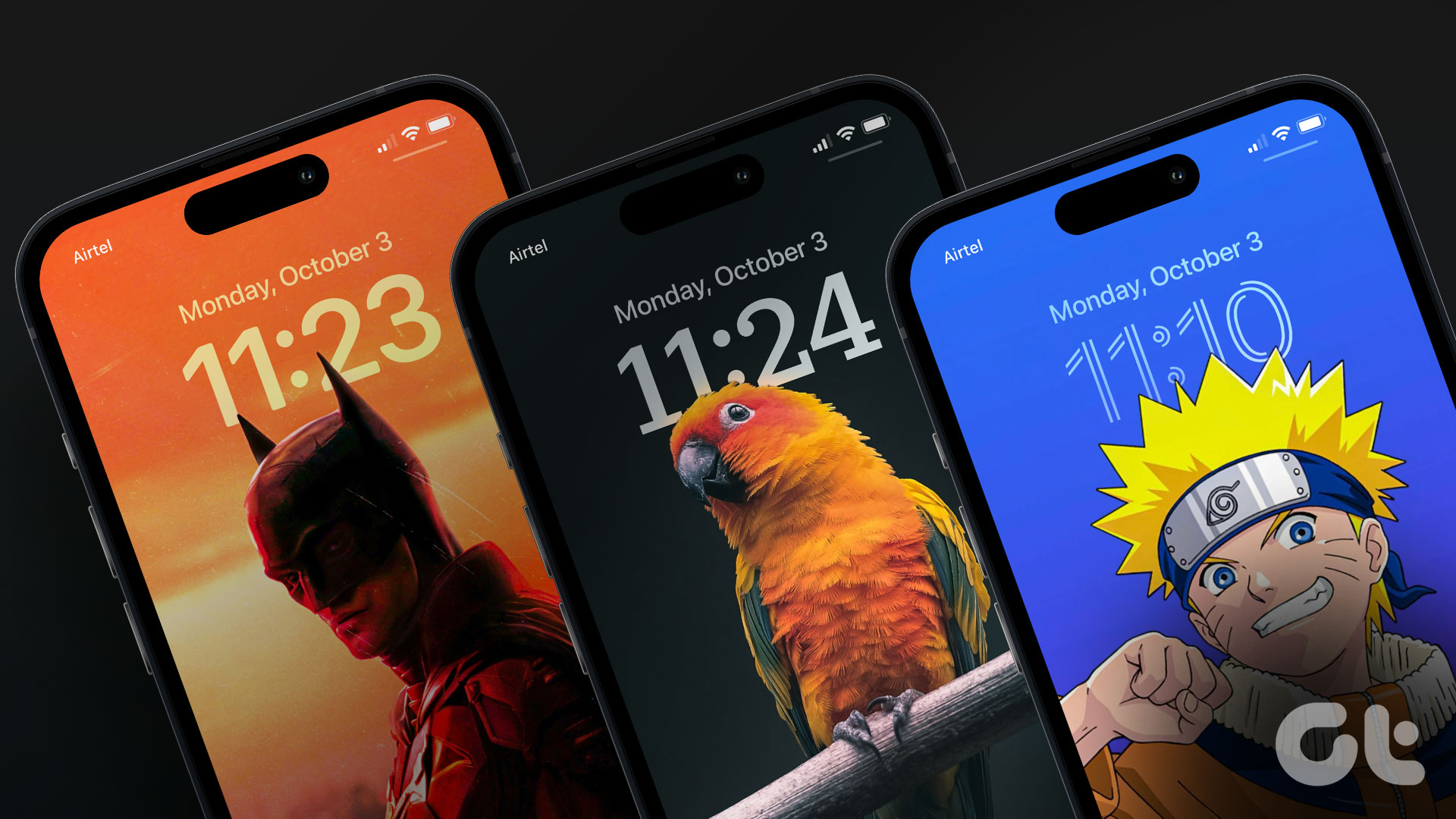 45 Best Depth Effect Wallpapers (4K) for iPhone Lock Screen
How to Enable Depth Effect on iPhone Lock Screen Step 1: Open the photo you want to set as the lock screen wallpaper.
45 Best Depth Effect Wallpapers (4K) for iPhone Lock Screen
How to Enable Depth Effect on iPhone Lock Screen Step 1: Open the photo you want to set as the lock screen wallpaper.
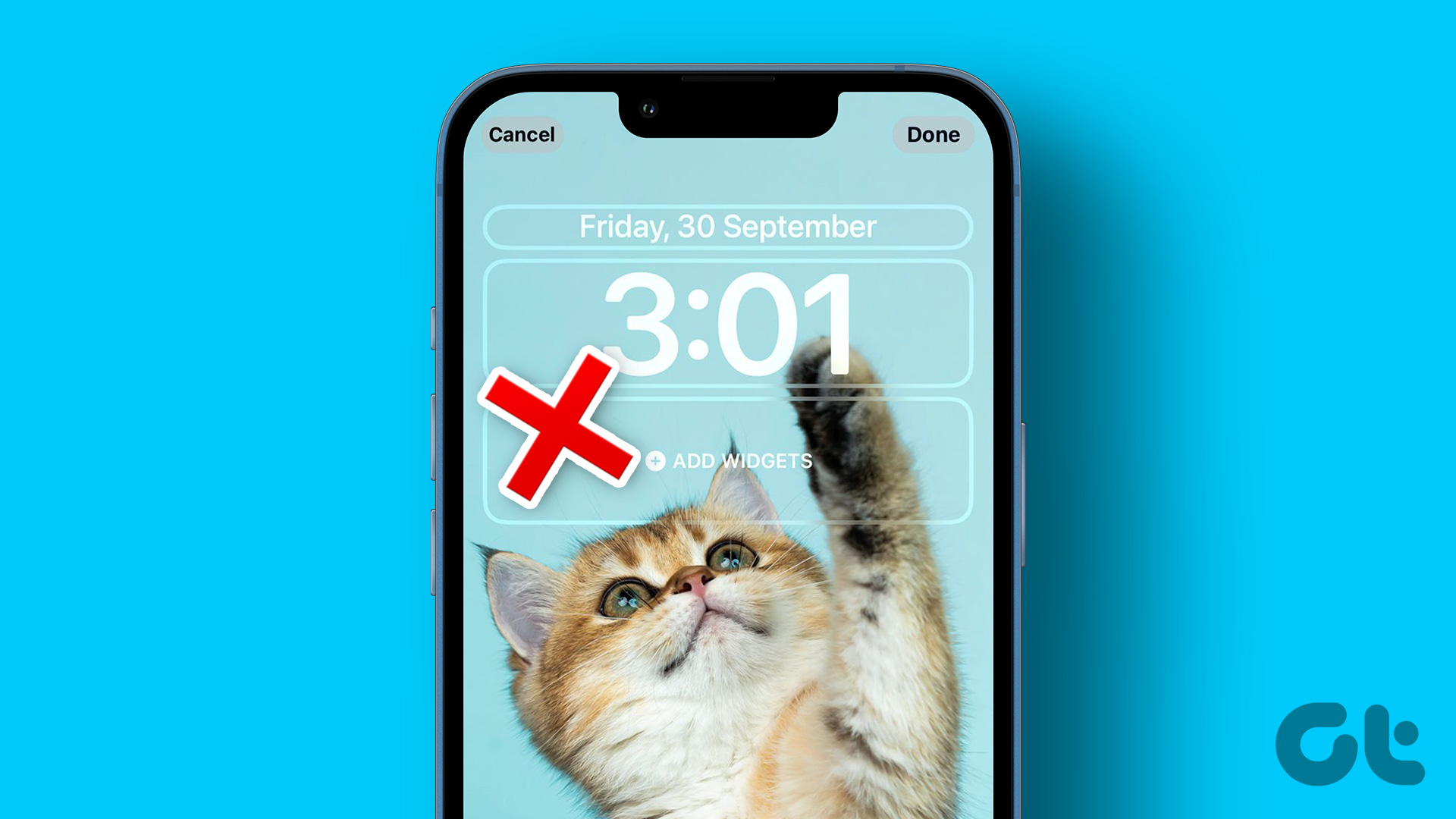 4 Ways to Fix Depth Effect Wallpaper Not Working on iPhone
Which iPhone Models Support the Depth Effect Feature The depth effect feature is only available on iPhones with an A12 Bionic chip or later.
4 Ways to Fix Depth Effect Wallpaper Not Working on iPhone
Which iPhone Models Support the Depth Effect Feature The depth effect feature is only available on iPhones with an A12 Bionic chip or later.
 5 Ways to Change Background in a Word Document
Method 1: Using a New Background Color Changing the background color of your Word document is a little similar to the process you would take when changing the font color.
5 Ways to Change Background in a Word Document
Method 1: Using a New Background Color Changing the background color of your Word document is a little similar to the process you would take when changing the font color.
 Apple Pages vs Microsoft Word: Which Word Processing Software Is Better
Every major tech company out there is offering their version of the productivity suite.
Apple Pages vs Microsoft Word: Which Word Processing Software Is Better
Every major tech company out there is offering their version of the productivity suite.
 Google Docs vs. Microsoft Word Online: Which Word Processor Is Better
Google Docs vs.
Google Docs vs. Microsoft Word Online: Which Word Processor Is Better
Google Docs vs.
 How To Make Image Background Transparent Using GIMP
Not everyone uses Adobe Photoshop, neither does everyone like it.
How To Make Image Background Transparent Using GIMP
Not everyone uses Adobe Photoshop, neither does everyone like it.
 5 Ways to Fix Background Apps Permissions Option Missing on Windows 11
Fix 1: Configure Background App Permissions via Battery Settings You can manage background app permissions in various ways in Windows 11.
5 Ways to Fix Background Apps Permissions Option Missing on Windows 11
Fix 1: Configure Background App Permissions via Battery Settings You can manage background app permissions in various ways in Windows 11.
 5 Fixes for Unable to Change Desktop Background on Windows
Fix 1: Ensure Windows Is Activated Although you can use an unactivated version of Windows 10 or 11, there are a few limitations.
5 Fixes for Unable to Change Desktop Background on Windows
Fix 1: Ensure Windows Is Activated Although you can use an unactivated version of Windows 10 or 11, there are a few limitations.
The article above may contain affiliate links which help support Guiding Tech. The content remains unbiased and authentic and will never affect our editorial integrity.