Basic Fixes:
- Clean the rear surface of the Watch and charging puck: Dust and sweat can accumulate on your Apple Watch if worn daily. Use a microfiber cloth and lens cleaning solution to clean the area around the charger and the back of the device. Once done, charge the wearable again.
- Remove any external case: A poorly fitting case for your Apple Watch may come in the way of its charging chops. Remove the external case from the Apple Watch and try again.
- Use the original charger: The Apple Watch uses a proprietary charging solution and ships with a wireless charger. If you were using a third-party charger, try and charge the wearable with the original charger instead.
- Temporarily disable optimized battery charging: Your Apple Watch learns from your daily charging habits to improve the battery’s lifespan. That said, try disabling the feature to see if it helps solve the issue. To do so, head to the settings app > Battery > Battery Health tab from the subsequent menu > disable it.
Fix 1: Force Reset the Apple Watch
Sometimes, the solution to many problems is a simple reboot or reset. Press and hold the side button of the Apple Watch along with the digital crown simultaneously for 10 seconds. Release the buttons when you see the Apple logo.
Your Apple Watch will restart. Note that you’re rebooting your watch by doing this. It will not wipe your data.
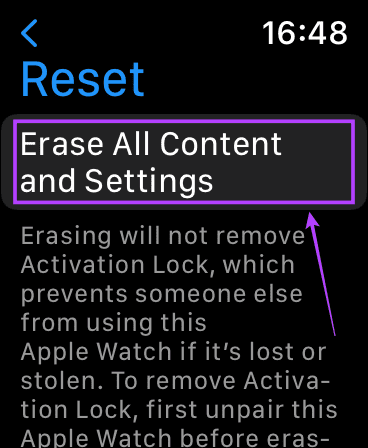
Fix 2: Factory Reset Your Apple Watch
If the software is faulty and no update is available, your best option is to factory reset the Apple Watch. This will erase all your data on the Watch, so ensure you take a backup before proceeding.
Step 1: Open the Settings app on your Apple Watch
Step 2: Select General. Then, scroll down and tap on Reset.
Step 3: Tap on Erase All Content and Settings.

Fix 3: Visit an Apple-Authorized Service Center
If all the previous troubleshooting steps fail, there may be a hardware issue with your Apple Watch. You can find your nearest service center by visiting Apple’s Store Locator page.
FAQs
The Apple Watch uses a proprietary charging puck. So, you cannot use a standard Qi charger to juice your Apple Watch.
If you don’t wear your Apple Watch for sleep tracking, you can charge it overnight without issues.
Time to Charge Up
The above tips should help restore your Apple Watch’s charging ability. It’s a good practice not to let your Apple Watch’s battery die completely, as it can cause battery issues.
Was this helpful?
Last updated on 25 July, 2024
Read Next
 Why Is My Apple Watch Not Charging and How to Fix It
Reasons Why Your Apple Watch Is Not Charging Before we proceed with fixing this issue, let us look at a few reasons why your Apple Watch won't charge, especially after
Why Is My Apple Watch Not Charging and How to Fix It
Reasons Why Your Apple Watch Is Not Charging Before we proceed with fixing this issue, let us look at a few reasons why your Apple Watch won't charge, especially after
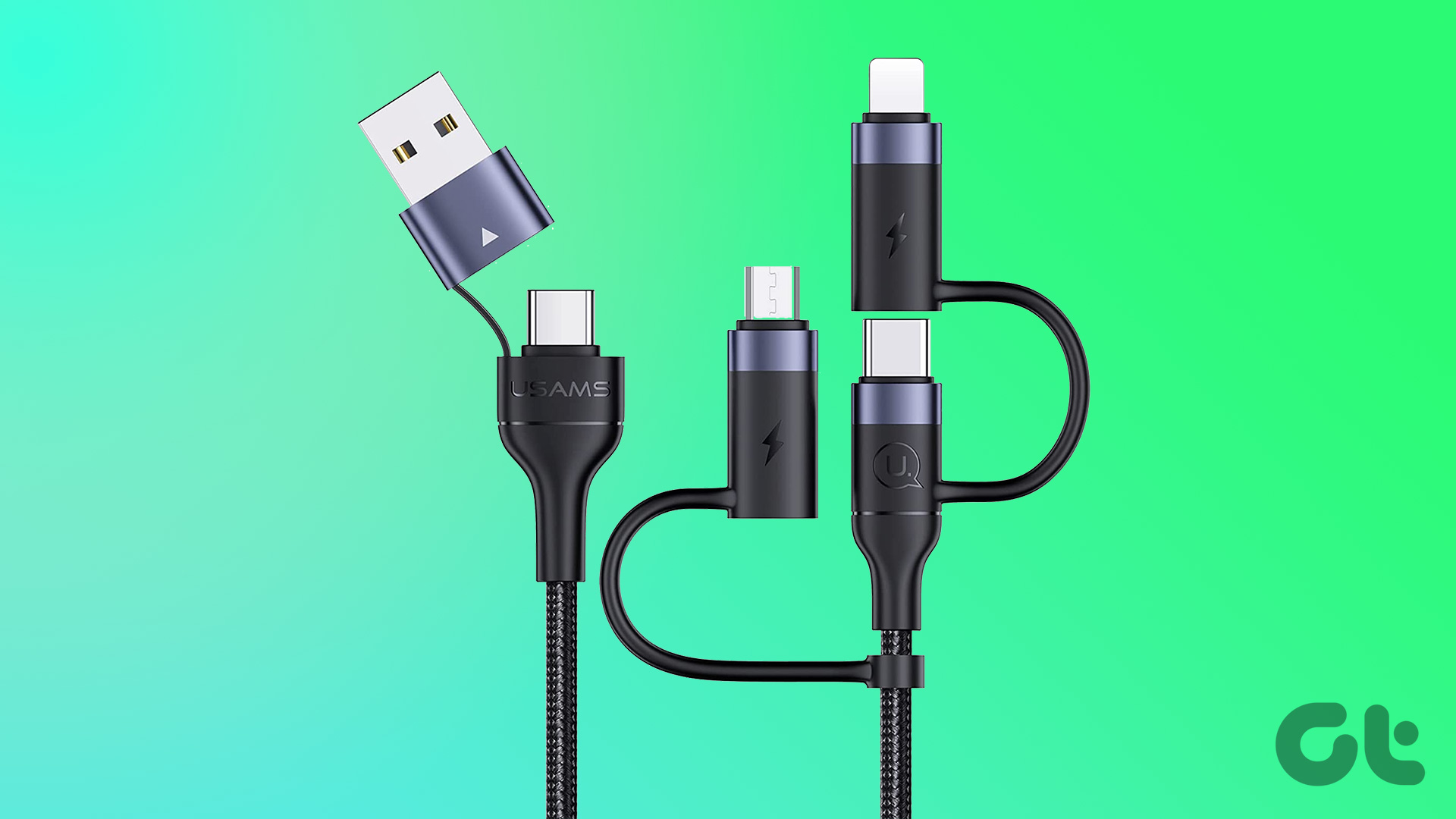 7 Best Multi-Charging Cables for Charging Multiple Devices
Most of us nowadays have multiple devices to charge.
7 Best Multi-Charging Cables for Charging Multiple Devices
Most of us nowadays have multiple devices to charge.
 Top 8 Ways to Fix Apple iPad Not Charging
Apple’s iPad is ideal for consuming media, getting some work done, and taking Google Meet/Zoom calls on the go.
Top 8 Ways to Fix Apple iPad Not Charging
Apple’s iPad is ideal for consuming media, getting some work done, and taking Google Meet/Zoom calls on the go.
 How to Change Apple Watch Face from iPhone or Watch
Traditional watches had the problem that you couldn't change their clock face.
How to Change Apple Watch Face from iPhone or Watch
Traditional watches had the problem that you couldn't change their clock face.
 4 Ways to Fix Wireless Charging Not Working With Phone
Fix 1: Try a Different Cable The cable you use to attach the charging brick to the wireless charger plays an important role.
4 Ways to Fix Wireless Charging Not Working With Phone
Fix 1: Try a Different Cable The cable you use to attach the charging brick to the wireless charger plays an important role.
 6 Ways to Fix iPhone Battery Draining While Charging
https://youtu.be/Eotj1OWfuME Fix 1: Use MFi-Certified Cables and Adapters It’s advisable to use Apple’s original accessories that ship with the phone.
6 Ways to Fix iPhone Battery Draining While Charging
https://youtu.be/Eotj1OWfuME Fix 1: Use MFi-Certified Cables and Adapters It’s advisable to use Apple’s original accessories that ship with the phone.
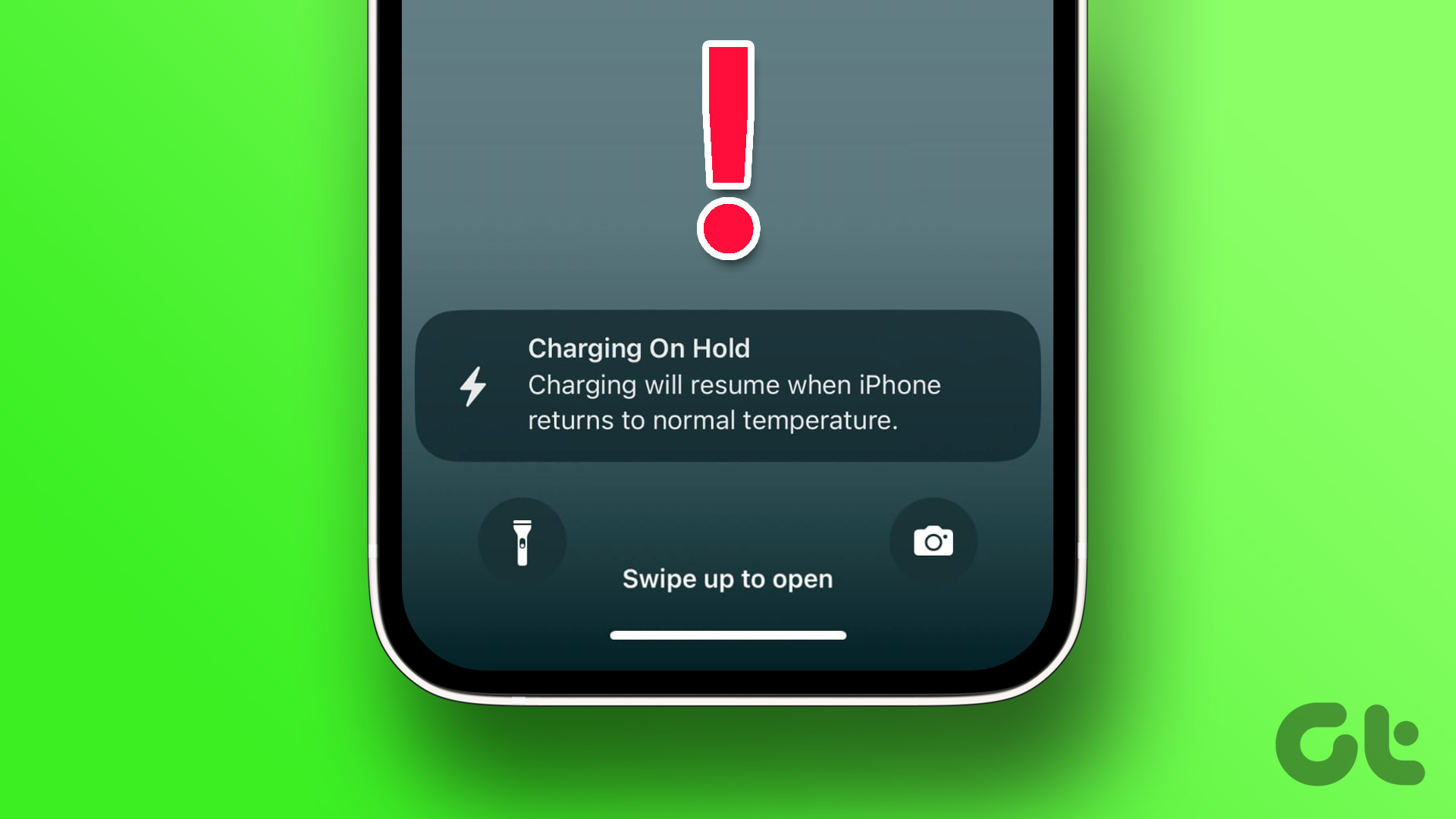 6 Ways to Fix “iPhone Charging on Hold” Error
Charging on Hold Due to iPhone Temperature: A Much-Needed Feature High battery temperatures are the prime reason for the depletion of battery health on your iPhone.
6 Ways to Fix “iPhone Charging on Hold” Error
Charging on Hold Due to iPhone Temperature: A Much-Needed Feature High battery temperatures are the prime reason for the depletion of battery health on your iPhone.
 11 Easy Ways to Fix iPhone Charging Slowly
You have thirty minutes to leave for work and plug your iPhone to charge.
11 Easy Ways to Fix iPhone Charging Slowly
You have thirty minutes to leave for work and plug your iPhone to charge.
The article above may contain affiliate links which help support Guiding Tech. The content remains unbiased and authentic and will never affect our editorial integrity.