


How to Enable Sleep Focus to See the Good Morning Screen
When you have a sleep schedule and Sleep Focus enabled, your iPhone will show you a Good Morning screen.
Open the Health app on your iPhone. Select the Browse tab and open Sleep.
- If you already have a schedule set up, turn on the toggle for Use Schedule for Sleep Focus. If you want to edit your schedule, use the Edit button on this screen.
- If you don’t have a sleep schedule, select Set Your First Schedule. Select All The Days you want to schedule your sleep for and select the duration. Tap on Add. Then, enable the toggle for Use Schedule for Sleep Focus.
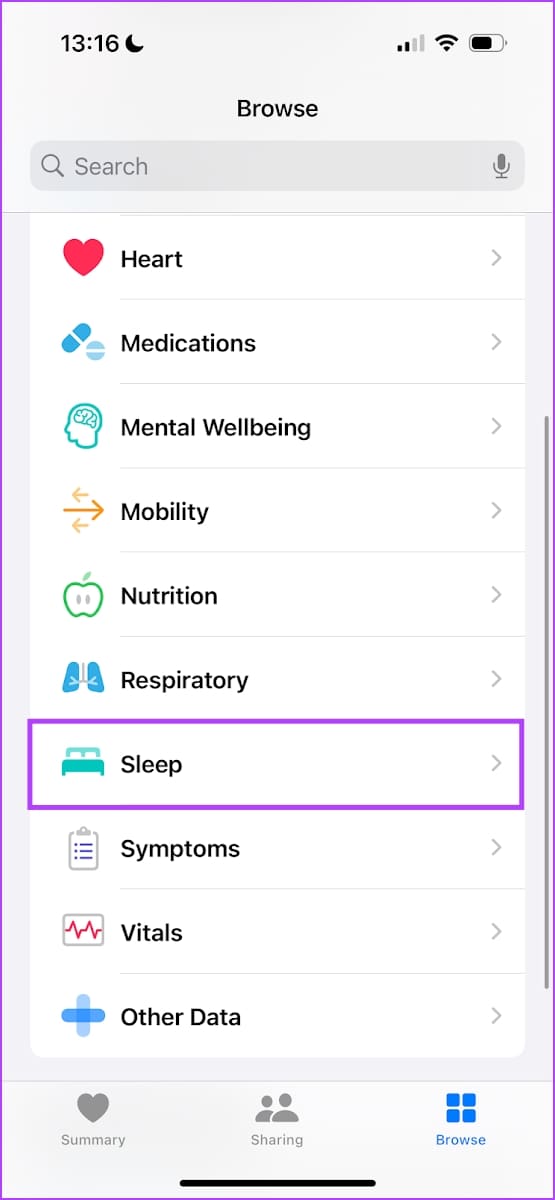


When your sleep schedule begins, the Sleep Focus will be enabled, and an alarm will be set at your wake-up time. Once the alarm goes off, you will see the Good Morning screen along with the weather.
Also Read: Here’s how I joined the 5 AM club with the help of my iPhone.
How to Edit Sleep Schedule
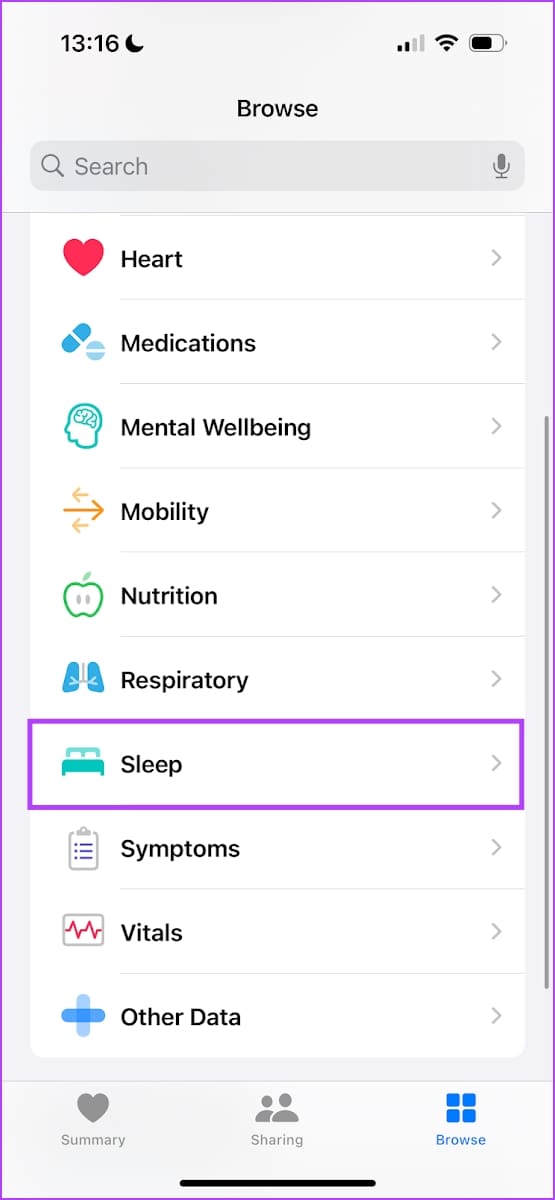
Open the Health app > go to the Browse tab > select Sleep. Scroll down to find your schedule.
- If you want to edit the sleep schedule for all days, select Full Schedule and Options and use the Edit button on the next screen.
- If you want to edit only the immediate, next schedule, tap on Edit under next and modify per your preferences.


Also Read: How to track sleep with Apple Watch
Was this helpful?
Last updated on 05 July, 2024
1 Comment
Leave a Reply
Read Next
 How to Use the People Feature in the iPhone Photos App
Add Someone in Your People Album In the Photos album, you can add names to the people or even add new people.
How to Use the People Feature in the iPhone Photos App
Add Someone in Your People Album In the Photos album, you can add names to the people or even add new people.
 3 Fixes for iPhone Check In Feature Not Working or Unavailable
Basic Fixes: Ensure both devices are running iOS 17: Because the Check In feature is exclusive to iOS 17, to use it, both you and your contact must have iOS
3 Fixes for iPhone Check In Feature Not Working or Unavailable
Basic Fixes: Ensure both devices are running iOS 17: Because the Check In feature is exclusive to iOS 17, to use it, both you and your contact must have iOS
 What Is Gmail’s Mute Feature and How to Use It Effectively
What Is Gmail’s Mute Feature?
What Is Gmail’s Mute Feature and How to Use It Effectively
What Is Gmail’s Mute Feature?
 4 Fixes For Google Lens Translate Feature Not Working
Basic Fixes Clear cache Google app: Go to Google App Info > Storage and cache > Clear cache.
4 Fixes For Google Lens Translate Feature Not Working
Basic Fixes Clear cache Google app: Go to Google App Info > Storage and cache > Clear cache.
 Top 10 Things to Know About WhatsApp Business Catalog Feature
WhatsApp has been beneficial for small businesses that don’t have the resources to run a website or expensive marketing.
Top 10 Things to Know About WhatsApp Business Catalog Feature
WhatsApp has been beneficial for small businesses that don’t have the resources to run a website or expensive marketing.
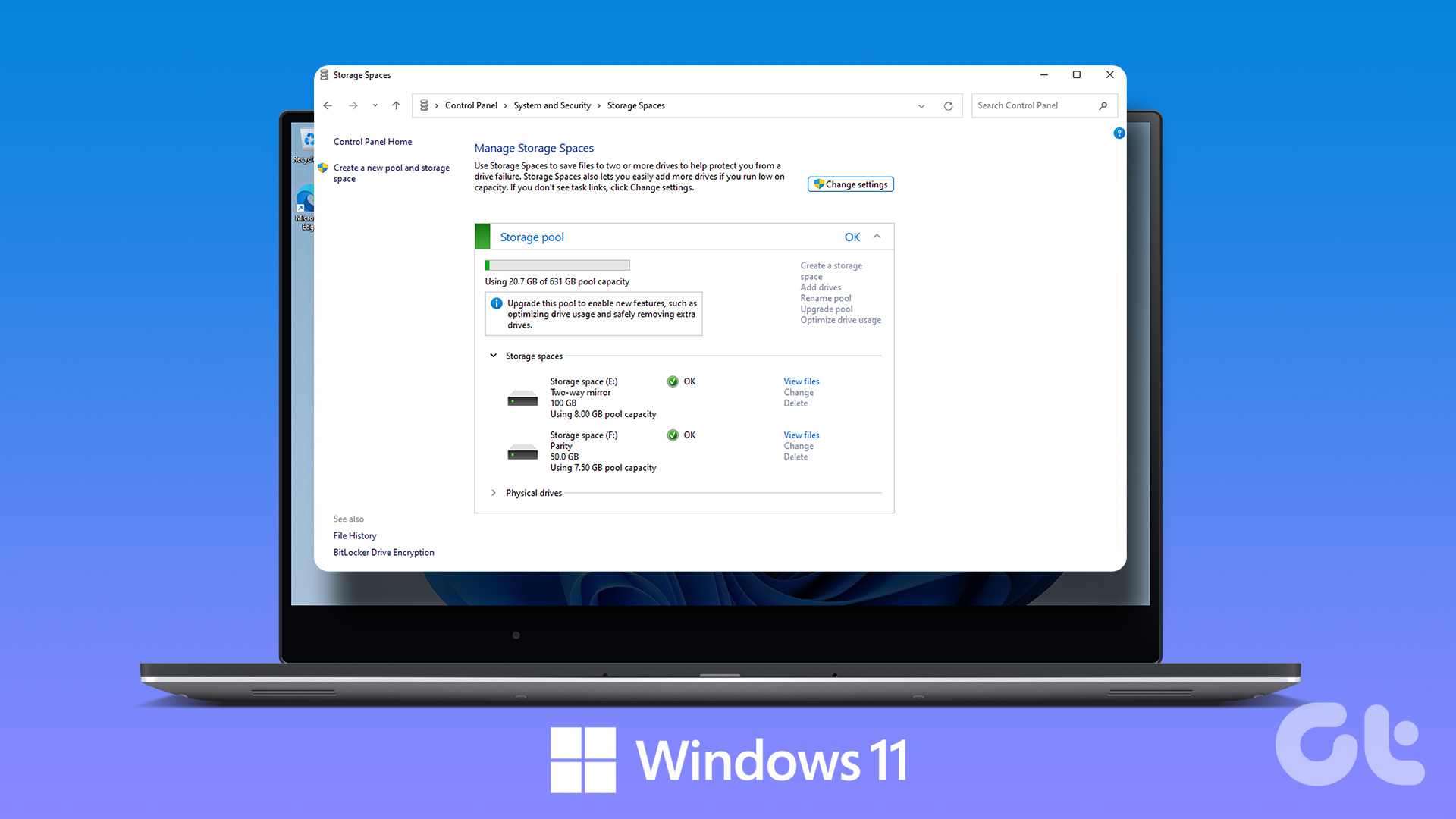 How to Create and Use the Storage Spaces Feature on Windows 11
What Are Storage Spaces in Windows 11 and Why Should You Create One Storage Spaces lets you create an array or group of two or more physical hard drives to create
How to Create and Use the Storage Spaces Feature on Windows 11
What Are Storage Spaces in Windows 11 and Why Should You Create One Storage Spaces lets you create an array or group of two or more physical hard drives to create
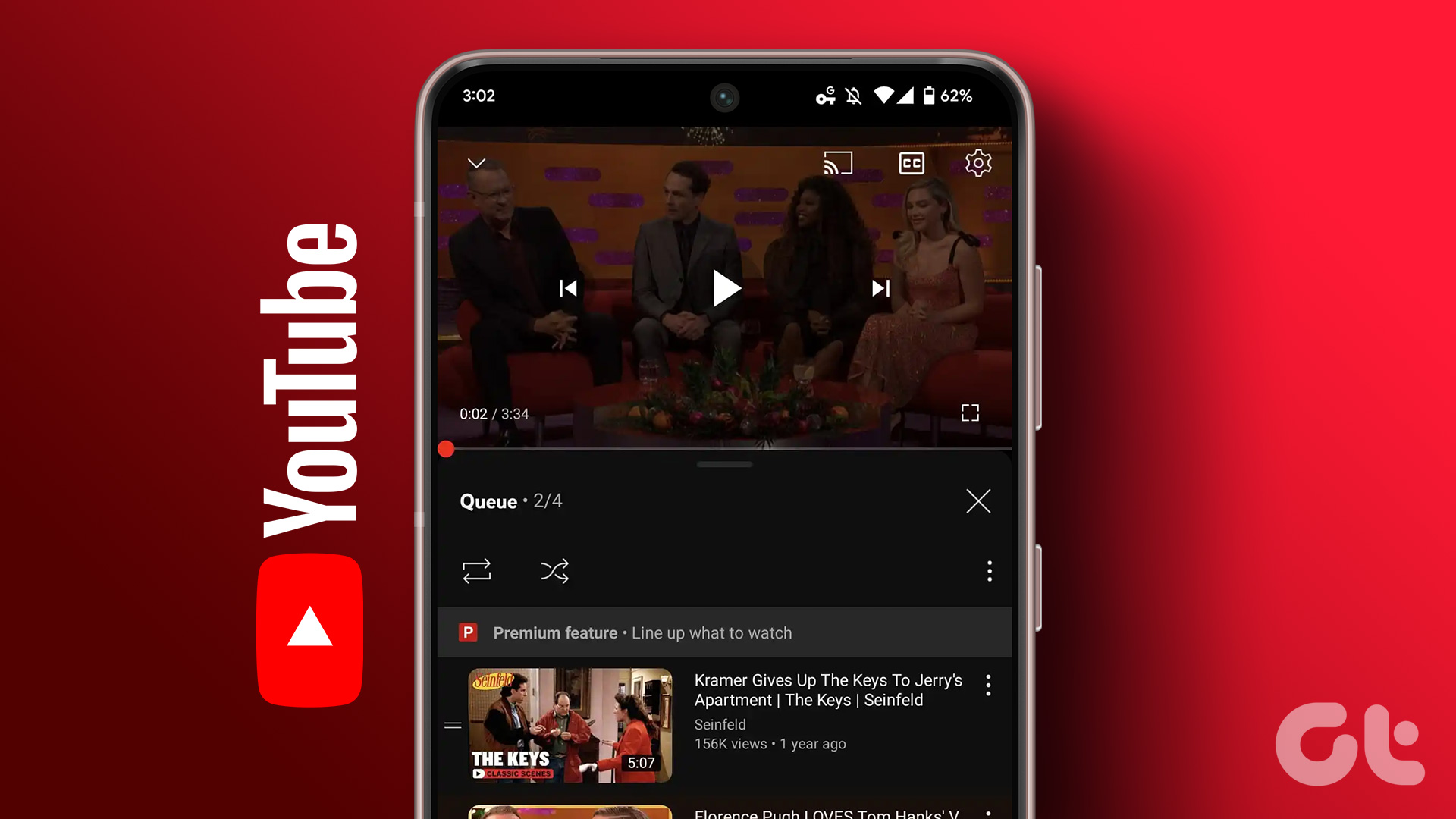 How to Use the Add to Queue Feature in YouTube
Use Add to Queue on YouTube on Desktop Before we start, this feature is only available for YouTube Premium subscribers.
How to Use the Add to Queue Feature in YouTube
Use Add to Queue on YouTube on Desktop Before we start, this feature is only available for YouTube Premium subscribers.
 How to Use the Read Aloud Feature in Microsoft Edge
Use Read Aloud in Microsoft Edge on Desktop Microsoft Edge’s Read Aloud feature is simple to use and does not require any setup.
How to Use the Read Aloud Feature in Microsoft Edge
Use Read Aloud in Microsoft Edge on Desktop Microsoft Edge’s Read Aloud feature is simple to use and does not require any setup.
The article above may contain affiliate links which help support Guiding Tech. The content remains unbiased and authentic and will never affect our editorial integrity.
I really want the good morning alarm