Method 1. Turn Off DND From the Control Center
Step 1: Open Control Center on your iPhone.
- iPhones with Touch ID: Swipe up from the bottom edge.
- iPhones with Face ID: Swipe down from the top-right corner.
Step 2: Tap the Do Not Disturb/Focus text. A list of Focus modes will show up.
Step 3: Tap Do Not Disturb to turn it off.


Pro Tip: You can also tap the crescent moon icon next to the Do not disturb text to turn it off from the Control Center.
Method 2. Disable Do Not Disturb From the Lock Screen
Step 1: Tap the Do Not Disturb text on your iPhone’s lock screen.
Step 2: The list of Focus modes will appear on the screen. Tap Do Not Disturb to turn it off.


Method 3. Turn Off Do Not Disturb via Settings
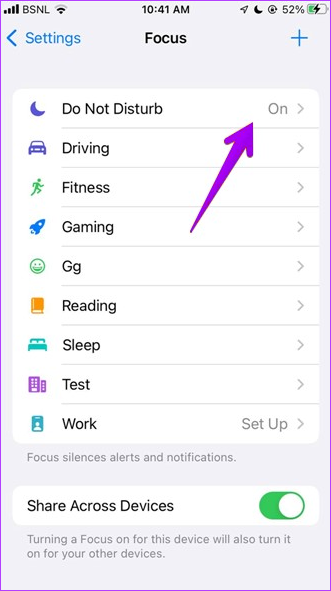
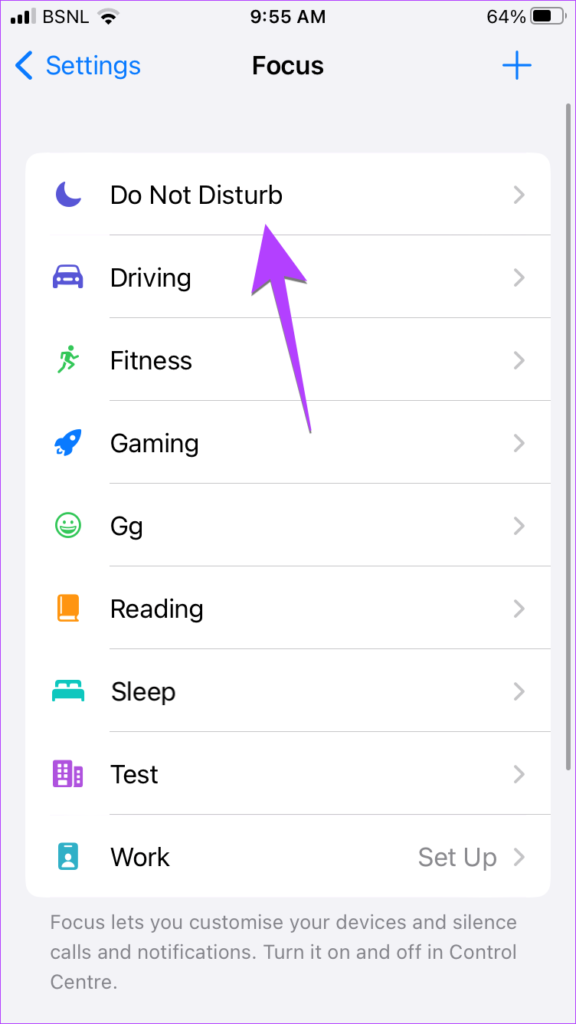
Step 1: Open Settings on your iPhone. Scroll down to Focus.
Step 2: Tap Do Not Disturb.
Step 3: On the next page, turn off the toggle for Do Not Disturb to disable it.


Method 4. Use Siri to Disable Do Not Disturb
If you are a fan of Siri, use it to remove DND on your iPhone or iPad. Simply summon Siri and say,”Turn off Do not disturb focus.”
Method 5. How to Turn Off Do Not Disturb if It Activates Automatically
If the DND mode keeps getting turned on at a specific time or location, an automatic schedule may be set for it. To turn off the scheduling feature of Do Not Disturb on iPhone, follow these steps:
Step 1: Go to Settings → Focus → Do Not Disturb .
Step 2: Scroll to the Set A Schedule section. If any schedule (or Smart activation) says On, tap it and turn off the toggle for Schedule.


Alternatively, tap on the Delete Schedule button to turn it off permanently.
If you aren’t getting notifications after turning Do Not Disturb mode off on your iPhone, learn how to fix notifications not working on the iPhone. However, if notifications are delayed, check our guide on how to fix delayed notification issues on iOS.
Was this helpful?
Last updated on 07 August, 2024
Read Next
 6 Ways to Turn off Do Not Disturb on Samsung Galaxy Phones
Basic Ways: Using Quick Settings: Swipe down twice from the top of the screen to open the Quick Settings panel.
6 Ways to Turn off Do Not Disturb on Samsung Galaxy Phones
Basic Ways: Using Quick Settings: Swipe down twice from the top of the screen to open the Quick Settings panel.
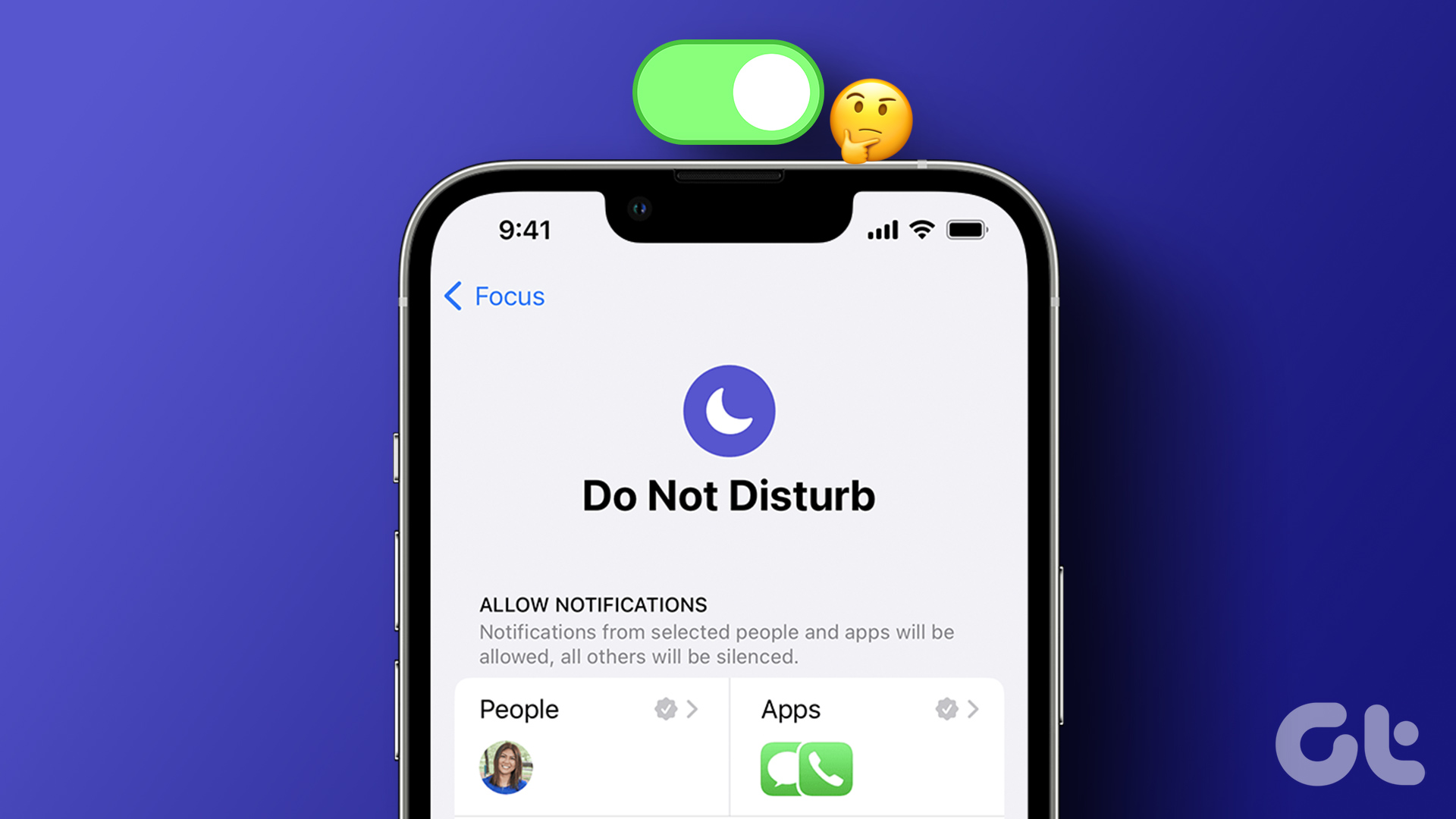 4 Ways to Fix Do Not Disturb Turning on Automatically on iPhone
Fix 1.
4 Ways to Fix Do Not Disturb Turning on Automatically on iPhone
Fix 1.
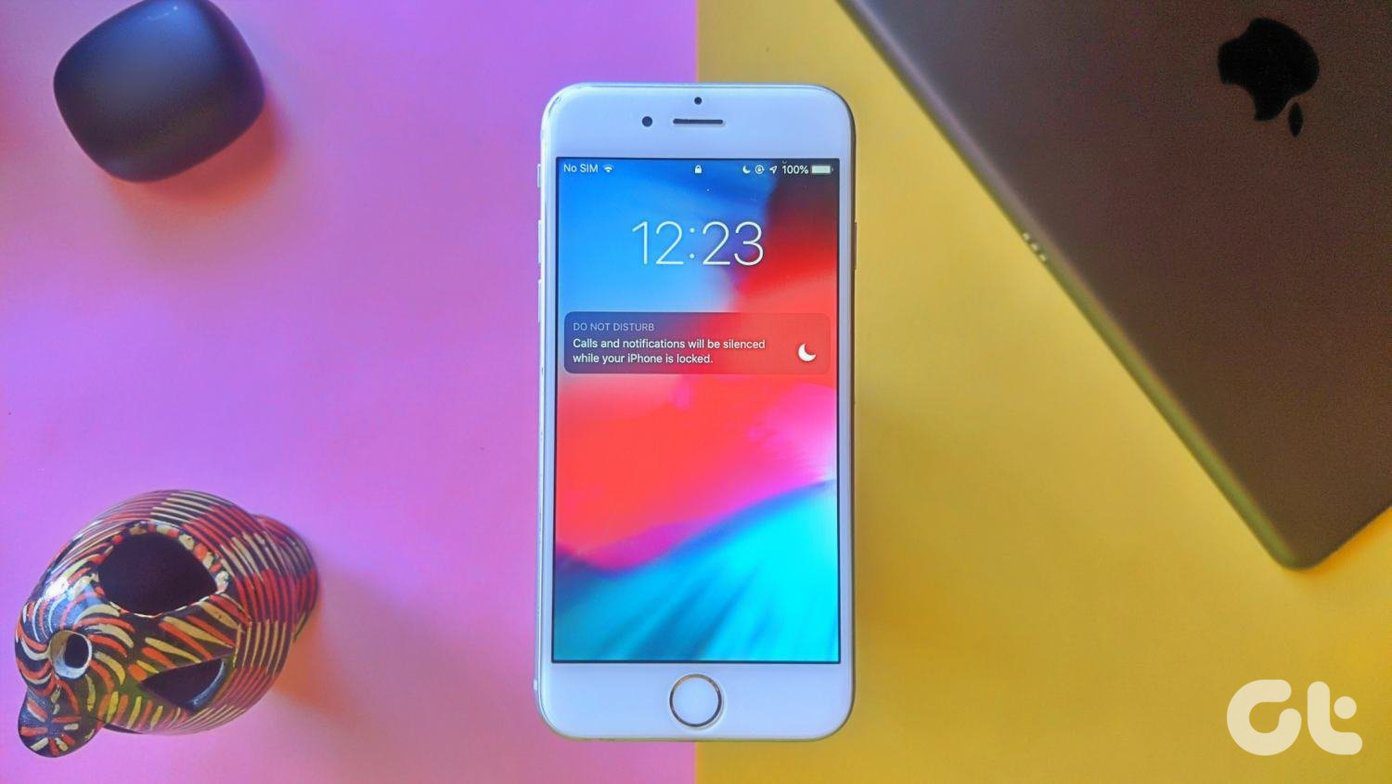 What’s the Difference Between Do Not Disturb, Airplane, and Silent Mode on iPhone
What Is Silent Mode on iPhone?
What’s the Difference Between Do Not Disturb, Airplane, and Silent Mode on iPhone
What Is Silent Mode on iPhone?
 Why Am I Getting Calls When Do Not Disturb or Focus Mode Is On
Stop Getting Calls During DND or Focus Mode on iPhone 1.
Why Am I Getting Calls When Do Not Disturb or Focus Mode Is On
Stop Getting Calls During DND or Focus Mode on iPhone 1.
 5 Best Ways to Fix Do Not Disturb Turning on Itself on Android
https://youtu.be/KPSTdO-aMpo Fix 1: Check the Do Not Disturb Schedule Step 1: Swipe up from the home screen to open the app drawer menu.
5 Best Ways to Fix Do Not Disturb Turning on Itself on Android
https://youtu.be/KPSTdO-aMpo Fix 1: Check the Do Not Disturb Schedule Step 1: Swipe up from the home screen to open the app drawer menu.
 5 Ways to Fix Do Not Disturb Turning on Itself on Windows 11
Common Fixes Disable Do Not Disturb from the Notification Shade: Select the Notification bell at the rightmost end of the Windows Taskbar and click the blue Do Not Disturb button
5 Ways to Fix Do Not Disturb Turning on Itself on Windows 11
Common Fixes Disable Do Not Disturb from the Notification Shade: Select the Notification bell at the rightmost end of the Windows Taskbar and click the blue Do Not Disturb button
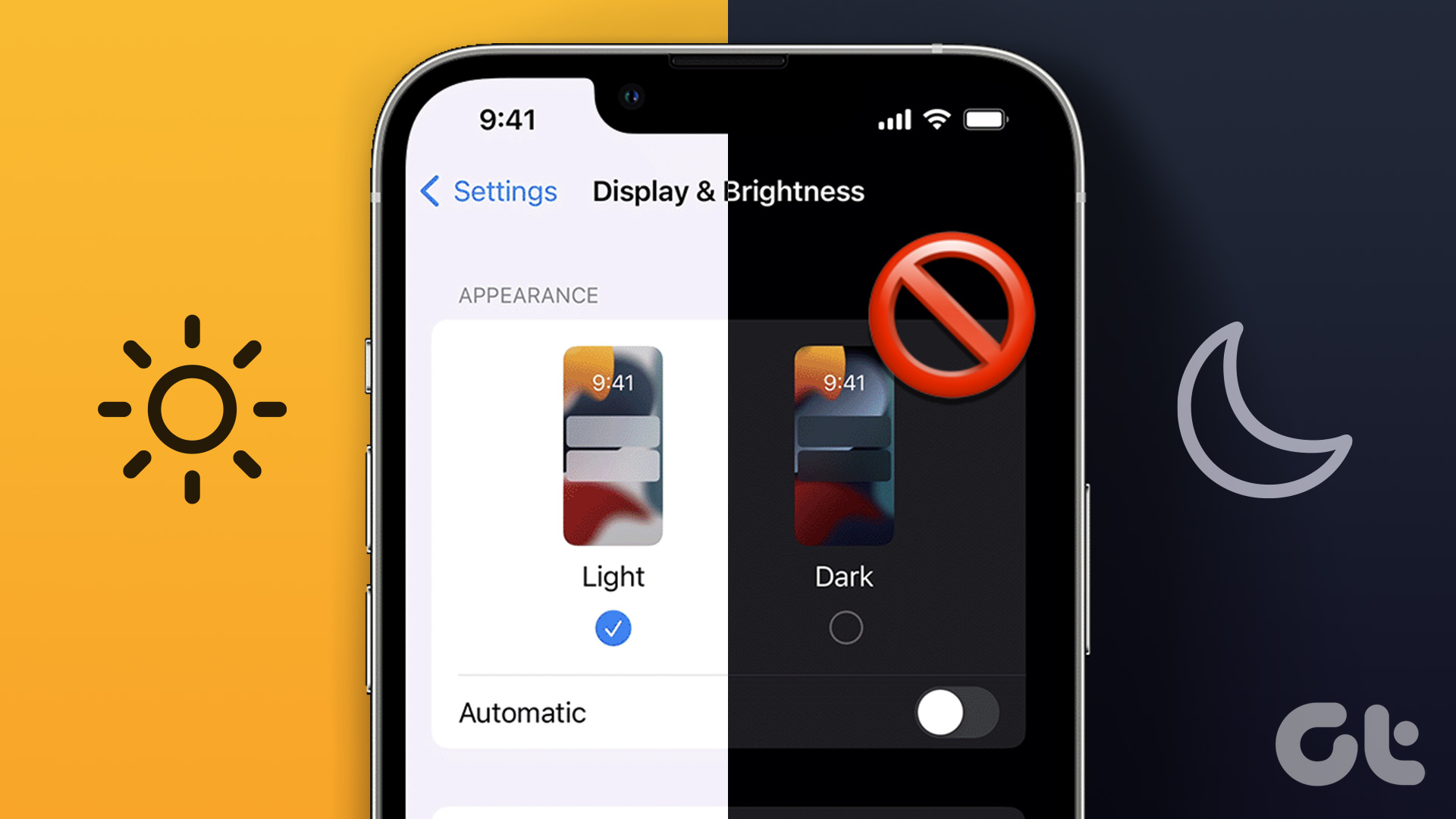 5 Ways to Turn off Dark Mode on iPhone and iPad
Basic Ways: Disable shortcuts: You can also look in the Apple Shortcuts app and see if any shortcut is set to enable Dark Mode on your iPhone.
5 Ways to Turn off Dark Mode on iPhone and iPad
Basic Ways: Disable shortcuts: You can also look in the Apple Shortcuts app and see if any shortcut is set to enable Dark Mode on your iPhone.
 4 Ways to Turn on Grayscale on iPhone and iPad
Basic Ways: Use Siri: If your device has Siri enabled, you can also use the ‘Hey Siri’ command to wake up Siri and turn on the Black and White mode
4 Ways to Turn on Grayscale on iPhone and iPad
Basic Ways: Use Siri: If your device has Siri enabled, you can also use the ‘Hey Siri’ command to wake up Siri and turn on the Black and White mode
The article above may contain affiliate links which help support Guiding Tech. The content remains unbiased and authentic and will never affect our editorial integrity.