

Basic Fixes
- Restart iPhone: Restarting your iPhone closes all running services and can even squash temporary bugs.
- Update iPhone: Check if there are any updates available for your iOS version. A new update will mostly fix bugs on older versions of the OS.
Fix 1: Enable StandBy Mode
Ensure you have turned on the toggle for StandBy mode in the Settings app on iOS 17. If not, the feature will not work on your iPhone.
Open the Settings app. Tap on StandBy and turn on the toggle for the same.


Fix 2: Use StandBy in the Right Way
Once you turn on StandBy in iOS 17, it only works when your iPhone is subjected to the conditions below.
- The feature only works when your iPhone is put to charge.
- You need to lock your iPhone.
- Your iPhone has to rest on a surface or be docked in landscape mode.
Fix 3: Use MFi-Certified Charging Accessories
If your iPhone has issues while charging, StandBy will not work. Therefore, make sure you use an MFi-certified lightning cable, power adapter, and MagSafe charger to charge your iPhone.
Fix 4: Disable Low Power Mode
Low Power Mode on iPhone restricts a few activities to increase endurance. So, turn it off to ensure it isn’t affecting StandBy.
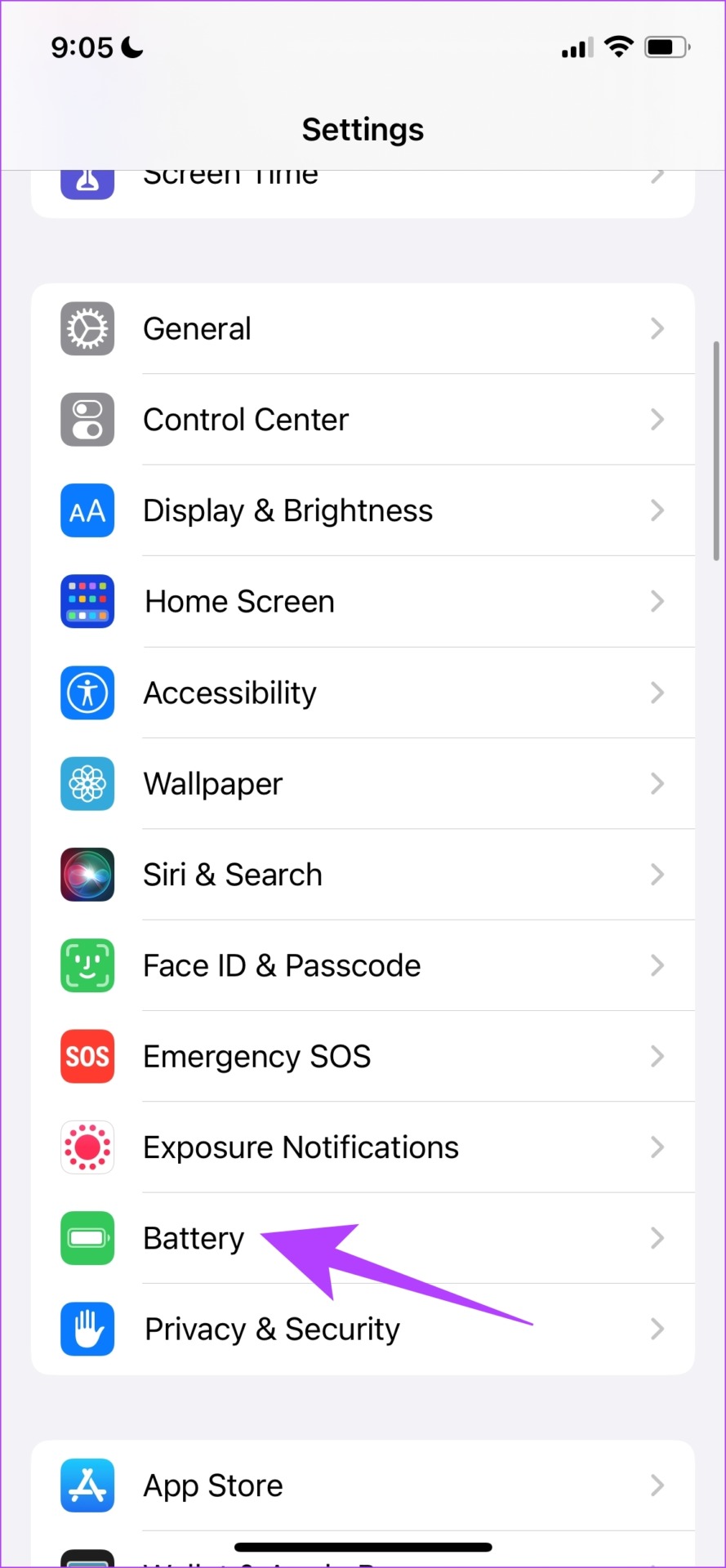
Open the Settings app. Tap on Battery and turn off the toggle for Low Power Mode.

If none of the above methods work, try resetting your iPhone.
Was this helpful?
Last updated on 04 April, 2024
2 Comments
Leave a Reply
Read Next
 5 Ways to Fix Red StandBy in iOS 17
Why Is StandBy Mode Red on Your iPhone?
5 Ways to Fix Red StandBy in iOS 17
Why Is StandBy Mode Red on Your iPhone?
 2 Ways to Fix Portrait Mode Not Working On iPhone
Basic Fixes Clean Camera Lens: Dirty camera lens can often lead to bad pictures or, in this case, the portrait effect not kicking in.
2 Ways to Fix Portrait Mode Not Working On iPhone
Basic Fixes Clean Camera Lens: Dirty camera lens can often lead to bad pictures or, in this case, the portrait effect not kicking in.
 How to Fix Apple Music Sing (Karaoke Mode) Not Working on iPhone
Basic Fixes: Update the iPhone to iOS 16.2: If you haven’t updated your iPhone to iOS 16.2, Apple Music Sing will not work.
How to Fix Apple Music Sing (Karaoke Mode) Not Working on iPhone
Basic Fixes: Update the iPhone to iOS 16.2: If you haven’t updated your iPhone to iOS 16.2, Apple Music Sing will not work.
 6 Ways to Fix iPhone Automatically Goes to Silent Mode
Basic Fixes: Check sound settings: First, check the ringer and alert volume on your iPhone.
6 Ways to Fix iPhone Automatically Goes to Silent Mode
Basic Fixes: Check sound settings: First, check the ringer and alert volume on your iPhone.
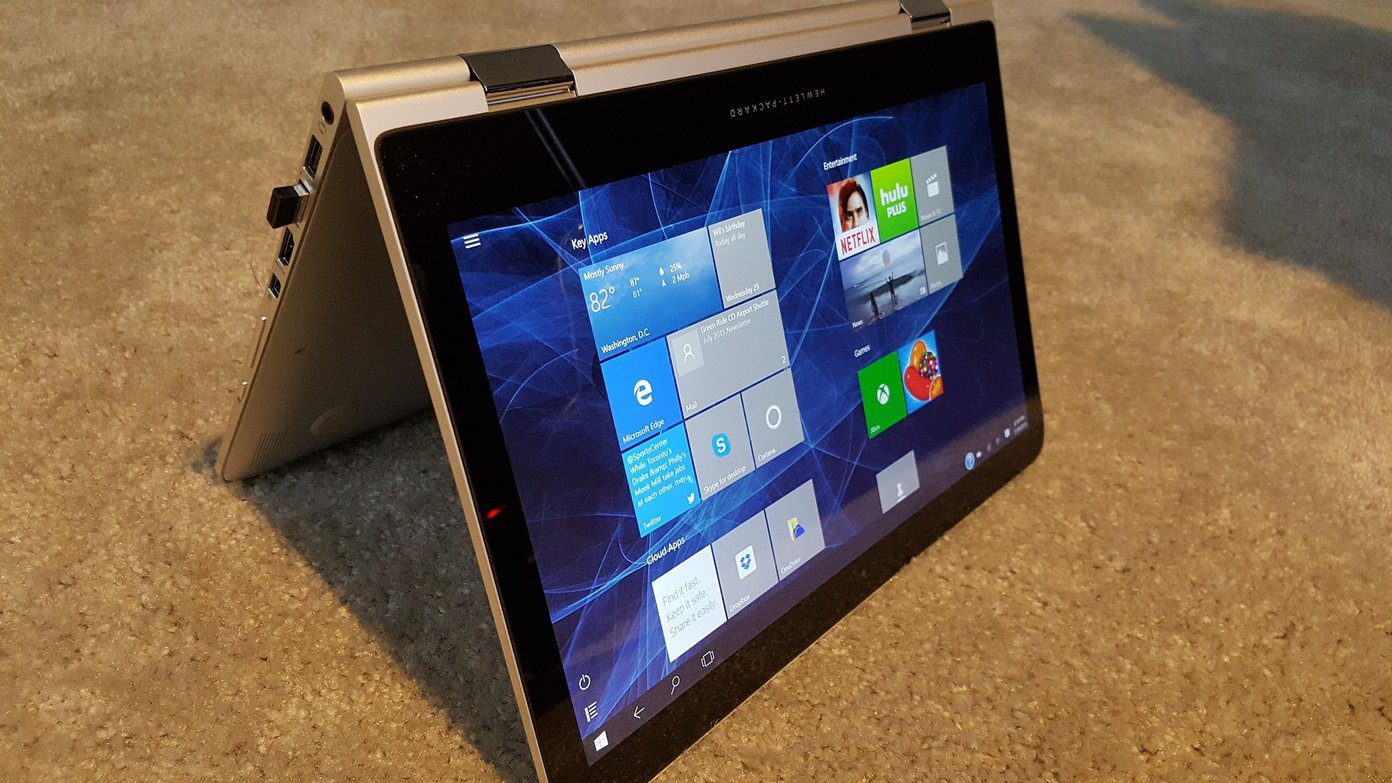 Top 4 Ways to Fix Windows 10 Tablet Mode Not Working
A laptop or an All-in-One computer with a touchscreen can be extremely useful.
Top 4 Ways to Fix Windows 10 Tablet Mode Not Working
A laptop or an All-in-One computer with a touchscreen can be extremely useful.
 7 Ways to Fix Sleep Mode Not Working on Windows 11
Fix 1: Verify Screen and Sleep Settings Your first step is to check the screen and sleep settings in Windows 11 and ensure that you haven’t disabled sleep mode accidentally.
7 Ways to Fix Sleep Mode Not Working on Windows 11
Fix 1: Verify Screen and Sleep Settings Your first step is to check the screen and sleep settings in Windows 11 and ensure that you haven’t disabled sleep mode accidentally.
 4 Ways to Fix Picture-In-Picture Mode Not Working on Android
Try Basic Fixes Update the problematic app: If the picture-in-picture mode is not working due to a buggy app build, you should be able to fix it by updating the
4 Ways to Fix Picture-In-Picture Mode Not Working on Android
Try Basic Fixes Update the problematic app: If the picture-in-picture mode is not working due to a buggy app build, you should be able to fix it by updating the
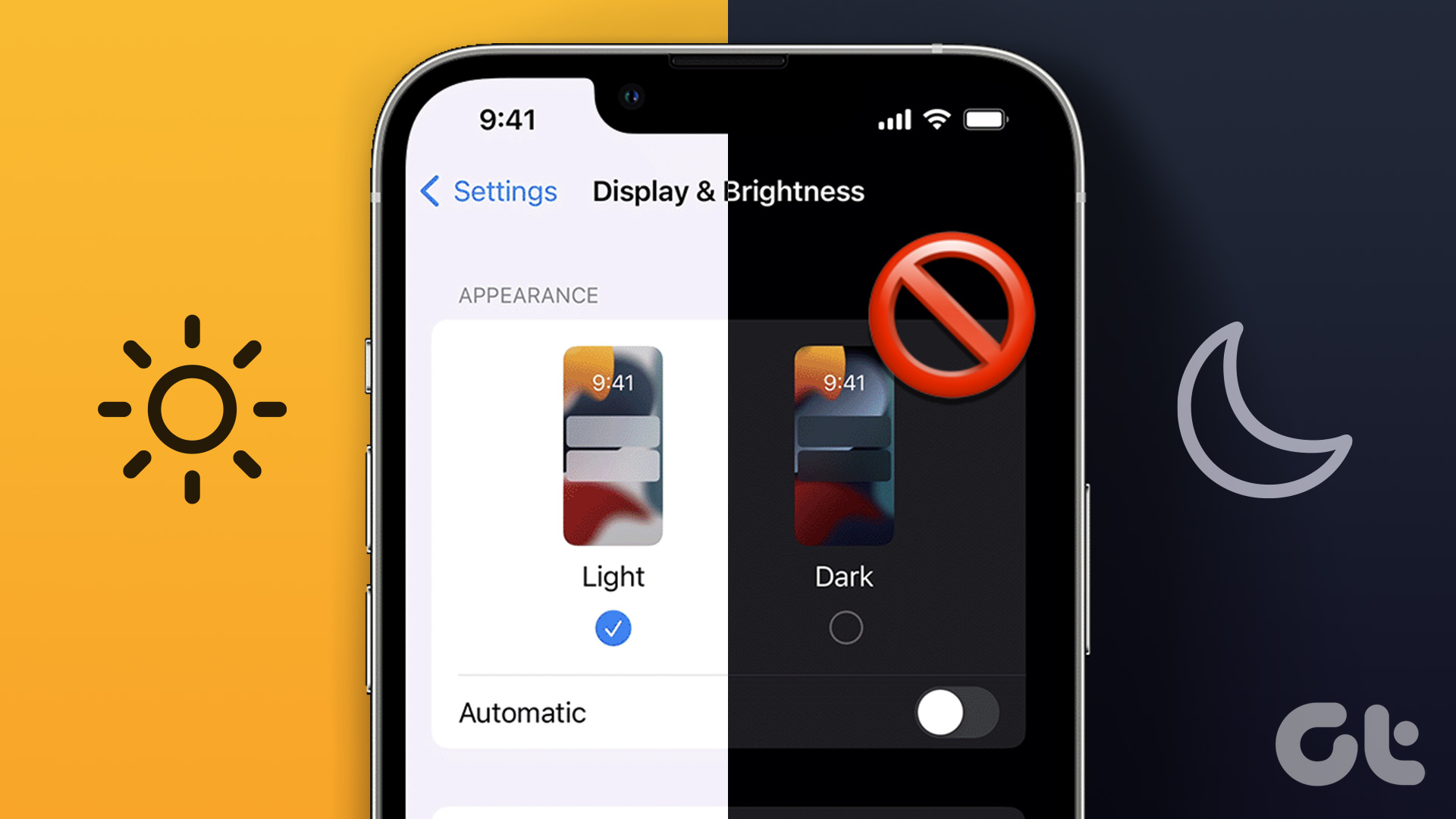 5 Ways to Turn off Dark Mode on iPhone and iPad
Basic Ways: Disable shortcuts: You can also look in the Apple Shortcuts app and see if any shortcut is set to enable Dark Mode on your iPhone.
5 Ways to Turn off Dark Mode on iPhone and iPad
Basic Ways: Disable shortcuts: You can also look in the Apple Shortcuts app and see if any shortcut is set to enable Dark Mode on your iPhone.
The article above may contain affiliate links which help support Guiding Tech. The content remains unbiased and authentic and will never affect our editorial integrity.
You say above that the phone need to be plugged in.
Doesn’t it also work whilst attached to a magsafe charging stand?
Or it could be that your watch is hijacking your notifications, try turning off or unpairing your watch.