

Fix 1: Force Restart iPhone
You can force restart your iPhone to fix the issue. Many on Reddit claimed that doing this solved their problem.
- On iPhone 8, SE 2nd gen, and later:
- Press and quickly release the volume up button.
- Press and quickly release the volume down button, then press and hold the side button.
- When the Apple logo appears, release the button.
- On iPhone 7 and 7 Plus:
- Press and hold both the volume down button and the Sleep/Wake button at the same time.
- When the Apple logo appears, release both buttons.
- On iPhone 6s and SE 1st gen:
- Press and hold both the Sleep/Wake button and the Home button at the same time.
- When the Apple logo appears, release both buttons.
Fix 2: Shut Down iPhone Using Settings
If you are not able to shut down your iPhone using the power key and the volume keys, use the Settings app to turn it off.
Open the Settings app, go to General scroll down, and tap on Shut Down. Then, slide to power off.


Also Read: How to fix iPhone screen black and white issue
Method 3: Turn Off the iPhone Using Siri
You can easily turn off your iPhone using Siri. Activate Siri and use the command Switch Off iPhone or a similar phrase. Then, tap on the Power Off button.

You can also try updating your iPhone to fix any bugs. If it doesn’t work, try to reset all settings on your iPhone. You can also contact Apple’s customer support if none of the above methods work.
Was this helpful?
Last updated on 27 June, 2024
1 Comment
Leave a Reply
Read Next
 2 Ways to Fix a Frozen Kindle Screen
Basic Fixes Low battery: If your Kindle's battery is critically low, it might freeze as it may not have enough power to refresh the display.
2 Ways to Fix a Frozen Kindle Screen
Basic Fixes Low battery: If your Kindle's battery is critically low, it might freeze as it may not have enough power to refresh the display.
 How to Force Restart or Shut Down Mac When Frozen
Has your Mac ever frozen to the point where you couldn't even shut it down?
How to Force Restart or Shut Down Mac When Frozen
Has your Mac ever frozen to the point where you couldn't even shut it down?
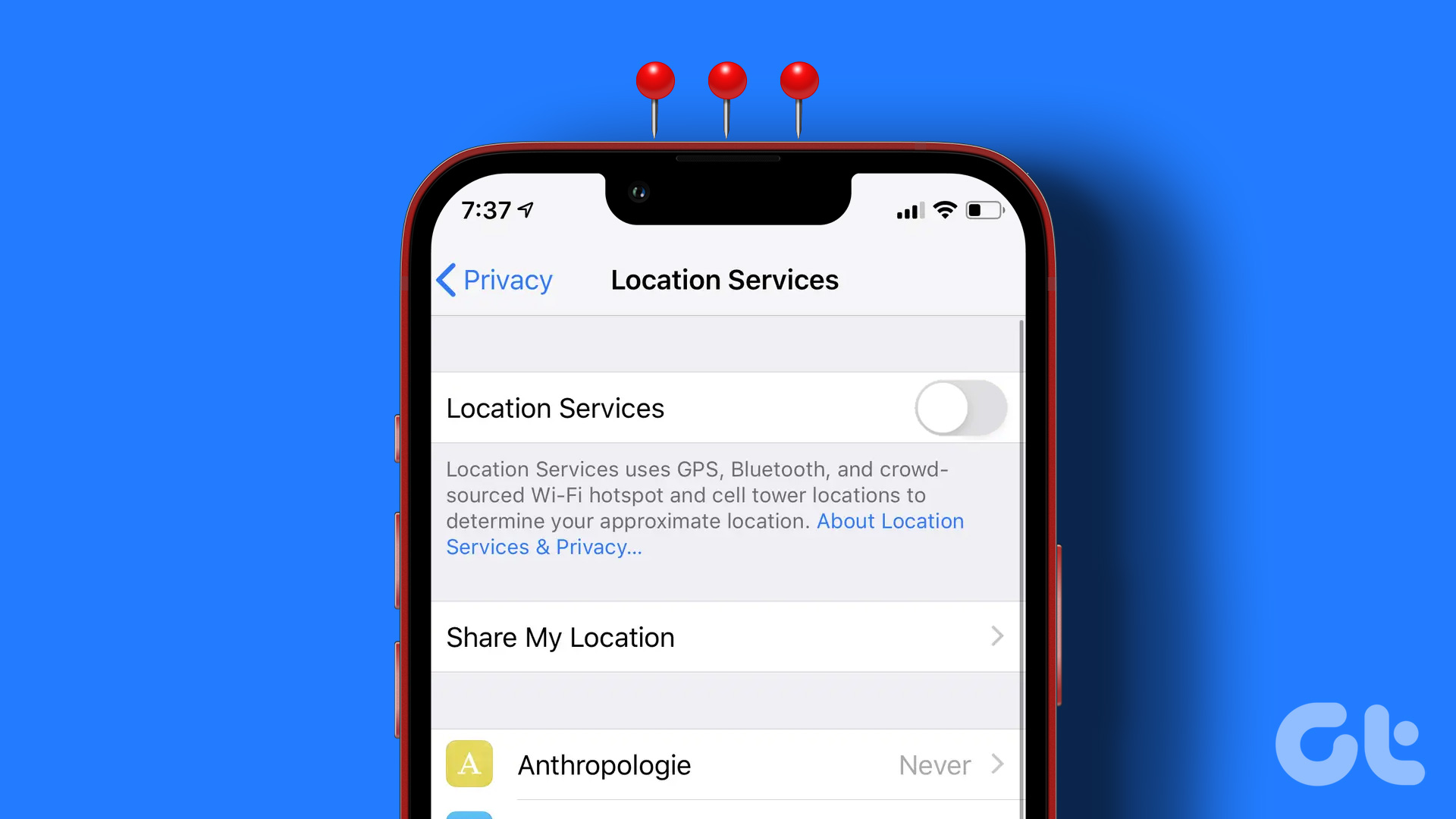 6 Ways to Turn off Location on iPhone
Method 1: Disable Location on iPhone Using Settings Open the Settings app > go to Privacy > Location Services > turn it off.
6 Ways to Turn off Location on iPhone
Method 1: Disable Location on iPhone Using Settings Open the Settings app > go to Privacy > Location Services > turn it off.
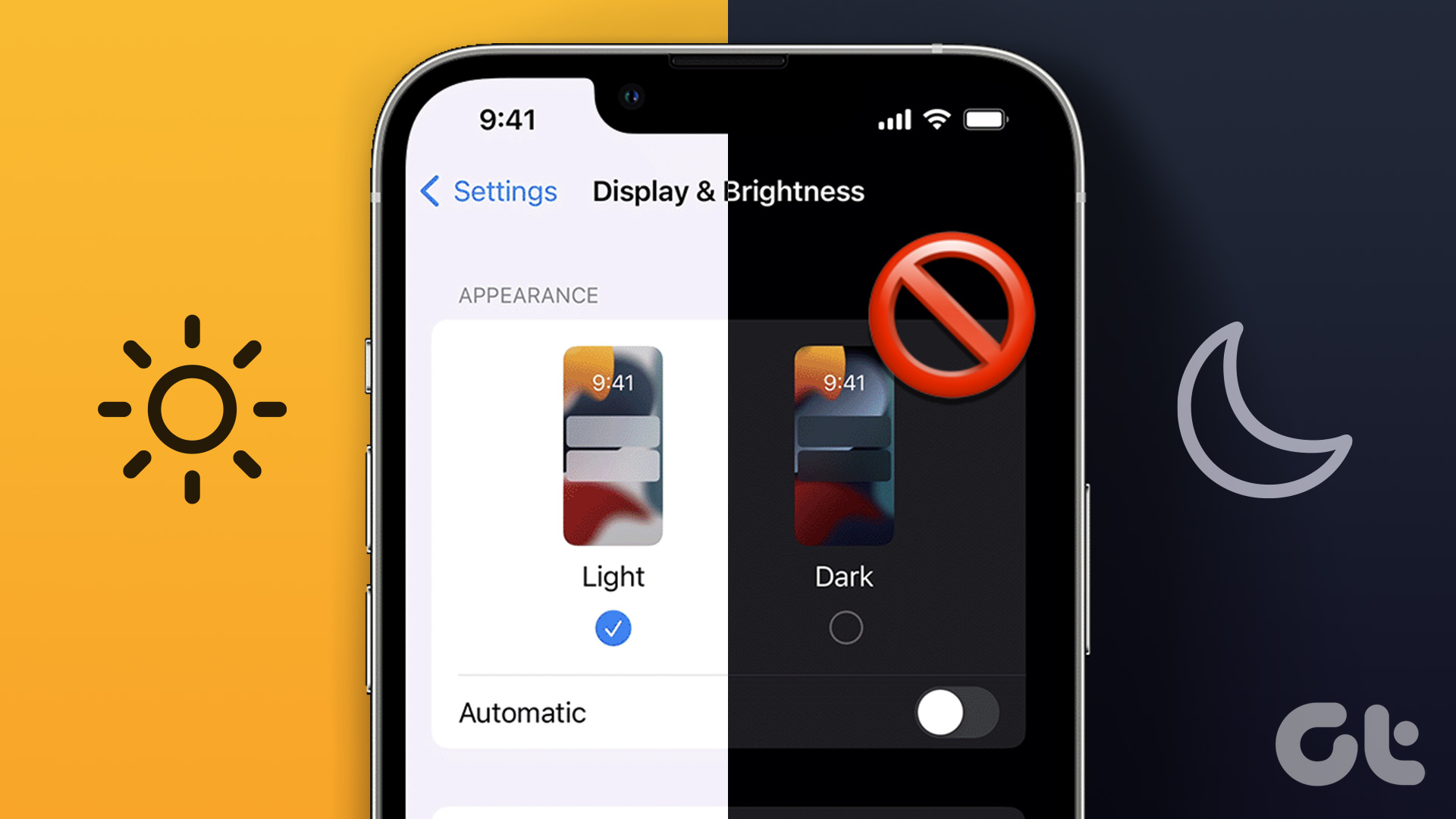 5 Ways to Turn off Dark Mode on iPhone and iPad
Basic Ways: Disable shortcuts: You can also look in the Apple Shortcuts app and see if any shortcut is set to enable Dark Mode on your iPhone.
5 Ways to Turn off Dark Mode on iPhone and iPad
Basic Ways: Disable shortcuts: You can also look in the Apple Shortcuts app and see if any shortcut is set to enable Dark Mode on your iPhone.
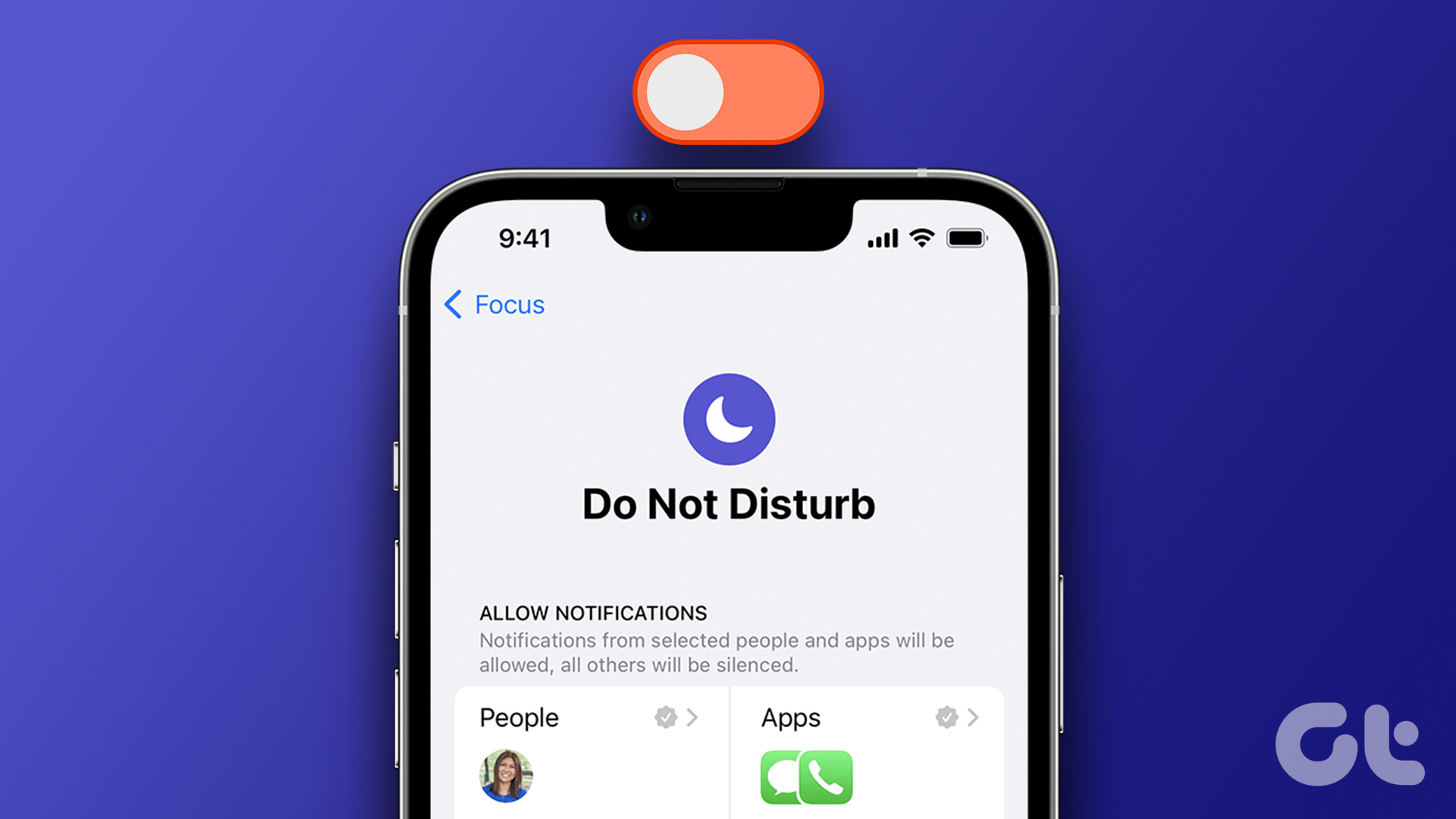 5 Ways to Turn Off Do Not Disturb on iPhone or iPad
Method 1.
5 Ways to Turn Off Do Not Disturb on iPhone or iPad
Method 1.
 4 Ways to Turn on Grayscale on iPhone and iPad
Basic Ways: Use Siri: If your device has Siri enabled, you can also use the ‘Hey Siri’ command to wake up Siri and turn on the Black and White mode
4 Ways to Turn on Grayscale on iPhone and iPad
Basic Ways: Use Siri: If your device has Siri enabled, you can also use the ‘Hey Siri’ command to wake up Siri and turn on the Black and White mode
 6 Ways to Turn off Camera Sound on iPhone
Things to Consider Before Turning Off iPhone's Camera Shutter Sound Let us quickly look at a few things you should consider before we proceed with the task at hand and
6 Ways to Turn off Camera Sound on iPhone
Things to Consider Before Turning Off iPhone's Camera Shutter Sound Let us quickly look at a few things you should consider before we proceed with the task at hand and
 3 Ways to Turn Off Downtime on Apple Watch
What Is Downtime on the iPhone and Apple Watch Downtime is a screen time restriction for your Apple devices, disabling all applications when enabled.
3 Ways to Turn Off Downtime on Apple Watch
What Is Downtime on the iPhone and Apple Watch Downtime is a screen time restriction for your Apple devices, disabling all applications when enabled.
The article above may contain affiliate links which help support Guiding Tech. The content remains unbiased and authentic and will never affect our editorial integrity.
None of the methods offered solved my problem. I can’t access any of my apps or turn the darn phone off. What is going on? HELP