


Before you begin, restart your Android device and ensure you have an active plan that supports outgoing calls.
Fix 1: Check Default SIM for Calls
Ensure the preferred SIM selected for making calls has an active plan and supports incoming/outgoing calls.
Open Settings, go to Mobile Network > SIM preferences, and check the preferred SIM for Voice Calls.


Fix 2: Disable and Enable SIM
Re-activating SIM cards can establish a fresh connection, thereby removing any bugs.
Open Settings > Mobile network, select the SIM card, and turn it off and turn it on.


Fix 3: Disable Wi-Fi Calling
Wi-Fi calling enhances voice quality when connected to a Wi-Fi network. However, inadequate signal strength can cause problems and prevent your Android device from making or receiving calls as expected.
Open Settings > Mobile network > Wi-Fi calling, and turn it off.


Fix 4: Fix Issues With Phone App
If the Phone app is facing issues on your Android device, here’s how you can fix it.
Tap and hold the Phone app icon, and select app info.
- You can Force Stop the app, and restart it to resolve temporary glitches.
- You can also try clearing the cache to remove junk files that may cause issues.
- A recent update to the app may be causing issues – tap on the three-dots icon, and select Uninstall Updates.


Fix 5: Enable Calls From Unknown/Blocked Numbers
If you can’t receive calls from a specific number – check if you’ve blocked it, or if you’ve prevented unknown numbers from calling you.
Step 1: Open the Phone app and click on the three-dots icon > Settings.


Step 2: Tap on Blocked numbers and turn off the toggle for Unknown. Additionally, unblock the numbers present in the block list.


If none of the above methods work, try to reset the network settings on your Android device. Or, you can contact your network service provider for more assistance.
Was this helpful?
Last updated on 24 July, 2024
Read Next
 5 Ways to Fix Android Phone Not Making Calls But Can Text
Basic Fixes Eject and re-insert SIM: Eject the SIM card from your phone, and insert it again - doing this can refresh the network connection.
5 Ways to Fix Android Phone Not Making Calls But Can Text
Basic Fixes Eject and re-insert SIM: Eject the SIM card from your phone, and insert it again - doing this can refresh the network connection.
 How to Fix iPhone Making Calls Randomly on Its Own
Basic Fixes Disconnect Bluetooth devices: If you accidentally press the dedicated call button on your Bluetooth accessory, your iPhone may place random calls.
How to Fix iPhone Making Calls Randomly on Its Own
Basic Fixes Disconnect Bluetooth devices: If you accidentally press the dedicated call button on your Bluetooth accessory, your iPhone may place random calls.
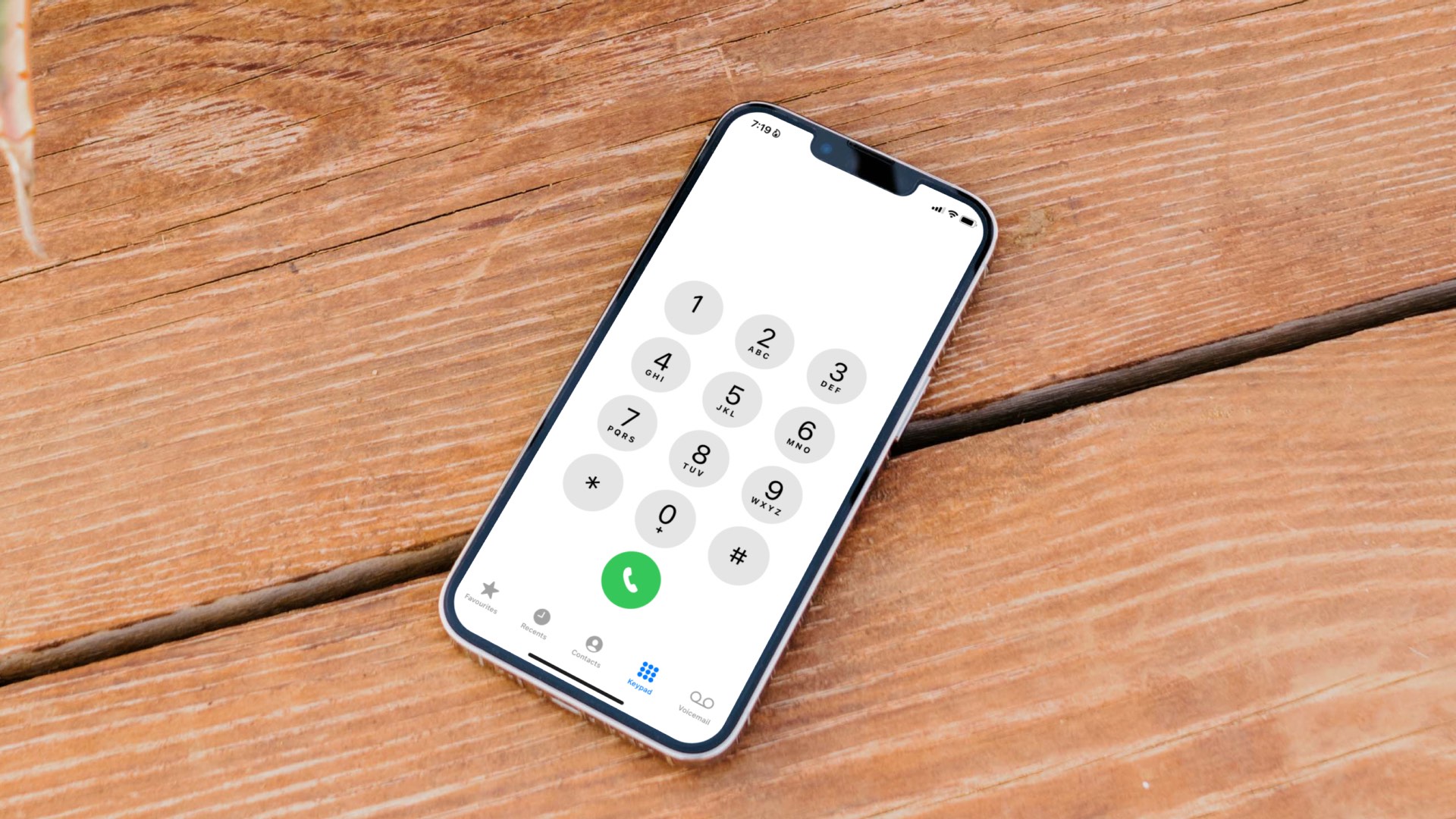 4 Ways to Fix iPhone Not Making Calls but Can Text
Basic Fixes: Use Airplane Mode: Enabling and disabling Airplane Mode helps reset the network connectivity on your iPhone.
4 Ways to Fix iPhone Not Making Calls but Can Text
Basic Fixes: Use Airplane Mode: Enabling and disabling Airplane Mode helps reset the network connectivity on your iPhone.
 5 Ways to Fix Samsung Galaxy Phone Not Receiving Calls
https://youtu.be/oL3QSdMsT3o Basic Fixes: Restart your phone: Long-press the power button and select Restart.
5 Ways to Fix Samsung Galaxy Phone Not Receiving Calls
https://youtu.be/oL3QSdMsT3o Basic Fixes: Restart your phone: Long-press the power button and select Restart.
 How to Find and Fix Windows 10 Making Random Sounds
Recently, when I was working on my Windows 10 laptop, I heard some random ding sounds coming from the speaker.
How to Find and Fix Windows 10 Making Random Sounds
Recently, when I was working on my Windows 10 laptop, I heard some random ding sounds coming from the speaker.
 3 Ways to Fix iPad Making Static Noise or Buzzing Sound
Why Is My iPad Making Buzzing Sound?
3 Ways to Fix iPad Making Static Noise or Buzzing Sound
Why Is My iPad Making Buzzing Sound?
 4 Fixes for Android Not Showing Contact Names for Incoming Calls
https://youtu.be/42YJeJ_T88c Fix 1: Allow the Phone App to Access Your Contacts Like most apps, the Phone app on your Android also requires permission to access your contact list.
4 Fixes for Android Not Showing Contact Names for Incoming Calls
https://youtu.be/42YJeJ_T88c Fix 1: Allow the Phone App to Access Your Contacts Like most apps, the Phone app on your Android also requires permission to access your contact list.
 4 Fixes When Outlook Is Not Receiving Emails From Gmail on Windows
Basic Fixes: Free up Mailbox Storage: If your mailbox storage is full, you will not receive new emails, and deleting or creating extra storage is the only option.
4 Fixes When Outlook Is Not Receiving Emails From Gmail on Windows
Basic Fixes: Free up Mailbox Storage: If your mailbox storage is full, you will not receive new emails, and deleting or creating extra storage is the only option.
The article above may contain affiliate links which help support Guiding Tech. The content remains unbiased and authentic and will never affect our editorial integrity.

