Basic Fixes
- Force quit and relaunch YouTube app: This will give the app a fresh start if it has been running in the background for quite some time now.
- Update YouTube app: Install the latest version of the app on your mobile. The feature might need multiple app updates to work smoothly.
Fix 1: Disable Inline Playback
Inline Playback is a new feature introduced by YouTube that starts playing the video when you stop at a video thumbnail for more than 2-3 seconds while browsing the app. Some users on Reddit reported that disabling this feature resolved the issue of YouTube’s “Add to queue” missing. So we will suggest you try this troubleshooting method. The steps remain the same for Android and iPhone users.
Open the YouTube app > Profile icon > Settings > General > Playback in feeds > Turn off the feature.


Fix 2: Log In Again to Your Account
This will reload all your data and preferences in the YouTube app on your iPhone or Android. You can try this and then see if the “Add to Queue” feature is working.
Tip: You can also check out our post to learn how to search comments on YouTube.
Was this helpful?
Last updated on 12 August, 2024
Read Next
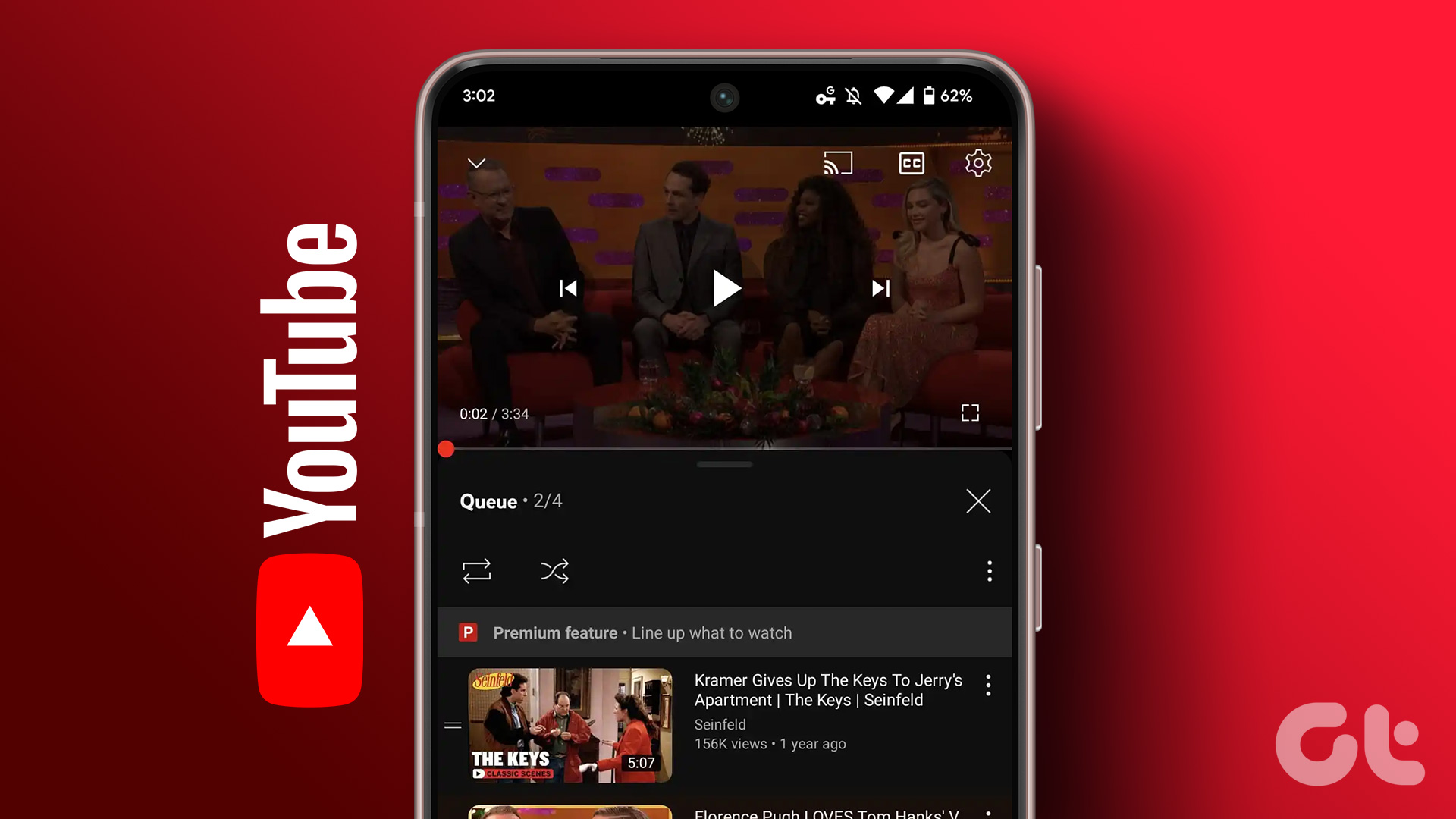 How to Use the Add to Queue Feature in YouTube
Use Add to Queue on YouTube on Desktop Before we start, this feature is only available for YouTube Premium subscribers.
How to Use the Add to Queue Feature in YouTube
Use Add to Queue on YouTube on Desktop Before we start, this feature is only available for YouTube Premium subscribers.
 5 Fixes for Closed Captions Not Working on YouTube
Fix 1: Check Captions Font and Style Settings YouTube provides several options for customizing caption colors, styles, sizes, and more.
5 Fixes for Closed Captions Not Working on YouTube
Fix 1: Check Captions Font and Style Settings YouTube provides several options for customizing caption colors, styles, sizes, and more.
 4 Cool Sites to Watch YouTube Videos Without YouTube
1.
4 Cool Sites to Watch YouTube Videos Without YouTube
1.
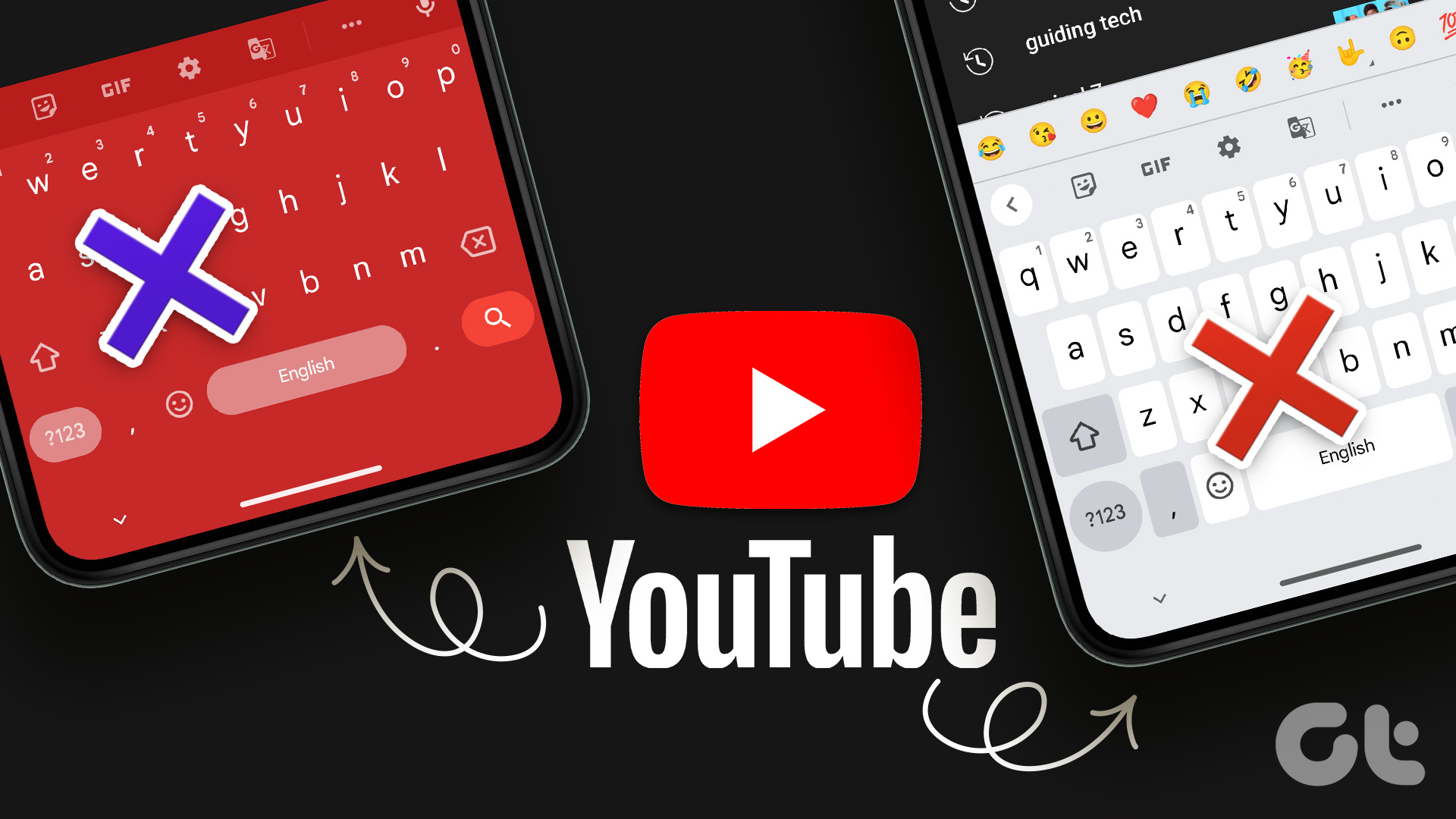 3 Fixes for Android Keyboard Not Working in the YouTube App
Basic Fixes Force quit and relaunch YouTube and Android keyboard: This will give the apps a fresh start on your device.
3 Fixes for Android Keyboard Not Working in the YouTube App
Basic Fixes Force quit and relaunch YouTube and Android keyboard: This will give the apps a fresh start on your device.
 3 Fixes for YouTube Restricted Mode Won’t Turn off
Basic Fixes Check account restrictions: The Restricted Mode might have been enabled by admin or parent account.
3 Fixes for YouTube Restricted Mode Won’t Turn off
Basic Fixes Check account restrictions: The Restricted Mode might have been enabled by admin or parent account.
 4 Fixes for Android Auto Not Playing Music From Spotify or YouTube Music
Fix 1: Change the Default Music Streaming Service Say you have a Spotify subscription.
4 Fixes for Android Auto Not Playing Music From Spotify or YouTube Music
Fix 1: Change the Default Music Streaming Service Say you have a Spotify subscription.
 3 Fixes for YouTube Premium Not Downloading Videos Offline
Basic Fixes Check Internet Connectivity: Ensure your device is connected to a Wi-Fi network or cellular data with good signal strength and an active plan.
3 Fixes for YouTube Premium Not Downloading Videos Offline
Basic Fixes Check Internet Connectivity: Ensure your device is connected to a Wi-Fi network or cellular data with good signal strength and an active plan.
 3 Fixes for Can’t Post Comments on YouTube Videos and Shorts
Try Basic Fixes The creator may have blocked your account: YouTube gives creators the option to block specific users from commenting on their videos.
3 Fixes for Can’t Post Comments on YouTube Videos and Shorts
Try Basic Fixes The creator may have blocked your account: YouTube gives creators the option to block specific users from commenting on their videos.
The article above may contain affiliate links which help support Guiding Tech. The content remains unbiased and authentic and will never affect our editorial integrity.