


Basic Fixes:
- Check network connection: If your phone has a spotty network connection, you may not receive a security code from Epic Games via email or SMS. In such cases, wait for the connection to stabilize. You can also enable and disable your phone’s Airplane mode to reset the network manually.
- Double-check email: Typing an email address hastily can result in typos. Double-check your email and try again.
- Check Epic Games status: Sometimes, Epic Games servers may not keep up with high demand. You can visit the company’s dedicated website to check Discord’s server status.
Fix 1. Disable VPN
An active VPN connection modifies your virtual IP address, which Epic Games may see as a new location. Try disabling the VPN to see if it fixes the issue.
Step 1: Open your preferred VPN app on the desktop.
Step 2: Turn off the VPN connection.

Fix 2. Contact Epic Games Support
Is Epic Games still not sending a security code for your account? You need to contact Epic Games to submit a support ticket. You can visit the Epic Games Contact Us page and fill in the necessary details to get back access to your account.
Was this helpful?
Thanks for your feedback!
Last updated on 26 July, 2024
Read Next
 6 Ways to Fix Epic Games Error Code II-E1003
Basic Fixes: Ensure Stable Network: This is one of the biggest reasons you see the Install Failed Error Code II-E1003 in Epic Games.
6 Ways to Fix Epic Games Error Code II-E1003
Basic Fixes: Ensure Stable Network: This is one of the biggest reasons you see the Install Failed Error Code II-E1003 in Epic Games.
 How to Fix Epic Games Library Not Showing Games
Basic Fixes: Refresh Epic Games launcher library: A quick refresh can help fix any glitches keeping you from accessing your Epic Games Library.
How to Fix Epic Games Library Not Showing Games
Basic Fixes: Refresh Epic Games launcher library: A quick refresh can help fix any glitches keeping you from accessing your Epic Games Library.
 Top 4 Ways to Fix Instagram Not Sending a Security Code
https://youtu.be/N1KvHzjClJA Preliminary Fixes Check the Network Connection: A weak or unstable internet connection can prevent Instagram from sending security codes.
Top 4 Ways to Fix Instagram Not Sending a Security Code
https://youtu.be/N1KvHzjClJA Preliminary Fixes Check the Network Connection: A weak or unstable internet connection can prevent Instagram from sending security codes.
 3 Ways to Fix Facebook Not Sending Security Code
Basic Fixes: Wait for some time: Due to a large number of user requests, Facebook servers might get jammed and delay sending a verification code.
3 Ways to Fix Facebook Not Sending Security Code
Basic Fixes: Wait for some time: Due to a large number of user requests, Facebook servers might get jammed and delay sending a verification code.
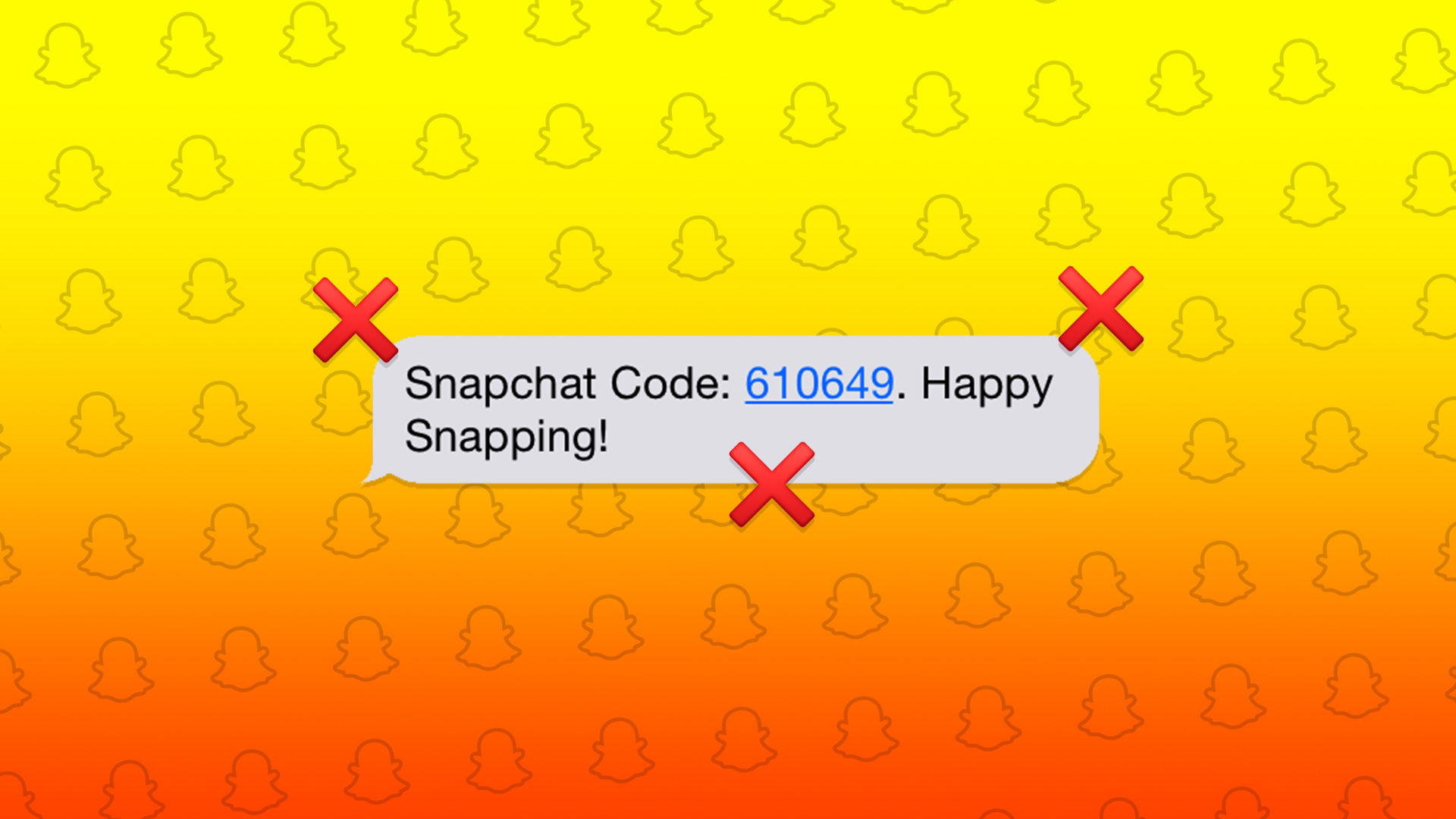 4 Ways to Fix Snapchat Not Sending a Security Code
Basic Fixes: Check Snapchat server status: If Snapchat's servers are not working properly, it can cause the security code not to come through.
4 Ways to Fix Snapchat Not Sending a Security Code
Basic Fixes: Check Snapchat server status: If Snapchat's servers are not working properly, it can cause the security code not to come through.
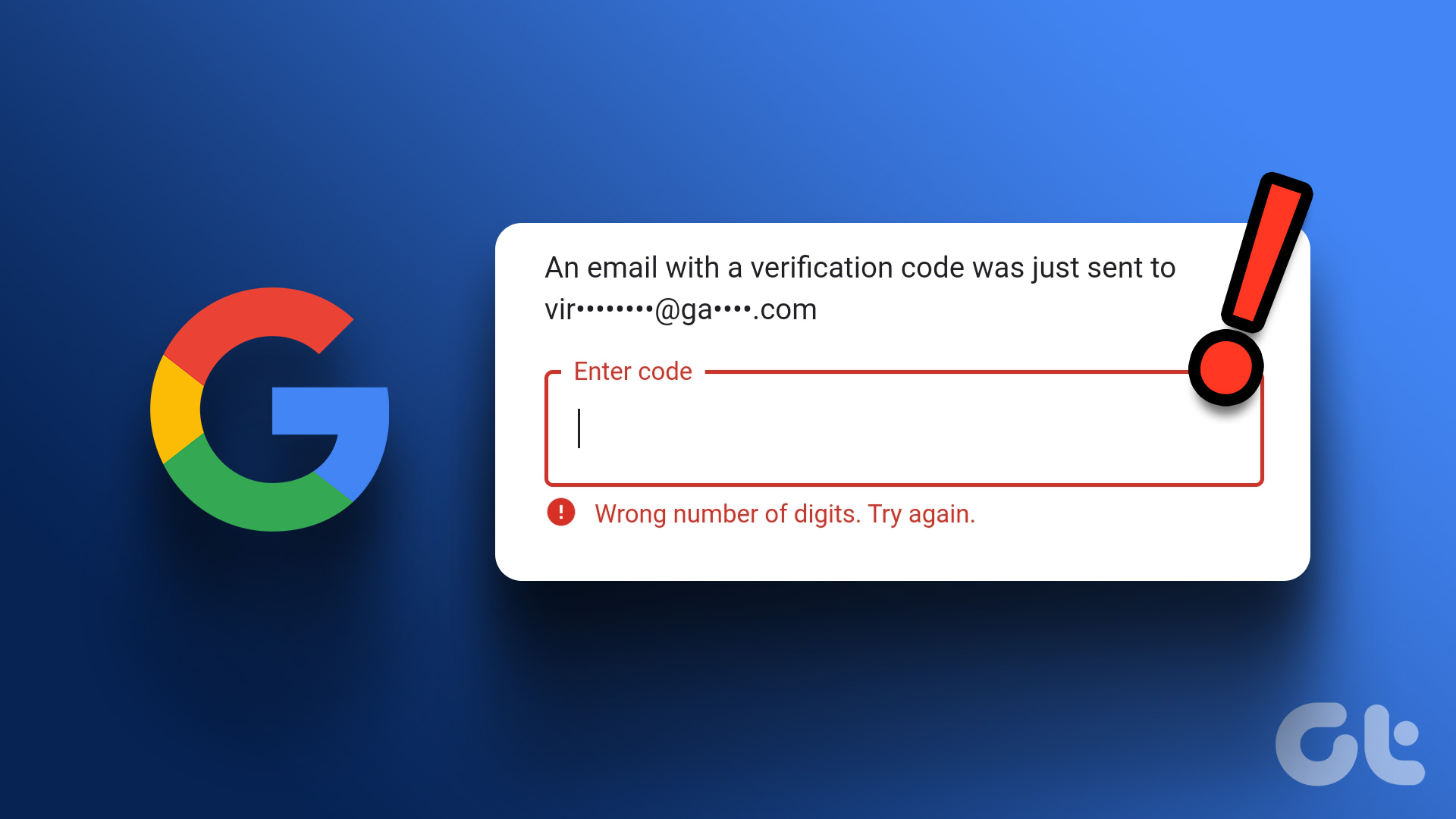 Top 4 Ways to Fix Google Not Sending a Security Code
Preliminary Fixes Check the Network Connection: A stable internet connection is essential for receiving security codes via email.
Top 4 Ways to Fix Google Not Sending a Security Code
Preliminary Fixes Check the Network Connection: A stable internet connection is essential for receiving security codes via email.
 2 Ways to Fix Discord Not Sending a Security Code
Basic Troubleshooting Double-check the number and country code: A silly mistake could be causing the issue.
2 Ways to Fix Discord Not Sending a Security Code
Basic Troubleshooting Double-check the number and country code: A silly mistake could be causing the issue.
 3 Ways to Fix PayPal Not Sending a Security Code
Before we talk about troubleshooting tricks, let’s understand why PayPal is asking for a security code in the first place: When you use a new device to use PayPal, it
3 Ways to Fix PayPal Not Sending a Security Code
Before we talk about troubleshooting tricks, let’s understand why PayPal is asking for a security code in the first place: When you use a new device to use PayPal, it
The article above may contain affiliate links which help support Guiding Tech. The content remains unbiased and authentic and will never affect our editorial integrity.

