1. Apple Health – Default App to Log In Calories
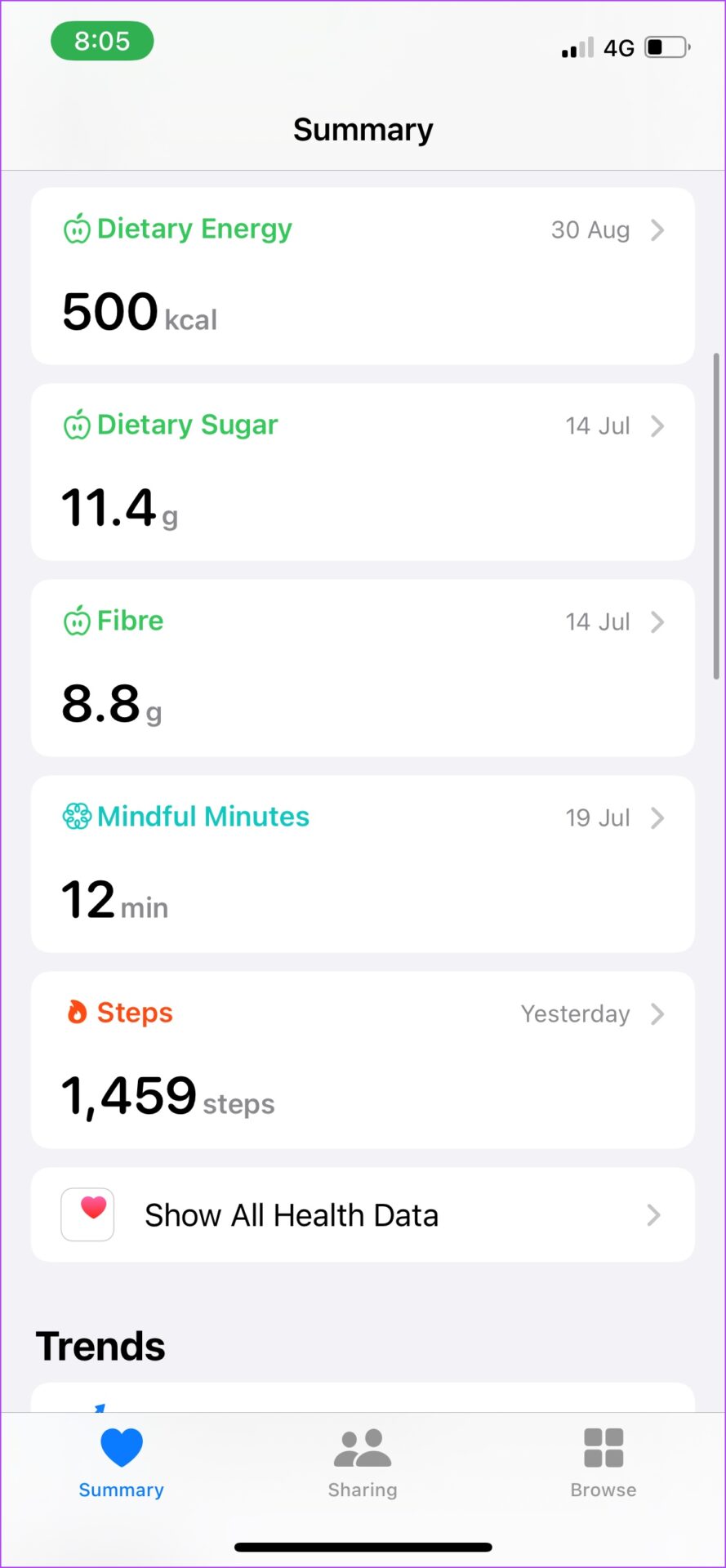
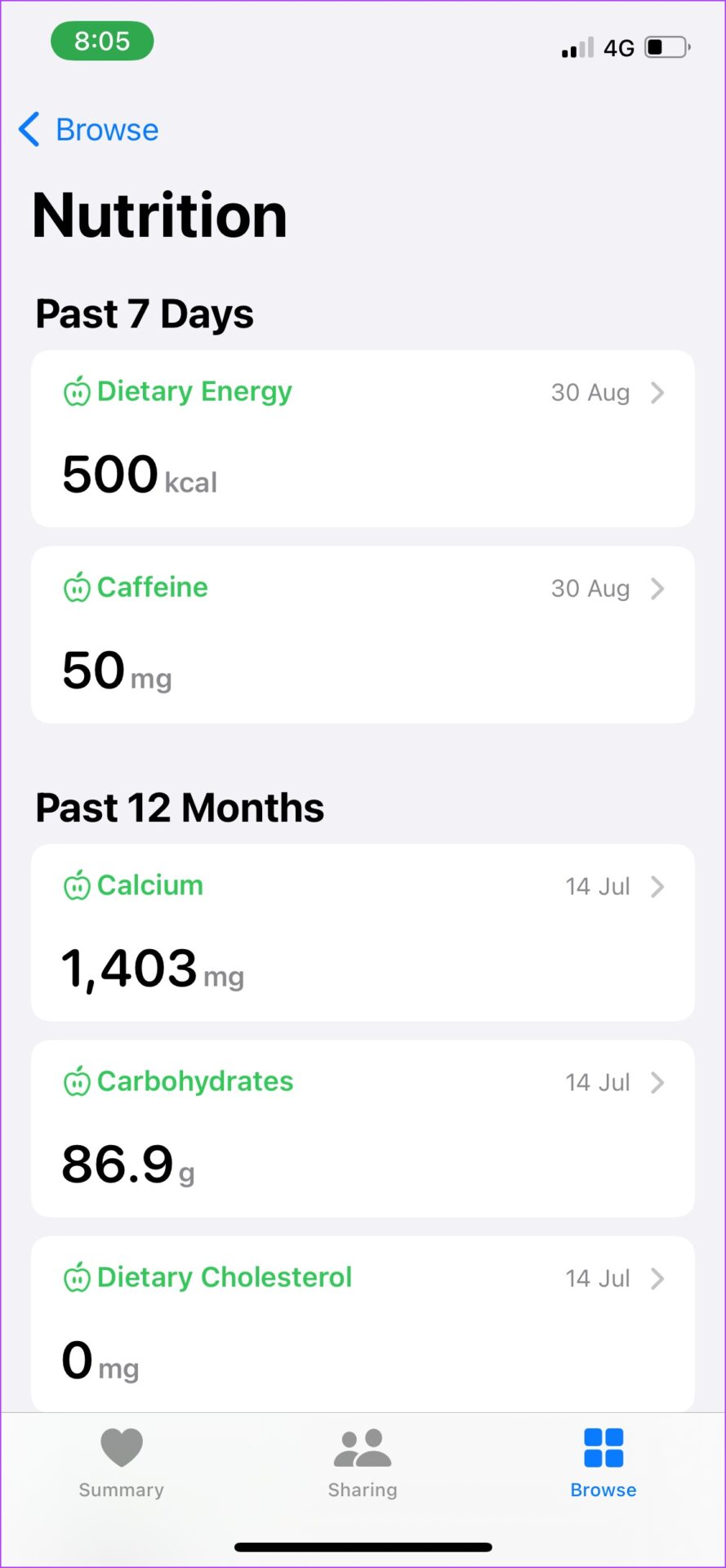
Apple Health lets you manually log in calories as the app doesn’t have an in-built calorie tracker, or connect a calorie counting app to do it. You can see the logged-in calories in detail on the nutrition page on Apple Health. Besides, you can favorite some nutrients, which will be displayed on the dashboard.
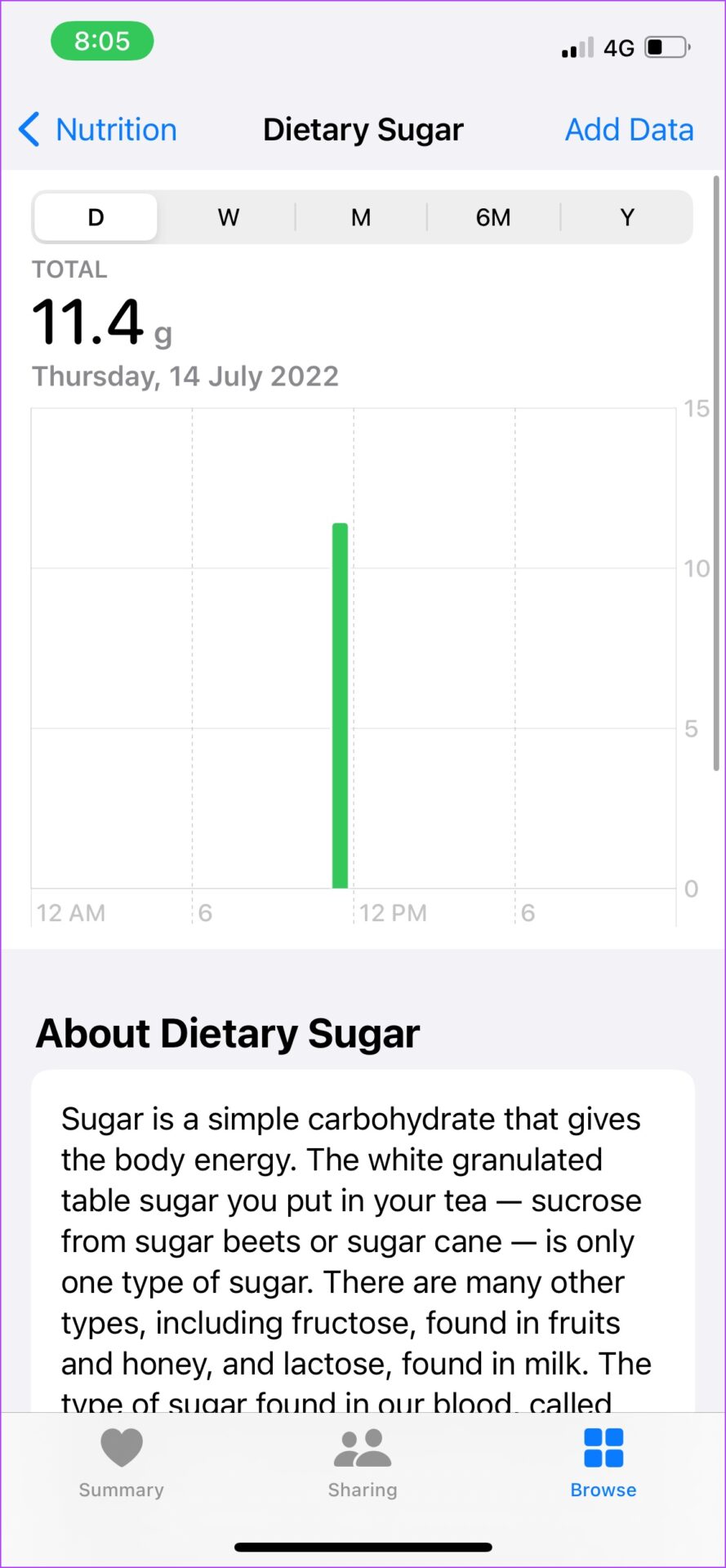
While you log in calories, the information you can add is just the quantity of the nutrient. For the nerds, you get some trivia on the nutrient too. Once done, it will show up in a neat little graph displaying how much of it you ate daily, monthly, or yearly.
Pros
- Great user interface.
- Works well for minimalists – with just the basic features.
- No advertisements.
- Option to connect to other apps.
- A good companion to the Apple Watch
Cons
- No catalog of food, hence you must add values manually.
- Does not provide much inference on the logged-in nutrients.
- Not a fan of the long list of logged-in nutrients; a pie chart would’ve been better.
Price: Free
Also Read: Best smart scales with Apple Health support
2. HealthifyMe – Great Catalog of Food
HealthifyMe immediately impressed me with the number of different food items it has in its database. I could track something as obscure as an Oreo Cheesecake I had for our evening snack. You can add breakfast, lunch, morning snacks, dinner, and all possible meals you eat during the day.
It provides a great breakdown of micronutrients as well. You can also set up a meal plan, and the app will guide you as to what you need to increase or decrease, but this is limited to the pro version. The macronutrient break-up is also a neat little way to understand your primary nutrient intake and know how your food habits are over a period.


Pros
- Great catalog of food items
- Impressive micro and macro nutrients breakdown
- In-built diet planner.
- Non-intrusive advertisements.
- Added health features apart from food tracking.
Cons
- Slightly sluggish.
- Multiple listed food items under the same name.
- Constant ads about their pro plans.
- Can’t sync data to Apple health.
Price: Free; HealthifyMe Smart Plan: $15
3. MyFitnessPal – Connect Your Nutrition Data to Apple Health
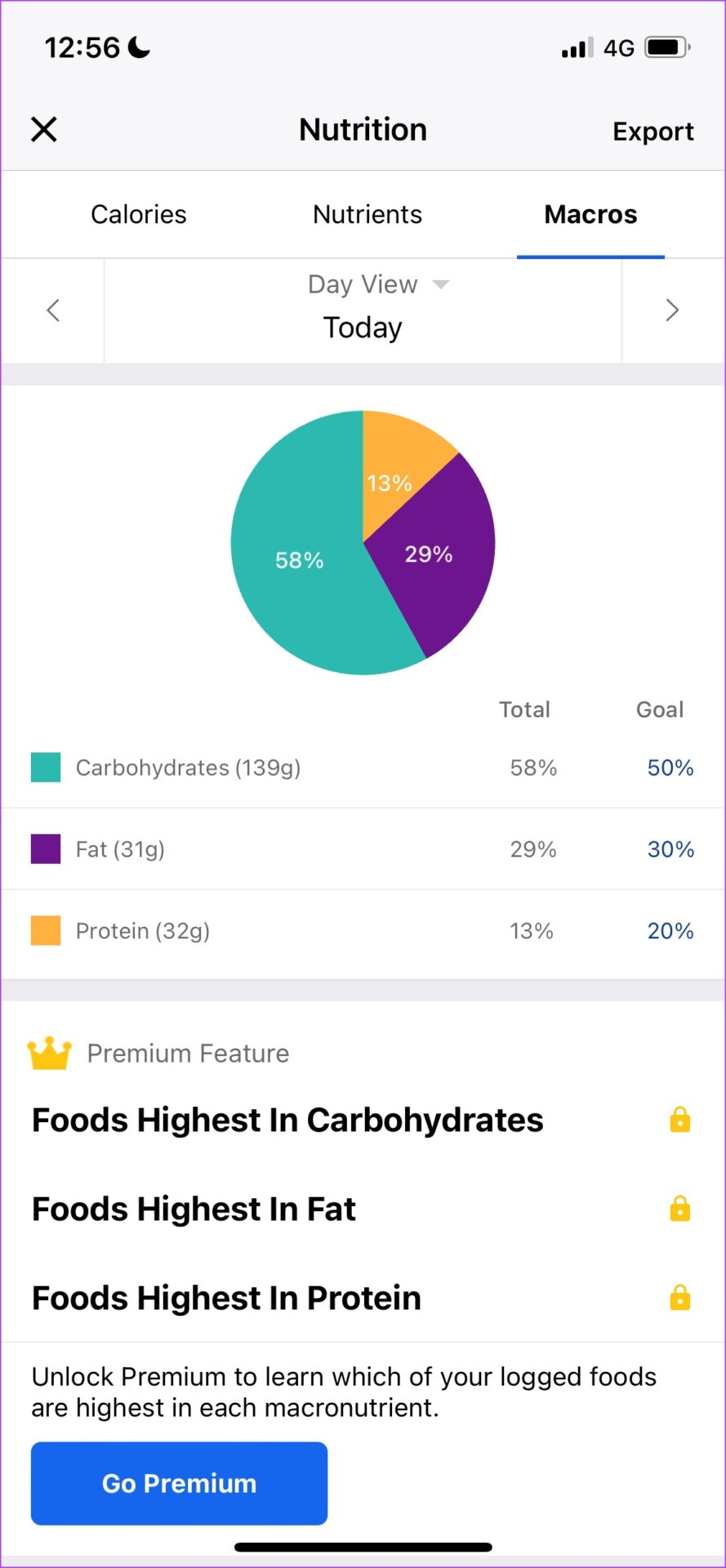
MyFitnessPal is currently one of the most popular calorie counters. It contains a comprehensive nutrition database with over 11 million foods. It has a free version, but features like meal prep and recipes, macronutrient counters, and guided workouts are only available in the premium version.
The app monitors your weight and estimates your daily calorie intake. It also includes a food diary and an exercise record. MyFitnessPal tracks your progress toward your goals and provides chat forums with other users. Conversations, recipes, tips, and personal success stories can all be found in the forums, so you are part of a larger community taking a stride toward a healthier life.


Pros
- Good catalog of foods.
- Ability to connect to Apple Health.
- Good app to record other fitness data as well.
- Barcode scanner to instantly grab nutrition data from products.
Cons
- Too many intrusive ads.
- Sluggish user interface.
- The free version misses out on micronutrient analysis.
- Calorie recording and presentation are easier in other apps on this list.
Price: Free; Pro Version: $19.99 per month or $79.99 per year
4. Lifesum – Great for Recipes and Meal Plans
Lifesum offers a food and meal rating system that describes whether a dish is nutritious and whether your meal is healthy or imbalanced. The app is more empathetic and does not stress terms like ‘unhealthy’, ‘junk food’, and other similar phrases that might make you feel guilty about your eating habits.
If you want a low-carb, high-protein diet that involves intermittent fasting, this app has you covered. You also get a great set of healthy recipes for all your meals. More features, such as a more complete nutrient analysis, recipes, insights, and educational resources to learn how to make healthier food choices are available in the pro version.


Pros
- Brilliant user interface and great design language.
- A good number of diet plans.
- The recipes tab has a helpful menu to aid your diet plan.
- Easy to view a breakdown of nutrients.
Cons
- Misses out on connecting to Apple Health.
- Recipes are not free through the app, but you can visit the website to access them.
- The catalog does not seem as extensive as MyFitnessPal or HealthifyMe.
Price: Free, $4.17 per month for Premium.
5. Lose It! – Comprehensive Meal Plans
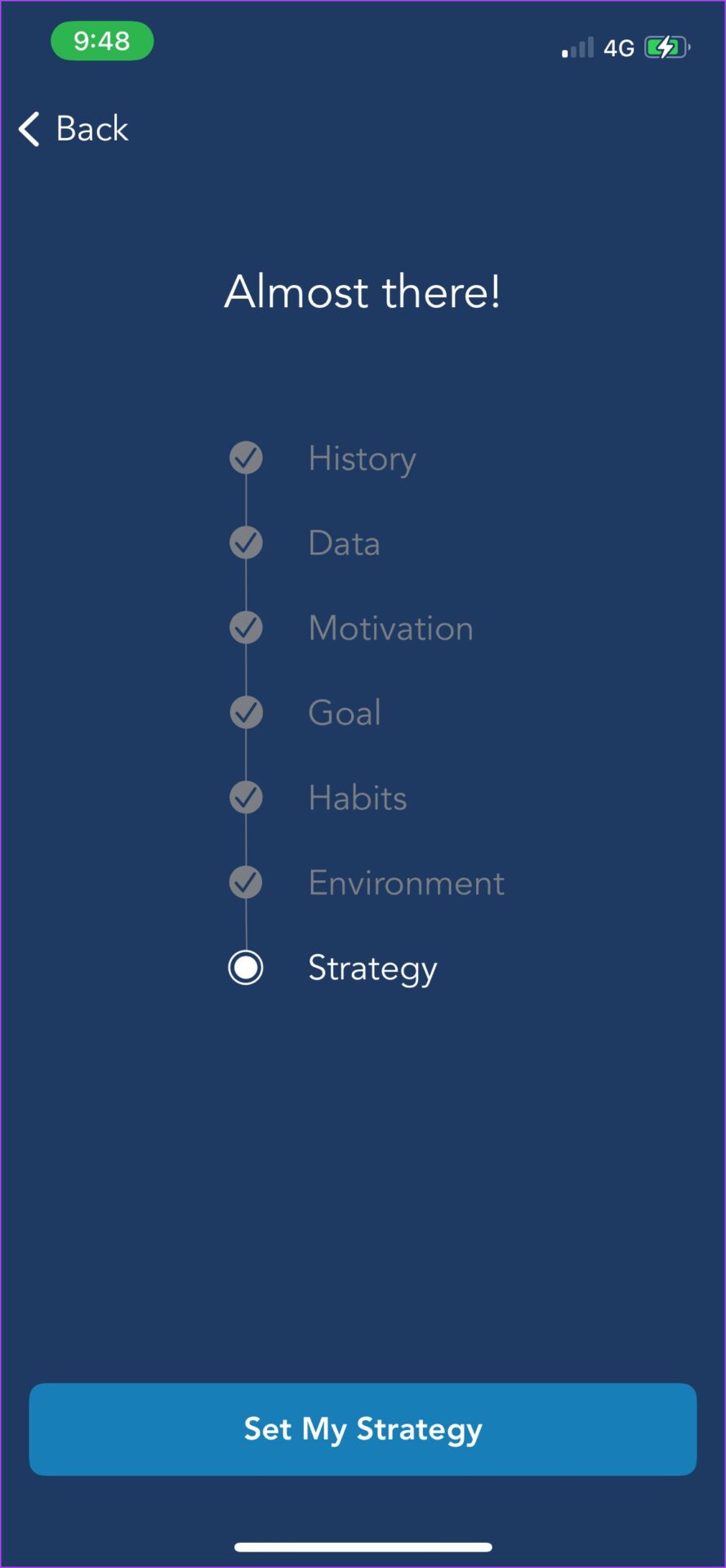
Have you ever been to a gym or a nutritionist, where they asked you many questions about your health preferences so that they can understand you better? The Lose It app does exactly that. We took around a full ten minutes to set up the app while we answered questions about our dietary and other health preferences.
Moreover, the Lose It! food database contains all popular restaurants, grocery stores, and brand-name items, all of which have been confirmed by the app’s professional team. You also have an active chat community and can take part in multiple challenges. With the pro version, you get additional features like advanced tracking, awards, and celebrations as you complete goals, and you get more detailed exercise and diet planning.


Pros
- Best app for meal plans.
- Impressive user interface and performance.
- Verified information in the food catalog.
- Active chat community and meal plans.
Cons
- Does not track micronutrients.
- Difficult to add custom meals.
- The number of questions asked might be a lot for users while setting up a meal plan – a few users in reviews complain of impractical meal plans.
Price: Free, Premium: $39.99 per year
Also Read: How accurate is Apple Watch calorie tracking
Was this helpful?
Last updated on 24 April, 2024
Read Next
 5 Quick Ways to Show FPS Counter in Windows 11
Method 1: Using the Xbox Game Bar Xbox Game Bar is baked into Windows 10 and Windows 11.
5 Quick Ways to Show FPS Counter in Windows 11
Method 1: Using the Xbox Game Bar Xbox Game Bar is baked into Windows 10 and Windows 11.
 6 Best FPS Gaming Mouse for Counter-Strike 2 (CS2): Wired and Wireless
Counter-Strike 2, the successor to Counter-Strike: Global Offensive, is shaping up to be one of the best competitive FPS titles.
6 Best FPS Gaming Mouse for Counter-Strike 2 (CS2): Wired and Wireless
Counter-Strike 2, the successor to Counter-Strike: Global Offensive, is shaping up to be one of the best competitive FPS titles.
 5 Best Gaming Monitors for Counter-Strike 2
Counter-Strike 2 is not a demanding game, and most gaming PCs will be able to offer well over 100 FPS when running the title.
5 Best Gaming Monitors for Counter-Strike 2
Counter-Strike 2 is not a demanding game, and most gaming PCs will be able to offer well over 100 FPS when running the title.
 7 Best Free Calculator Apps for iPhone
The calculator app is something that we use almost daily.
7 Best Free Calculator Apps for iPhone
The calculator app is something that we use almost daily.
 5 Best Free Graphic Design Apps for iPhone and iPad
A picture is worth a thousand words, sure.
5 Best Free Graphic Design Apps for iPhone and iPad
A picture is worth a thousand words, sure.
 5 Best Flight Tracking Apps for iPhone and Android (Free)
1.
5 Best Flight Tracking Apps for iPhone and Android (Free)
1.
 9 Pet Care Apps in 2024 [Free and Paid]
1.
9 Pet Care Apps in 2024 [Free and Paid]
1.
 4 Best Free Audiobook Apps for iPhone and Android
Books are often considered great companions, but we're sure many struggle to concentrate and remain engaged while reading one.
4 Best Free Audiobook Apps for iPhone and Android
Books are often considered great companions, but we're sure many struggle to concentrate and remain engaged while reading one.
The article above may contain affiliate links which help support Guiding Tech. The content remains unbiased and authentic and will never affect our editorial integrity.