


The iPad Pro’s power is restricted only by its small screen size. If you want to get serious work done and need extra screen real estate, you should invest in good external monitors. With that in mind, here are the best external monitors that you can buy to take full advantage of the new iPadOS features.
ASUS ZenScreen MB16AC
- Resolution: 1920 x 1080 (15.6-inch) | Panel: IPS | Refresh Rate: 60Hz
- Ports: 1 x USB-C
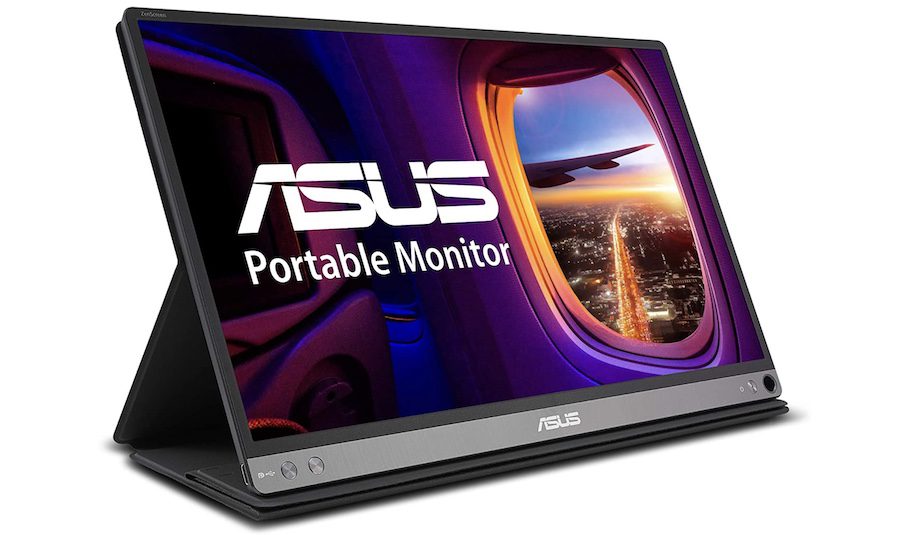
The ASUS ZenScreen MB16AC is the perfect iPad Pro external monitor for users who want to carry their iPad Pro setup everywhere. It’s a portable USB-C monitor with a 15.6-inch IPS display and full HD resolution. Weighing only 780 grams, this monitor is perfect for people who travel a lot for work. More importantly, the cover lets you prop up the monitor in landscape and portrait mode.
Interestingly, it also has a touch screen, and you can enjoy the touch feature even on the second screen. The monitor comes with ASUS Eye Care technology, which minimizes eye fatigue. Additionally, it supports a hybrid signal solution for maintaining compatibility with USB-A sources. Note that ASUS’s customer service is not on par. On the plus side, the monitor has a good build quality, and you are less likely to encounter any issues.
What We Like
What We Don’t Like
Also See: Best Portable Chargers and Power Banks for iPad Pro
BenQ GW2485T
- Resolution: 1920 x 1080 (24-inch) | Panel: IPS | Refresh Rate: 75Hz
- Ports: 1 x HDMI 1.4, 1 x DPI.2 Out, 1 x DPI.2 In, 1 x USB-C, Headphone Jack
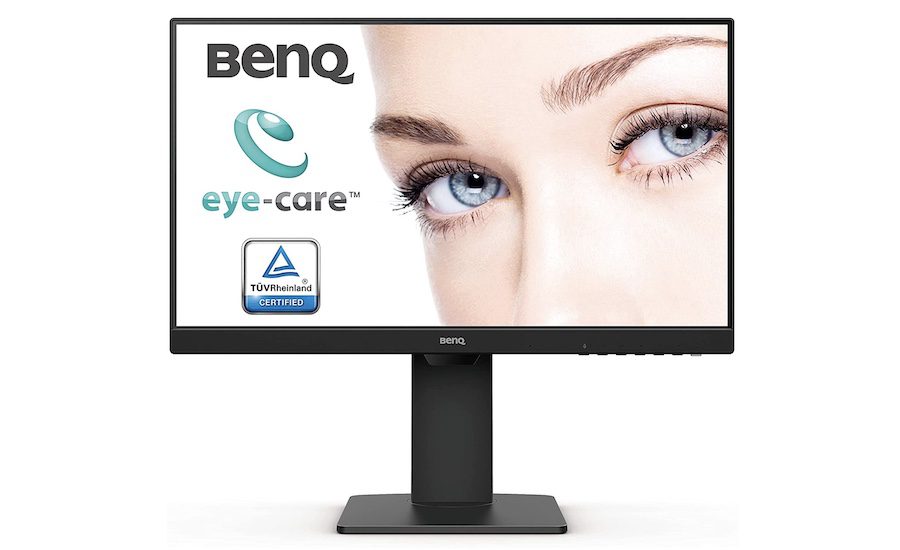
If you want a desk monitor for the iPad Pro, check out the BenQ GW2485T. The monitor packs a 24-inch full HD IPS panel with a 75Hz refresh rate. It has ultra-slim bezels and looks quite premium. A unique feature of this laptop is its rotatable hinge that allows you to use the monitor in both portrait and landscape modes.
The display can reach 250 nits of brightness and comes with BenQ’s proprietary Brightness Intelligence Adaptive technology, adjusting brightness for comfortable viewing. Thanks to its 75Hz refresh rate, you will have a smooth scrolling experience (and miss your iPad’s ProMotion display a little less). It also offers a healthy selection of ports, including USB-C, HDMI, and Display Port connectors. Thanks to this, you can connect your gaming consoles, laptops, and PCs to this display without issues.
What We Like
What We Don’t Like
Dell 24IN USB-C Monitor
- Resolution: 1920 x 1080 (24-inch) | Panel: IPS | Refresh Rate: 60Hz
- Ports: 1 x DisplayPort 1.2, 1 x HDMI, 1 x DisplayPort Out, 2 x USB 3.0, 2 x USB 2.0, 1 x USB-C
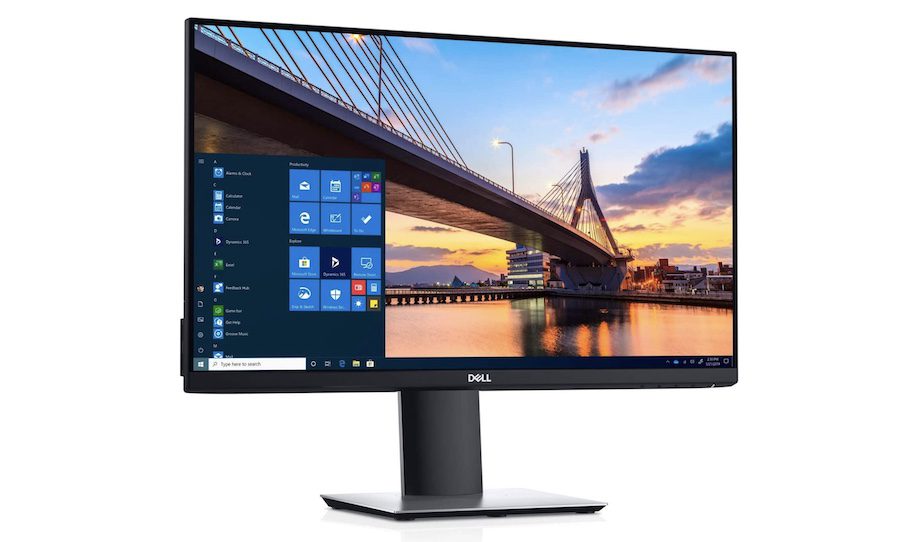
If you are looking for a premium 24-inch external monitor for your iPad Pro, check out the Dell 24IN P2419HC. The monitor packs an IPS panel with full HD resolution and promises excellent viewing angles with ultra-slim bezels. With a premium build and look, it can fit into any setup without looking out of place.
This USB-C (65W) port supports passthrough charging and can also charge your iPad Pro. Plus, the two USB-A ports on the side let you easily connect external devices. At the same time, the HDMI port and DisplayPort allow you to connect the monitor to other sources, thereby taking out the hassle of connecting and reconnecting cables and wires. With this, you can switch to the display as per your preference.
What We Like
What We Don’t Like
LG 27UK850-W 4K monitor
- Resolution: 3840 x 2160 (27-inch) | Panel: IPS | Refresh Rate: 60Hz
- Ports: 1 x DisplayPort 1.4 In, 2 x HDMI, 2 x USB 3.0, 1 x USB-C, Headphone Out
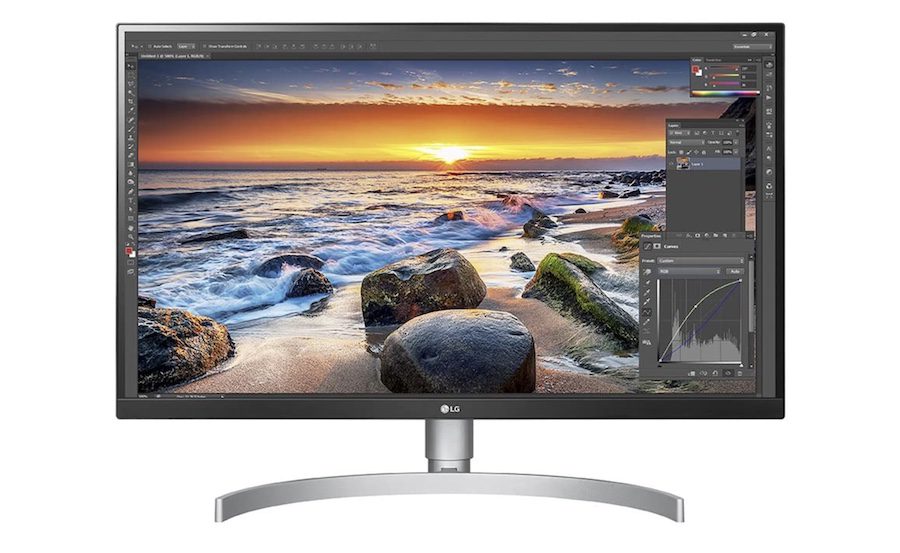
The LG 27UK850-W 4K monitor is perfect for creatives who want an all-rounder monitor for color correction, USB-C compatibility, and casual gaming. This 4K monitor is compatible with HDR 10 and covers 99% of the sRGB color gamut, allowing you to color-correct your photos and videos. It allows passthrough charging.
You get on-screen controls for brightness and volume, making it easy to adjust them without digging into the monitor settings. The integrated USB-A ports are crucial for connecting peripherals like wireless mouse and keyboard. At the same time, the HDMI and DisplayPort help you connect to other input devices like gaming consoles and laptops.
What We Like
What We Don’t Like
Also See: Best External SSDs for iPad Pro You Should Buy
BenQ EW3280U
- Resolution: 3840 x 2160 (32-inch) | Panel: IPS | Refresh Rate: 60Hz
- Ports: 1 x DisplayPort 1.4 In, 1 x HDMI 2.0, 1 x USB-C
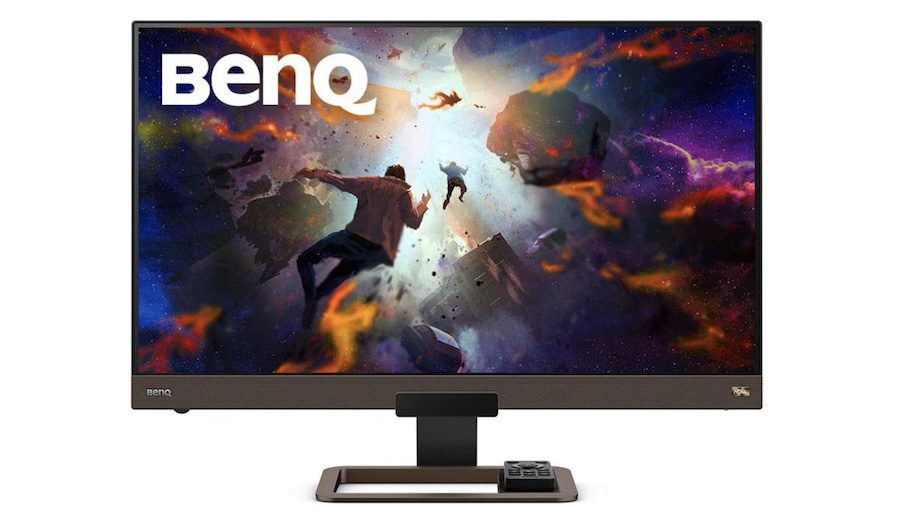
The BenQ EW3280U is a premium 4K monitor, perfect for users who want to use the monitor for both work and entertainment. The sharp and gorgeous 4K panel covers 95% of the DCI-P3 wide color gamut, giving you a color-accurate representation of whatever’s playing on the screen. You can connect your iPad Pro via a USB-C port, which delivers 60W of power. So you can work for as long as you want without running out of juice.
The monitor’s proprietary HDRi technology enhances HDR content with intelligent control. It also has built-in 2.1 channel speakers with a 5W subwoofer to deliver suitable sound. The monitor has one USB-C port, one HMDI 2.0 port, and one DisplayPort 1.4. Both HDMI 2.0 and DisplayPort 1.4 can handle a 4K UHD stream, so you can connect your laptop or gaming console and enjoy content in all its 4K glory.
What We Like
What We Don’t Like
Was this helpful?
Last updated on 04 June, 2024
1 Comment
Leave a Reply
Read Next
 6 Best External SSDs for iPad Pro You Should Buy
Apple's iPad Pros are exceptional tablets and are a joy to use.
6 Best External SSDs for iPad Pro You Should Buy
Apple's iPad Pros are exceptional tablets and are a joy to use.
 6 Best External SSDs for iPhone 15 Pro Series
The USB-C port in the iPhone 15 series opens up a wide range of possibilities for users.
6 Best External SSDs for iPhone 15 Pro Series
The USB-C port in the iPhone 15 series opens up a wide range of possibilities for users.
 Top 9 Ways to Fix External Drive Not Showing Up on iPhone and iPad
With the introduction of the iPhone 15 series, both the iPhone and iPad lineup now sport a USB-C port.
Top 9 Ways to Fix External Drive Not Showing Up on iPhone and iPad
With the introduction of the iPhone 15 series, both the iPhone and iPad lineup now sport a USB-C port.
 7 Best iPad Pro and iPad Stands for Drawing and Sketching
Apple's iPad and iPad Pro lineup supports Apple Pencil and Pencil 2, making it incredibly comfortable to sketch and draw.
7 Best iPad Pro and iPad Stands for Drawing and Sketching
Apple's iPad and iPad Pro lineup supports Apple Pencil and Pencil 2, making it incredibly comfortable to sketch and draw.
 5 Best Portable Monitors for Apple MacBook Pro
Hooking up your MacBook Pro to a monitor will up your productivity levels.
5 Best Portable Monitors for Apple MacBook Pro
Hooking up your MacBook Pro to a monitor will up your productivity levels.
 6 Best SATA to USB Adapters For External Hard Drives
Whether you are a PC enthusiast or just someone who owns a PC, owning the best SATA to USB adapters is a must.
6 Best SATA to USB Adapters For External Hard Drives
Whether you are a PC enthusiast or just someone who owns a PC, owning the best SATA to USB adapters is a must.
 4 Fixes for PS5 Not Recognizing External Hard Drive
Try Basic Fixes Make sure the hard drive is compatible: Your PS5 supports nearly all external hard drives ranging from 250GB to 8TB in storage capacity, connected via the SuperSpeed
4 Fixes for PS5 Not Recognizing External Hard Drive
Try Basic Fixes Make sure the hard drive is compatible: Your PS5 supports nearly all external hard drives ranging from 250GB to 8TB in storage capacity, connected via the SuperSpeed
 6 Best USB-C (USB 3) Cables for iPhone 15 Pro and iPhone 15 Pro Max
The iPhone 15 Pro series has received significant enhancements.
6 Best USB-C (USB 3) Cables for iPhone 15 Pro and iPhone 15 Pro Max
The iPhone 15 Pro series has received significant enhancements.
The article above may contain affiliate links which help support Guiding Tech. The content remains unbiased and authentic and will never affect our editorial integrity.

Also, you should be recommending monitors with 120 Hz refresh rates, because that is what the IPad Pro offers.. All of these monitors will look and feel like a downgraded display with the lower refresh rate.