


The Apple Magic Keyboard is one of the best accessories for your macOS device. That said, it is also quite expensive. As such, if you’re on the hunt for the best Apple Magic Keyboard alternatives, check out the top options below.
iClever BK10
- Numpad: Yes | Connectivity: Bluetooth
- Battery: USB-C Rechargeable
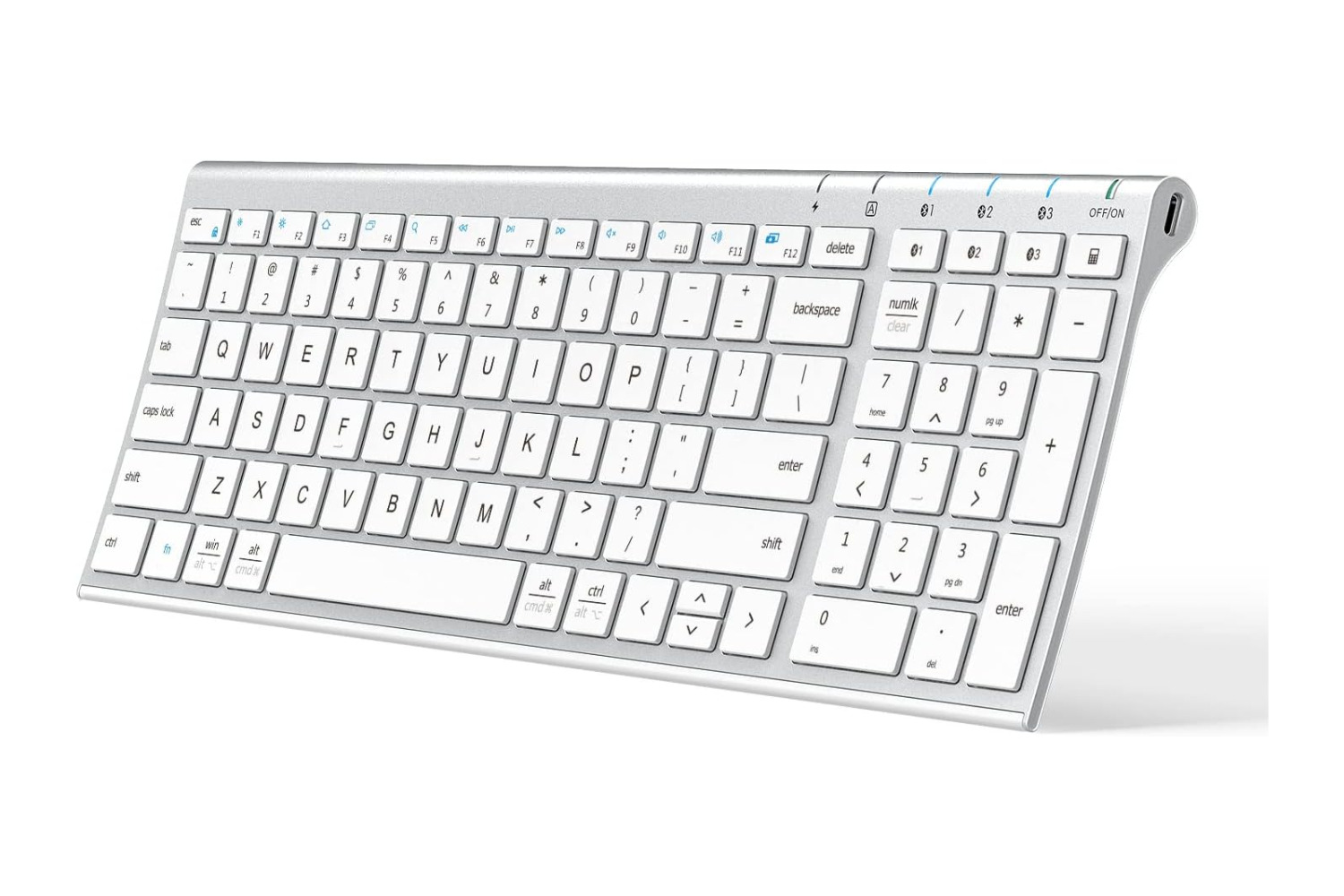
The iClever BK10 keyboard is a budget-friendly wireless keyboard designed for a Mac device. Since it connects via Bluetooth, it can also be paired with various other laptops, tablets, and smartphones. It’s available in several colors, such as Silver, Black, Gray Black, Rose Gold, and Silver Black.
The iClever BK10 keyboard has a slim and lightweight design, which makes it easy to carry around. As far as connectivity is concerned, it delivers a reliable connection and boasts a decent wireless range of up to 33 feet. The device has a full-sized layout with well-spaced keys that provide a comfortable typing experience. The BK10 uses low-profile scissor switches, which result in a silent typing experience while still providing a decent amount of key travel.
What We Like
What We Don’t Like
Also See: Best Ergonomic Keyboards for Carpal Tunnel
Logitech K480
- Numpad: No | Connectivity: Bluetooth
- Battery: 2x AAA batteries
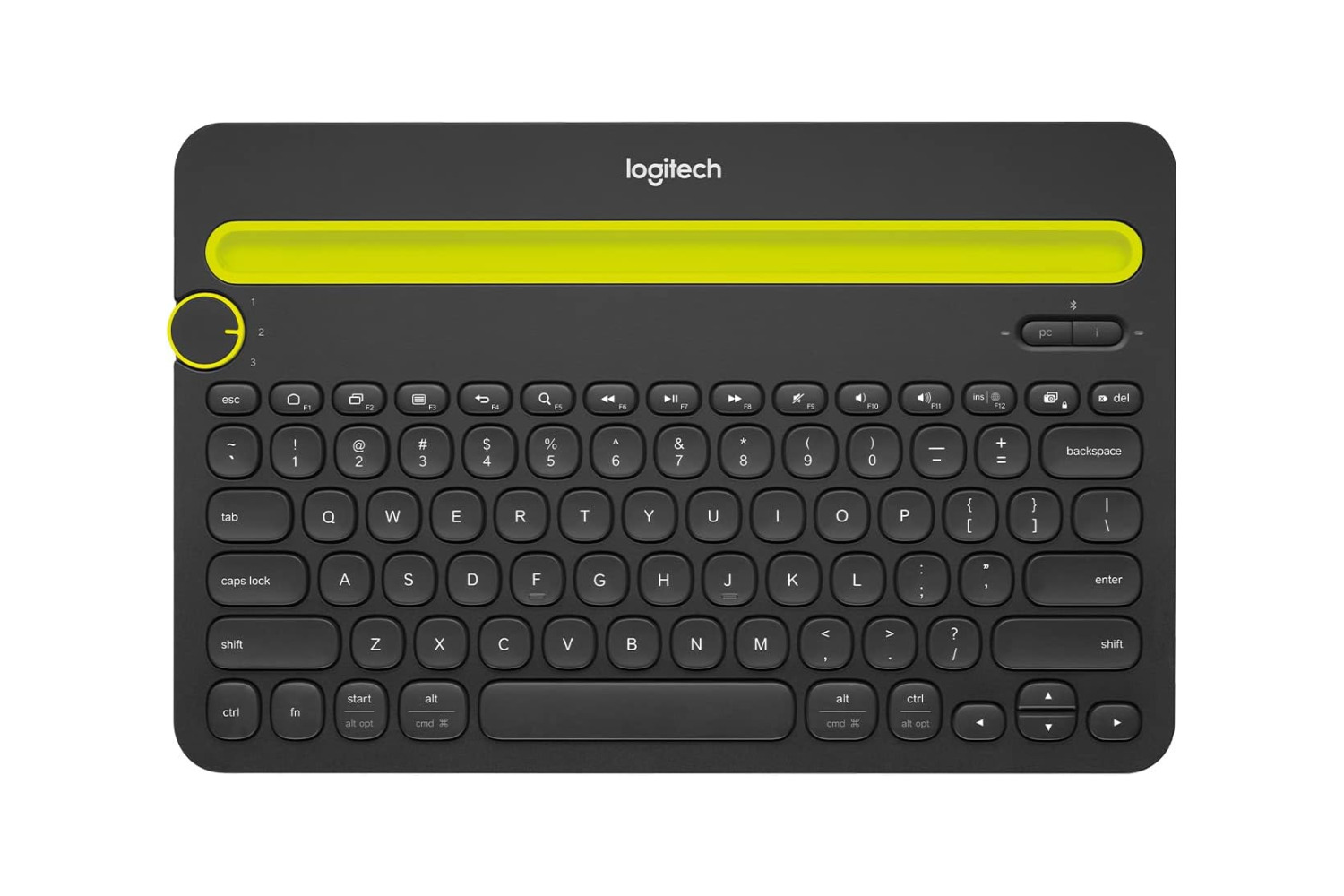
The Logitech K480 is a tiny mini keyboard mostly used with a tablet or an Apple iPad. That said, it can also function as a very capable Apple Magic Keyboard alternative for your Mac device.
The keyboard can connect to devices via Bluetooth and offers a handful of customization options via the Logi Options+ software. It boasts a reliable connection and can sift between three devices with the turn of a dial. The design also has space for a cradle to house your smartphone or tablet. The keyboard is made of high-quality materials and feels durable.
What We Like
What We Don’t Like
Macally Wireless Bluetooth Keyboard for Mac
- Numpad: Yes | Connectivity: Bluetooth
- Battery: USB-C Rechargeable
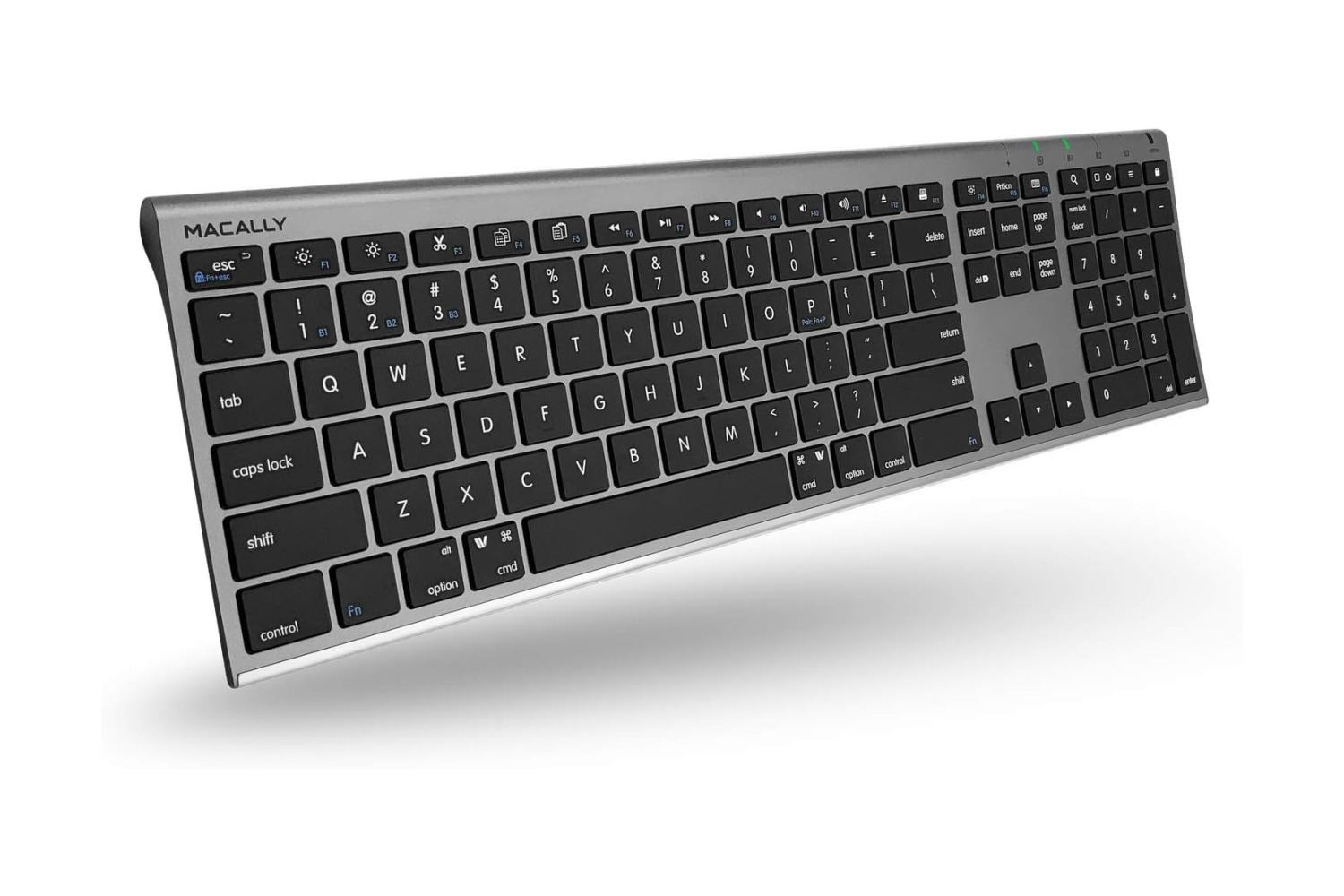
The Macally Wireless Bluetooth Keyboard for Mac looks similar to Apple’s offering, works seamlessly, and costs significantly less. It is available in three colors: White, Aluminum Silver, and Space Gray.
Do note that the positions of the Fn key and the Control key are swapped, similar to the previous options on this list. As such, getting used to the layout might take some time. Also, unlike the Magic Keyboard, Macally’s keyboard isn’t exactly plug-and-play. Instead, you will have to set it up as a different keyboard inside macOS
What We Like
What We Don’t Like
See Also: Best Wireless Mice With Multi-Device Connectivity
Satechi Aluminum Bluetooth Keyboard
- Numpad: Yes | Connectivity: Bluetooth
- Battery: USB-C Rechargeable
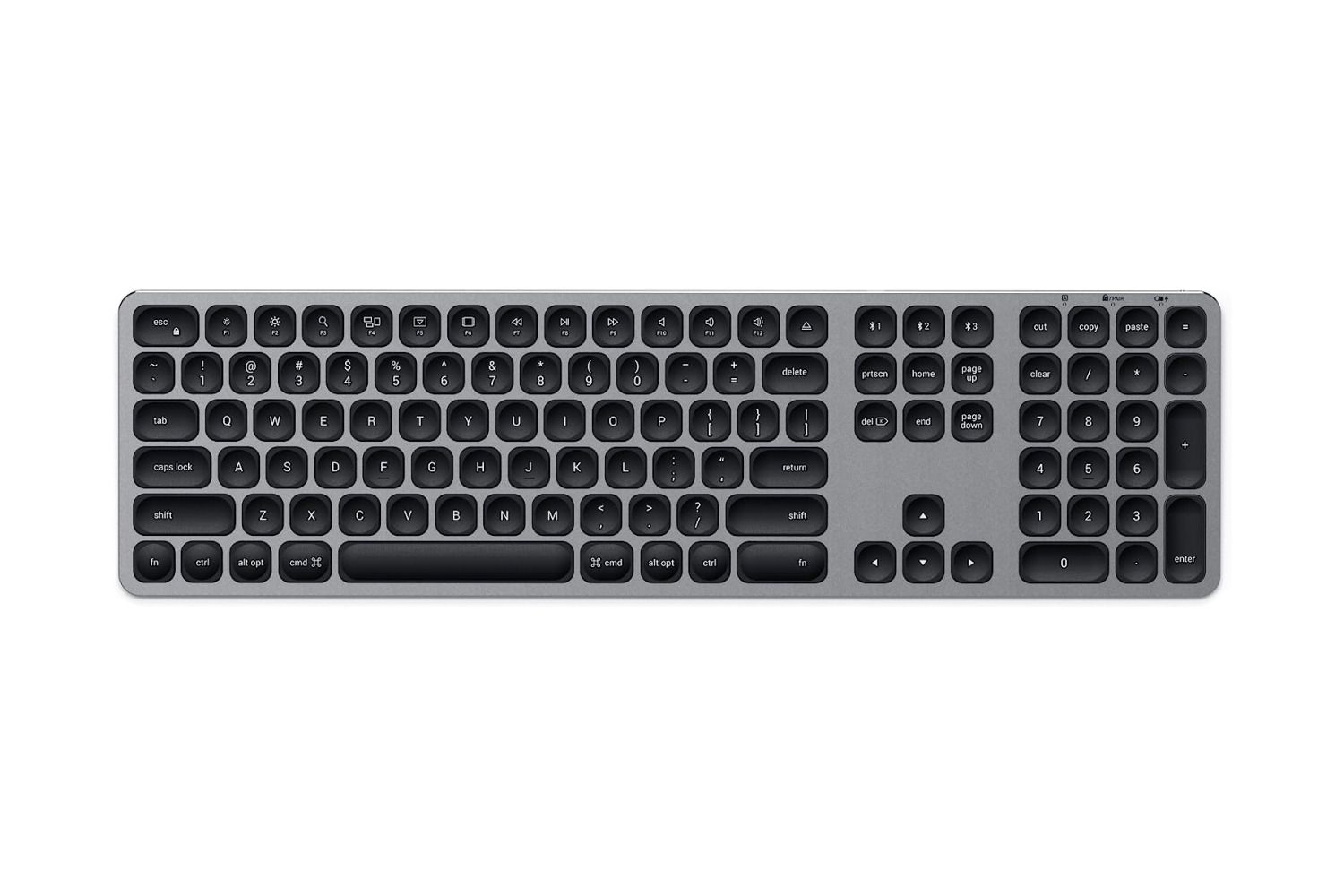
If you want the same layout as Apple’s Magic keyboard, look no further than the Satechi Aluminum Bluetooth Keyboard. Some might say it’s an exact replica of the Apple Magic Keyboard.
The Satechi Aluminum Bluetooth Keyboard works seamlessly across both macOS and iOS (or even iPadOS, for that matter). In fact, you get specifically designed shortcut function keys for Mac devices on the keyboard. As such, you can quickly switch between apps, take screenshots, copy/paste data, and perform other actions. The keys have a nice clickiness to them, and they don’t feel too mushy, either.
What We Like
What We Don’t Like
Keychron K2 Version 2
- Numpad: Yes | Connectivity: Bluetooth, USB-C Wired
- Battery: USB-C Rechargeable
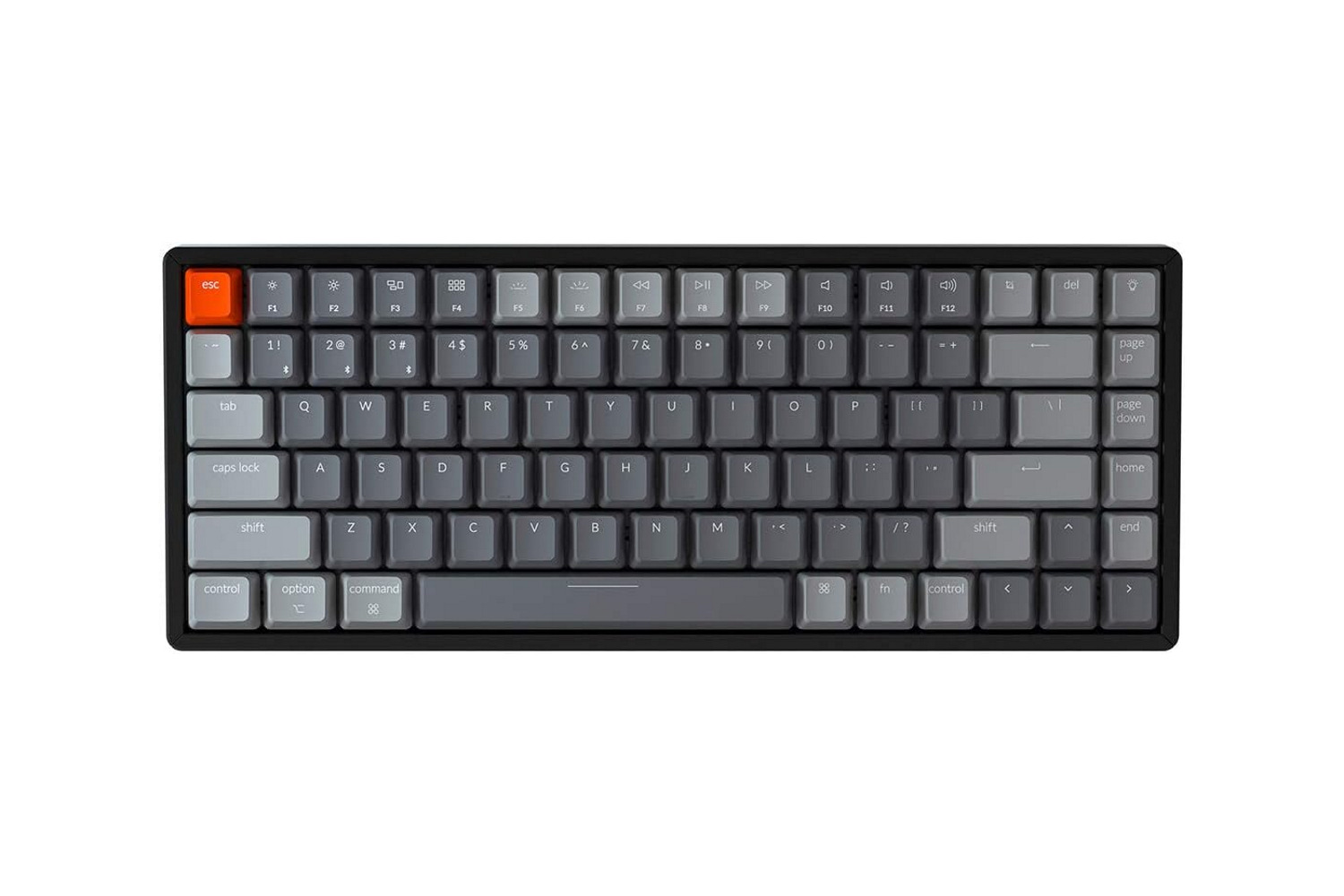
The Keychron K2 Version 2 is one of the best mechanical keyboards out there, and that’s despite its low profile and slim body. It is also compatible with macOS and Windows machines.
Unlike Apple’s Magic Keyboard, the Keychron K2 V2 comes with Gateron switches known for their accuracy and smooth keystrokes. These switches cater to typists who type for extended periods and want satisfying tactile feedback. You also get RGB backlighting here, and users can customize the effects to their liking. Should the keyboard’s battery run out, you can always use the Keychron K2 Version 2 in wired mode.
What We Like
What We Don’t Like
Logitech MX Keys
- Numpad: Yes | Connectivity: Bluetooth, 2.4GHz Dongle
- Battery: USB-C Rechargeable
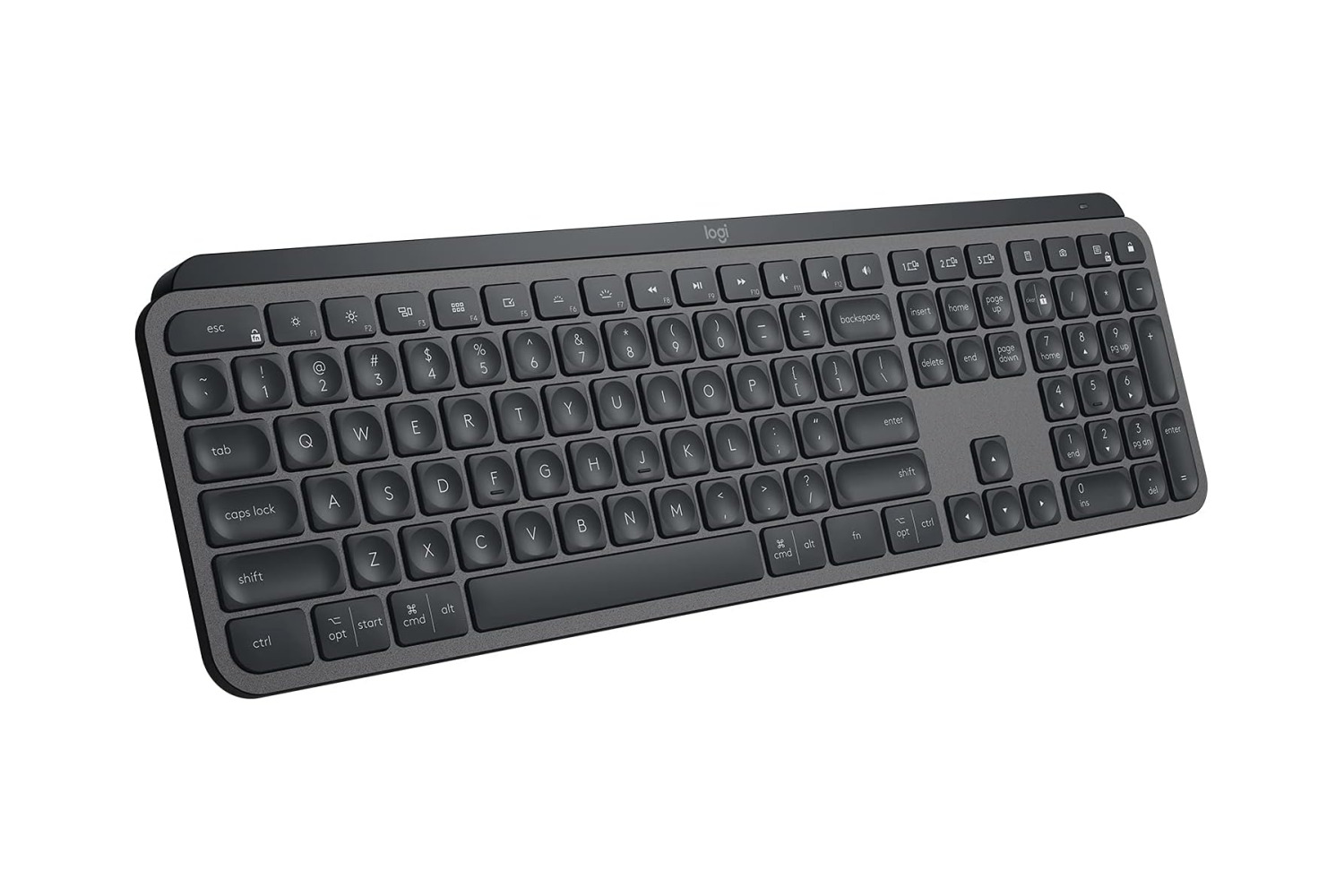
Unlike most options on this list, the Logitech MX Keys is actually priced higher than the Magic keyboard. Even so, it does manage to justify its cost, thanks in no small part to its feature set and typing experience.
The Logitech MX Keys is designed to provide speedy and accurate keystrokes. It also features customizable shortcut keys, which can be configured using the Logi Options+ software. One of the key selling points of the MX Keys is its ability to pair with up to three different Bluetooth devices and quickly switch between them with the press of a button. You also get white backlighting here, which should make typing in dimly-lit environments easier
What We Like
What We Don’t Like
FAQs
Yes, you can use a non-Apple keyboard with your Mac computer or iPad. Apple devices are generally compatible with most USB or Bluetooth keyboards, regardless of the brand or manufacturer. However, some keyboard functions may not work unless the keyboard is specifically designed for Mac devices.
Yes, many Magic Keyboard alternatives come with shortcut function keys that are specifically designed for Mac devices. These keys enable users to switch between apps, control media playback, adjust volume, search, take screenshots, copy/paste, and perform other common actions.
In general, most third-party keyboards for Mac are designed to work seamlessly with macOS and use standard Bluetooth connectivity protocols, so they should not have any major connectivity issues. However, in some instances, connectivity issues can be caused by a variety of factors, such as low battery power, interference from other wireless devices, or outdated drivers.
Was this helpful?
Last updated on 11 July, 2024
Read Next
 Top 3 Touch Mouse Alternatives to Apple’s Magic Mouse
The Magic Mouse is useful for plenty of people, but some can get annoyed by its poor ergonomics.
Top 3 Touch Mouse Alternatives to Apple’s Magic Mouse
The Magic Mouse is useful for plenty of people, but some can get annoyed by its poor ergonomics.
 6 Best Apple Magic Mouse Alternatives
Apple bundles the Magic Mouse with the iMac, iMac Pro, and Mac Pro, and the company also offers it as a separate accessory for interested Mac users.
6 Best Apple Magic Mouse Alternatives
Apple bundles the Magic Mouse with the iMac, iMac Pro, and Mac Pro, and the company also offers it as a separate accessory for interested Mac users.
 6 Best iPad Pro Cases Compatible With Magic Keyboard
The iPad Pro is a versatile device, and you can connect a keyboard attachment like Apple's Magic Keyboard to a portable but powerful computer.
6 Best iPad Pro Cases Compatible With Magic Keyboard
The iPad Pro is a versatile device, and you can connect a keyboard attachment like Apple's Magic Keyboard to a portable but powerful computer.
 How to Customize Gestures for Apple’s Trackpad or Magic Mouse on a Mac
One of the iPhone’s greatest innovations was the ability to zoom with a pinch.
How to Customize Gestures for Apple’s Trackpad or Magic Mouse on a Mac
One of the iPhone’s greatest innovations was the ability to zoom with a pinch.
 How to Save Image from Magic Select Tool in Paint 3D
The Magic Select tool is an interesting addition to Paint 3D, which is an upgraded version of the traditional MS Paint.
How to Save Image from Magic Select Tool in Paint 3D
The Magic Select tool is an interesting addition to Paint 3D, which is an upgraded version of the traditional MS Paint.
 How to Hide Android On-Screen Keyboard When Using External Keyboard
Google understands that multiple users connect physical keyboards to their Android devices.
How to Hide Android On-Screen Keyboard When Using External Keyboard
Google understands that multiple users connect physical keyboards to their Android devices.
 5 Best AirTag Alternatives for Android Users
If you're an Android user and are looking for some functional Apple AirTag alternatives, you've come to the right place.
5 Best AirTag Alternatives for Android Users
If you're an Android user and are looking for some functional Apple AirTag alternatives, you've come to the right place.
 4 Best Kindle Scribe Alternatives: Take Notes in Style
The Kindle Scribe not only lets you read your favorite books but also lets you scribble notes.
4 Best Kindle Scribe Alternatives: Take Notes in Style
The Kindle Scribe not only lets you read your favorite books but also lets you scribble notes.
The article above may contain affiliate links which help support Guiding Tech. The content remains unbiased and authentic and will never affect our editorial integrity.

