You tap Save on an Instagram video, go looking for it in your gallery later, and it isn’t there. Save only drops the post into a private tab inside Instagram, so the file itself never reaches your phone, and if the creator deletes the post, your saved copy goes with it.
Why Doesn’t Instagram’s Save Button Give You a Video File, And What Do You Actually Need Instead?
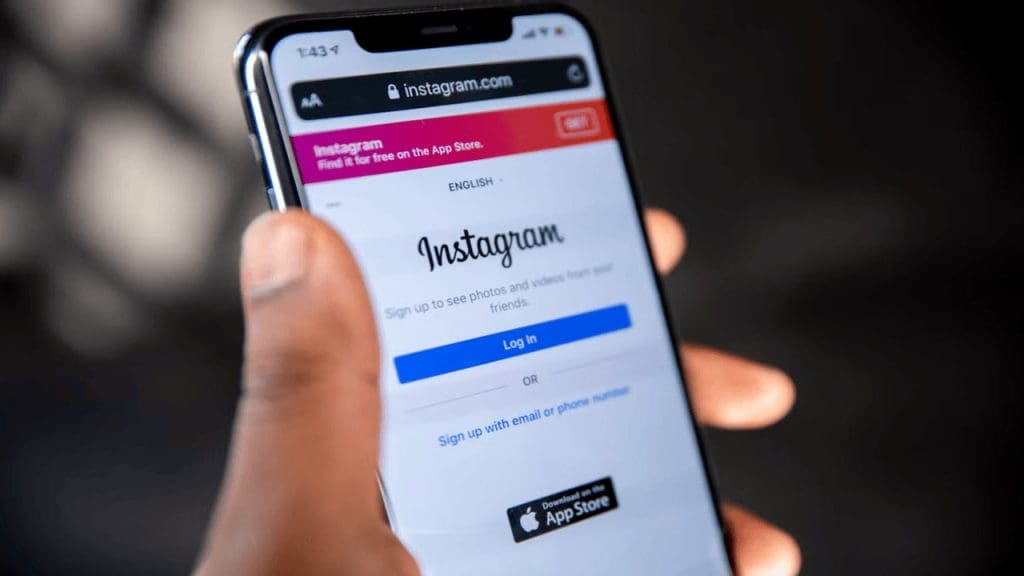
Save is a bookmark. It adds the post to the Saved tab on your profile and writes nothing to your phone, which is why Photos and Downloads stay empty. To get a real file, you need the video’s link and a browser. Safari, Chrome, and Edge all work on a phone or a computer.
The link matters more than you’d think. Copy the address from someone’s profile, and you get instagram.com/username, which points to the whole account. A downloader needs the link for one video, and those contain /p/ or /reel/.
The download runs in the browser tab, so there’s nothing to install. You also shouldn’t type your Instagram username or password anywhere along the way. If a site asks for them before downloading a public video, close it.
How Do You Copy the Link of an Instagram Video?

While using the Instagram app on your phone, open the video and tap the paper-plane icon under it. Copy Link is in the panel that comes up, and on some screens you have to swipe along the row of options to see it. A lot of people end up in the three-dot menu first, but its options change between app versions, so Share is the safer route.
Paste the link into Notes before you leave the app. A good one starts with instagram.com/p/ or instagram.com/reel/.
On your PC
On instagram.com, open the video and copy the address from the bar at the top. If the video opened as an overlay on top of a profile, glance at the bar first, because a username-only address means you haven’t opened the post itself. Clicking the date under the video usually takes you to its own page.
How Do You Turn That Link Into a Saved MP4 File?
Go to the SaveFromIns video page, paste the link into the box, and press Download. That’s the whole process if you want to free download Instagram video clips as MP4 files without logging in or installing anything.
Give it a few seconds after you paste. The page fetches the video first, then shows the download button, along with resolution options when the original has them. The site says there’s no download limit, so doing a few in a row is fine.
On iPhone and Android
iPhone is where people get confused, because Safari saves the file to the Files app and not Photos. Tap the download arrow in the address bar, open the file, then use Share and pick Save Video to move it into Photos. If the clip opens in a new player tab instead, the Share button there should offer the same option.
Android is simpler. Chrome puts the file in Downloads, and the Gallery or Google Photos app often shows it in a Downloads album. If it doesn’t, check the Files app. When a clip plays in a new tab rather than downloading, the three-dot menu on the player should have a Download option.
On Windows and Mac
The MP4 lands in your Downloads folder. Chrome and Edge show it in the download panel with a Show in Folder link, and Safari puts an arrow in the toolbar. Move the file into Videos or Movies early, because Downloads fills up with installers and PDFs fast.
Which Video Quality Should You Choose Before Downloading?
You won’t always see every resolution. The page lists 1080p, 720p, and 480p only as far as the original upload goes, so a low-quality source won’t suddenly offer 1080p.
For a laptop or TV, pick 1080p, since softer footage shows up on a big screen. If your phone storage is nearly full, 480p takes the least space, though text and faces look softer. A clip that’s only going into a WhatsApp chat is fine at 720p, because WhatsApp recompresses normal video attachments anyway. Whatever you choose, the file comes as an MP4.
What if the Download Doesn’t Start or the Link Doesn’t Work?
Private accounts are the one problem you can’t fix by retrying. The downloader only reaches public posts, so you’d have to ask the owner to send you the file. Deleted posts and half-copied links fail the same way. Paste the link into your browser’s address bar first, and if Instagram can’t open it, the downloader can’t either.
If the page keeps spinning after you paste, refresh and paste again. Longer videos simply take longer to process.
Browsers sometimes pause a download and ask permission, especially when you save several files back to back. Tap Allow or Download, and it carries on. Safari on iPhone asks before it starts.
Is It Okay to Keep and Reuse a Video You’ve Saved?
Saving a recipe or tutorial to watch offline is personal use. Posting that clip as your own is where it gets risky, since the creator can file a copyright claim and get it taken down.
SaveFromIns’s Terms say to use only content you own or have permission for, and the site says it isn’t affiliated with Instagram. If you want to share someone’s video, ask first and tag them, because credit alone doesn’t count as permission.
Was this helpful?
Last updated on 22 October, 2026
Read Next
 How to Run Windows 11 From a USB Without Installing
Want to modify your Windows 11 settings or try new features without risking your main system stability?
How to Run Windows 11 From a USB Without Installing
Want to modify your Windows 11 settings or try new features without risking your main system stability?
 How to Save Pictures or Videos From Files to Photos App on iPhone and iPad
Option 1: How to Move a Single Picture or Video Present in an iPhone or iPad Folder From Files to Photos App Step 1: Launch the Files app on your
How to Save Pictures or Videos From Files to Photos App on iPhone and iPad
Option 1: How to Move a Single Picture or Video Present in an iPhone or iPad Folder From Files to Photos App Step 1: Launch the Files app on your
 How to Scan QR Code on Phone Without Using Another Phone
Note: Both iPhone and Android can scan QR codes on the phone.
How to Scan QR Code on Phone Without Using Another Phone
Note: Both iPhone and Android can scan QR codes on the phone.
 4 Cool Sites to Watch YouTube Videos Without YouTube
1.
4 Cool Sites to Watch YouTube Videos Without YouTube
1.
 How to Save WhatsApp Photos or Videos to Gallery on Any Device
How to Save WhatsApp Media on iPhone Save a Single Photo or Video WhatsApp lets you save photos or videos one by one to the gallery on your iPhone.
How to Save WhatsApp Photos or Videos to Gallery on Any Device
How to Save WhatsApp Media on iPhone Save a Single Photo or Video WhatsApp lets you save photos or videos one by one to the gallery on your iPhone.
 3 Methods to Know Who Stopped Following You on Instagram (With/Without App)
Do you ever wonder who quietly slips away from your Instagram circle?
3 Methods to Know Who Stopped Following You on Instagram (With/Without App)
Do you ever wonder who quietly slips away from your Instagram circle?
 Top 9 Ways to Fix Mac Apps Stuck on Installing
The macOS ecosystem has useful apps and services to elevate your experience.
Top 9 Ways to Fix Mac Apps Stuck on Installing
The macOS ecosystem has useful apps and services to elevate your experience.
 Top 5 Fixes For ‘No Device Drivers Were Found’ While Installing Windows 11/10
Preliminary Fixes Check/Switch the USB Ports: One common cause of this error is the USB port being used.
Top 5 Fixes For ‘No Device Drivers Were Found’ While Installing Windows 11/10
Preliminary Fixes Check/Switch the USB Ports: One common cause of this error is the USB port being used.
The article above may contain affiliate links which help support Guiding Tech. The content remains unbiased and authentic and will never affect our editorial integrity.