Basic Fixes:
- Check storage permission on Android: TikTok needs storage access to save videos. To check, long-press the app, open the Info menu, and select Permissions.
- Check network connection: If your phone has network issues, you can’t download TikTok videos. To reset the connectivity, temporarily enable Airplane mode and disable it.
- Check TikTok servers: You can’t download a video from the platform if the TikTok servers are down. Visit Downdetector and search for TikTok to confirm the outage.
- Update TikTok: Try updating the TikTok app to the latest version from the App Store or Google Play Store and try downloading a video again.
Fix 1. Enable the App’s Permission
You must enable the required permission to let others download your uploaded content. Here’s what you must do.
Step 1: Launch TikTok on your phone > go to your profile.
Step 2: Tap the three horizontal lines at the top and open Settings and privacy.
Step 3: Select Privacy.
Step 4: Scroll and tap on Downloads.


Step 5: Enable the Video downloads toggle.
Fix 2. Disable Data Saver Mode
An active data saver mode on TikTok can prevent you from downloading videos on your phone. To disable data saver mode, follow the steps below.
Step 1: Launch TikTok and head to Settings and privacy (check the steps above).
Step 2: Scroll down and tap on Data Saver.
Step 3: Disable the toggle for Data Saver.


Fix 3. Use Third-Party Apps
Do you still have trouble downloading TikTok videos on your phone? Use a third-party app to solve the problem.
Note: You shouldn’t use the downloaded video for commercial purposes without consent from the original creator. It’s not ethical, and you may receive a copyright notice from the authorities.
Step 1: Download and launch TikTok Downloader on your phone.
Step 2: Copy and paste the TikTok video link > hit Download.


The desired video will be downloaded to the gallery app. Using the trick, you can also download restricted videos (for which the creator has disabled the permission).
Was this helpful?
Last updated on 25 July, 2024
Read Next
 How to Stop Telegram From Auto-Saving Photos and Videos
Stop Telegram From Auto-Saving on Android Telegram lets you share high-quality photos and videos.
How to Stop Telegram From Auto-Saving Photos and Videos
Stop Telegram From Auto-Saving on Android Telegram lets you share high-quality photos and videos.
 TikTok vs TikTok Lite: What’s Best for You?
TikTok (previously known as Musical.ly) is one of the massively growing social media apps out there, and it's easy to see why.
TikTok vs TikTok Lite: What’s Best for You?
TikTok (previously known as Musical.ly) is one of the massively growing social media apps out there, and it's easy to see why.
 6 Ways to Fix Microsoft Edge Not Saving Passwords
Fix 1: Ensure Edge Is Allowed to Save Passwords If Edge is failing to show the "Save password" prompt on websites, you should first ensure that Edge is allowed to
6 Ways to Fix Microsoft Edge Not Saving Passwords
Fix 1: Ensure Edge Is Allowed to Save Passwords If Edge is failing to show the "Save password" prompt on websites, you should first ensure that Edge is allowed to
 How to Fix Discord Profile Theme and Other Changes Not Saving
Basic Fixes Check your network connection: Ensure your device has a good internet connection.
How to Fix Discord Profile Theme and Other Changes Not Saving
Basic Fixes Check your network connection: Ensure your device has a good internet connection.
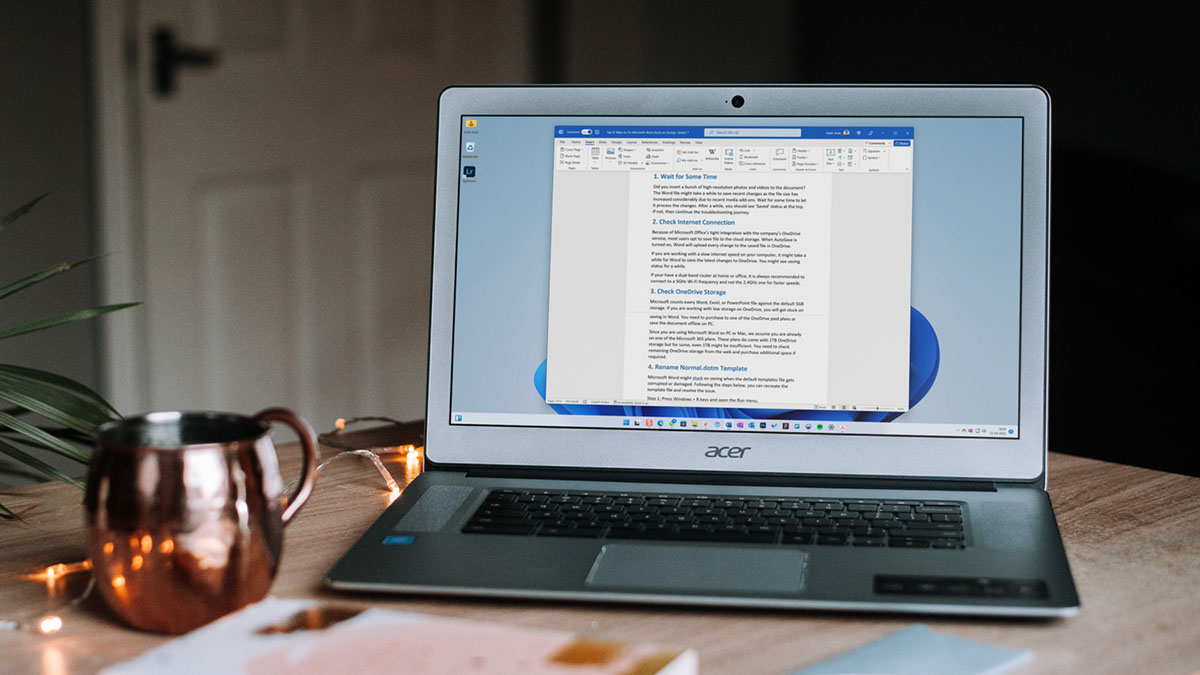 5 Ways to Fix Microsoft Word Stuck on Saving
Basic Fixes Wait for some time: Give it a moment since Word files might take a while to save recent changes, especially when the file size has increased considerably.
5 Ways to Fix Microsoft Word Stuck on Saving
Basic Fixes Wait for some time: Give it a moment since Word files might take a while to save recent changes, especially when the file size has increased considerably.
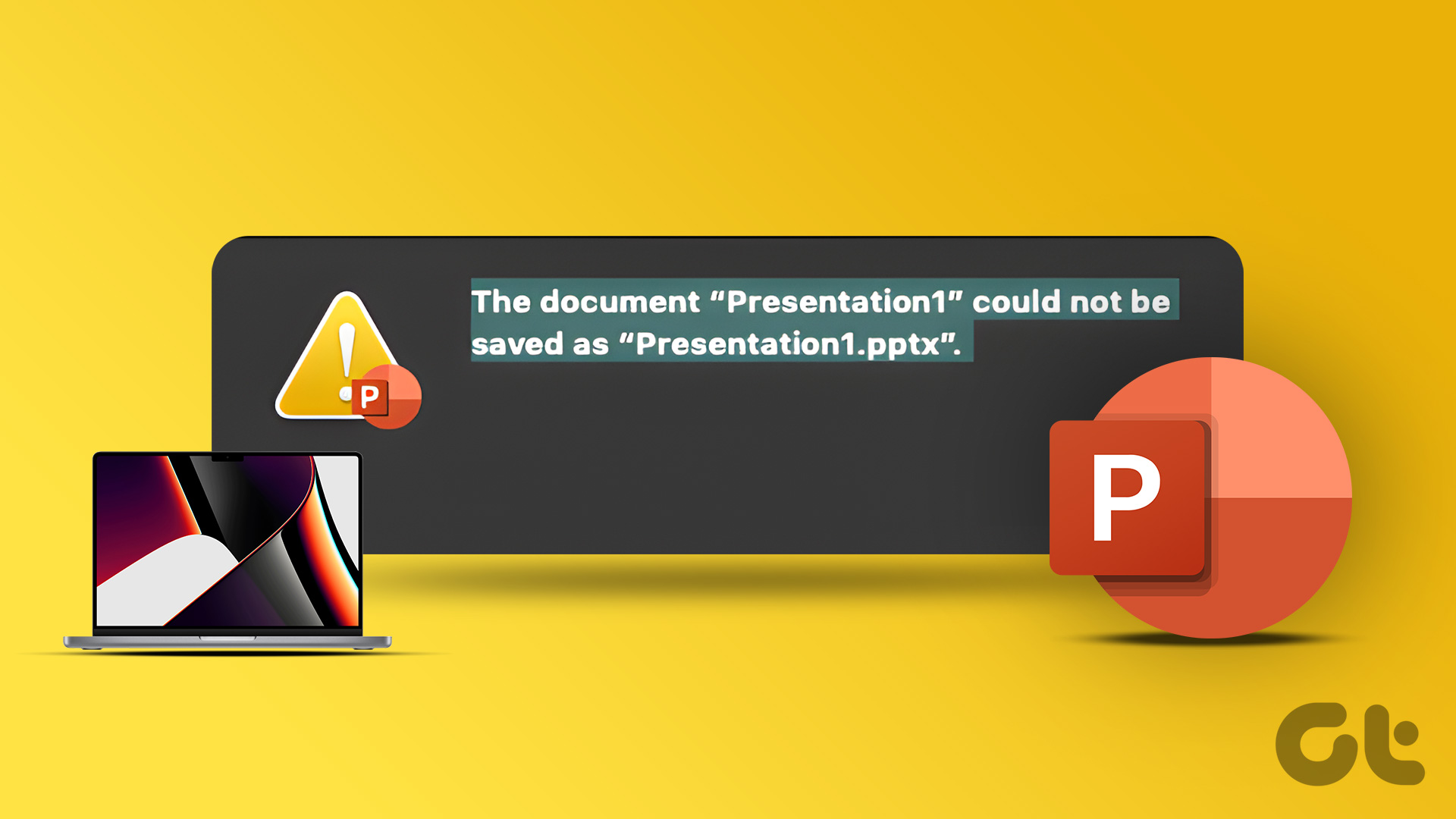 2 Ways to Fix Microsoft PowerPoint Not Saving on Mac
Basic Fixes Check your internet connection: If you use any cloud storage services, you must have an active internet connection to sync the latest changes in your PowerPoint file.
2 Ways to Fix Microsoft PowerPoint Not Saving on Mac
Basic Fixes Check your internet connection: If you use any cloud storage services, you must have an active internet connection to sync the latest changes in your PowerPoint file.
 5 Ways to Fix Microsoft Excel Not Saving Changes on Windows
Fix 1: Repair Files From File Explorer Step 1: Open the Microsoft Excel app on your computer.
5 Ways to Fix Microsoft Excel Not Saving Changes on Windows
Fix 1: Repair Files From File Explorer Step 1: Open the Microsoft Excel app on your computer.
 6 Ways to Fix Microsoft PowerPoint Not Saving Files on Windows
Fix 1: Ensure the File Is Not Opened Elsewhere Having a PowerPoint file open in multiple apps can prevent you from editing it.
6 Ways to Fix Microsoft PowerPoint Not Saving Files on Windows
Fix 1: Ensure the File Is Not Opened Elsewhere Having a PowerPoint file open in multiple apps can prevent you from editing it.
The article above may contain affiliate links which help support Guiding Tech. The content remains unbiased and authentic and will never affect our editorial integrity.