The new Thunderbolt 4 specification offers speeds of up to 40Gbps. You can also use the same cable to power your laptop. So, if you have been searching for quality cable, do not worry; we have handpicked the best Thunderbolt 4 cables you can buy.
OWC Thunderbolt 4 Cable
- Length: 2.36 ft
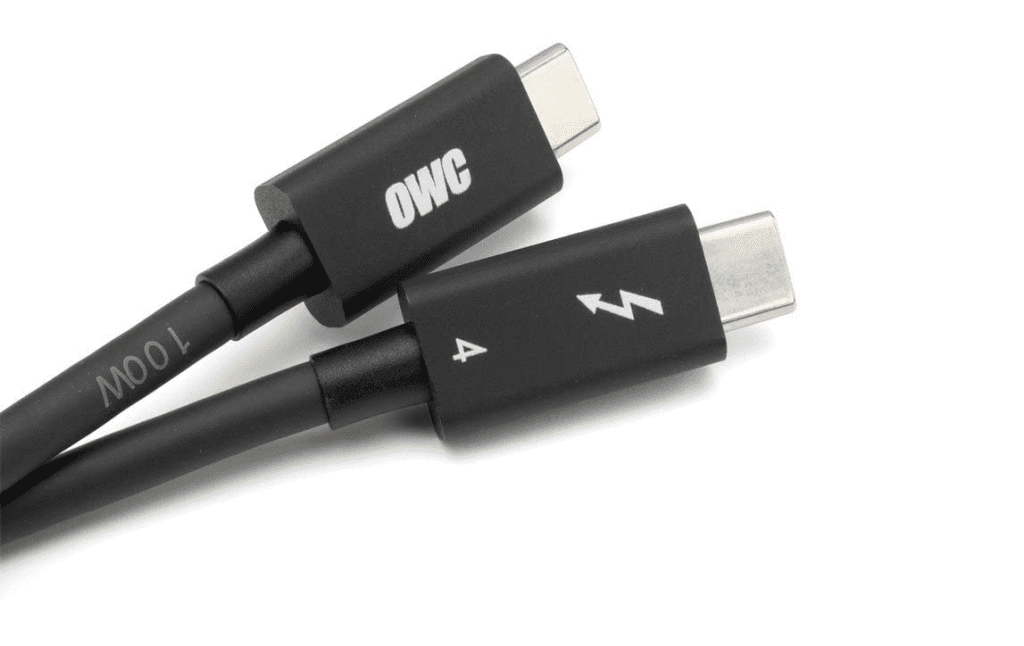
As noted earlier, Thunderbolt 4 cables are expensive. But if you are looking for an inexpensive option, the OWC Thunderbolt 4 cable will be right up your alley. The cable is available in four sizes, and you can pick one depending on your setup.
The OWC Thunderbolt 4 cable can transmit up to 40Gb/s and supports Power Delivery up to 100W, providing the power needed for your Mac Studio or MacBook Pro. OWC is known for its quality products, and this one is no different. It is not a braided Thunderbolt 4 cable like some of its counterparts, but it’s well-built and flexible.
What We Like
What We Don’t Like
Also See: Best USB-C Chargers With Multiple Ports That You Can Buy
CalDigit Intel Certified Cable
- Length: 2.3ft

Up next, we have the CalDigit Thunderbolt 4 cable for your MacBook Pro. This Intel-certified cable provides the desired speed and 100W charging power. It’s not nylon braided, but it’s well-built and durable.
The durable factor means it will last a long time, irrespective of how many times you plug and unplug it. However, there aren’t any additional grips on the side, and you may be unable to unplug it easily if your hands sweat a lot.
What We Like
What We Don’t Like
Anker Thunderbolt 4 Cable
- Length: 2.62ft
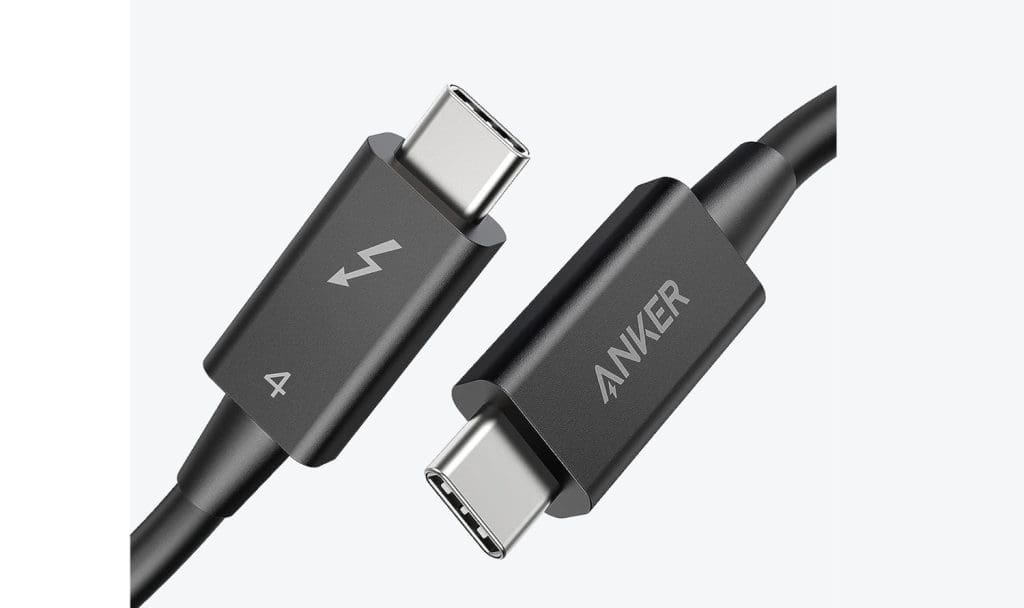
The Anker Thunderbolt 4 offers all the advertised features, such as 100W Power delivery and 40Gbps speed, and can interface with two 4K, 60Hz monitors.
This Anker cable is a little expensive, although it can be purchased in a smaller size that measures 2.3 feet. This makes it perfect for connecting your MacBook Pro to a Thunderbolt dock on your desk. It can also be used to connect your MacBook to a dock or an external SSD.
What We Like
What We Don’t Like
Plugable Thunderbolt 4 Cable
- Length: 6.6ft
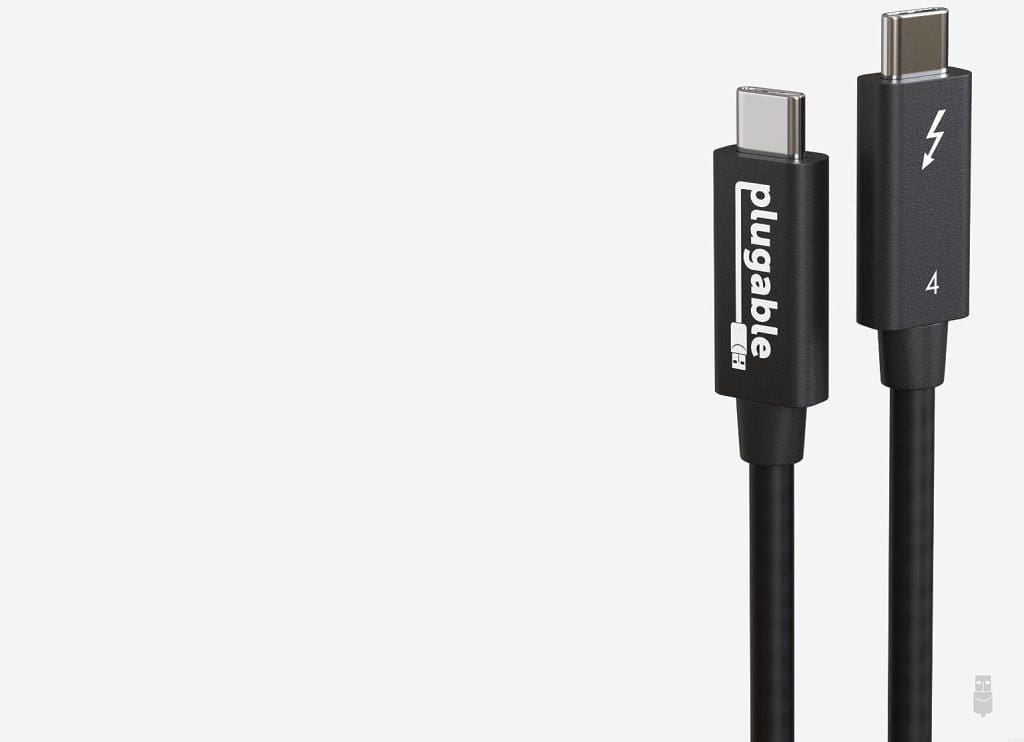
The Plugable Thunderbolt 4 cable is priced slightly higher than the one above. However, it is Intel-certified and does not compromise on quality. As such, you can interface to multiple monitors or stream 4K @ 60Hz.
Like the one above, it’s an Active Thunderbolt cable. So even if you pick up the 6.6ft cable, you do not have to worry about the speed dropping. It has a solid build and works as intended on Apple MacBook Pro laptops. And since it charges the laptop simultaneously, you have less cable clutter at hand.
What We Like
What We Don’t Like
CableMatters Active Thunderbolt 4 Cable
- Length: 6.6 ft
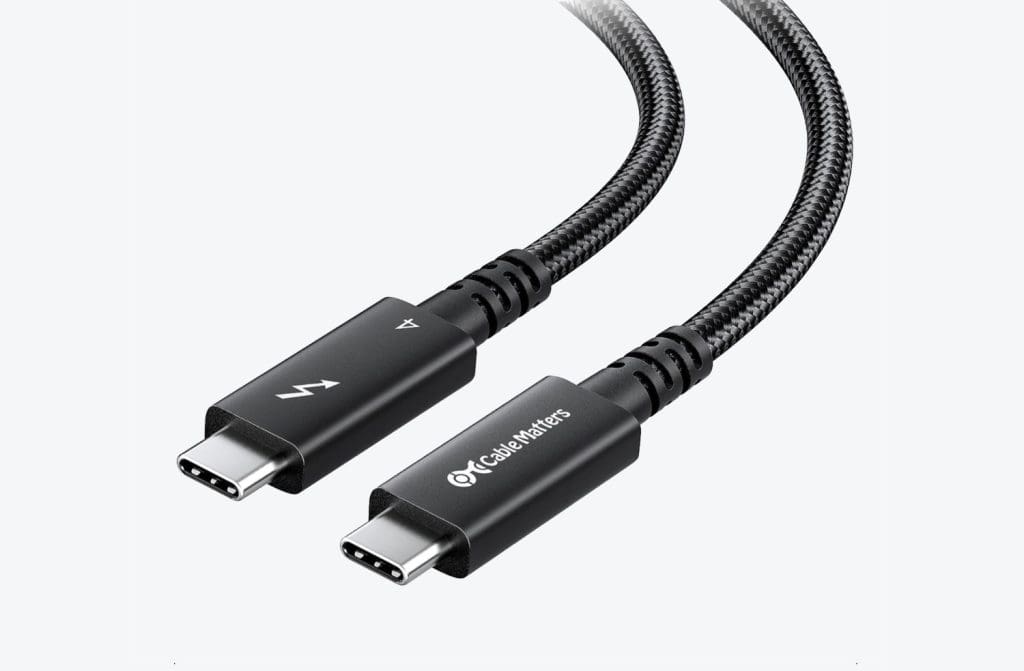
The CableMatters cable has many good things going for it. For one, it is an Active cable. Secondly, it’s a braided Thunderbolt 4 cable. As you may already know, a braided exterior extends the life of a cable and prevents tangling.
Like most Thunderbolt 4 cables, this one can go up to a theoretical speed of 40Gbps, allowing users to connect 8K monitors to their laptops or a docking station. The strain relief is also on the longer side, thus preventing fraying at the ends in the long run.
What We Like
What We Don’t Like
Read Also: Best USB-C Hubs With SD Card Reader Slot
Belkin Active Thunderbolt Cable
- Length: 6.6ft
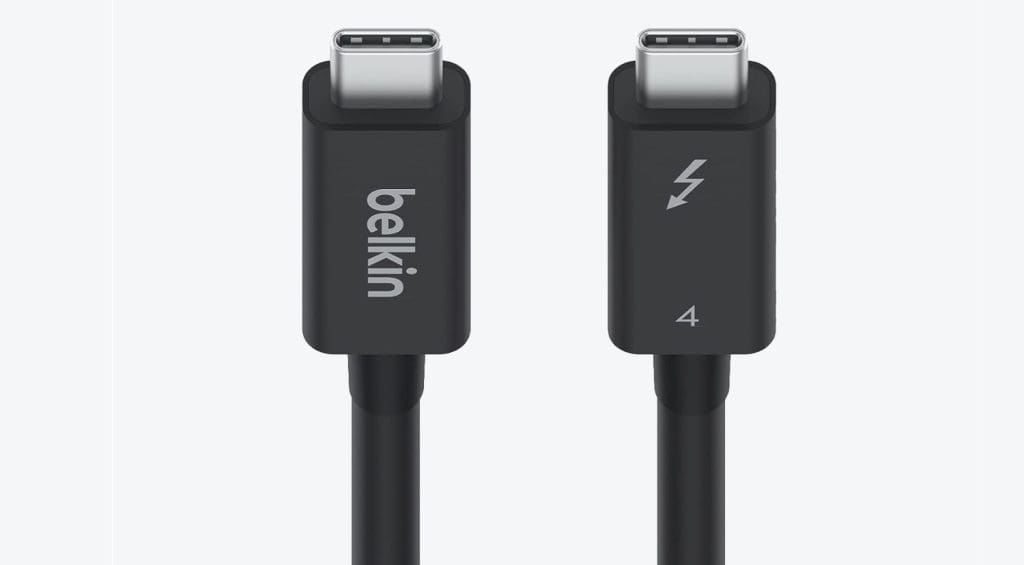
If you want a Thunderbolt 4 cable from a known brand, you should check out the Belkin Active cable. Since it’s an Active Thunderbolt 4 cable, you will get the same speed over longer distances.
This feature is especially important if you plan to use this Thunderbolt cable to connect your MacBook Pro to an external hard drive over a distance. Like the one above, it’s a non-braided cable, making it easy to stow when not in use. The quality is top-notch for the price, which is excellent. Notably, apart from connecting your MacBook Pro, you can also use it to connect an eGPU, multiple Thunderbolt monitors, and laptop docks.
What We Like
What We Don’t Like
Apple Thunderbolt 4 Pro Cable
- Length: 5.9ft
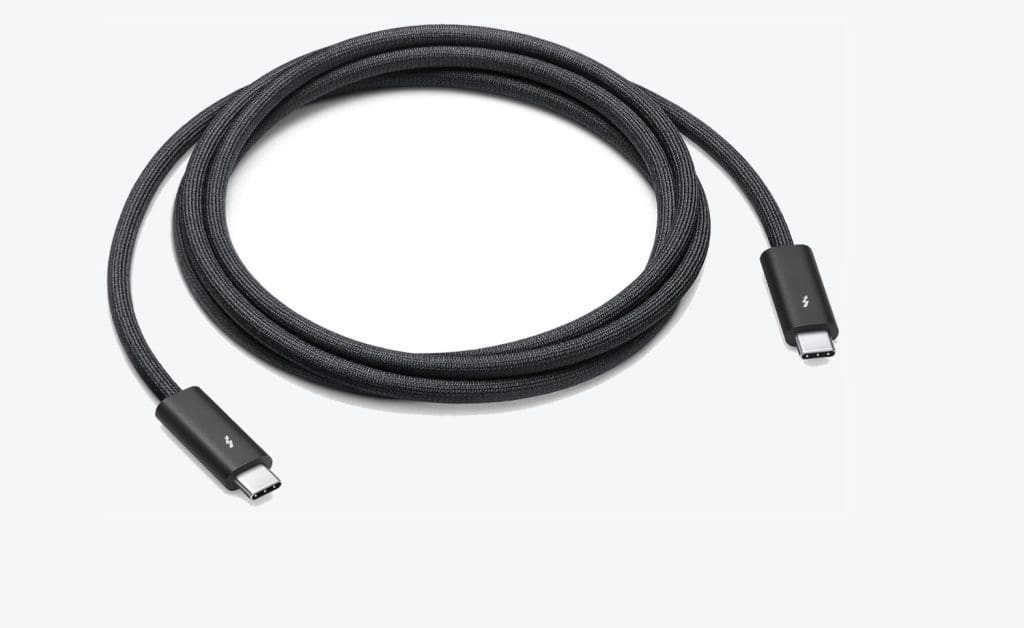
If you do not want to stray from the Apple ecosystem and do not mind paying a premium, the Apple Thunderbolt 4 cable is your best bet. It is the most expensive cable on the market, but it should work as expected.
It’s a braided Thunderbolt 4 cable with fine braiding on the exterior, which sets it apart from the rest. This ups the cable’s durability and helps prevent fraying in the long run. At 1.8m, it’s a little short compared to the others. However, it gives you enough wriggle room to connect your MacBook Pro to your Thunderbolt 4 dock or external hard drives.
What We Like
What We Don’t Like
Was this helpful?
Last updated on 11 July, 2024
Read Next
 I Didn’t Know I Needed a Dock for My Mac Until I Used One: Ft. Startech Thunderbolt 4 Dock
After using a MacBook Pro 13 with the M1 chip for a couple of years, I switched to the 14-inch MacBook Pro last year.
I Didn’t Know I Needed a Dock for My Mac Until I Used One: Ft. Startech Thunderbolt 4 Dock
After using a MacBook Pro 13 with the M1 chip for a couple of years, I switched to the 14-inch MacBook Pro last year.
 7 Best Apple CarPlay Lightning Cables for Your iPhone
Short and durable lightning cables work best when connecting your iPhone to your car for CarPlay.
7 Best Apple CarPlay Lightning Cables for Your iPhone
Short and durable lightning cables work best when connecting your iPhone to your car for CarPlay.
 6 Best Mini HDMI to HDMI Cables That You Can Buy
Whether it's a DSLR, a Raspberry Pi, or your slim ultrabook laptop, Mini HDMI ports are still quite common these days.
6 Best Mini HDMI to HDMI Cables That You Can Buy
Whether it's a DSLR, a Raspberry Pi, or your slim ultrabook laptop, Mini HDMI ports are still quite common these days.
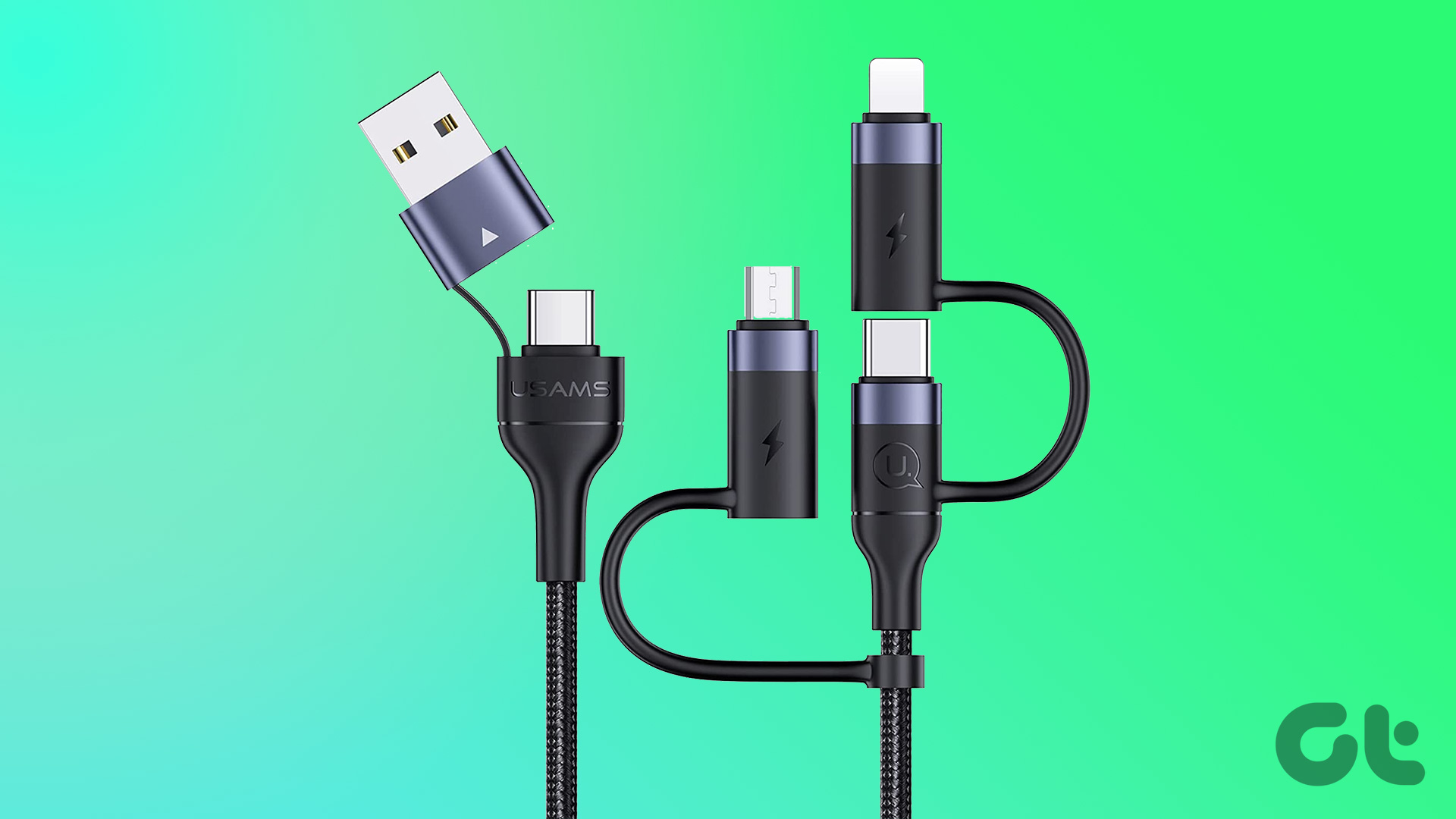 7 Best Multi-Charging Cables for Charging Multiple Devices
Most of us nowadays have multiple devices to charge.
7 Best Multi-Charging Cables for Charging Multiple Devices
Most of us nowadays have multiple devices to charge.
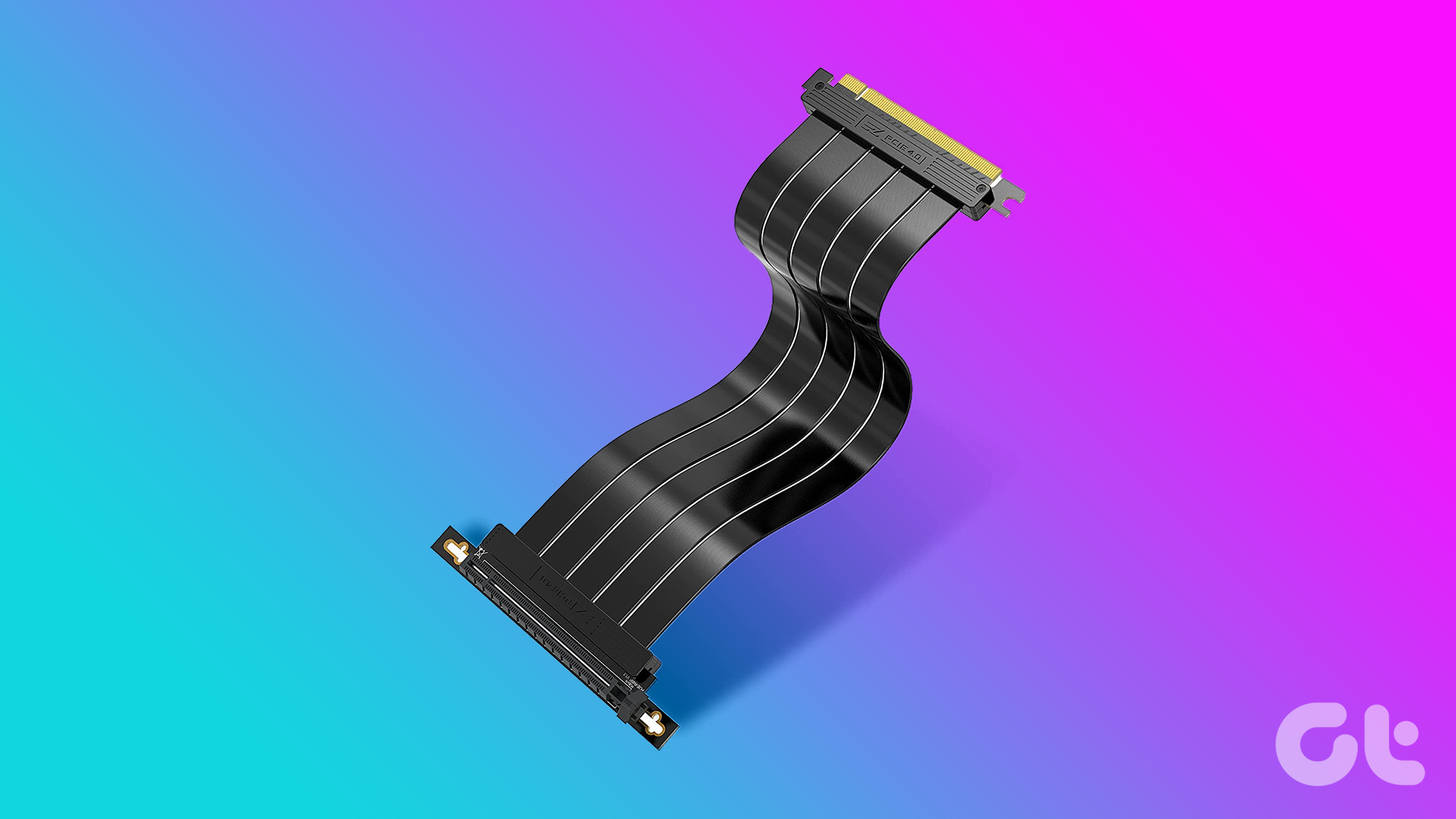 6 Best PCIe 4.0 Riser Cables for Your GPU
A riser cable is essentially a cable that allows you to extend the PCIe port.
6 Best PCIe 4.0 Riser Cables for Your GPU
A riser cable is essentially a cable that allows you to extend the PCIe port.
 5 Best DisplayPort to HDMI Cables
Whether you want to deliver a presentation at the office or watch your favorite TV show at home on the weekend, a small laptop screen might not be enough.
5 Best DisplayPort to HDMI Cables
Whether you want to deliver a presentation at the office or watch your favorite TV show at home on the weekend, a small laptop screen might not be enough.
 5 Best USB-C to MagSafe 3 Cables That You Can Buy
With Apple's latest crop of MacBooks, the company rolled back the years and re-introduced the MagSafe connector.
5 Best USB-C to MagSafe 3 Cables That You Can Buy
With Apple's latest crop of MacBooks, the company rolled back the years and re-introduced the MagSafe connector.
 5 Best 8K HDMI Cables That You Can Buy
Buying an HDMI cable that supports 8K proves to be a wise decision, whether you are pairing your new 8K TV to a powerful PC, laptop, projector, or simply a
5 Best 8K HDMI Cables That You Can Buy
Buying an HDMI cable that supports 8K proves to be a wise decision, whether you are pairing your new 8K TV to a powerful PC, laptop, projector, or simply a
The article above may contain affiliate links which help support Guiding Tech. The content remains unbiased and authentic and will never affect our editorial integrity.