The Windows Snipping Tool comes with all installations of Windows 11, and it’s a handy app that automatically appears whenever you take a screenshot. Use the When you click on the tool, you see the screenshot you just took. From here, you can crop it, adjust it, and save it to the location of your choice.
Unfortunately, Snipping Tool is known to have a few annoying issues and faults. It can be tricky to take single-window snaps of settings pages, for example, and sometimes the tool doesn’t open automatically. Thankfully, there are plenty of free alternatives to Snipping Tool that you can download. Many of these have additional features you may find useful.
Three Free Windows Snipping Tool Alternatives
PicPick
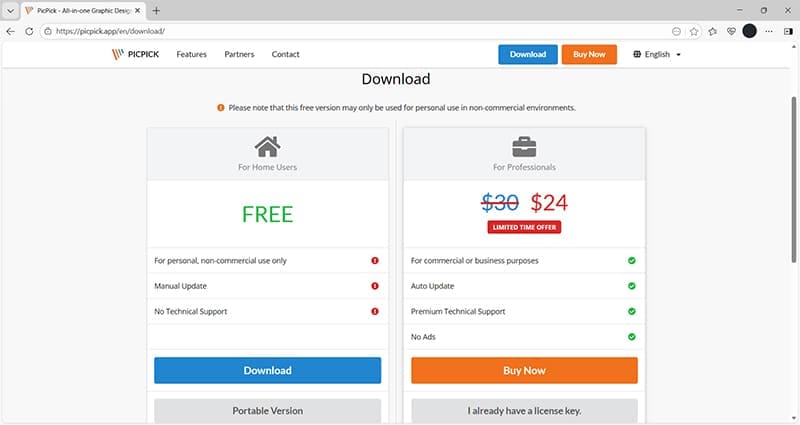
PicPick offers a free downloadable app and a paid version. The free version is supported by ads, so expect to see banners and the occasional pop-up while using the app.
Users love PicPick because of its range of features which include:
- Effects, including shadows and motion blur
- Graphic accessories, such as a protractor and magnifier
- Customizable hotkeys
- Sharing options
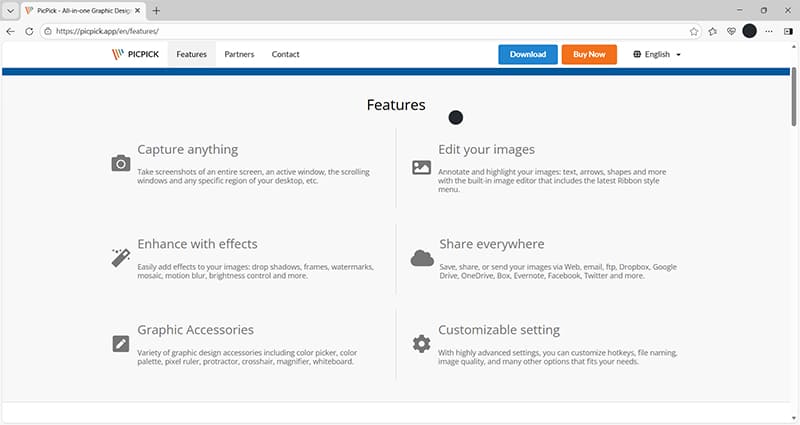
The ability to instantly share screen captures via popular apps like Dropbox and OneDrive, or using social media, makes this a top choice for those who need to send and receive images quickly.
LightShot
Another of the top alternatives to Windows Snipping Tool is LightShot. This app also has various sharing options, including creating short links to screenshots which could be very useful for collaborative projects.
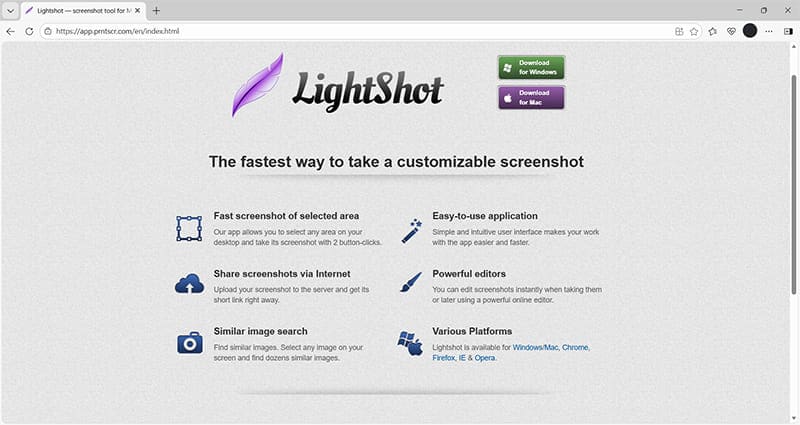
LightShot also has the ability to search for similar images. So, if you come across an image while searching online, you can use this feature to figure out the source of the original image or find alternatives.
There’s also the bonus that LightShot is available on both Windows and Mac devices. That makes it ideal for those who work across both operating systems and want a familiar interface on all their devices.
ShareX
If you’re looking for open-source Windows Snipping Tool alternatives, ShareX is a potential winner. It offers multiple features, including GIF recording, scrolling screen capture, and customizable workflow automation.
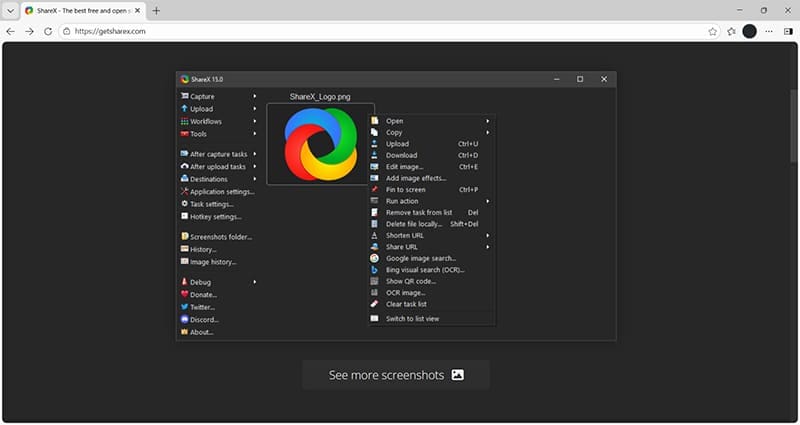
There are organizational options, such as the ability to delete files locally once they’ve uploaded to a web-based server. You can also create QR codes and other sharing options with a single click.
Windows users can download ShareX directly from the Microsoft Store. This offers additional peace of mind as only carefully vetted apps and resources are added to the Store.
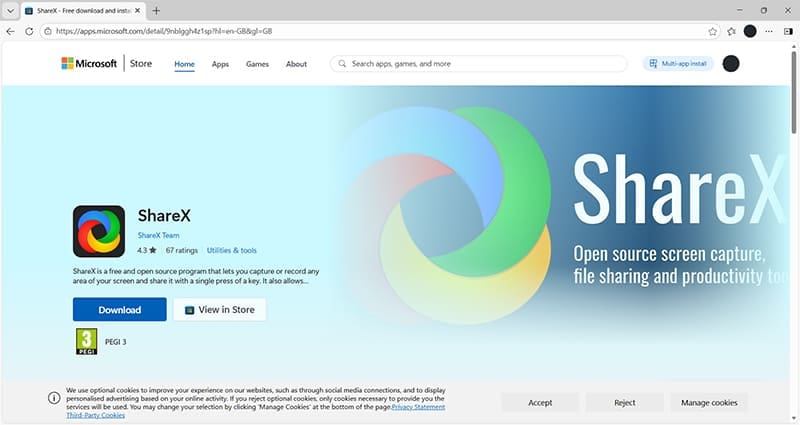
Developers can access the source code and other resources via GitHub.
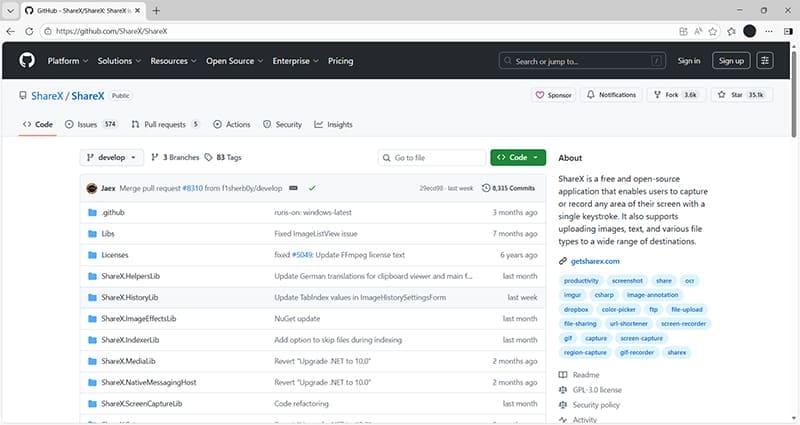
Because it’s open source, ShareX is free, although you can donate via the app’s website to help continue the development of this Windows Snipping Tool alternative.
Was this helpful?
Last updated on 10 January, 2026
Read Next
 6 Ways to Fix Snipping Tool Not Working on Windows 11
Fix 1: Ensure Snipping Tool Notifications Are Enabled Snipping Tool may fail to show screenshots after capturing them if you have turned off its notification permission.
6 Ways to Fix Snipping Tool Not Working on Windows 11
Fix 1: Ensure Snipping Tool Notifications Are Enabled Snipping Tool may fail to show screenshots after capturing them if you have turned off its notification permission.
 3 Ways to Fix the “Recording Stopped” Error in Snipping Tool for Windows 11
Try Basic Fixes Disable screen projection: The Snipping Tool may sometimes have trouble recording the screen if you are using multiple displays.
3 Ways to Fix the “Recording Stopped” Error in Snipping Tool for Windows 11
Try Basic Fixes Disable screen projection: The Snipping Tool may sometimes have trouble recording the screen if you are using multiple displays.
 How to Use Snipping Tool Text Actions in Windows 11
The ability to capture bite-sized or specific information from your screen and share it across has never been easier, thanks to Snipping Tool.
How to Use Snipping Tool Text Actions in Windows 11
The ability to capture bite-sized or specific information from your screen and share it across has never been easier, thanks to Snipping Tool.
 How to Draw a (Red) Box Around Text in the Snipping Tool on Windows PC
Steps to Draw a (Red) Box Around Text in the Snipping Tool Step 1: Open the screenshot or any other picture in the Snipping Tool.
How to Draw a (Red) Box Around Text in the Snipping Tool on Windows PC
Steps to Draw a (Red) Box Around Text in the Snipping Tool Step 1: Open the screenshot or any other picture in the Snipping Tool.
 Snipping Tool Keeps Popping Up in Windows 11 Fix
It’s useful to have a tool that makes grabbing screenshots a piece of cake.
Snipping Tool Keeps Popping Up in Windows 11 Fix
It’s useful to have a tool that makes grabbing screenshots a piece of cake.
 Snipping Tool vs Snip & Sketch: How Do They Differ
The easiest way to take screenshots on Windows is by using the PrtScn key.
Snipping Tool vs Snip & Sketch: How Do They Differ
The easiest way to take screenshots on Windows is by using the PrtScn key.
 4 Ways to Fix Snipping Tool Keyboard Shortcut Not Working
Basic Fixes: Check your keyboard for damages: Any physical damage to keyboard keys might prevent them from working as expected.
4 Ways to Fix Snipping Tool Keyboard Shortcut Not Working
Basic Fixes: Check your keyboard for damages: Any physical damage to keyboard keys might prevent them from working as expected.
 How to Disable Snipping Tool Auto Saving Screenshots
Snipping Tool has practically revolutionized how you can screenshot in Windows without downloading third-party files.
How to Disable Snipping Tool Auto Saving Screenshots
Snipping Tool has practically revolutionized how you can screenshot in Windows without downloading third-party files.
The article above may contain affiliate links which help support Guiding Tech. The content remains unbiased and authentic and will never affect our editorial integrity.