What Is Airplane Mode?
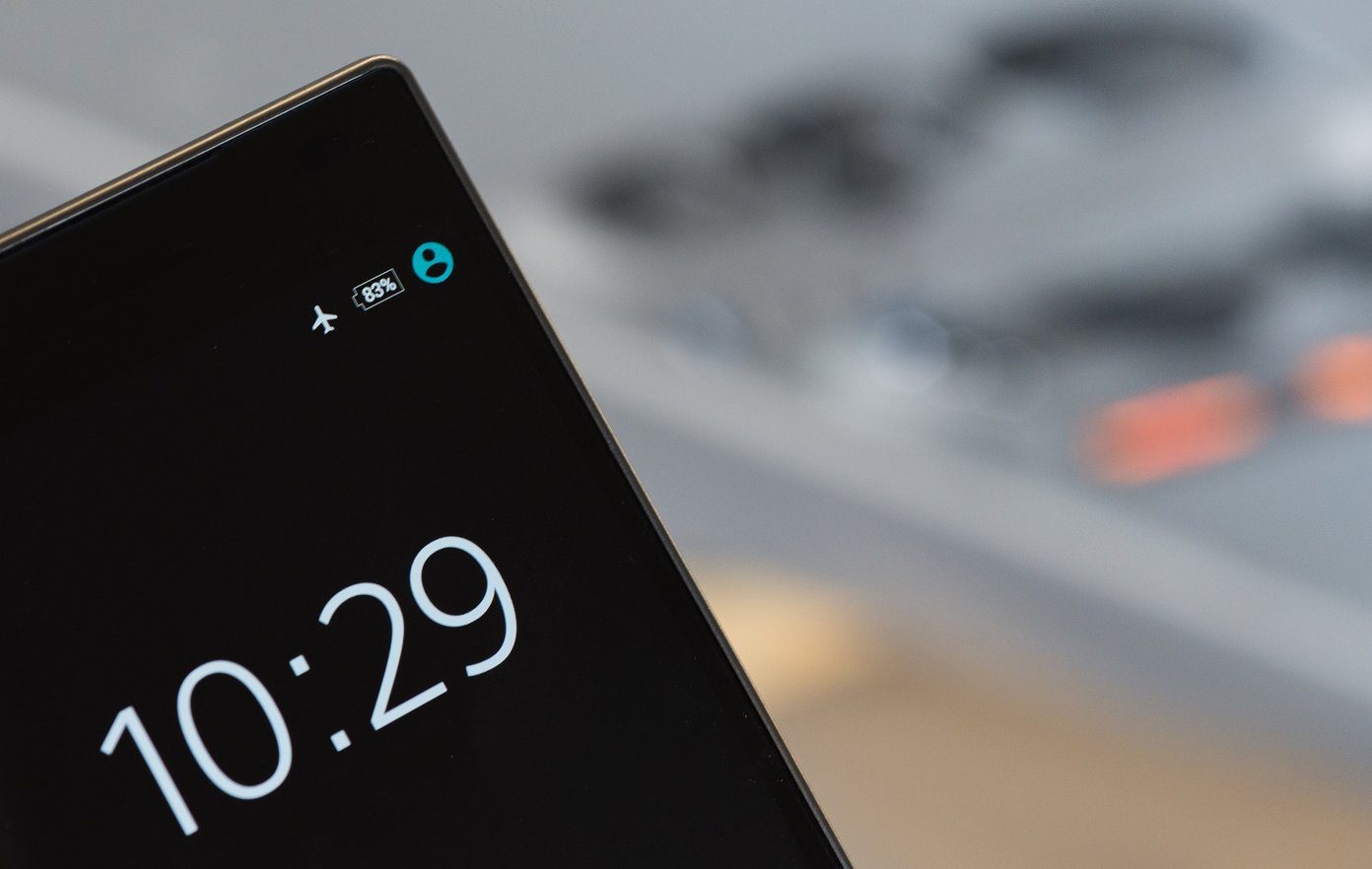
Airplane Mode blocks all radio communications to and from your Android or iPhone. This means you can’t make regular calls, send text messages, use data services, etc. Your phone will, however, still be operable, barring a few apps and services that require internet services. You can manually enable Wi-Fi or Bluetooth but it is not encouraged.
What Does Airplane Mode Do on Cell Phones?
While Airplane Mode is essential when flying, you can also use it for other occasions, such as driving or working on an important task. This will help you reduce distractions. But what other things does Airplane Mode do on your phone? Let’s have a look.
Does Airplane Mode Save Battery?
Since enabling Airplane Mode essentially turns off all radio communication, it can help your device save power by reducing power usage for other such functions. This also helps decrease the device charging time, though other factors can also impact this.
Can You Use Airplane Mode to Fix Your Phone?
If you’ve been experiencing issues while using Wi-Fi, making calls, connecting a Bluetooth device, etc., an easy fix would be to enable and disable Airplane Mode on your Android or iPhone. Restarting radio communication services can help resolve any issues that might have been hindering these operations.
How Do I Find a Lost Android Phone in Airplane Mode?
While Airplane Mode restricts device access to the internet, cellular services, etc., it does not disable location-sharing services in most cases. So, you can potentially use Google’s Find My Device or Samsung’s Find My Mobile services to locate your Android device even when Airplane Mode is enabled.
This is subjective to whether all the necessary permissions have been granted and all the required conditions have been met. iPhone users can use Find My for similar purposes.
How to Enable or Disable Airplane Mode on Android
If you want to enable or disable Airplane Mode on your Android device, you can easily do it using the Quick Settings menu. Or, you can use Android’s settings menu. Additionally, the ability to manage Airplane Mode is also available in the power menu for certain devices. Here’s how to do it.
Method 1: Using Quick Settings
Step 1: Pull down from the top of the screen twice to open the Quick Settings panel. Tap on the Airplane Mode tile.
Note: To disable the Airplane Mode, tap the highlighted airplane icon. This will turn it off.


Method 2: Using Power Menu
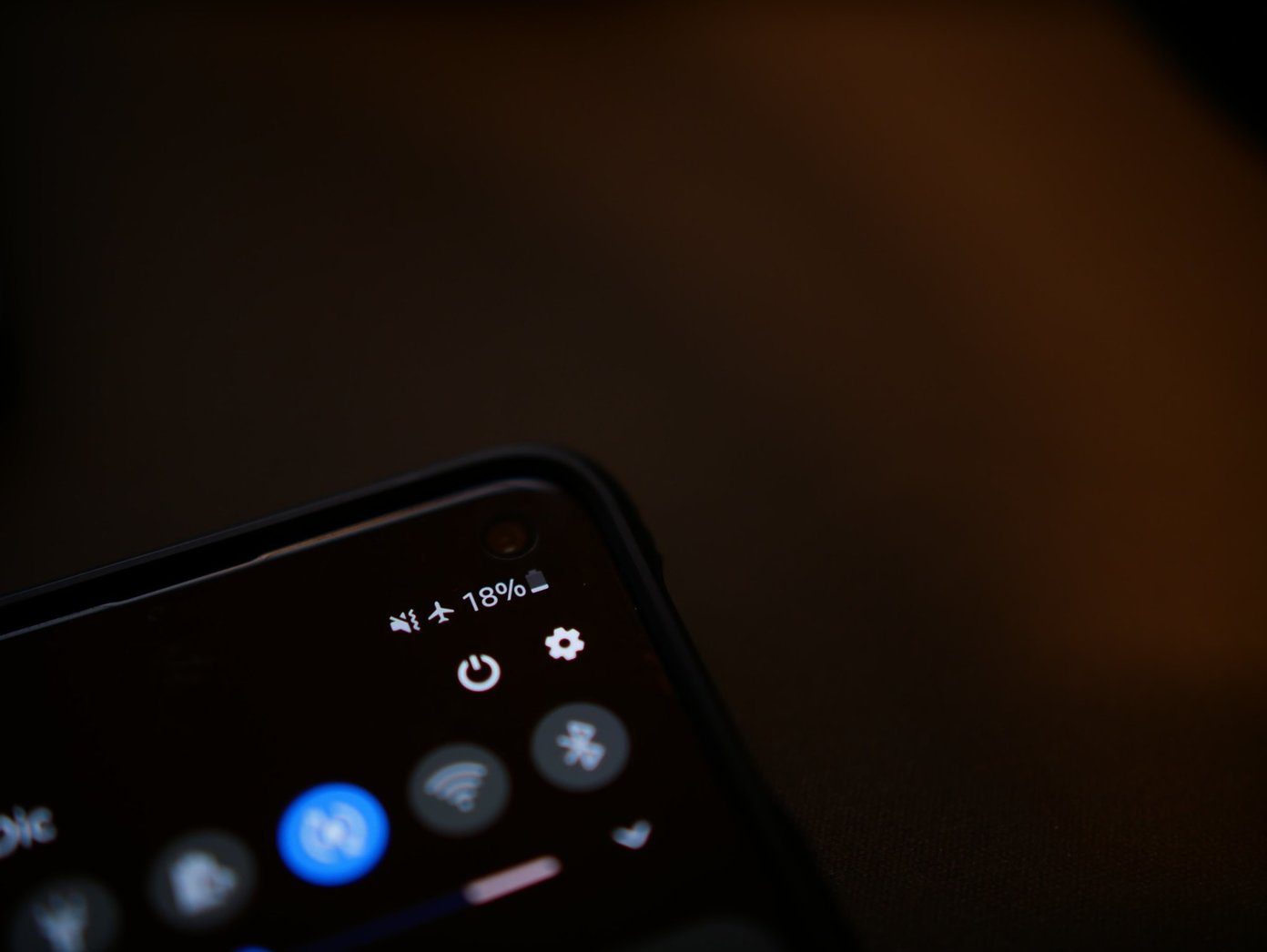
When you turn off your phone, you might get the option to turn Airplane Mode on or off. To do this, long-press the power button and once the options become available, tap on the airplane icon. This will close the power menu and turn Airplane Mode on or off on your device.
Method 3: Using Settings Menu
Step 1: Open Settings and tap on Connections. Turn the toggle for Flight mode on or off.

Also Read: Do Not Disturb vs. Silent vs. Airplane Mode on Android: Know the difference
How to Turn Airplane Mode on or off on iPhone
If you’re an iPhone user, you can use the Control Center to turn on or off Airplane Mode quickly. Or, if the option is not available, you can also use the Settings menu to achieve the same feat. Here’s how to do it.
Method 1: Using Control Center
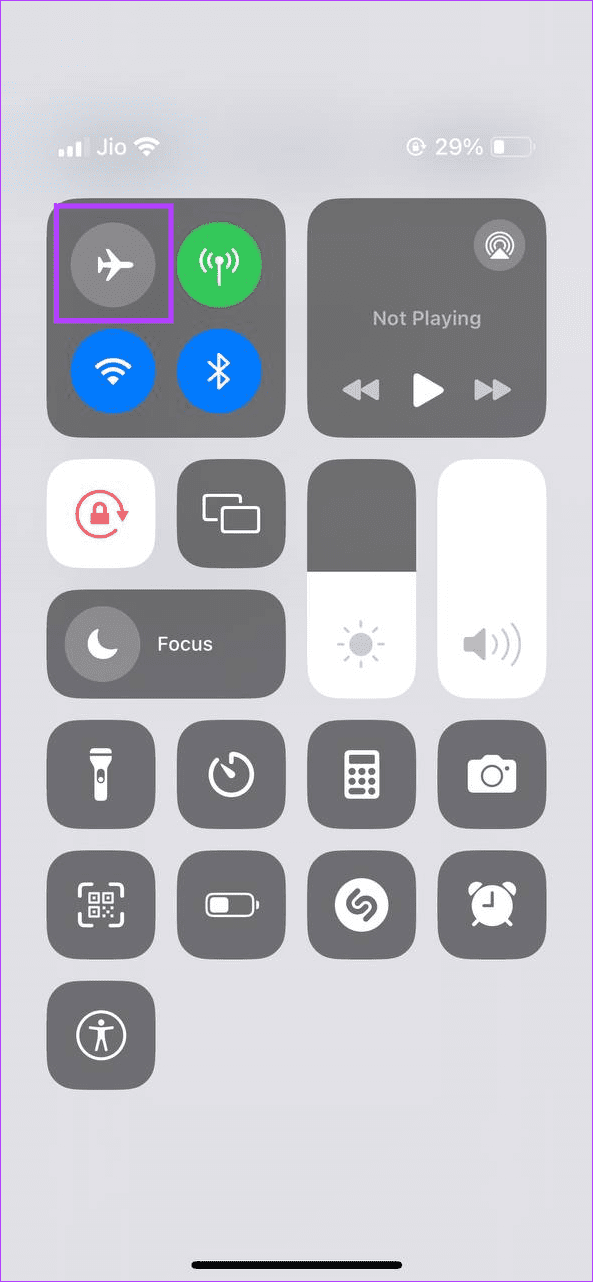
Swipe up from the bottom to open Control Center. Or, if your device doesn’t have a Home button, swipe down from the top-right corner of your screen. Tap on the airplane icon to enable or disable Airplane Mode.
Method 2: Using Settings Menu
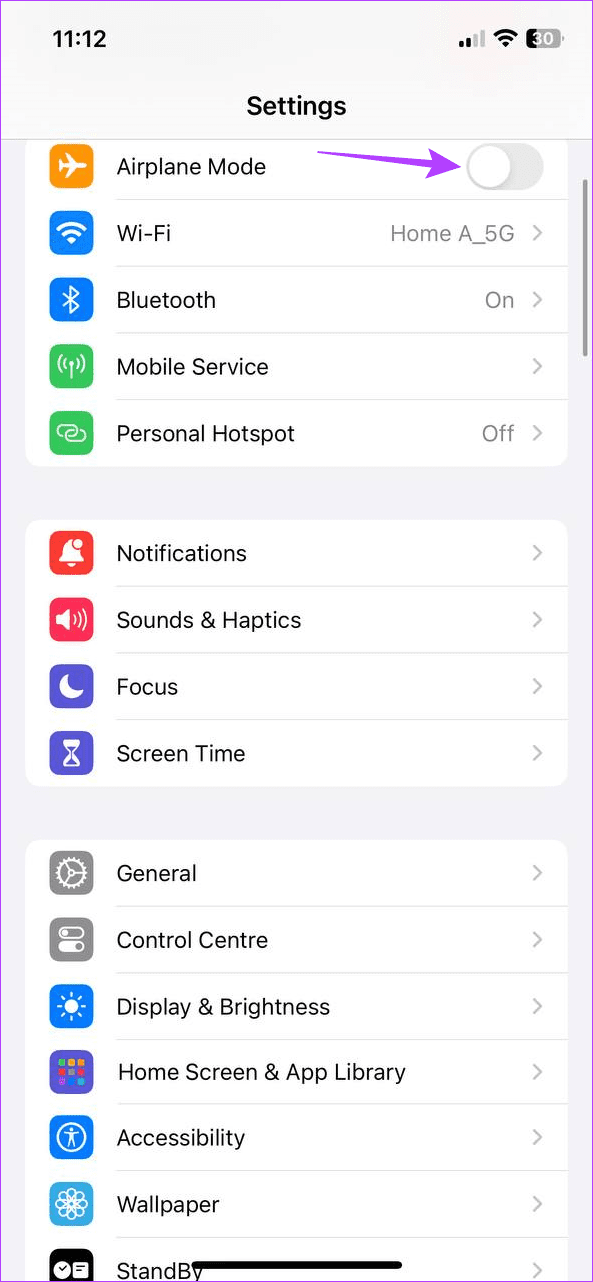
Step 1: Open the Settings app and turn the Airplane Mode toggle on or off.
Once the airplane symbol is visible in the menu options, Airplane Mode will be enabled for your iPhone. Or, if you’ve disabled it, wait for the airplane icon to grey out.
Also Read: How to automatically turn on or off Airplane Mode on iOS devices
FAQs
While you can manually enable Bluetooth, you can’t make or receive calls once your device is on Airplane Mode.
Since Airplane Mode stops all radio transmissions for your device, it can potentially block emergency alerts from appearing on your device. Certain alerts, however, might still ring.
Yes, calls are auto-rejected once Airplane Mode is enabled on your device. The person on the other end might get a user unavailable message or get redirected to voicemail.
Yes, you can send texts via Wi-Fi using applications that support this feature, like Google Messages, on your Android device, even when Airplane Mode is enabled. However, you must manually turn on Wi-Fi once your device is on Airplane Mode to take advantage of this feature.
Was this helpful?
Last updated on 26 August, 2024
Read Next
 What’s the Difference Between Do Not Disturb, Airplane, and Silent Mode on iPhone
What Is Silent Mode on iPhone?
What’s the Difference Between Do Not Disturb, Airplane, and Silent Mode on iPhone
What Is Silent Mode on iPhone?
 Do Not Disturb vs. Silent vs. Airplane Mode on Android: Know the Difference
What Is Silent Mode on Android When you enable silent mode, you will not hear call alerts or notifications.
Do Not Disturb vs. Silent vs. Airplane Mode on Android: Know the Difference
What Is Silent Mode on Android When you enable silent mode, you will not hear call alerts or notifications.
 5 Ways to Fix Windows Stuck in Airplane Mode
Try Basic Fixes Restart Windows: Restarting any device can fix most temporary issues where a process gets stuck.
5 Ways to Fix Windows Stuck in Airplane Mode
Try Basic Fixes Restart Windows: Restarting any device can fix most temporary issues where a process gets stuck.
 How to Turn off Airplane Mode in Dell Laptop
Laptops are a bit different than PC and often come loaded with features.
How to Turn off Airplane Mode in Dell Laptop
Laptops are a bit different than PC and often come loaded with features.
 How to Schedule Airplane Mode on iPhone
How to Set up Automation for Airplane Mode While we’ll share generic steps to set Airplane Mode automatically, the exact steps might vary depending on your needs.
How to Schedule Airplane Mode on iPhone
How to Set up Automation for Airplane Mode While we’ll share generic steps to set Airplane Mode automatically, the exact steps might vary depending on your needs.
 6 Ways to Fix Airplane Mode Grayed Out on Windows 10 and Windows 11
Fix 1: Restart Radio Management Service Radio Management Service is an essential component that needs to run in the background for airplane mode to work.
6 Ways to Fix Airplane Mode Grayed Out on Windows 10 and Windows 11
Fix 1: Restart Radio Management Service Radio Management Service is an essential component that needs to run in the background for airplane mode to work.
 8 Ways to Fix Windows 11 Stuck in Airplane Mode
Basic Fixes: Restart Windows 11: Restarting your device regularly can help keep it running smoothly.
8 Ways to Fix Windows 11 Stuck in Airplane Mode
Basic Fixes: Restart Windows 11: Restarting your device regularly can help keep it running smoothly.
 6 Best Airplane Universal Phone Holders: Portable, Flexible, and Lightweight
It's no secret that holding a phone and looking down to watch a movie can strain your neck and hands, especially on longer flights.
6 Best Airplane Universal Phone Holders: Portable, Flexible, and Lightweight
It's no secret that holding a phone and looking down to watch a movie can strain your neck and hands, especially on longer flights.
The article above may contain affiliate links which help support Guiding Tech. The content remains unbiased and authentic and will never affect our editorial integrity.