1. Live Mic to Bluetooth Speaker
Live Mic to Bluetooth Speaker is an app that can turn your Smartphone into a complete mic. If you are at an event and want to announce, speak to a group of people, or sing with a rhythm, this simple app can replace a physical mic or microphone with your Android phone.
Unlike a traditional microphone, this app wirelessly connects with a Bluetooth speaker and makes your voice loud through Megaspeakers.
Though you’ll get all the essential functions, it has a paid version with additional options. For example, you can improve the sound quality, gain more control over volume, and access VIP customer support to ask for help while using the app. The subscription renews automatically, and you can cancel it anytime.
How to Use the Live Mic App
Now, after installing the app, If you are new to using it, here are the points to get the most out of it:
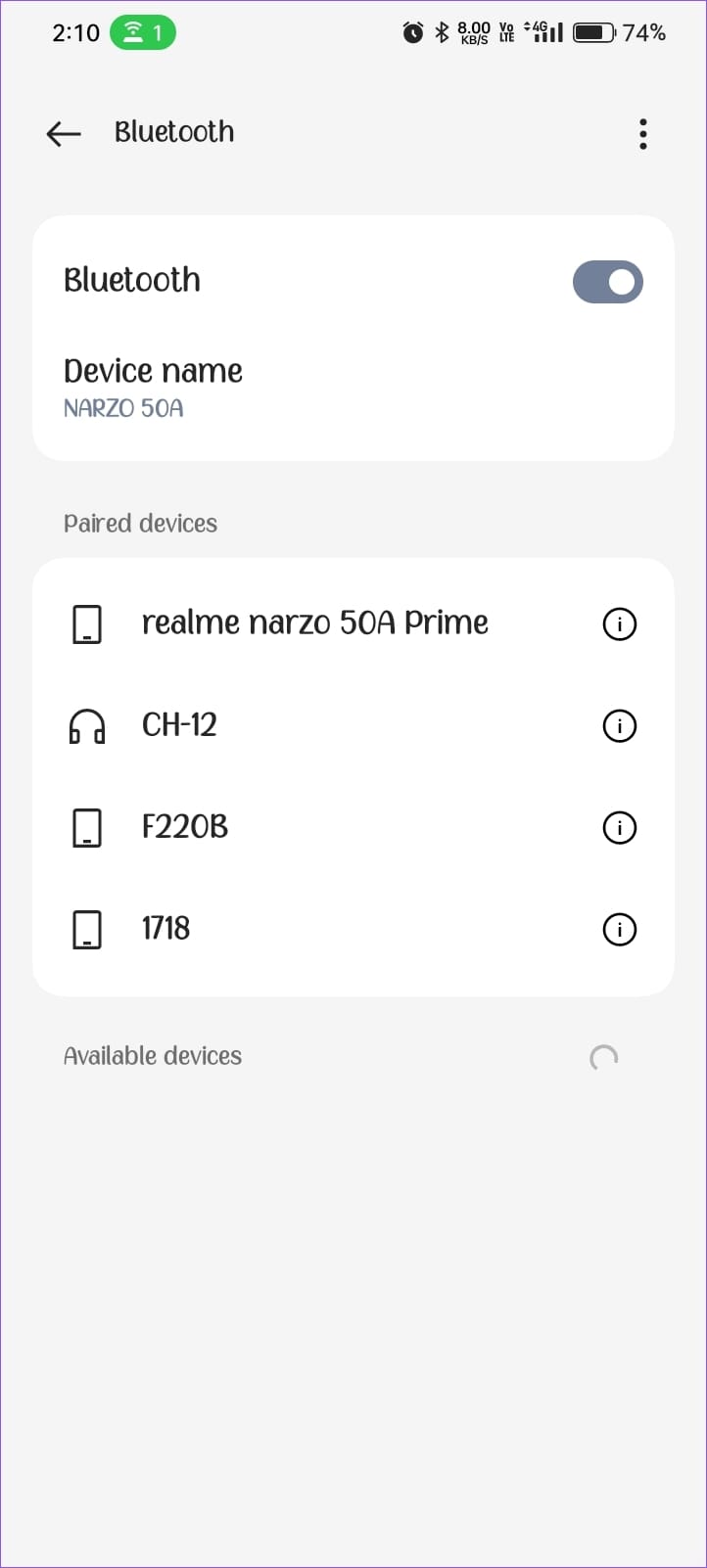
- Open your Bluetooth settings and search for nearby devices to pair with a Bluetooth speaker.
- Once you see the device name, tap on it, pair it, and connect.

- Launch the app and tap on the Mic icon on the screen. You’ll see the sound frequency on the left side, and then you can speak and make the mobile phone a fully functioning microphone. If needed, use the equalizer to set the frequency as you want.
Pros
- Enhanced Equalizer that gives better sound quality.
- No sound buttons are needed to increase or decrease the mic’s sound.
- Ads removal option
- A 3-day free trial is available before getting the premium version
Cons
- Ads pop up on the screen every time you turn on or off the App
- No Recording feature
2. MobileMic
MobileMic is another application designed to work as a microphone. This app lets you connect your Android phone to a Bluetooth speaker regardless of the enhanced audio signal. Mics are often heavier than smartphones, making it difficult to hold them for a long duration. However, once this app is on your phone, say bye to the microphone forever.
Whether you need a karaoke microphone or want to capture your voice on a loudspeaker so that the other person can hear, use this app and become a center of attraction at presentations, meetings, or events.
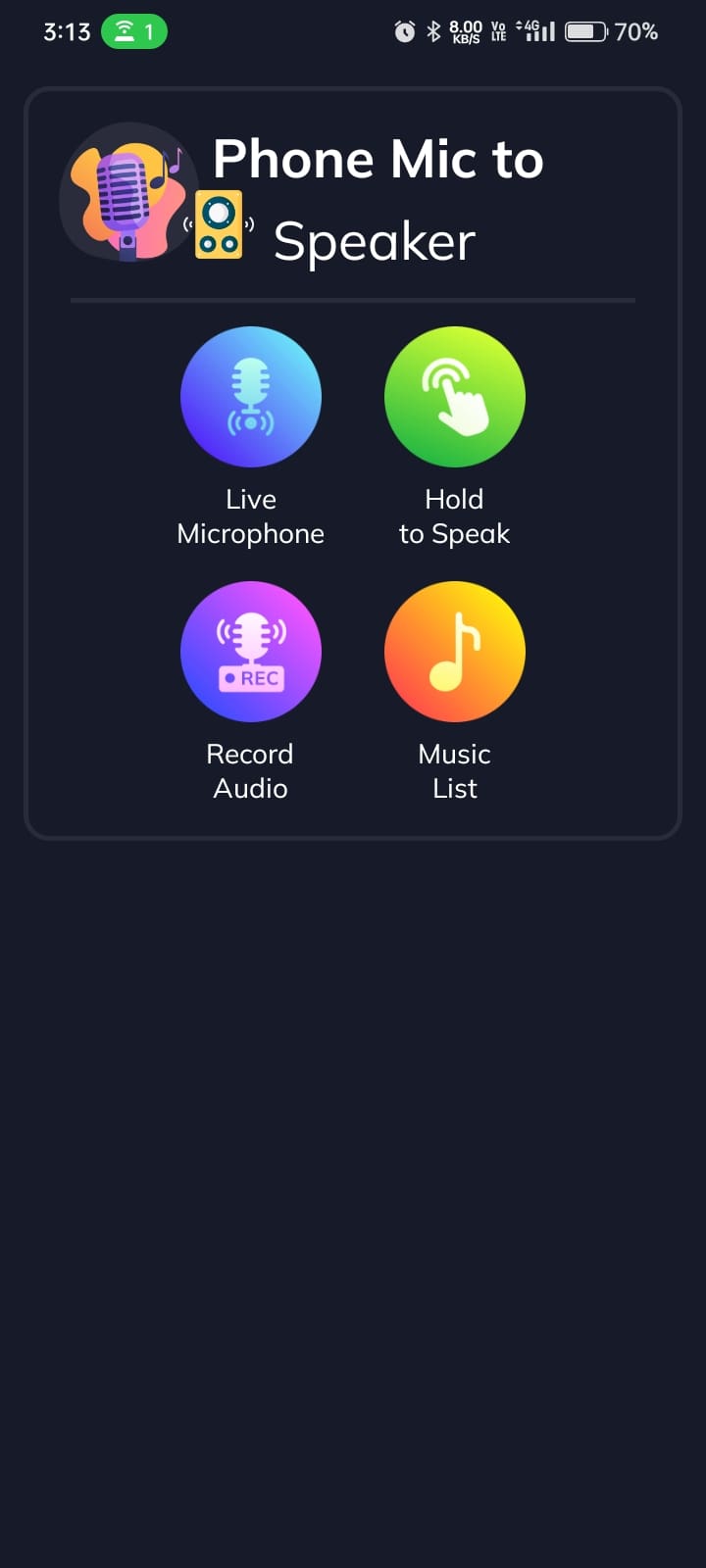
If you don’t want to turn on or off the mic app every time you speak, use its Hold to speak option, which will amplify your voice until you tap on the mic button on the app.
How to Use the MobileMic App
Though the interface of this app is simple, anyone can use it. However, to use it on your first try, here are the things to know:
- Once you install the app and grant permission, pair your Bluetooth speaker with your mobile phone’s Bluetooth.
- Tap on the Start button on the app and select Live Microphone.

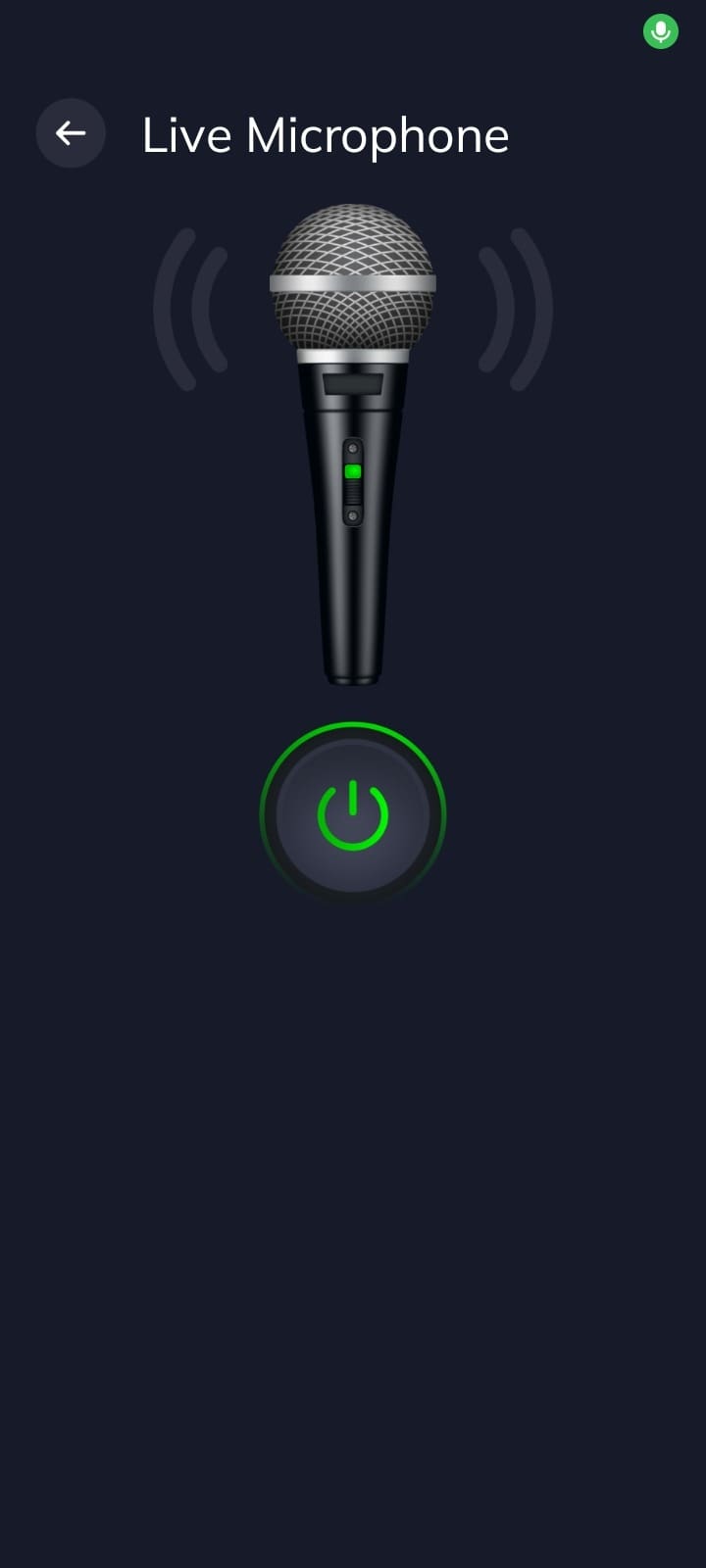
- Click the power icon and your voice will be played through a loudspeaker that you have connected to.
Pros
- No advertisements to work without interruption
- You can Record audio and save it on the internal storage of your device
- It has access to the music and audio files of your device that you can play on a big speaker
- Everything is available for free
Cons
- There is no equalizer to tweak or change the frequency of your voice
- Limited Settings
Was this helpful?
Last updated on 30 August, 2024
Read Next
 How to Fix Bluetooth Headset Mic Not Working in Windows PC
Basic Fixes: Check if it's working with another device: You cannot rule out the possibility that your headset’s mic is the problem.
How to Fix Bluetooth Headset Mic Not Working in Windows PC
Basic Fixes: Check if it's working with another device: You cannot rule out the possibility that your headset’s mic is the problem.
 5 Ways to Fix Discord Mic Not Working on Android and iPhone
https://youtu.be/24cdhNs1yIU Try Basic Fixes Disconnect any Bluetooth devices: Make sure your phone isn't connected to any Bluetooth devices.
5 Ways to Fix Discord Mic Not Working on Android and iPhone
https://youtu.be/24cdhNs1yIU Try Basic Fixes Disconnect any Bluetooth devices: Make sure your phone isn't connected to any Bluetooth devices.
 6 Best Bluetooth Speakers With Microphones
Until a few years ago, wireless Bluetooth speakers with microphones were a common thing.
6 Best Bluetooth Speakers With Microphones
Until a few years ago, wireless Bluetooth speakers with microphones were a common thing.
 5 Bluetooth Speakers With SD Card Slot
Bluetooth speakers are handy if you enjoy listening to loud music or you want to have a mini party in your living room.
5 Bluetooth Speakers With SD Card Slot
Bluetooth speakers are handy if you enjoy listening to loud music or you want to have a mini party in your living room.
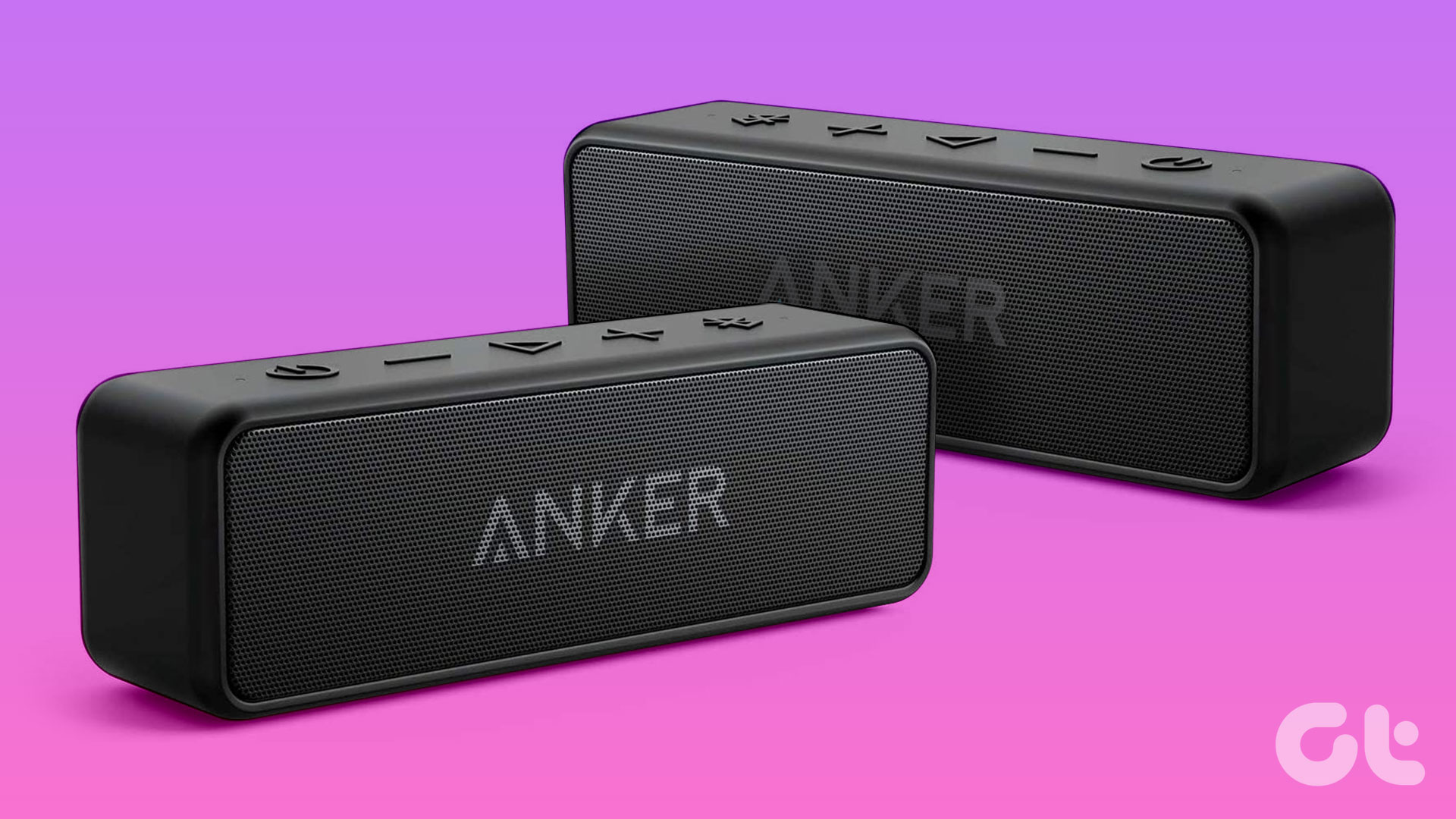 5 Best Bluetooth Speakers With Stereo Pairing
Bluetooth speakers allow you to enjoy music while camping or hosting a small party.
5 Best Bluetooth Speakers With Stereo Pairing
Bluetooth speakers allow you to enjoy music while camping or hosting a small party.
 Top 6 Bluetooth Speakers With AUX Input
Speakers with AUX input can cut through the hassle of pairing a device over Bluetooth and allow you to listen to tunes quickly.
Top 6 Bluetooth Speakers With AUX Input
Speakers with AUX input can cut through the hassle of pairing a device over Bluetooth and allow you to listen to tunes quickly.
 How to Perform Live Mic Monitoring on Mac
Method 1: Use QuickTime Player QuickTime Player gives you the option to record your screen and audio on your Mac.
How to Perform Live Mic Monitoring on Mac
Method 1: Use QuickTime Player QuickTime Player gives you the option to record your screen and audio on your Mac.
 5 Ways to Make Your Mic Sound Better on Windows
Basic Fixes Place the Microphone Properly: One of the first things to ensure is that your microphone is placed properly.
5 Ways to Make Your Mic Sound Better on Windows
Basic Fixes Place the Microphone Properly: One of the first things to ensure is that your microphone is placed properly.
The article above may contain affiliate links which help support Guiding Tech. The content remains unbiased and authentic and will never affect our editorial integrity.