Method 1: View Apple Notes on Android Using Web Browser App
In this method, you can open the web version of iCloud by going to iCloud.com through the Chrome browser. Sign in with your Apple account and tap on Notes. You should see all your iCloud Notes. However, if you want to access the notes regularly, opening the website repeatedly wouldn’t be apt. You can create a home screen shortcut to the website on your Android device. Doing so will open the iCloud in a separate window and with just one tap.
Here are the steps in detail. We have divided into two sections: open iCloud Notes on Chrome and create a shortcut.
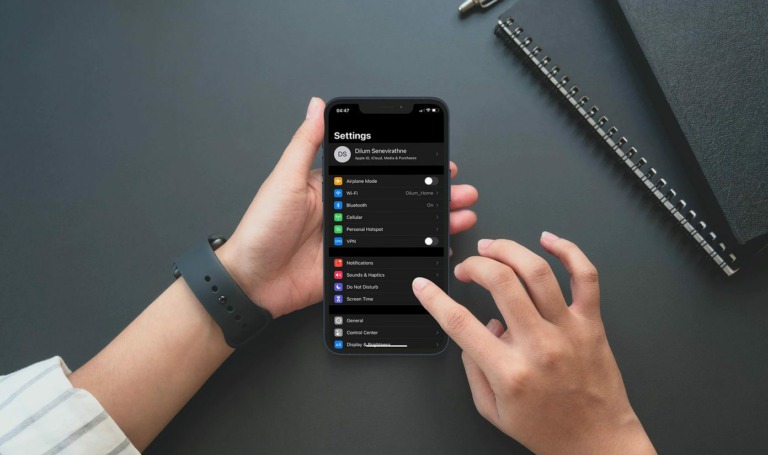
Step 1: Open Settings > Profile name > iCloud > Show All > Notes > Sync this iPhone.


Step 2: On your Android device, launch the Chrome browser and open iCloud.com.
Step 3: Sign in using your Apple ID and then check the box next to Keep me signed in if you will use the Apple Notes app frequently on your Android. The interface will ask whether you want to trust this device. Tap on Trust.
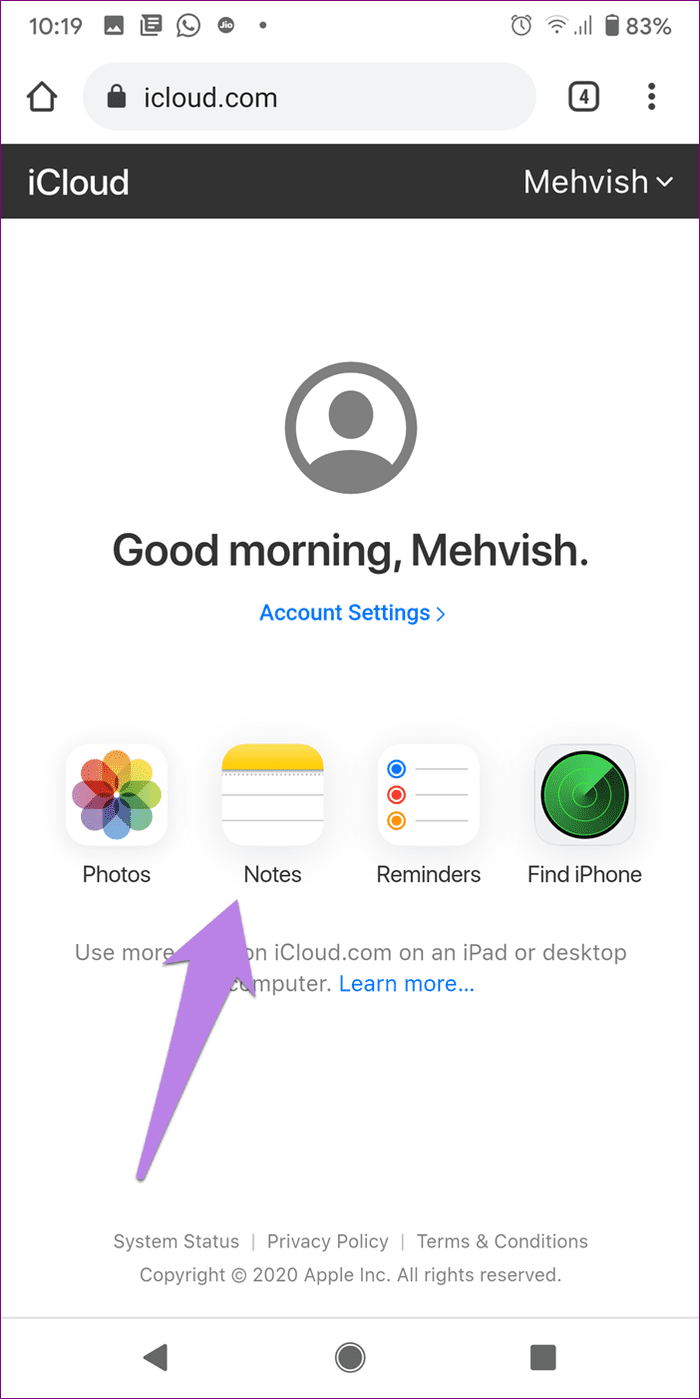
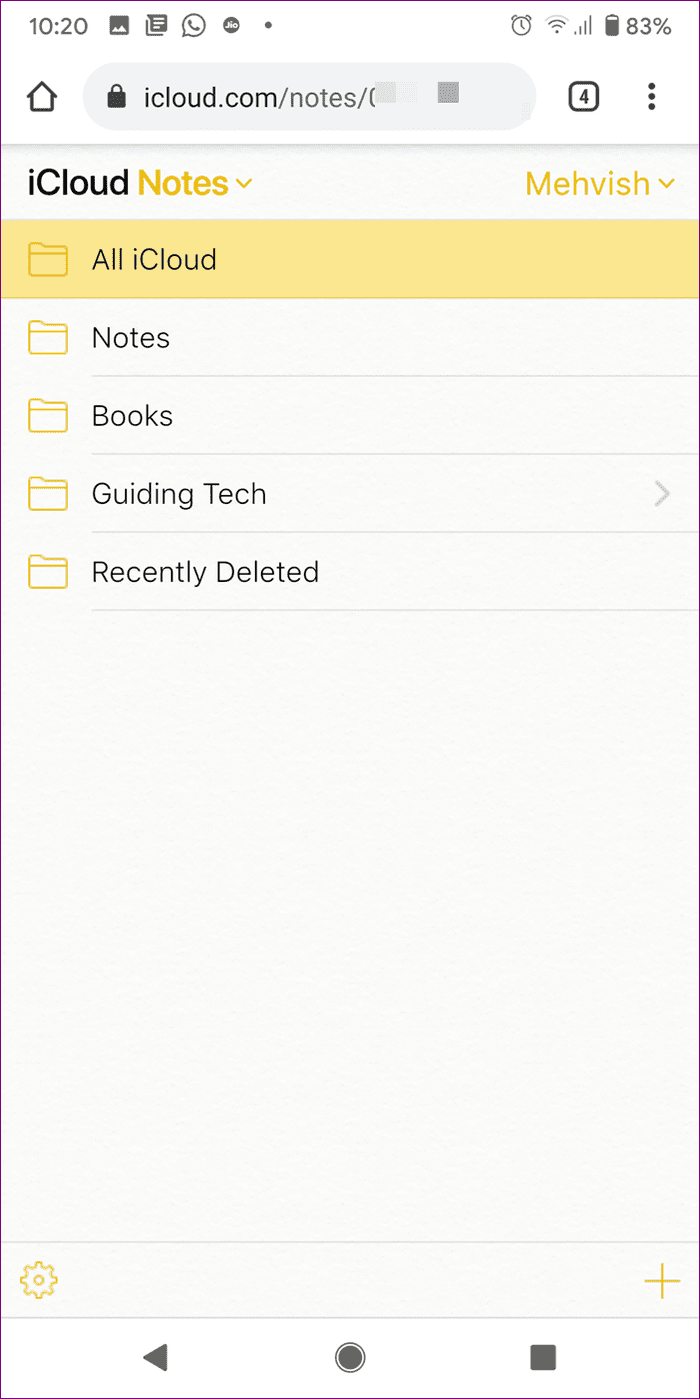
Step 4: Tap on Notes inside iCloud. Your iCloud Notes are now accessible from Android. Tap on any note to open and edit it. You can even create new notes.
Create an iCloud Notes Shortcut on Android
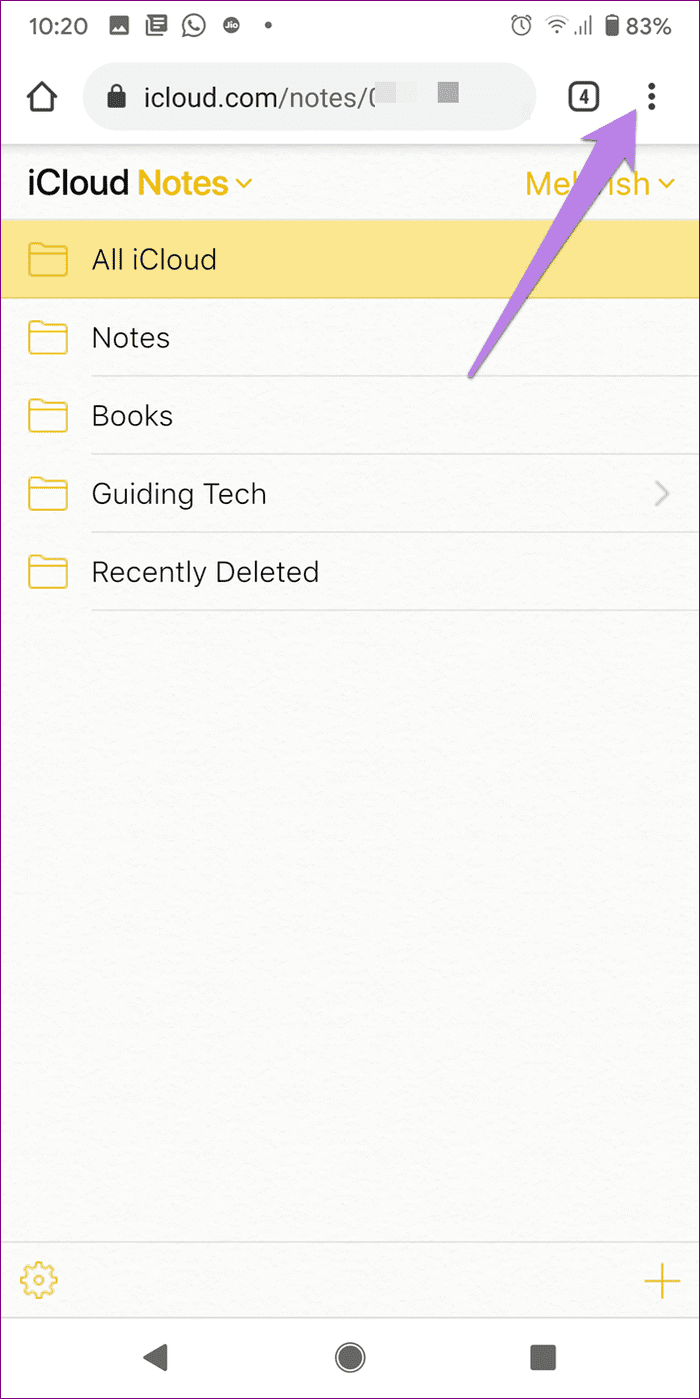
Step 1: With the iCloud Notes opened in Chrome on your Android phone, tap on the three-dot icon > Select Add to Home screen.
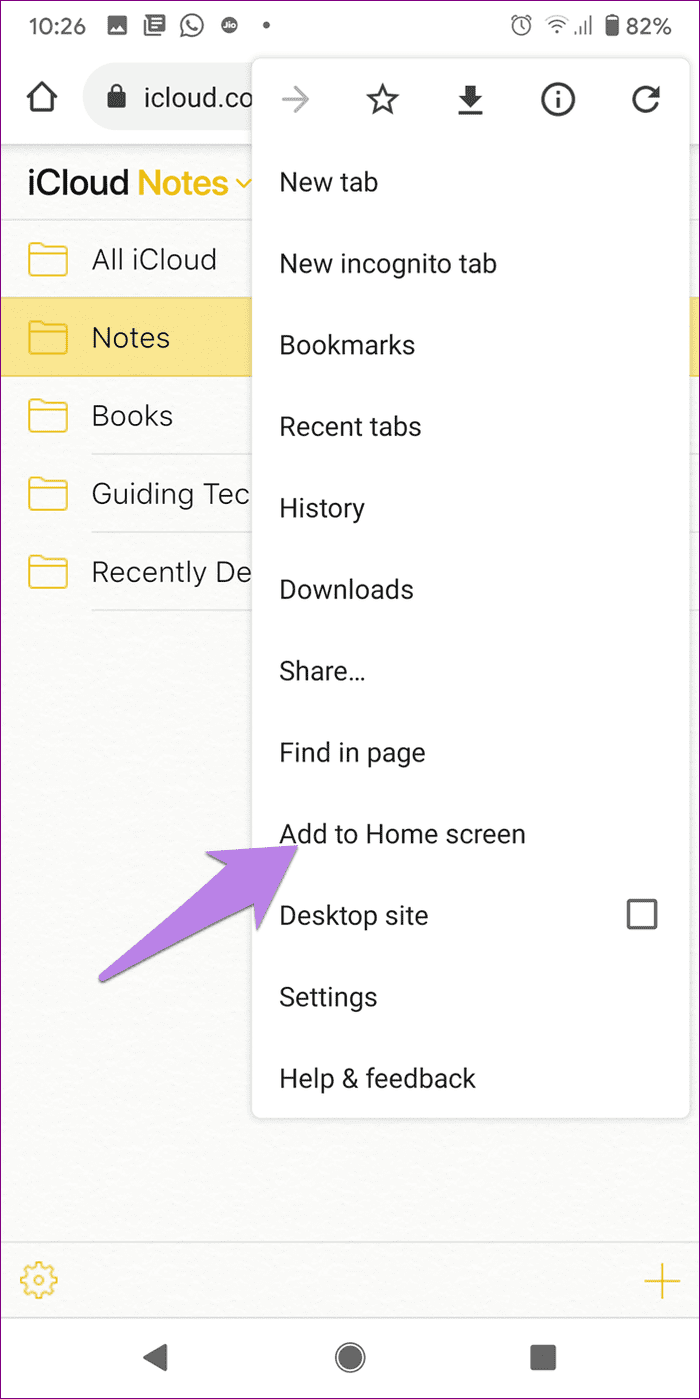
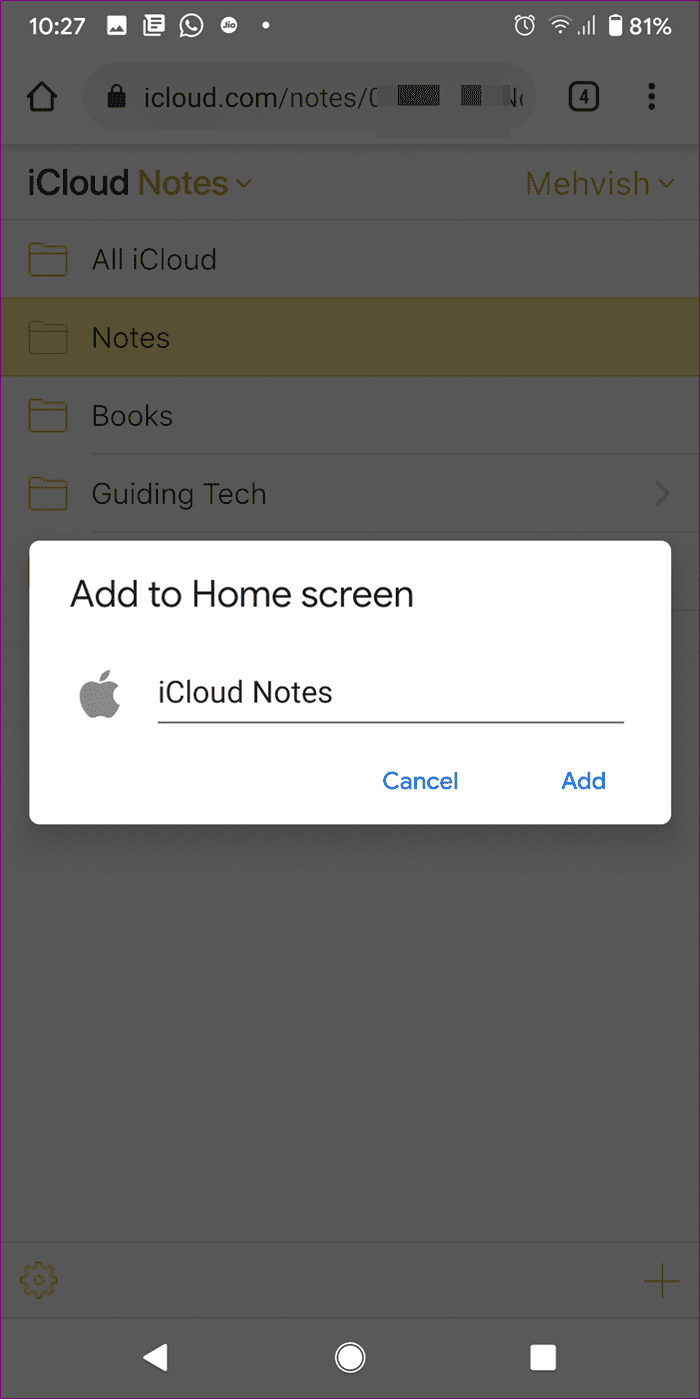
Step 2: A pop-up window will open. You can rename the shortcut if you want to rename it from iCloud Notes to something else. Then tap on Add. Another pop-up will appear. Tap on Add.

You can now tap the shortcut for Apple Notes on your Android home screen.
When you open Apple Notes like this, you will notice that the window doesn’t have a search bar. Moreover, if you open the Recent apps screen, you will find the iCloud Notes web app there.
For the unaware, that happens because the web app for Apple Notes is a Progressive Web App (PWA). PWAs work like a regular app and offer faster experience. You can install PWAs on Chrome in Windows and Microsoft Edge as well.
Method 2: View Apple Notes on Android Using Gmail
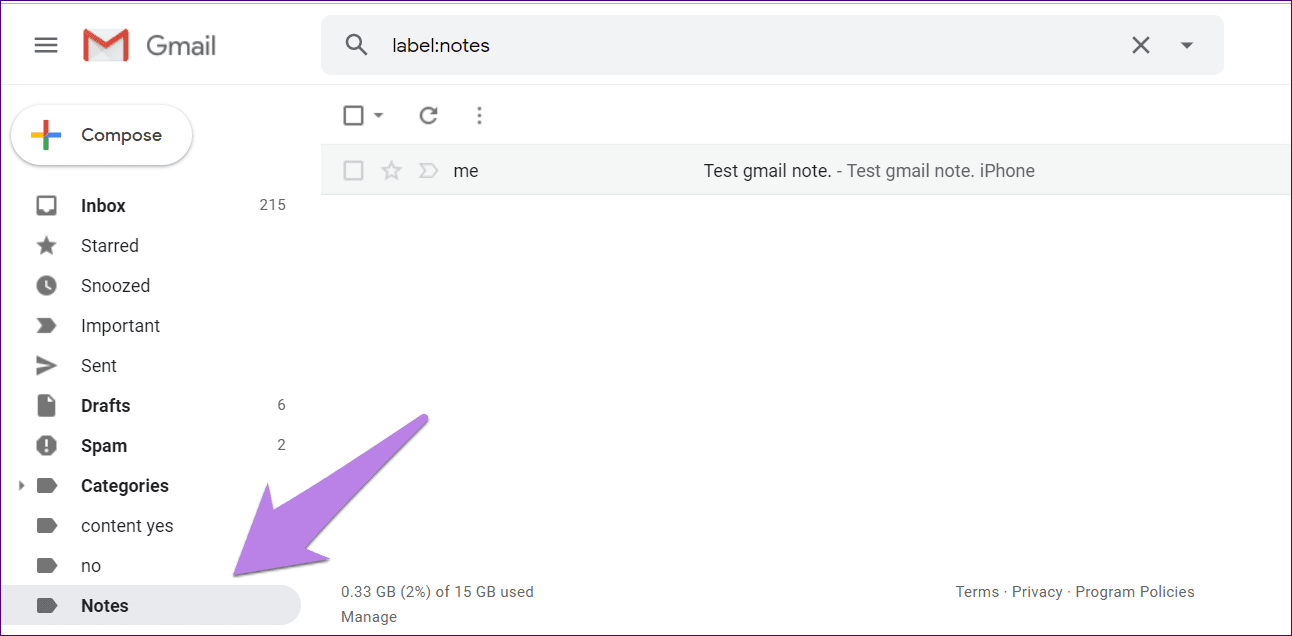
If the above method doesn’t work properly, you can access Apple Notes from within Gmail as well. However, the editing capability is missing in Gmail. So you can only view the notes. But that should suffice if you desperately want to get the iCloud Notes on an Android device somehow. Refer our guide on how to view Apple Notes in Gmail.
Was this helpful?
Last updated on 13 August, 2024
Read Next
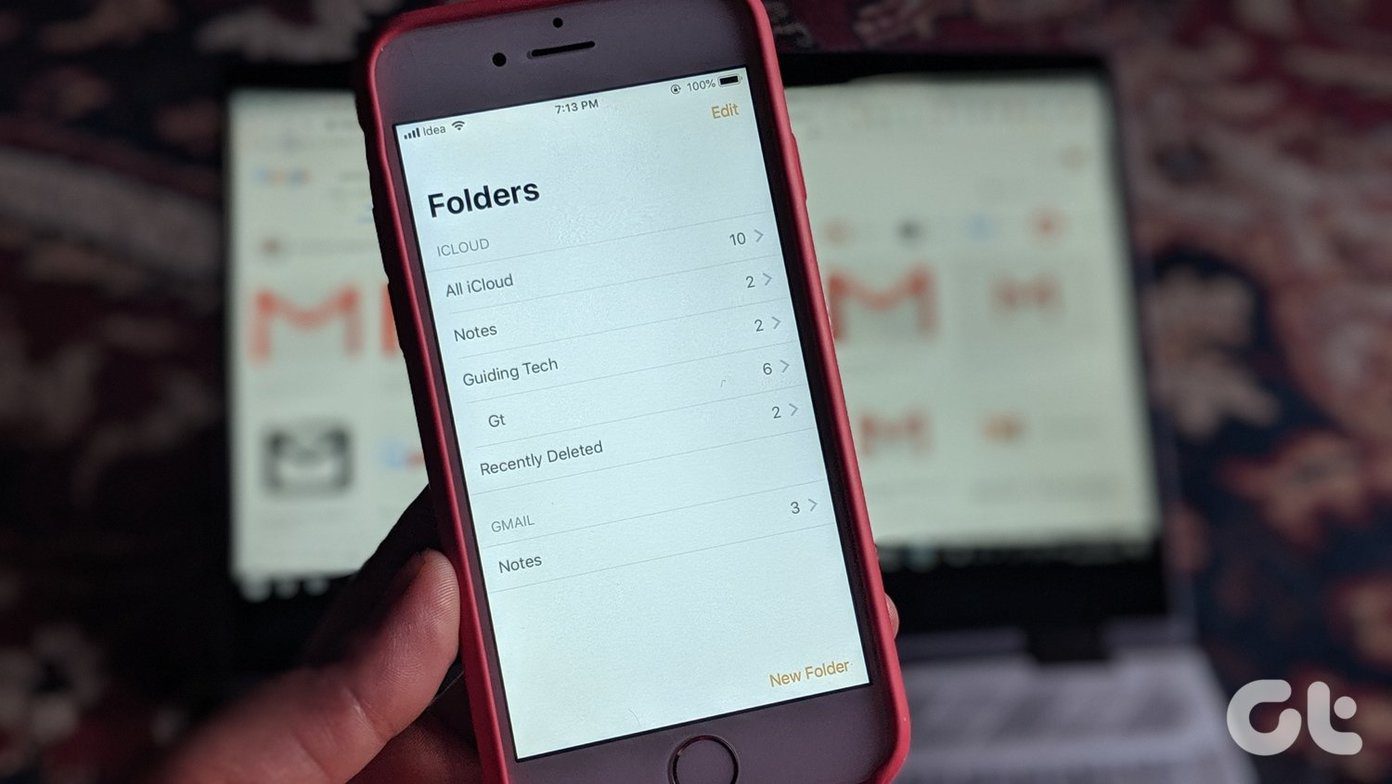 How to View iPhone Notes in Gmail
How to Sync Notes to Gmail from iPhone Step 1: Open the Settings app > go to Notes > select Accounts.
How to View iPhone Notes in Gmail
How to Sync Notes to Gmail from iPhone Step 1: Open the Settings app > go to Notes > select Accounts.
 How to View Samsung Notes on Windows
Samsung Notes app gives a tough competition to the numerous note-taking apps on Android.
How to View Samsung Notes on Windows
Samsung Notes app gives a tough competition to the numerous note-taking apps on Android.
 Apple Notes vs Microsoft OneNote: Which App Wins
When it comes to note-taking applications, the majority sticks to what their device offers out of the box.
Apple Notes vs Microsoft OneNote: Which App Wins
When it comes to note-taking applications, the majority sticks to what their device offers out of the box.
 How to Stop Sharing iPhone Notes With Other Apple Devices
Method 1: Remove Other Users From Your Note The Notes app allows you to share your notes with other users.
How to Stop Sharing iPhone Notes With Other Apple Devices
Method 1: Remove Other Users From Your Note The Notes app allows you to share your notes with other users.
 How to Sync Apple Notes with OneNote
Add Outlook Account and Enable Notes For the Notes app, you can add your Outlook account details and then enable syncing.
How to Sync Apple Notes with OneNote
Add Outlook Account and Enable Notes For the Notes app, you can add your Outlook account details and then enable syncing.
 How to Save Apple Notes as PDF on iPhone and Mac
https://youtu.be/8tn8DnmObLk How to Export iPhone Notes as PDF Method 1: Save Notes to Files Here's how to use the Markup tool to save Apple Notes as PDF on your iPhone.
How to Save Apple Notes as PDF on iPhone and Mac
https://youtu.be/8tn8DnmObLk How to Export iPhone Notes as PDF Method 1: Save Notes to Files Here's how to use the Markup tool to save Apple Notes as PDF on your iPhone.
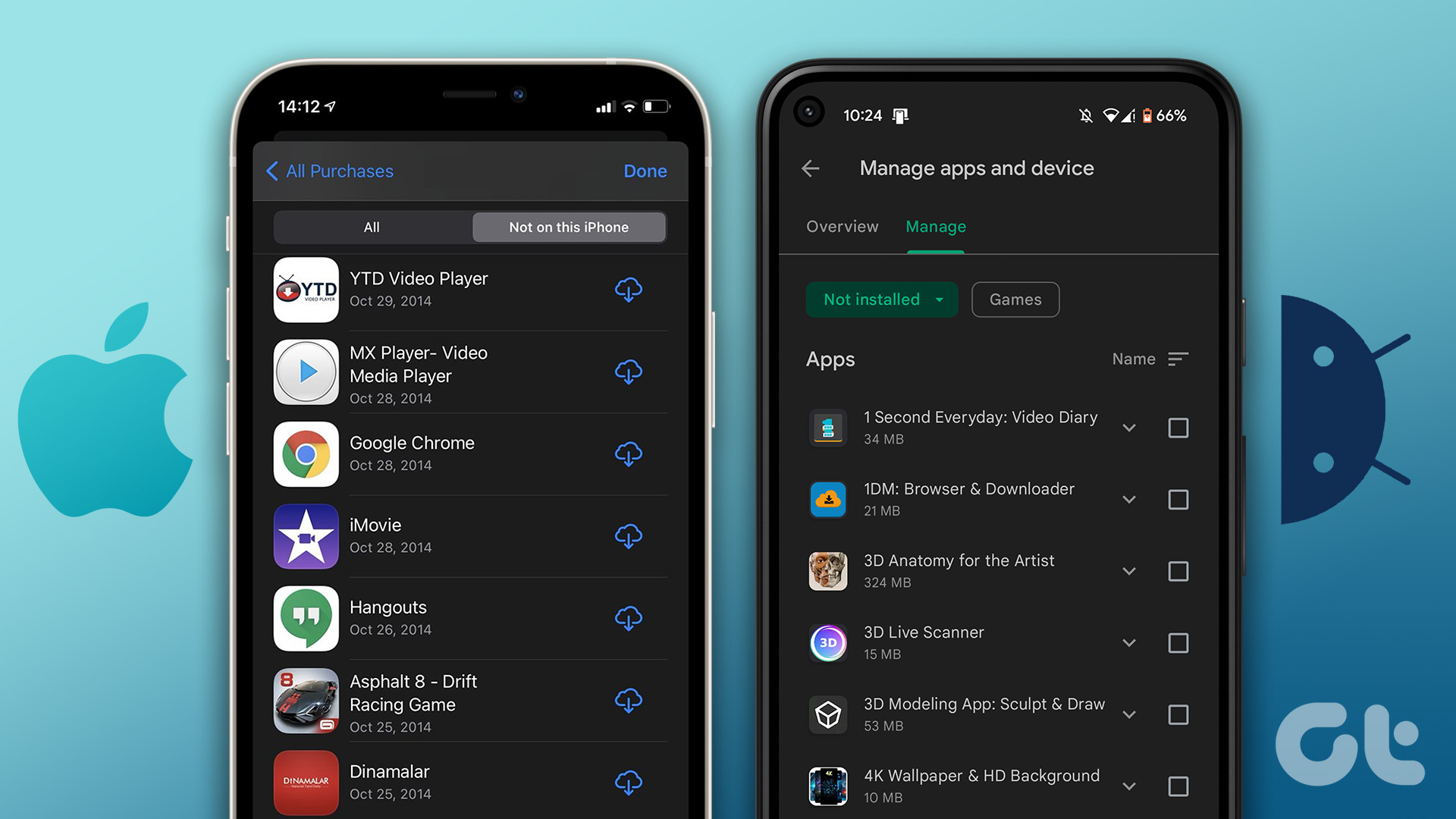 How to View and Manage Your Previously Downloaded Apps on Android and iPhone
How to View Your App Download History on Android Google Play Store makes it easy to access your app download history on Android.
How to View and Manage Your Previously Downloaded Apps on Android and iPhone
How to View Your App Download History on Android Google Play Store makes it easy to access your app download history on Android.
 3 Fixes for Apple Notes Crashing on Mac Issue
Basic Fixes Check internal storage: Your Mac needs enough internal storage to run apps smoothly.
3 Fixes for Apple Notes Crashing on Mac Issue
Basic Fixes Check internal storage: Your Mac needs enough internal storage to run apps smoothly.
The article above may contain affiliate links which help support Guiding Tech. The content remains unbiased and authentic and will never affect our editorial integrity.