FEATURED
-

What to Do if Your Upgraded RAM Doesn’t Show up or Work on Windows 11?
Let us have a look at four things you can do if your upgraded RAM doesn’t show up or work on your Windows 11 laptop.
-

Fix: “Call Failed, the Group Has Too Many Participants” Error on WhatsApp
Are you facing “Call Failed, the Group Has Too Many Participants” error on WhatsApp? Here’s how to fix this issue effectively.
-
Can You Upgrade the RAM on Your Windows Laptop?
Before you get started on upgrading the RAM on your Windows laptop, let us have a look at a few things you might need to consider beforehand.


Recommended
-
3 Fixes for "How to Get Help in Windows" Keeps Popping Up
If the 'how to get help in Windows' page keeps popping up on your PC, here are some troubleshooting tips to help you stop it.
-
Samsung Galaxy Watch Ultra Review: It's Ultra, but Not for Everyone!
Samsung's Galaxy Watch Ultra offers a big display, a bigger battery and a lot of power. But is it the smartwatch for you? Let's find out.
-
6 Best Leaf Blowers to Buy This Fall
In search for the best leaf blowers to buy this fall for your backyard or garden? Check out our list for some good options.



latest
-
Office 365 vs. Office 2024 – Which Is Right for You?
Compare Office 365 vs. Office 2024 to understand differences in pricing, features, storage, and AI tools to choose the right option for your needs.
-
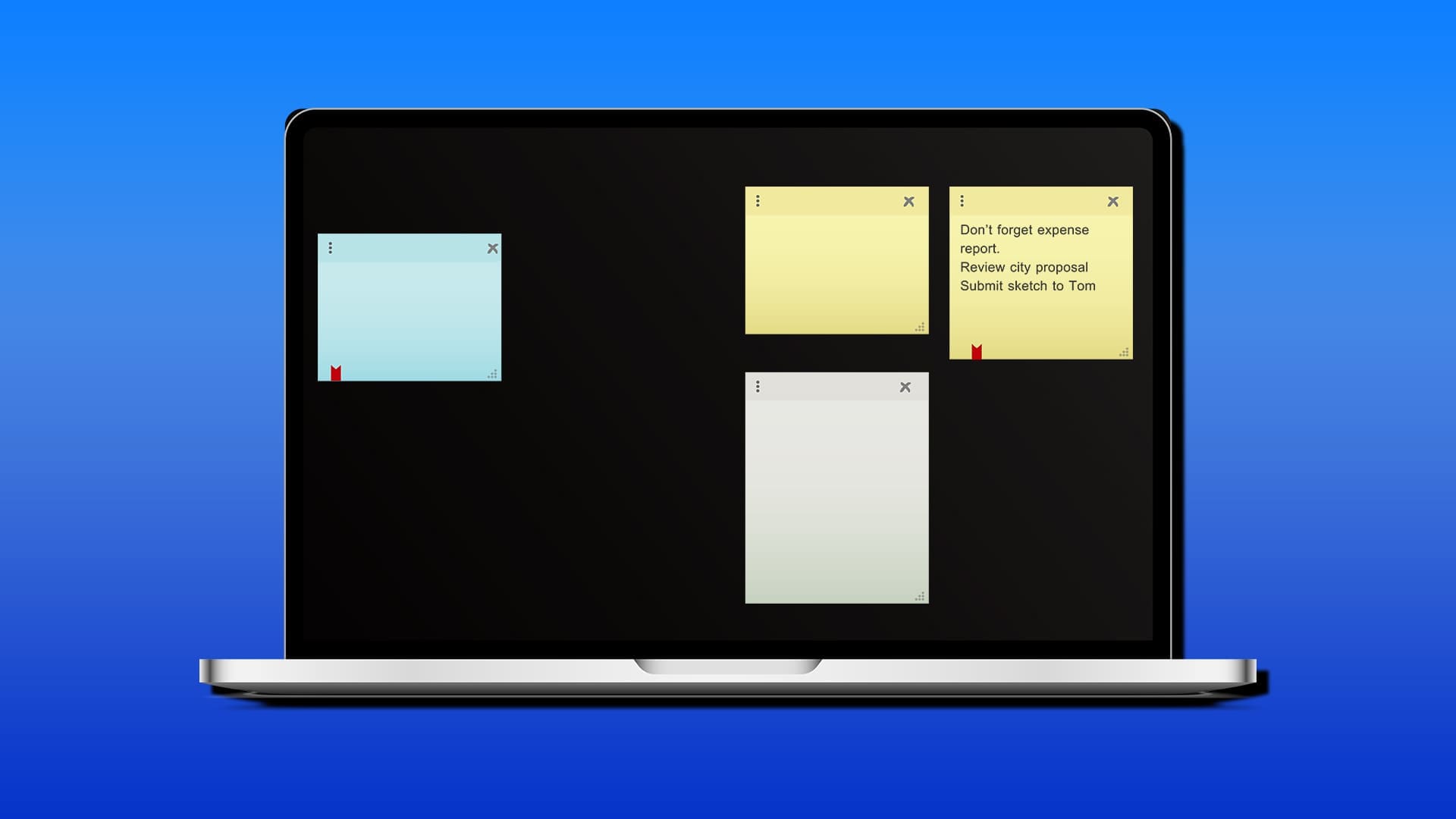
New Sticky Notes vs. Old Sticky Notes – What’s the Difference?
Explore new Sticky Notes vs. old to understand the improved features, enhanced usability, and seamless integrations in Windows 11.
-
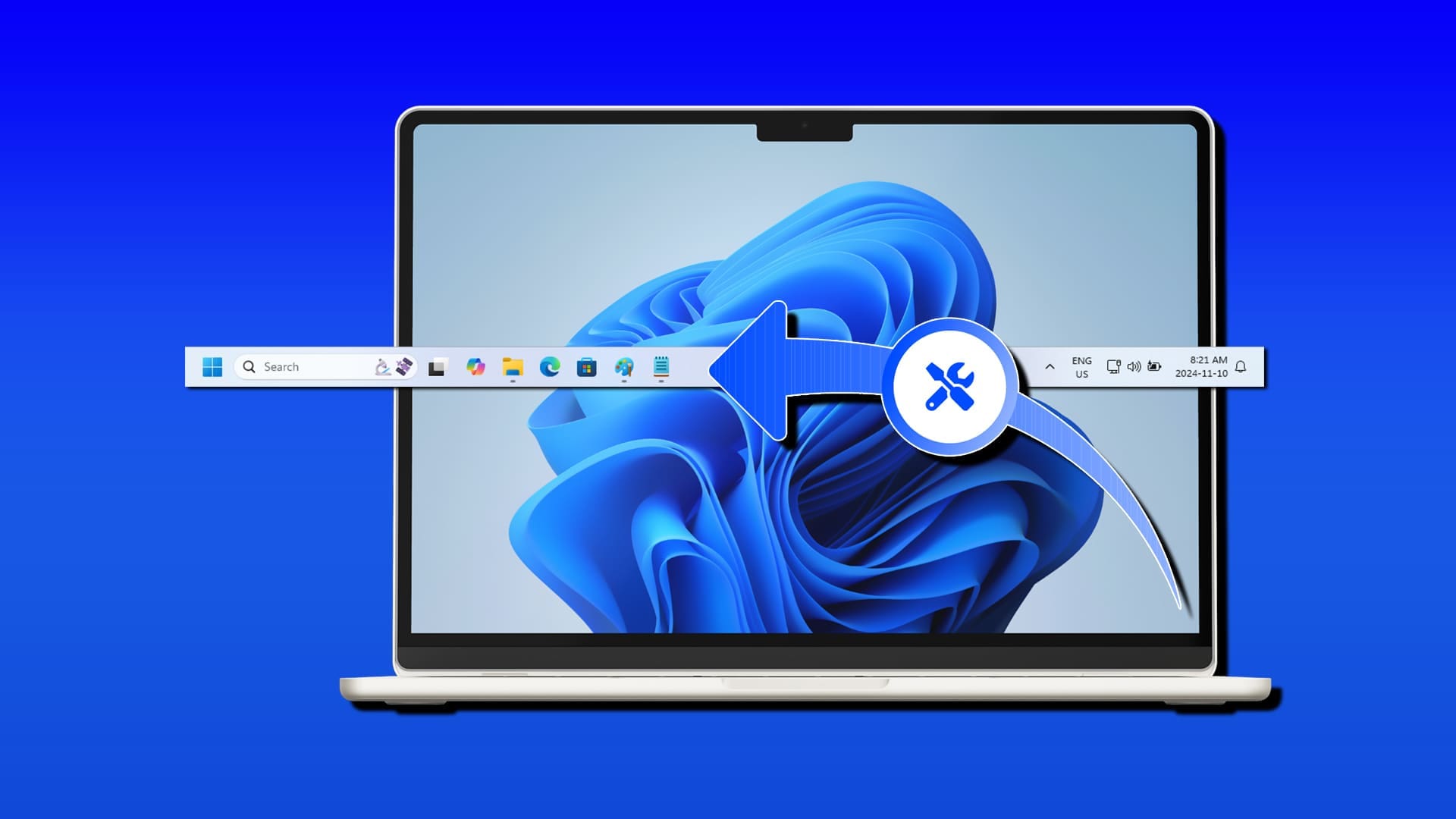
How to Edit the Taskbar in Windows 11
Want to add a little personal touch to your Taskbar? We show you how to edit the Taskbar in Windows 11.


More Latest Articles
-
How to Resolve WhatsApp Error 131026
Are you trying to send a WhatsApp message and getting an error code instead? We take a look at WhatsApp error 131026 and how to tackle it.
-
How to Fix Audio Problems in VirtualBox
Seeing but not hearing things in VirtualBox. We’ve got a few troubleshooting tips on how to fix audio problems in VirtualBox.
-
How to Delete Old Calendar Items in Outlook
Want to declutter your inbox or free up space? We show you a few methods for deleting old calendar items in Outlook.
-
How to Fix “There Was a Problem With the NVIDIA App”
Is the NVIDIA app refusing to run and giving you the “There was a problem with the NVIDIA app” message instead? We’ve got some fixes to try.
-
How to Fix Error Code 0x80070643
Error code 0x80070643 showing up instead of an updated computer? We’ve got a few troubleshooting tips to help with this update error.
-
Windows Camera Frame Server High RAM and CPU Usage
Having trouble with Windows Camera Frame, high RAM, and CPU usage? We’ve got some troubleshooting tips to help straighten things out.