Method 1. Use Microsoft Office on the Web
With Microsoft Office on the web, irrespective of the operating system your PC is running on, you can access applications like Word, Excel, PowerPoint, and OneNote. All you need is a free Microsoft account, or you can create a new one and head over to Office’s website and access the Office applications for free.

If you want offline access or some advanced features unavailable on the web, the next method will help you.
Method 2. Get Microsoft Office Free as a Student or Teacher
You may be eligible for free access to Microsoft Office through the Microsoft 365 Education program if you’re a student or teacher. This program offers the full suite of Office applications, including Word, Excel, PowerPoint, OneNote, and more. You’ll need a valid school or university email address to take advantage of this offer.
If you have it, go to the Microsoft 365 Education website. There, you will be asked to enter your school email address and other details to activate your free subscription.

This allows students and teachers to access all the features of Microsoft Office without any cost.
Also Read: How to repair Microsoft Office installation errors in Windows
Method 3. Use the Free Microsoft Office Mobile Apps
Like the web version, Microsoft offers free Office access on mobile devices. All you need is a Microsoft account to log in and access the products.

Although there are standalone apps for Word, Excel, and PowerPoint, we recommend downloading the Microsoft 365 app, which has the functionality of all three and comes with bonus features such as Office Lens.
If you don’t want to access the mobile version but want all the features unlocked without an Office subscription, continue reading.
Method 4. Sign Up for the Microsoft 365 Trial
If you want to experience the full range of features and capabilities offered by Microsoft Office, sign up for the Microsoft 365 trial. This trial provides limited-time free access to the complete suite of Office applications, such as Word, Excel, PowerPoint, Outlook, and more.
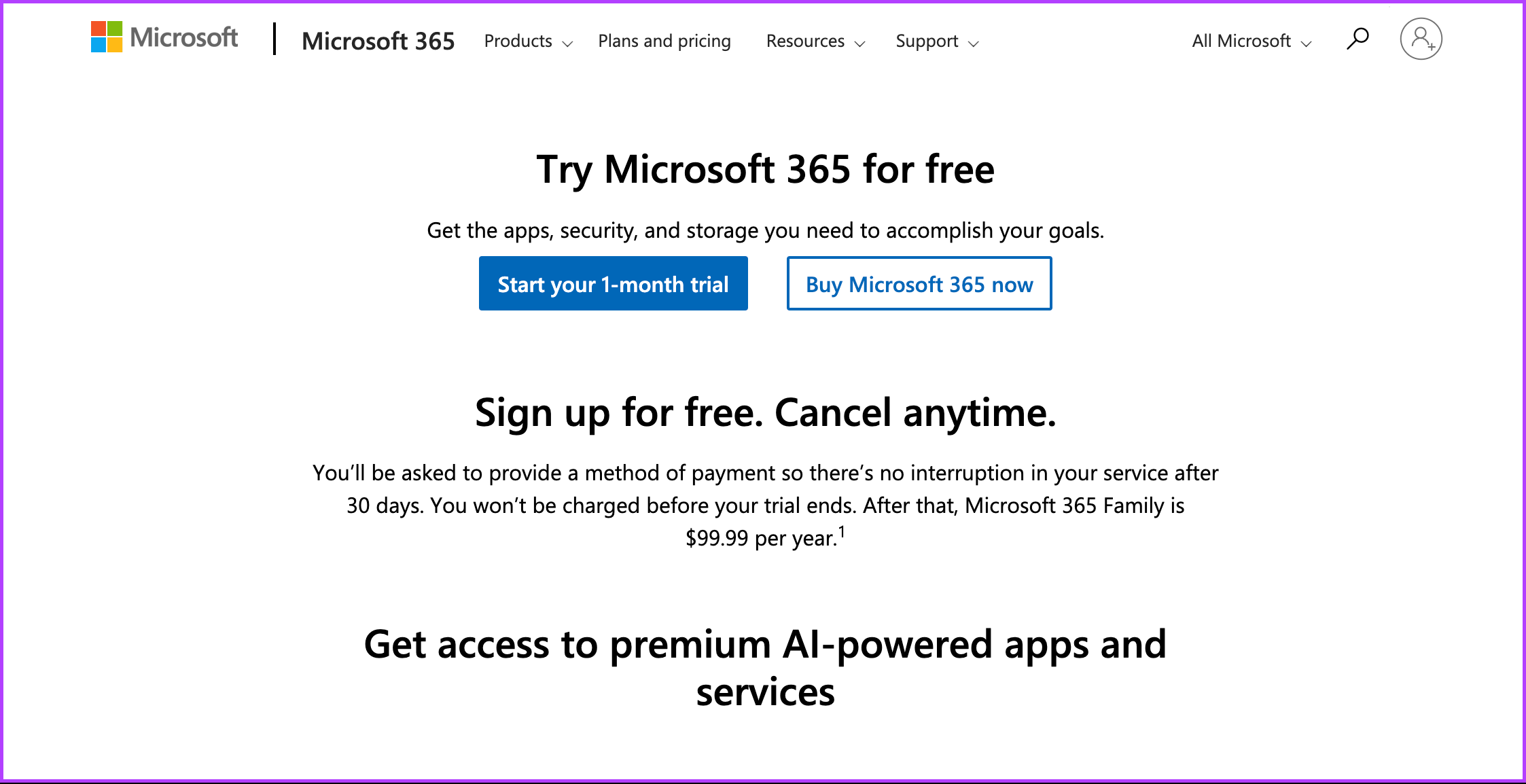
The trial period lasts 30 days, allowing you to explore and evaluate them before committing to the subscription.
Method 5. Buy Hardware With Microsoft Office Bundled
Some manufacturers offer devices that include a pre-installed version of Office, often as part of their marketing promotions. If you’re in the market for new hardware, such as a computer or a tablet, consider purchasing a device with Microsoft Office bundled.
These devices may come with a limited-time free trial or a licensed version of Office that does not require an additional subscription.
6. Join Someone’s Microsoft 365 Home Plan
If you have someone in your family or friends with a Microsoft 365 Home subscription, you can ask them to invite you to join their plan. The Microsoft 365 Home subscription allows up to six people to share the benefits of Office on multiple devices.
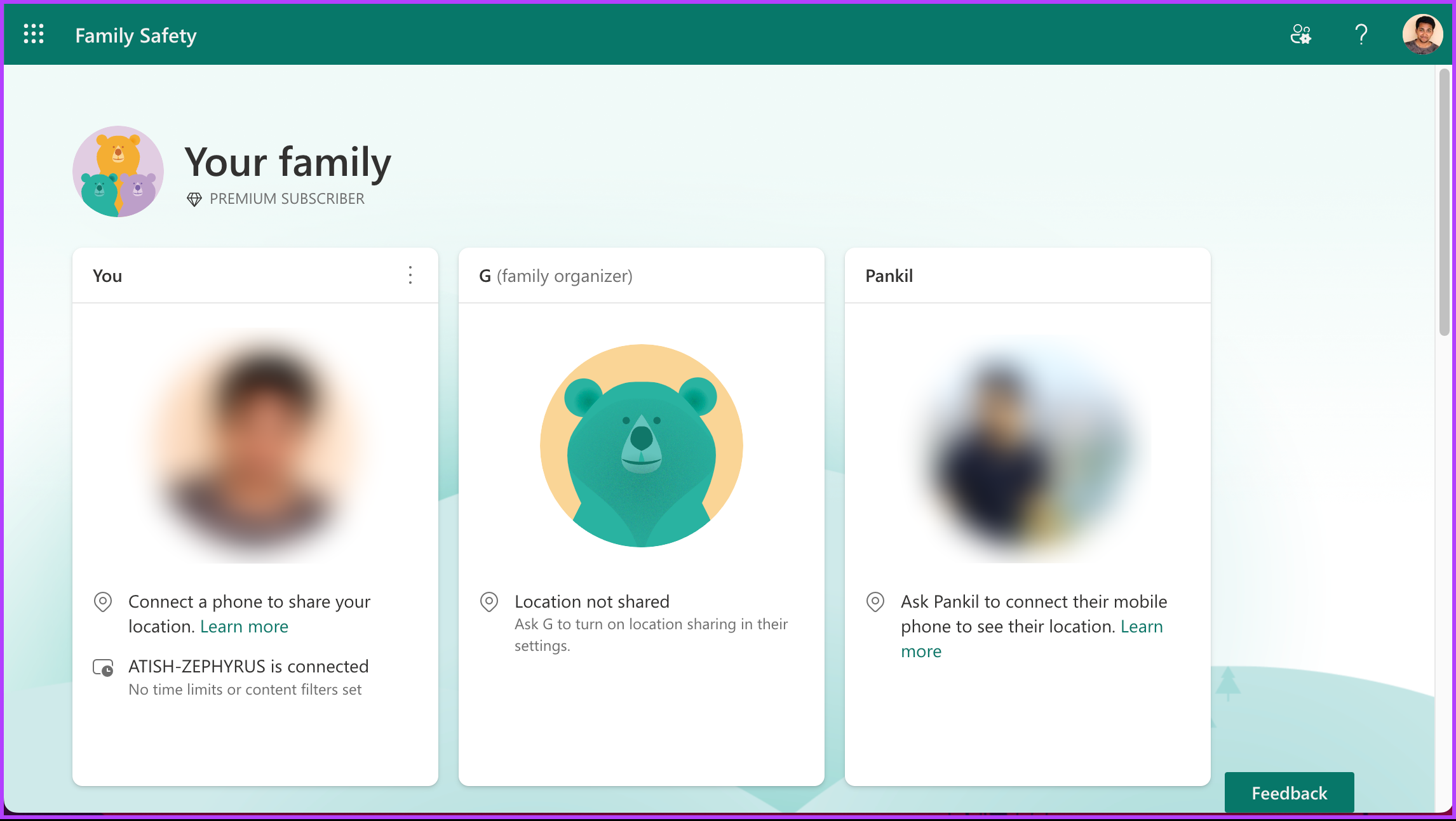
By joining someone’s plan, you can access the complete suite of Office applications without paying for a subscription. If you can’t find anyone in your circle with a Microsoft Office subscription, move on to the next method.
Method 7. Downloading the Old Version of Office
Although Microsoft hasn’t released a free version of Office, you may have paid for it to try or use it back in the day. If so, you can download and re-install it using your same Microsoft account.
So, if you don’t need the latest features and can work with older versions of Microsoft Office, download the older edition.
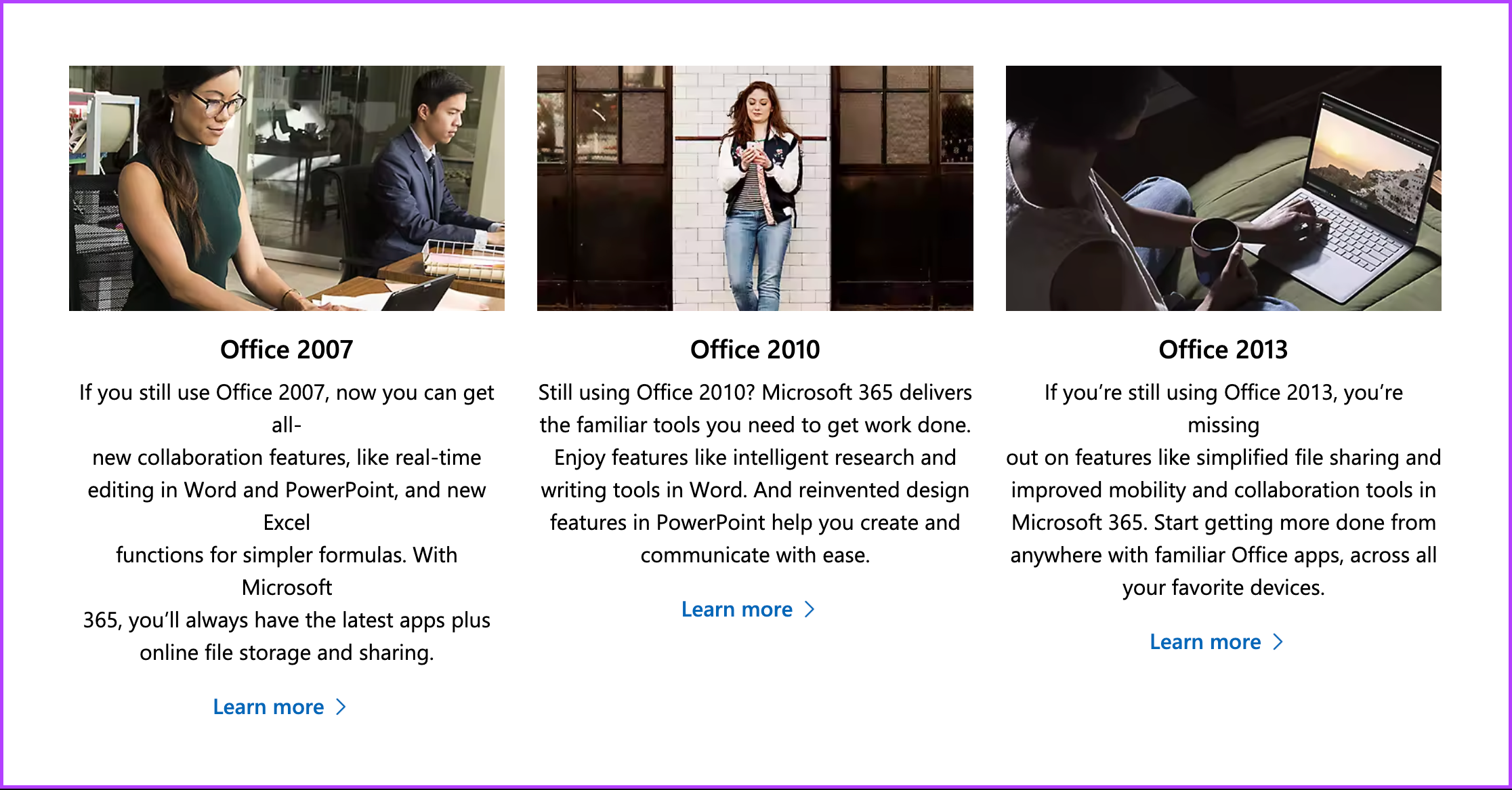
While Microsoft no longer provides official support for these versions, various websites offer archived versions of Office software that can be downloaded and installed on your computer.
Also Read: Best ways to disable Office updates on Windows 11
8. Get Free Microsoft Office Alternatives
Lastly, if none of the above options suit your needs, free and open-source alternatives to Microsoft Office offer similar functionality. Open-source office suites like LibreOffice and Apache OpenOffice provide word processing, spreadsheet, and presentation applications compatible with Microsoft Office file formats.

While these options may not have all the advanced features of Microsoft Office, they can be suitable replacements for basic document editing and collaboration needs.
FAQs
The system requirements vary depending on the version you’re using. However, you can access Office Online, the web-based version of Microsoft Office, on Windows, macOS, and Linux operating systems. You’ll need a compatible web browser like Microsoft Edge, Google Chrome, Mozilla Firefox, or Apple Safari. A stable internet connection is also required to access and use Office Online.
It’s worth noting that the system requirements may differ for the full desktop versions of Microsoft Office, such as Office 365 or Office 2019. These versions typically have more advanced features and may have specific requirements for your device’s operating system, processor, memory, and storage capacity.
Yes, you can use Microsoft Office for free on a Chromebook. You can access Office Online through the Chrome browser on your Chromebook and use applications like Word, Excel, PowerPoint, and OneNote without a subscription or installation of the full desktop versions.
Now that you know how to get Microsoft Office for free using different methods, you can start using it without worrying about costs.
Was this helpful?
Last updated on 19 August, 2024
Read Next
 How to Set Out of Office Message in Microsoft Teams
How to Set Out of Office in Microsoft Teams Note: The steps are the same for both Windows and Mac.
How to Set Out of Office Message in Microsoft Teams
How to Set Out of Office in Microsoft Teams Note: The steps are the same for both Windows and Mac.
 How to Access and Use the Clipboard in Microsoft Office
How to Access and Use the Office Clipboard Using the Office Clipboard, you can save texts from an email, data from a spreadsheet, and even graphics from an online source.
How to Access and Use the Clipboard in Microsoft Office
How to Access and Use the Office Clipboard Using the Office Clipboard, you can save texts from an email, data from a spreadsheet, and even graphics from an online source.
 How to Generate QR Codes in Microsoft Office Using QR4Office
Pre-Requisites to Create QR Codes With QR4office To create a QR code, you'll need the following: Windows 10 version 16299 or higher Microsoft 365 subscription Microsoft Word/PowerPoint/Excel QR4Office How to
How to Generate QR Codes in Microsoft Office Using QR4Office
Pre-Requisites to Create QR Codes With QR4office To create a QR code, you'll need the following: Windows 10 version 16299 or higher Microsoft 365 subscription Microsoft Word/PowerPoint/Excel QR4Office How to
 How to Repair Microsoft Office Installation Errors in Windows
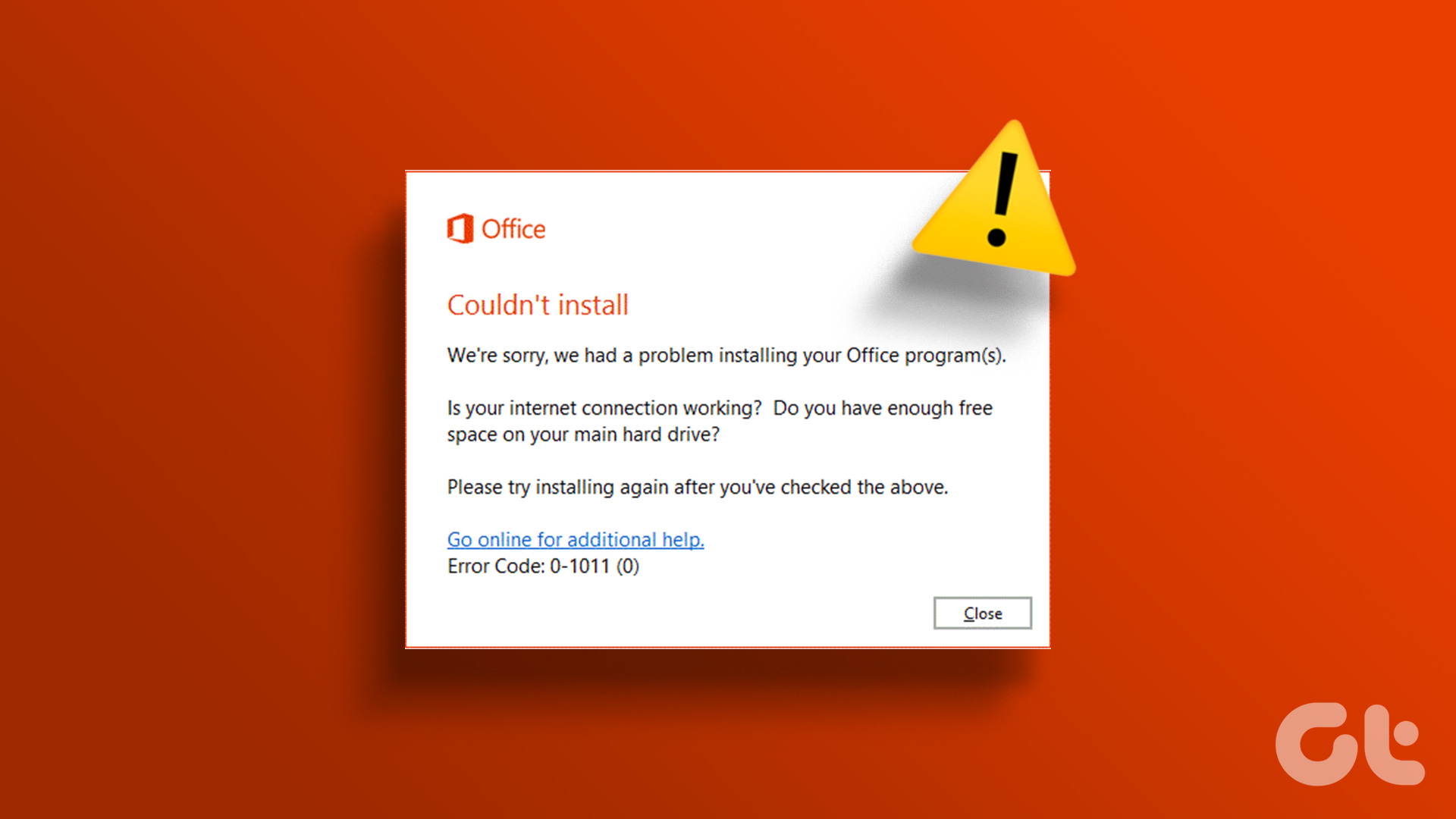
Are you having trouble installing Microsoft Office on your Windows computer?
How to Repair Microsoft Office Installation Errors in Windows
Are you having trouble installing Microsoft Office on your Windows computer?
 Fix: Microsoft Office Stuck on Getting Things Ready on Windows 11
Basic Fix Close other programs: This may be necessary, especially since other running programs may interfere with installation.
Fix: Microsoft Office Stuck on Getting Things Ready on Windows 11
Basic Fix Close other programs: This may be necessary, especially since other running programs may interfere with installation.
 How to Add Fonts to Office Online
Note: The Microsoft account used on the PC and the web app must be the same for the downloaded fonts to work.
How to Add Fonts to Office Online
Note: The Microsoft account used on the PC and the web app must be the same for the downloaded fonts to work.
 5 Ways to Insert Tick Symbol in Word and Other Office Apps
Method 1: Using Emoji Panel Windows and Mac provide an emoji panel to access multiple emojis and symbols.
5 Ways to Insert Tick Symbol in Word and Other Office Apps
Method 1: Using Emoji Panel Windows and Mac provide an emoji panel to access multiple emojis and symbols.
 4 Ways to Disable Office Updates on Windows 11
Method 1: Using an Office App You can use any Microsoft Office app to turn off automatic updates for all Office applications.
4 Ways to Disable Office Updates on Windows 11
Method 1: Using an Office App You can use any Microsoft Office app to turn off automatic updates for all Office applications.
The article above may contain affiliate links which help support Guiding Tech. The content remains unbiased and authentic and will never affect our editorial integrity.