Before we talk about troubleshooting tricks, let’s understand why PayPal is asking for a security code in the first place:
- When you use a new device to use PayPal, it may ask for a security code to block unauthorized login attempts.
- PayPal may ask for a security code when it detects a new IP address.
- Did you go through several unsuccessful attempts while logging into PayPal? The company may ask for a verification code.
Basic Fixes
- Check mobile number – Sometimes, we may overlook the basics. You need to double-check the added mobile number and try requesting a security code again. Even a single incorrect digit can send a code to someone else.
- Disable VPN – An active VPN connection modifies the IP address on your phone and may trigger PayPal to ask for a verification code. You must disable the VPN on your phone and try again.
- Check PayPal servers—Sometimes, PayPal servers may go down or experience an outage. You can visit Downdetector and search for PayPal to confirm the problem. You have no option but to wait for PayPal to resolve the issue from their end.
- Login from another source – Temporarily, switch to the desktop version, and try logging in again.
- Update or reinstall PayPal app – Do you still have issues receiving an authentication code from PayPal? Try updating or reinstalling the app.
Fix 1. Check Message Spam
The default Messages can sometimes get aggressive and send important messages to spam. Here’s how to find such messages on your phone.
On Android
Step 1: Open the Messages app. Tap the hamburger menu at the top
Step 2: Go to Spam & blocked and check for the PayPal message.


On iPhone
Step 1: Launch the Messages app. Tap Filters at the top.
Step 2: Go to All Messages inbox. Find your PayPal security code.


Fix 2. Check for Short Numbers Restriction
PayPal recommends contacting your mobile phone carrier to ask them to enable short-code text messaging. Depending on the activity, PayPal will send one of two texts.
The company may text you to ask you to confirm your activity (reply 1 for yes or 2 for no) or send a 6-digit code to retrieve your account.
Fix 3. Contact PayPal
When none of the tricks work, contact PayPal and explain your problem in detail. What’s more? You need not worry if you can’t log in to your PayPal account, as you can connect with them anonymously.
When you click on the Call us button, the platform usually asks you to log in for chat support. However, you can click the Call us as guest option to proceed.

After you get back the PayPal account access, re-add your mobile number to your account. Select your primary number to receive the text if you have more than one phone number is added to your PayPal account.
Was this helpful?
Last updated on 20 August, 2024
Read Next
 Top 4 Ways to Fix Instagram Not Sending a Security Code
https://youtu.be/N1KvHzjClJA Preliminary Fixes Check the Network Connection: A weak or unstable internet connection can prevent Instagram from sending security codes.
Top 4 Ways to Fix Instagram Not Sending a Security Code
https://youtu.be/N1KvHzjClJA Preliminary Fixes Check the Network Connection: A weak or unstable internet connection can prevent Instagram from sending security codes.
 3 Ways to Fix Facebook Not Sending Security Code
Basic Fixes: Wait for some time: Due to a large number of user requests, Facebook servers might get jammed and delay sending a verification code.
3 Ways to Fix Facebook Not Sending Security Code
Basic Fixes: Wait for some time: Due to a large number of user requests, Facebook servers might get jammed and delay sending a verification code.
 4 Ways to Fix Snapchat Not Sending a Security Code
Basic Fixes: Check Snapchat server status: If Snapchat's servers are not working properly, it can cause the security code not to come through.
4 Ways to Fix Snapchat Not Sending a Security Code
Basic Fixes: Check Snapchat server status: If Snapchat's servers are not working properly, it can cause the security code not to come through.
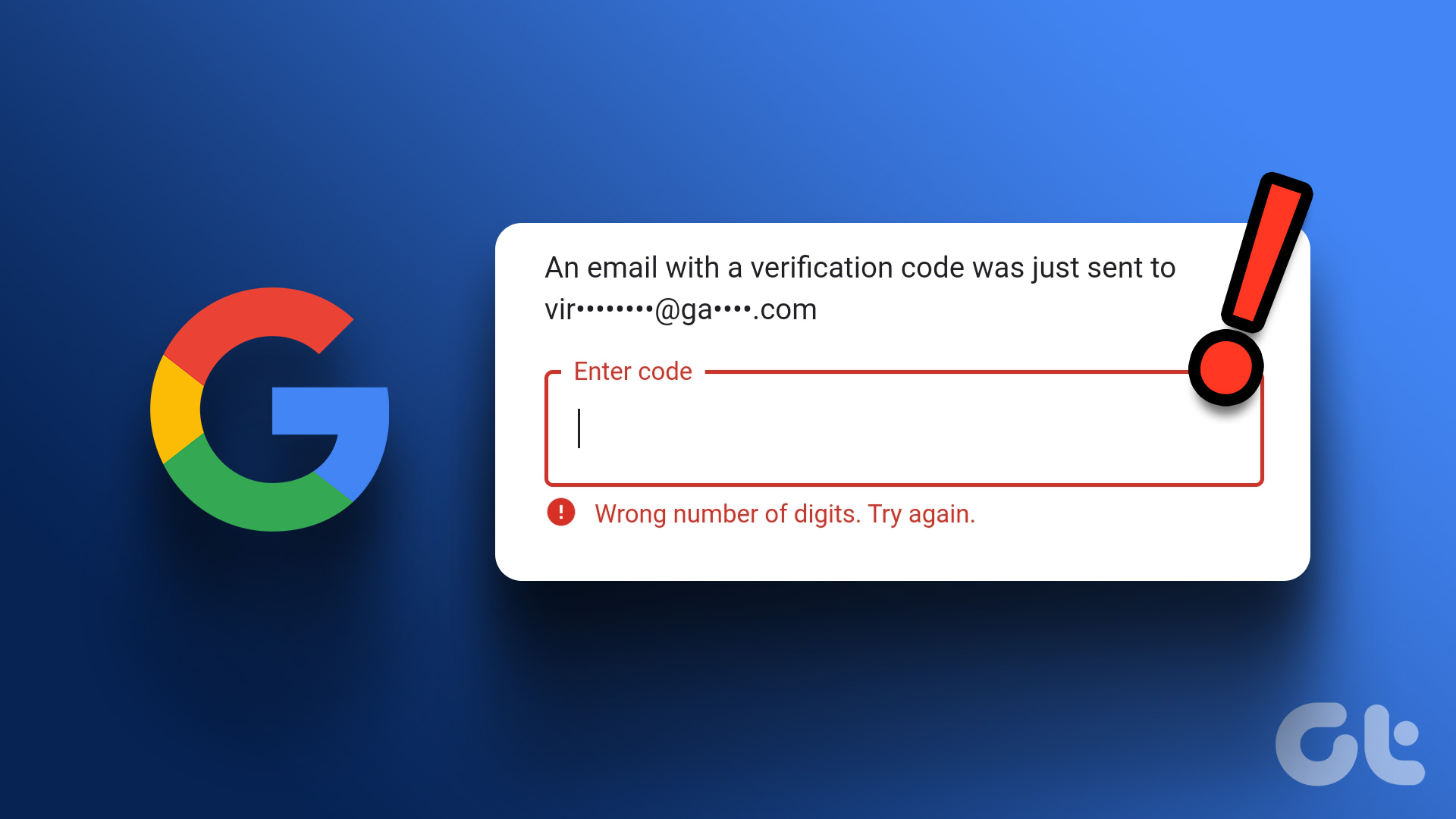 Top 4 Ways to Fix Google Not Sending a Security Code
Preliminary Fixes Check the Network Connection: A stable internet connection is essential for receiving security codes via email.
Top 4 Ways to Fix Google Not Sending a Security Code
Preliminary Fixes Check the Network Connection: A stable internet connection is essential for receiving security codes via email.
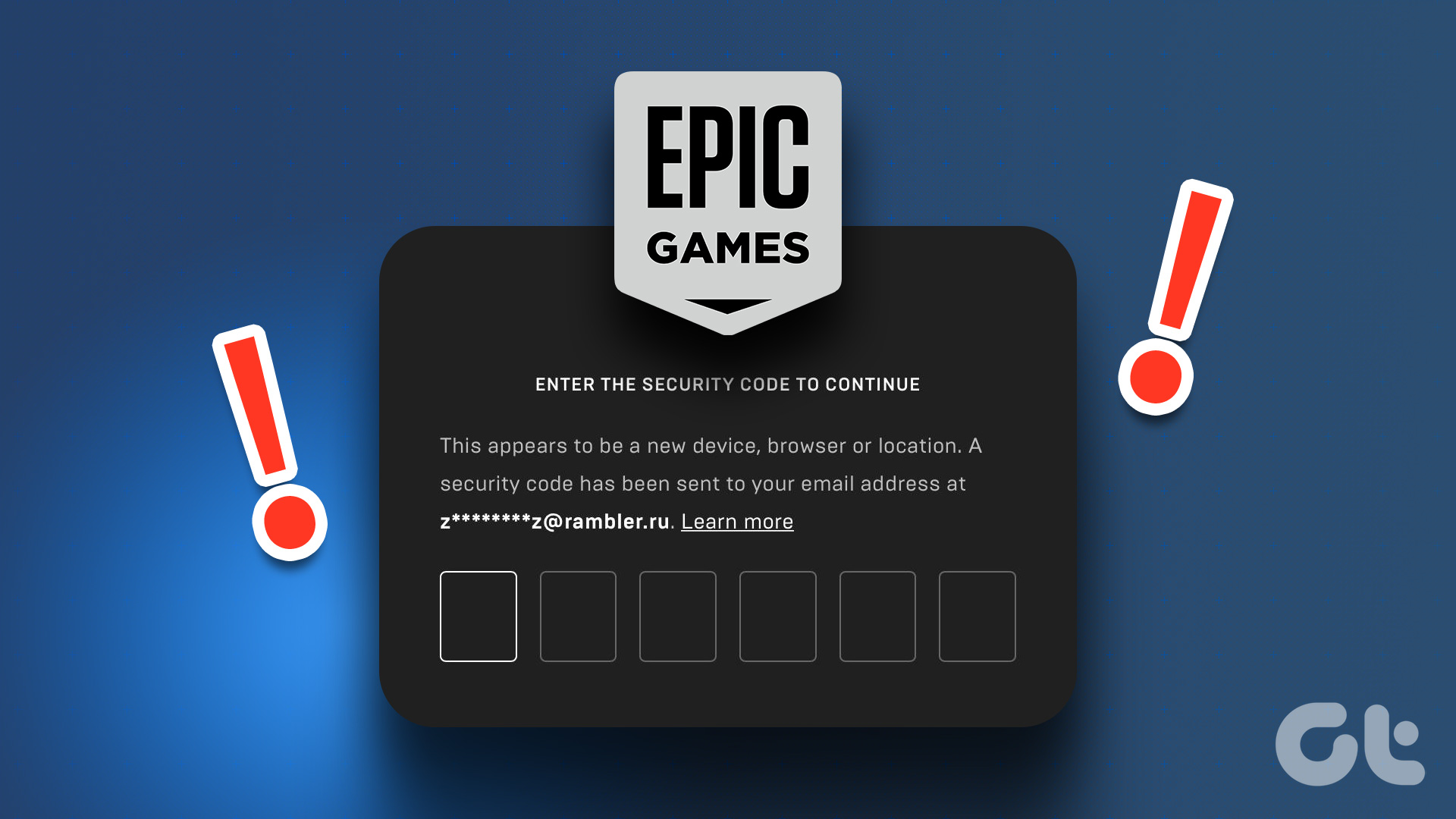 2 Ways to Fix Epic Games Not Sending a Security Code
Basic Fixes: Check network connection: If your phone has a spotty network connection, you may not receive a security code from Epic Games via email or SMS.
2 Ways to Fix Epic Games Not Sending a Security Code
Basic Fixes: Check network connection: If your phone has a spotty network connection, you may not receive a security code from Epic Games via email or SMS.
 2 Ways to Fix Discord Not Sending a Security Code
Basic Troubleshooting Double-check the number and country code: A silly mistake could be causing the issue.
2 Ways to Fix Discord Not Sending a Security Code
Basic Troubleshooting Double-check the number and country code: A silly mistake could be causing the issue.
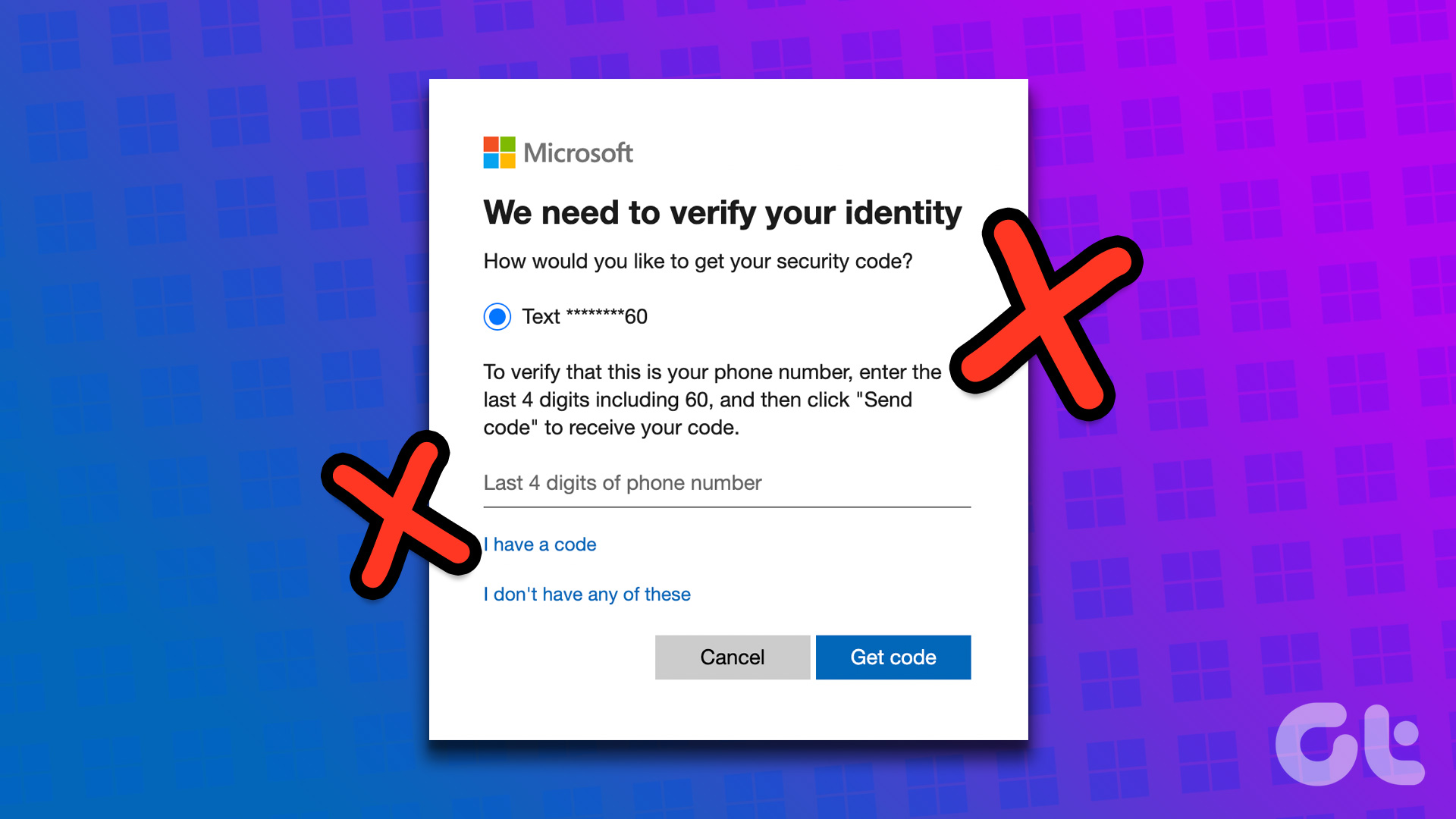 2 Ways to Fix Microsoft Not Sending a Security Code
Basic Fixes: Double-check contact information: If you haven't selected the correct country code for your number or are missing a digit, Microsoft can't send you the security code.
2 Ways to Fix Microsoft Not Sending a Security Code
Basic Fixes: Double-check contact information: If you haven't selected the correct country code for your number or are missing a digit, Microsoft can't send you the security code.
 How to Use Google Security Code to Sign in to Google
When And Why To Use Google Security Code If the 2-Step Verification is enabled, Google sends you a prompt on your device, asking you to confirm the login activity.
How to Use Google Security Code to Sign in to Google
When And Why To Use Google Security Code If the 2-Step Verification is enabled, Google sends you a prompt on your device, asking you to confirm the login activity.
The article above may contain affiliate links which help support Guiding Tech. The content remains unbiased and authentic and will never affect our editorial integrity.