Microsoft Office is hard to beat on features, but at $70+ per year for a Microsoft 365 subscription or $180 for a one-off purchase for the basic Word-Excel-PowerPoint package, it’s not exactly the most budget friendly editor out there. Luckily, if your project requirements don’t specifically call for Office, you can use open-source Microsoft Office alternatives, which should be able to cover most of the tasks natively. Here are the best options available right now.
LibreOffice – Best Open-Source Alternative to Microsoft Office Overall
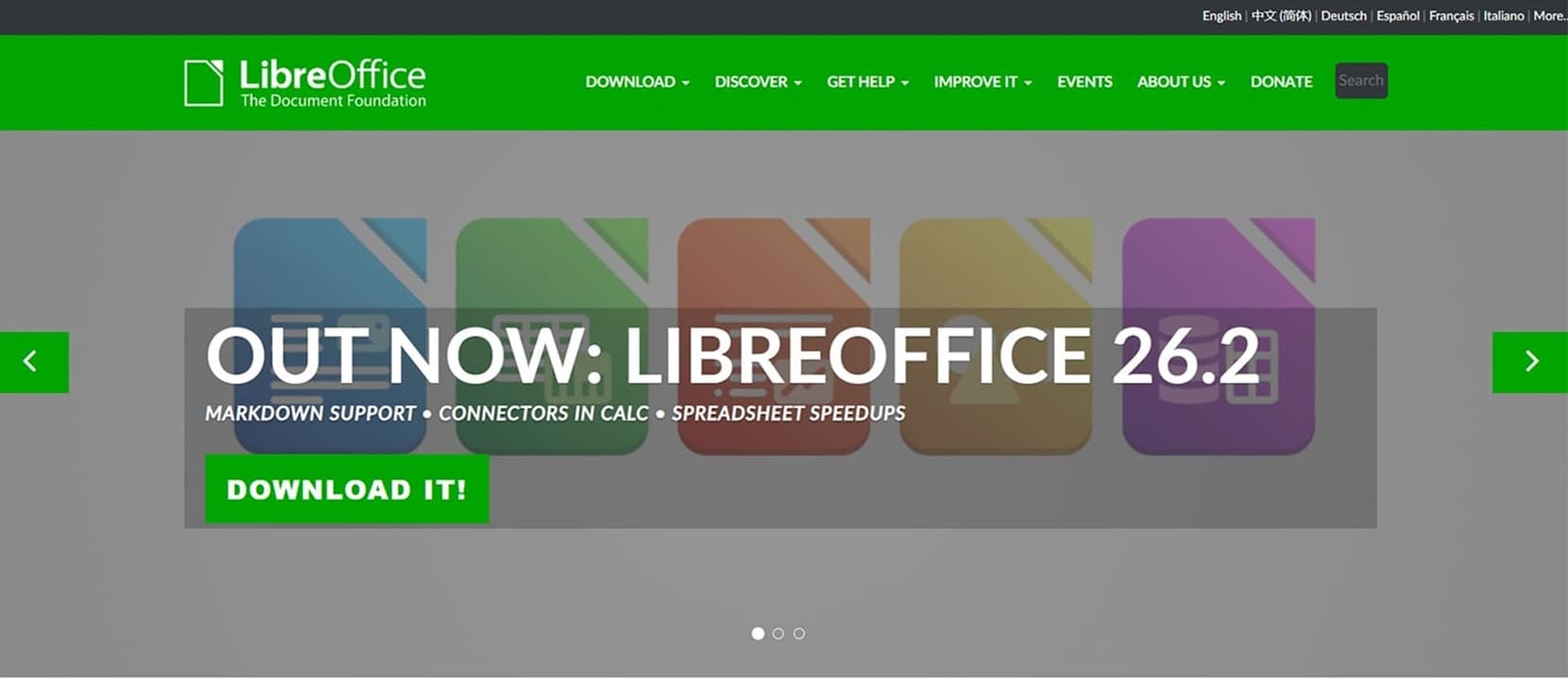
If you don’t want to hassle with comparing features, go to the LibreOffice and set it up right now. Maintained by “The Document Foundation” and backed by a large open-source community, LibreOffice is a full productivity suite that includes Writer (word processor), Calc (spreadsheets), Impress (presentations), Draw (vector graphics), Base (database), and Math (formula editor). Basically, you’re getting everything included in the offline version of Office, just packaged slightly differently. It’s also available for Windows, Mac, and Linux, so you can install it on any device.
The best part about LibreOffice, and what makes it one of the go-to open-source Microsoft Office alternatives, is compatibility with “stock” Office file formats. You can open, edit, and save .docx, .xlsx, and .pptx files without needing to convert them, and the formatting holds up well for most documents.
Do note that it might not work with complex Word templates, advanced macros (since LibreOffice uses an entirely different coding language for macros), or files heavy on embedded fonts. This makes it more attractive for users who don’t need advanced options and the ability to collaborate on files at the same time.
ONLYOFFICE – One of the Best Open-Source Microsoft Office Alternatives for Collaboration

If you frequently share and co-edit documents with others, ONLYOFFICE is the strongest open-source contender. Its community edition (named “ONLYOFFICE Docs”) can be self-hosted on your own server and it integrates directly with hosting platforms to give you a private, Google Docs-style editing environment.
The interface is deliberately modeled after Microsoft Office’s ribbon layout, which makes switching over far less jarring than other alternatives. Similarly, ONLYOFFICE works with the standard Office file formats.
The platform also has a free desktop version available for Windows, macOS, and Linux, which works better for users who don’t need the self-hosted server component or collab tools. It comes with a cleaner UI and works a bit faster (since it doesn’t need to wait for server responses for syncing).
Apache OpenOffice – Best “Old-School” Open-Source Microsoft Office Alternative
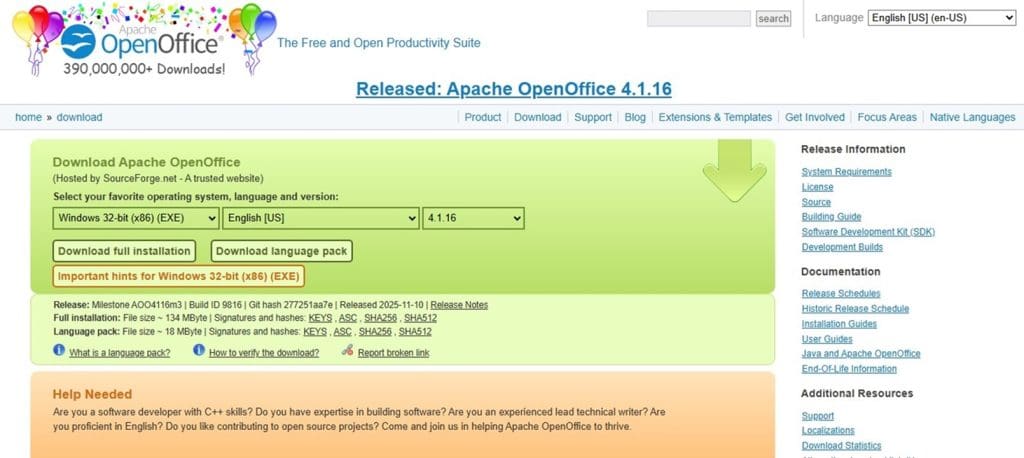
Apache OpenOffice is the “original” open-source Office suite and the project from which LibreOffice itself forked in 2010. Much like its offspring, it contains the Writer, Calc, Impress, Draw, Base, and Math utilities, prioritizing lightweight system resource usage. This arguably makes OpenOffice slightly better for older hardware (since it’s locked to the old 32-bit architecture that only uses 4 GB of RAM at most).
However, you’re paying a price here since some of the implemented features are really old and emulating Office 2010 and 2013 more than the more recent versions. It handles the basics well, but for users regularly exchanging files with Office users or working with newer format features, LibreOffice is the more future-proof and secure pick.
That said, Apache OpenOffice is a great option if you want a no-frills Office-like suite to edit basic documents.
FreeOffice – Best Open Source Microsoft Office Alternative Lookalike

If you want the basic features of Word, Excel, and PowerPoint packaged so the UI is as close to Microsoft Office as possible, then FreeOffice is by far the most natural pick. While it doesn’t have every feature of the “original” suite, it has enough to make most projects workable.
The key here is that the suite is separated into exact word processing, sheet processing, and presentation creativity tools (named TextMaker, PlanMaker, and Presentations, respectively). This allows you to seamlessly switch from Microsoft Office Home Edition without getting extra utilities that absorb some of the more advanced features but need to be used separately.
The suite also has both “retro” and updated user interfaces that are eerily similar to Microsoft Office’s, and the most recent 2024 version picks up most features from Office 2020.
The creators of FreeOffice also have an “advanced” paid suite that implements AI features and expands the language library while costing around $45 per year.
Was this helpful?
Last updated on 30 March, 2026
Read Next
 Office 365 vs. Office 2024 – Which Is Right for You?
The choice between Microsoft 365 (or Office 365) vs.
Office 365 vs. Office 2024 – Which Is Right for You?
The choice between Microsoft 365 (or Office 365) vs.
 5 Best Copilot AI Alternatives for MS Office
Microsoft Copilot is the tech giant’s proprietary AI tool that works as both a chatbot and document editor.
5 Best Copilot AI Alternatives for MS Office
Microsoft Copilot is the tech giant’s proprietary AI tool that works as both a chatbot and document editor.
 How to Set Out of Office Message in Microsoft Teams
How to Set Out of Office in Microsoft Teams Note: The steps are the same for both Windows and Mac.
How to Set Out of Office Message in Microsoft Teams
How to Set Out of Office in Microsoft Teams Note: The steps are the same for both Windows and Mac.
 How to Access and Use the Clipboard in Microsoft Office
How to Access and Use the Office Clipboard Using the Office Clipboard, you can save texts from an email, data from a spreadsheet, and even graphics from an online source.
How to Access and Use the Clipboard in Microsoft Office
How to Access and Use the Office Clipboard Using the Office Clipboard, you can save texts from an email, data from a spreadsheet, and even graphics from an online source.
 8 Working Ways to Get Microsoft Office for Free
Method 1.
8 Working Ways to Get Microsoft Office for Free
Method 1.
 5 Microsoft Whiteboard Alternatives
1.
5 Microsoft Whiteboard Alternatives
1.
 How to Generate QR Codes in Microsoft Office Using QR4Office
Pre-Requisites to Create QR Codes With QR4office To create a QR code, you'll need the following: Windows 10 version 16299 or higher Microsoft 365 subscription Microsoft Word/PowerPoint/Excel QR4Office How to
How to Generate QR Codes in Microsoft Office Using QR4Office
Pre-Requisites to Create QR Codes With QR4office To create a QR code, you'll need the following: Windows 10 version 16299 or higher Microsoft 365 subscription Microsoft Word/PowerPoint/Excel QR4Office How to
 How to Enable Dark Mode in Microsoft Office Apps
Is the bright white format of Excel burning holes in your eyes, or are you just looking for a theme that matches the rest of your desktop aesthetic?
How to Enable Dark Mode in Microsoft Office Apps
Is the bright white format of Excel burning holes in your eyes, or are you just looking for a theme that matches the rest of your desktop aesthetic?
The article above may contain affiliate links which help support Guiding Tech. The content remains unbiased and authentic and will never affect our editorial integrity.