There may be times when your WhatsApp message fails to send to a user or a group of users. If you get WhatsApp error 131026 as an error message to explain things, you might be wondering how to fix it. In this article, we’ll be covering just that, offering you some troubleshooters to help you keep the conversation going.
What Causes WhatsApp Error 131026?
When you receive error code 131026 on WhatsApp, it means your message has failed to send. The ‘why’ of the matter comes down to a few possible causes:
- The number you’re messaging isn’t on WhatsApp.
- The person you’ve messaged has an outdated version of WhatsApp.
- The person tied to the number has yet to accept a change in WhatsApp’s (or Meta’s) Ts & Cs.
- There is an authentication template issue tied to any OTPs, authentication messages, etc., that you’re sending.
Fixing the Problem
This error code might not always be able to be fixed from your end alone. In fact, more often than not, it’s the recipient’s job to fix things. That said, let’s take a look at a few troubleshooters.
Check the Recipient Number
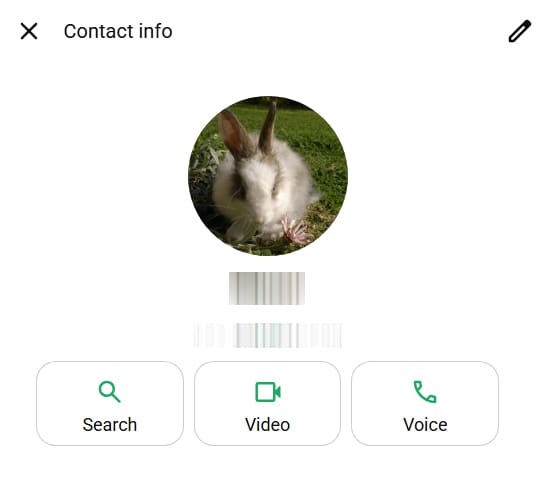
It might seem obvious, but there could be a chance the number you’re messaging is inaccurate. Double-check the number by tapping on the profile picture of the contact. Their number should be visible below the profile. Cross-check this with your contacts or the place you got the number from. The lack of a profile picture or other info could indicate it’s not a registered WhatsApp number.
Ease Off on The Promotional Messages
If you’re a business account or sending many messages using a platform or bot, then error 131026 could well be WhatsApp’s way of protecting users from spam. If this happens to you with accounts that have received messages up until the error, then it might be a sign to slow down on the frequency of promotional messages to stop triggering the error code.
Authentication Template Trouble
If your message is sending an authentication template, remember that not all regions and countries can receive them. What’s more, Meta has tightened its template security, meaning that authentication templates and marketing templates can be treated as the same. This itself can affect delivery.
To work past this, it’s important to check the wording and format of your messages so they are not seen as spam or a security threat.
Segment Your Messaging
If sending messages to multiple contacts, one problematic account might mean that no one gets anything, and you get an error code. If you can’t narrow down the account right away, try sending your message in smaller batches.
From the Recipient’s End
There’s much the recipient can do from their side to help. If possible, contact them through another platform or directly. Ensure that they:
- Have fully updated their version of WhatsApp on all devices they’re using.
- Have accepted any changes in Ts & Cs from Meta.
- Ask them if the WhatsApp number they’ve provided you is correct.
Was this helpful?
Last updated on 24 March, 2026
Read Next
 WhatsApp Web vs WhatsApp Desktop App: Which Should You Use
Currently ranked as the world's most popular instant messaging app, WhatsApp needs no introduction.
WhatsApp Web vs WhatsApp Desktop App: Which Should You Use
Currently ranked as the world's most popular instant messaging app, WhatsApp needs no introduction.
 WhatsApp Proxy: How to Use WhatsApp Without Internet
What Is WhatsApp Proxy You may have experienced several times that WhatsApp is not working on Wi-Fi or a mobile data connection.
WhatsApp Proxy: How to Use WhatsApp Without Internet
What Is WhatsApp Proxy You may have experienced several times that WhatsApp is not working on Wi-Fi or a mobile data connection.
 How to Fix “Unfortunately WhatsApp Has Stopped” Error on Android
Basic Fixes: Check for app updates: Regular updates help ensure your apps get the latest security updates and bug fixes.
How to Fix “Unfortunately WhatsApp Has Stopped” Error on Android
Basic Fixes: Check for app updates: Regular updates help ensure your apps get the latest security updates and bug fixes.
 6 Ways to Fix WhatsApp Media Download Failed Error on Phone
Basic Fixes: Use a strong network connection: Large media files require a stable and strong network connection for a smooth download process in WhatsApp.
6 Ways to Fix WhatsApp Media Download Failed Error on Phone
Basic Fixes: Use a strong network connection: Large media files require a stable and strong network connection for a smooth download process in WhatsApp.
 How To Fix Your Phone Date Is Inaccurate Error In WhatsApp
When WhatsApp is your go-to platform for communicating with friends and family, you'd want it to function properly.
How To Fix Your Phone Date Is Inaccurate Error In WhatsApp
When WhatsApp is your go-to platform for communicating with friends and family, you'd want it to function properly.
 8 Best Fixes for WhatsApp Couldn’t Start Error on iPhone
WhatsApp has several useful features that have made it one of the most popular messaging platforms globally.
8 Best Fixes for WhatsApp Couldn’t Start Error on iPhone
WhatsApp has several useful features that have made it one of the most popular messaging platforms globally.
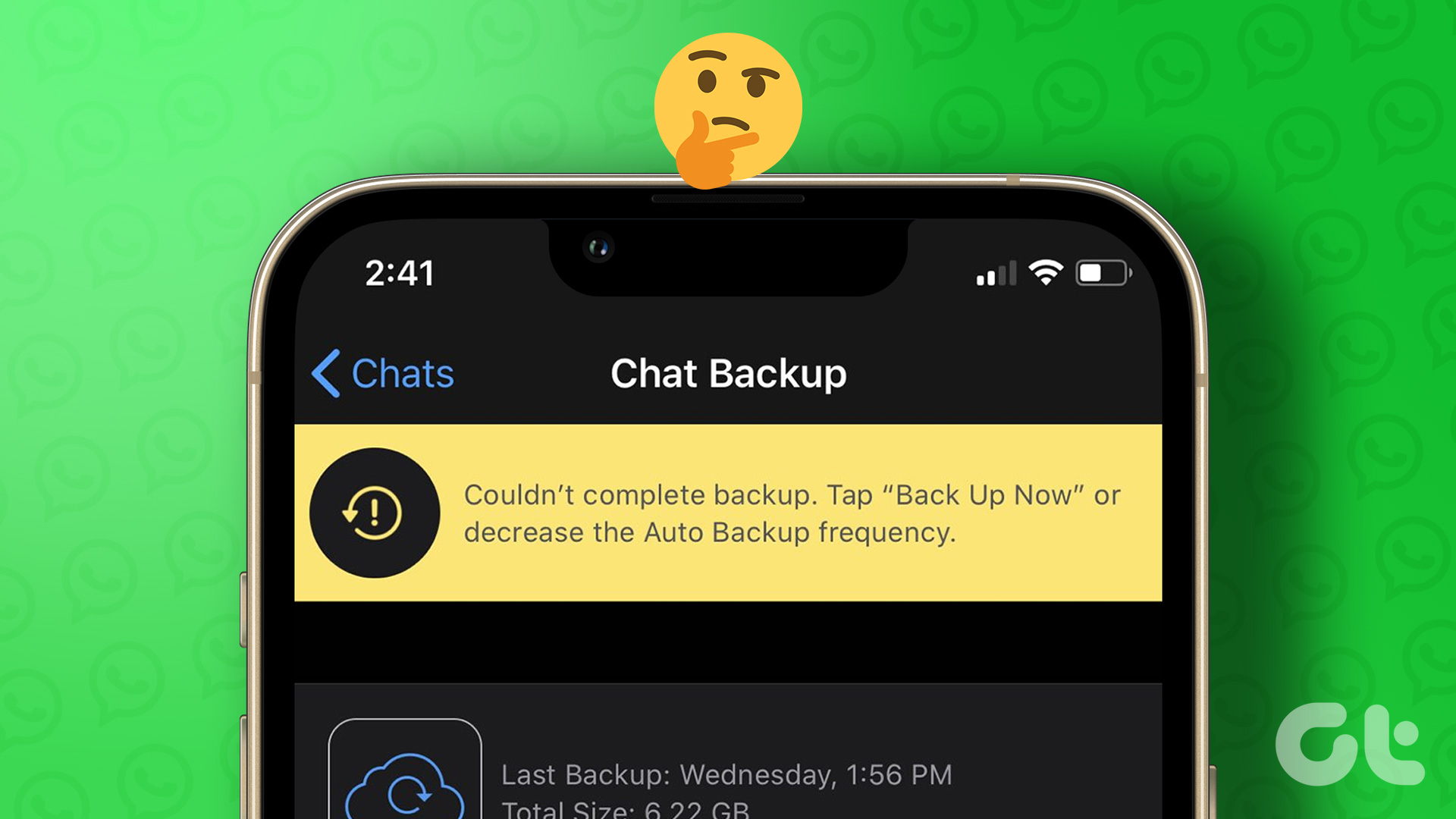 5 Fixes for ‘WhatsApp Couldn’t Complete Backup’ Error on Android and iPhone
Fix 1: Initiate Backup Manually At times, minor network or app-related issues can interrupt the WhatsApp backup process and throw the "Couldn't complete backup" error.
5 Fixes for ‘WhatsApp Couldn’t Complete Backup’ Error on Android and iPhone
Fix 1: Initiate Backup Manually At times, minor network or app-related issues can interrupt the WhatsApp backup process and throw the "Couldn't complete backup" error.
 How to Fix “This Account Is Not Allowed to Use WhatsApp” Error
Why Did WhatsApp Restrict My Account?
How to Fix “This Account Is Not Allowed to Use WhatsApp” Error
Why Did WhatsApp Restrict My Account?
The article above may contain affiliate links which help support Guiding Tech. The content remains unbiased and authentic and will never affect our editorial integrity.