Basic Fixes
- Restart iPhone: Restarting your iPhone may resolve any software glitches preventing screen recording.
- Add Screen Recording to Control Center: Go to Settings > Control Center > scroll down to find the Screen Recording option > select the + icon next to it. This will add the shortcut to the Control Center.
- Check storage: If the iPhone storage is full, there won’t be space to save your screen recordings.
- Check if the app supports screen recording: It may not work in certain apps that limit the playback of copy-protected content.
Fix 1: Check Restrictions for Screen Recording
Is the Screen Recording icon on the Control Center greyed out? If so, the feature is likely restricted. To lift the restriction, here’s what you must do.
Step 1: Open the Settings app and go to Screen Time.
Step 2: Tap on Content and Privacy Restrictions and go to Content Restrictions.

Step 3: Scroll down and tap on Screen Recording. Tap Allow and exit the Settings app.

Fix 2: Enable Microphone for Screen Recording
Is screen recording failing to capture sounds from your microphone? Just turn on the microphone before initiating Screen Recording.
To do that, tap and hold the Screen Recording icon within the Control Center and tap Microphone. You can also do this after starting a recording.

Also Read: How to blur a video or screen recording on iPhone.
Fix 3: Allow Screen Recording for Apps
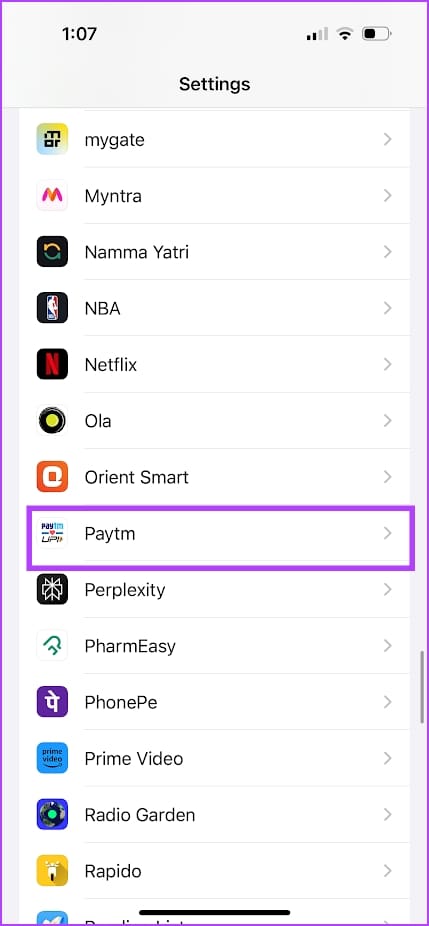
Cannot record screen on a specific app? Go to Settings > scroll down to find the app > enable the Allow Screen Recording toggle.

If nothing works, reset your iPhone to fix any misconfiguration affecting the screen recording feature.
Was this helpful?
Last updated on 16 July, 2024
Read Next
 How to Blur a Video or Screen Recording on iPhone
https://youtu.be/iSiDI3GPpKM Method 1: Use WhatsApp to Blur a Part of Video on iPhone If you don’t want to install a dedicated app to blur something in video on an iPhone,
How to Blur a Video or Screen Recording on iPhone
https://youtu.be/iSiDI3GPpKM Method 1: Use WhatsApp to Blur a Part of Video on iPhone If you don’t want to install a dedicated app to blur something in video on an iPhone,
 2 Ways to Fix No Audio When Recording Videos on iPhone
https://youtu.be/N8_G5TlpptA Basic Troubleshooting Unmute the audio - This isn’t a solution to the problem but a step that can verify whether there is a problem in the first place.
2 Ways to Fix No Audio When Recording Videos on iPhone
https://youtu.be/N8_G5TlpptA Basic Troubleshooting Unmute the audio - This isn’t a solution to the problem but a step that can verify whether there is a problem in the first place.
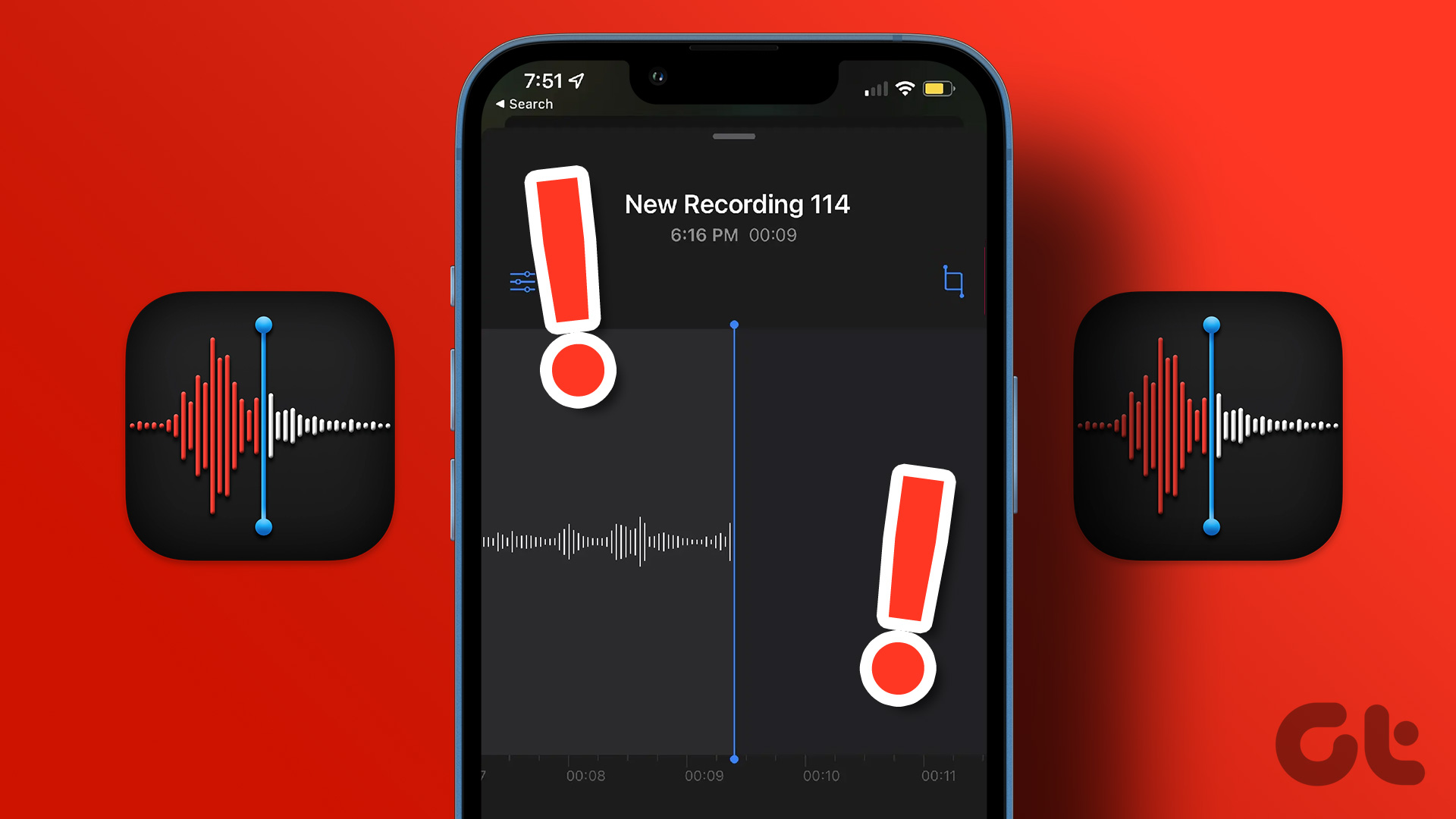 3 Fixes for Voice Memos Not Recording Audio on iPhone
Basic Fixes Check Microphone permissions for the Voice Memos app: Open Settings > Voice Memos > enable Microphone access.
3 Fixes for Voice Memos Not Recording Audio on iPhone
Basic Fixes Check Microphone permissions for the Voice Memos app: Open Settings > Voice Memos > enable Microphone access.
 4 Ways to Fix Call Recorder Not Recording Incoming Voice on Android
Basic Fixes: Check the Android version: To use call recording features, your Android phone must run Android version 9 and above.
4 Ways to Fix Call Recorder Not Recording Incoming Voice on Android
Basic Fixes: Check the Android version: To use call recording features, your Android phone must run Android version 9 and above.
 3 Ways to Fix the “Recording Stopped” Error in Snipping Tool for Windows 11
Try Basic Fixes Disable screen projection: The Snipping Tool may sometimes have trouble recording the screen if you are using multiple displays.
3 Ways to Fix the “Recording Stopped” Error in Snipping Tool for Windows 11
Try Basic Fixes Disable screen projection: The Snipping Tool may sometimes have trouble recording the screen if you are using multiple displays.
 Top 7 Ways to Fix Samsung Galaxy Watch Not Recording Sleep
Samsung’s Galaxy Watch lineup is feature-packed with useful health-tracking functions.
Top 7 Ways to Fix Samsung Galaxy Watch Not Recording Sleep
Samsung’s Galaxy Watch lineup is feature-packed with useful health-tracking functions.
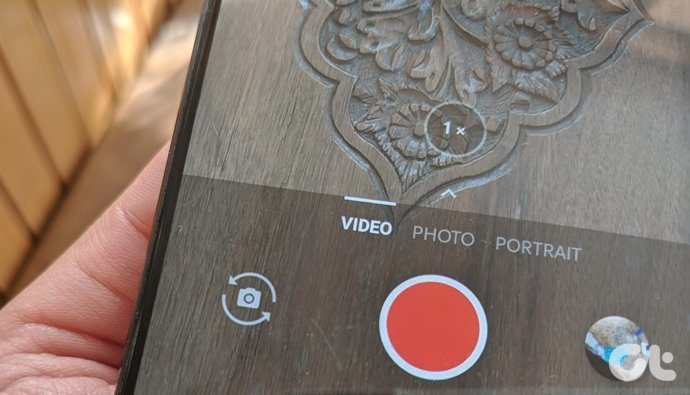 How to Flip Camera While Recording Videos on Android or iPhone
Why Can't I Flip Camera While Recording Videos For most iOS and Android devices (except for Samsung Galaxy), you can't flip the camera while you are recording a video.
How to Flip Camera While Recording Videos on Android or iPhone
Why Can't I Flip Camera While Recording Videos For most iOS and Android devices (except for Samsung Galaxy), you can't flip the camera while you are recording a video.
 8 Ways to Fix iPad Screen Won’t Rotate
You've downloaded a new Netflix series to watch on your 8-hour flight journey.
8 Ways to Fix iPad Screen Won’t Rotate
You've downloaded a new Netflix series to watch on your 8-hour flight journey.
The article above may contain affiliate links which help support Guiding Tech. The content remains unbiased and authentic and will never affect our editorial integrity.