Instagram does not allow users to download content (except the ones they share) from the platform, making sharing difficult. While there are apps for Android that can download profile pictures, we recommend using mobile browsers with these websites. This will ensure you don’t see a ton of advertisements for every step you perform on the app.
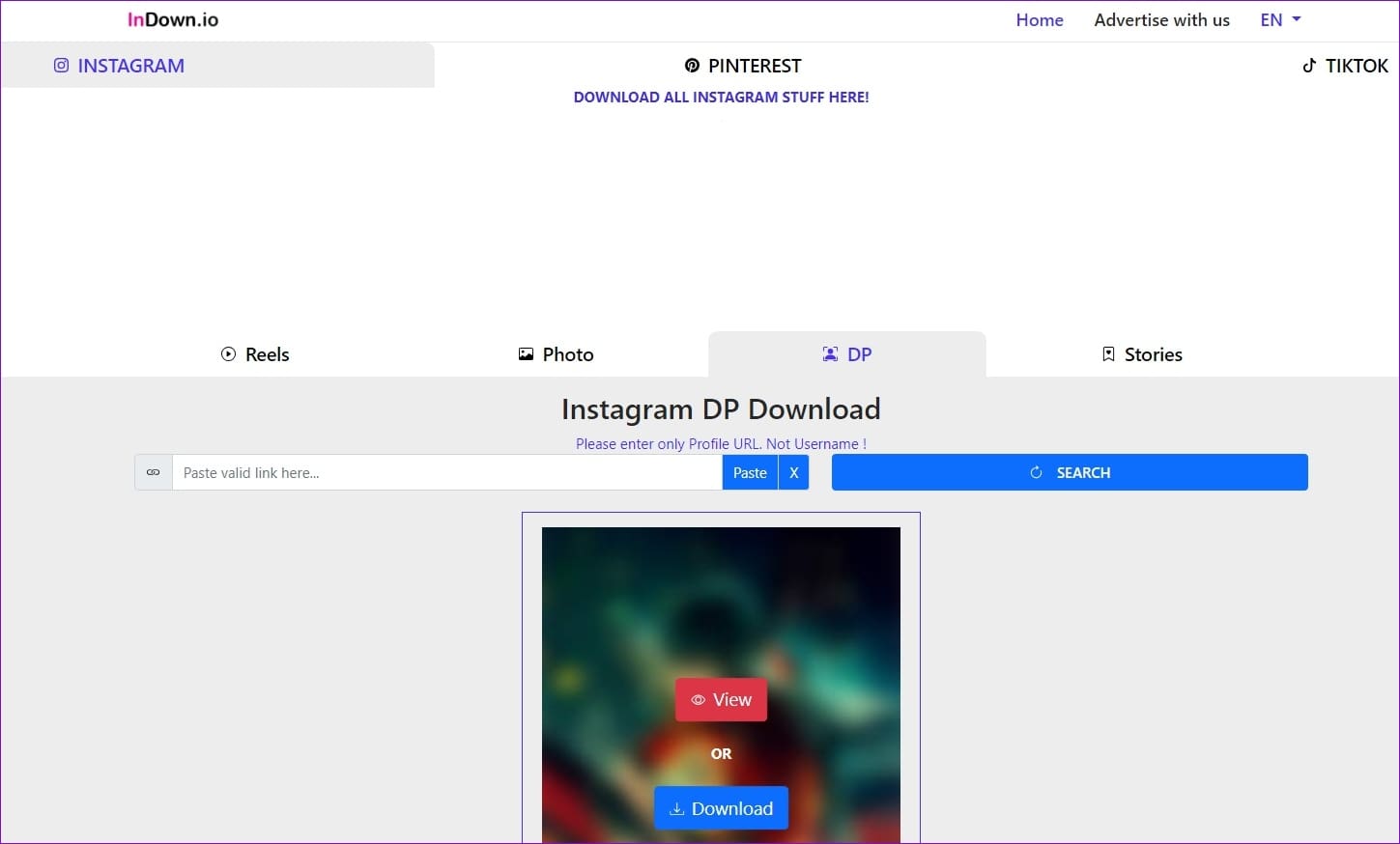
Indown.io – Simple and Free Instagram DP Downloader
Indown.io is a simple Instagram DP downloader tool that works entirely online and allows you to download the Instagram profile picture of any user account (even private ones) with just the profile URL. The website lets you preview the profile picture before downloading and view the account status (private or public) and account verification status.
Pros:
- Preview profile picture in full-screen
- Shows account status and verification status
- High-quality download
Cons:
- Can’t download profile picture from username
- Only allows full profile URL copied directly from Instagram app or website.
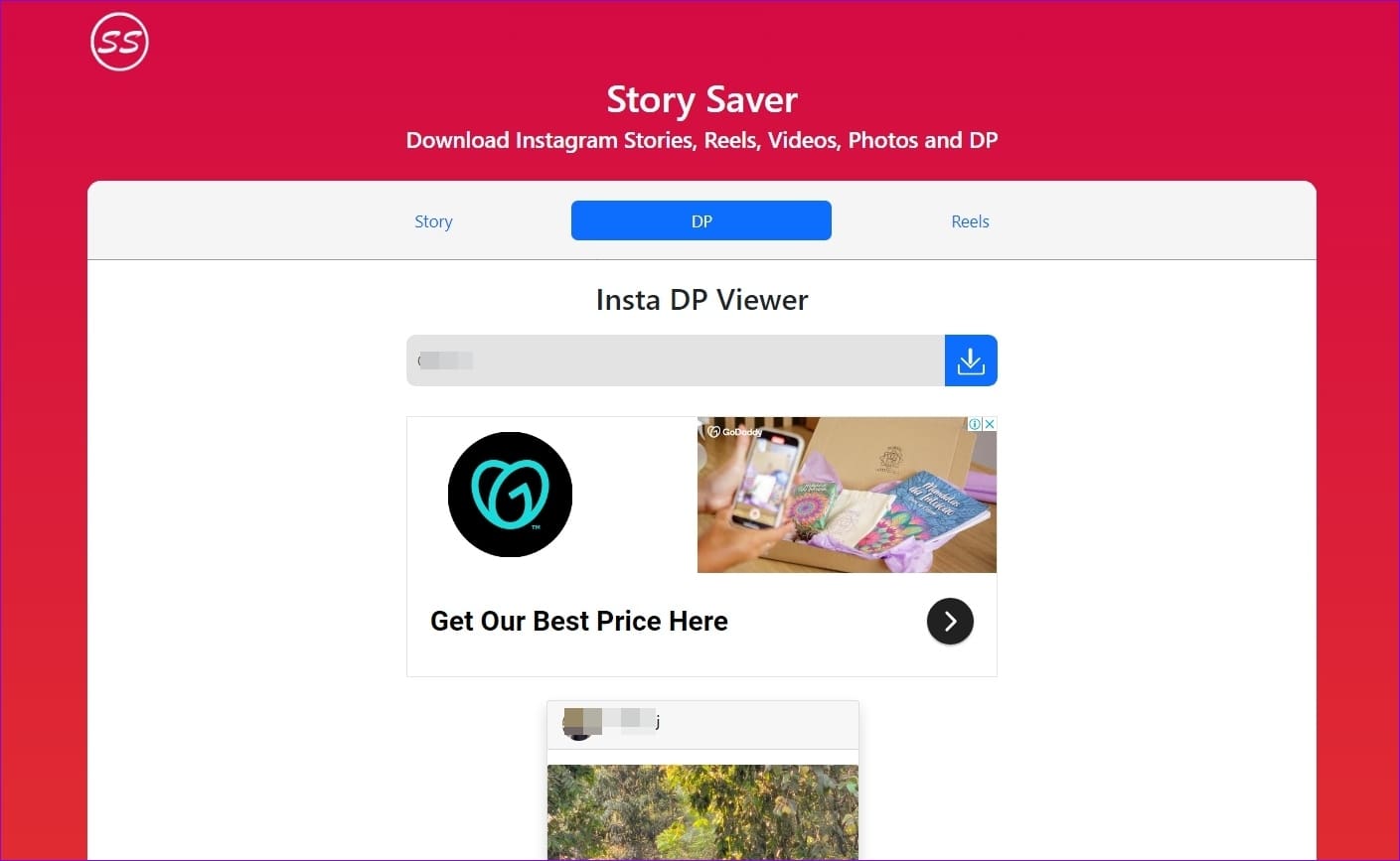
Storysaver.in – Download Instagram DP With Username
Storysaver simplifies the process of viewing and downloading Instagram DPs in full size. All you need to do is paste the username and click the download button. The site’s interface is easy to navigate, offering additional features such as Instagram Stories and Reels download.
Pros:
- It doesn’t require signups
- Download the Instagram profile picture with the username
- Fewer ads
Cons:
- It does not let you preview your profile picture in full-size
- There is no option to download an Instagram profile picture from the URL
Toolzu.com – Download Instagram Profile Picture (ad-free)
Toolzu is an ad-free and feature-packed Instagram Profile picture downloader that allows you to download Instagram DP with a username or the profile URL. The site does not serve any ads and has a photo, video, profile, reels, and IGTV downloader.
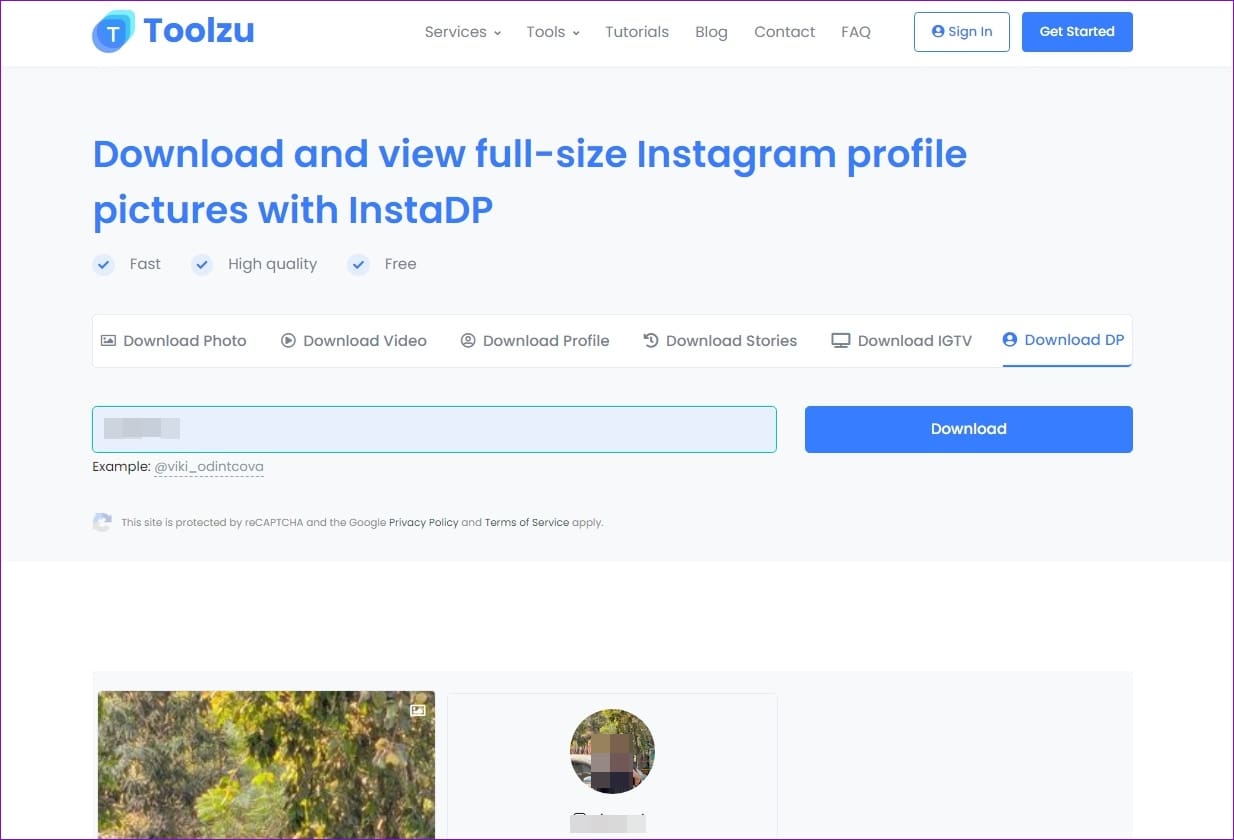
Pros:
- Completely ad-free
- Download Instagram DP with username and profile URL
- One website for all Instagram downloads
Cons:
- The site is slow sometimes
- Requires sign-up for some additional features
Hidownloader.com – Download Instagram Posts (Including Private Accounts well)
Hidownloader.com: The Instagram Profile Picture downloader helps download Instagram profile pictures using a username or URL. What makes this tool stand out is the feature to download Private videos. In addition to this, Hidownloader.com is also ad-free.
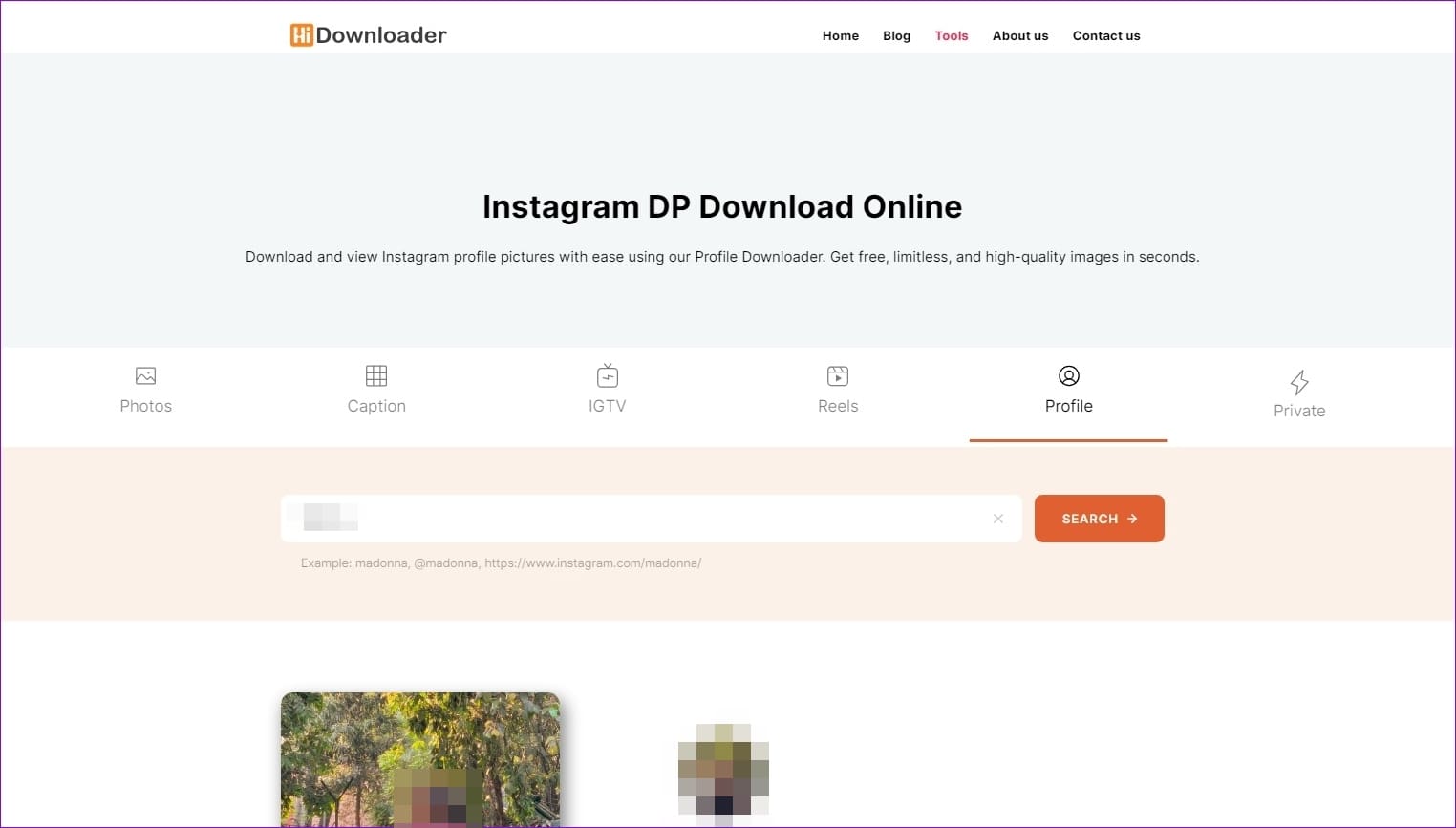
Pros:
- Ad-free Instagram profile picture downloader
- Feature to download Instagram private videos as well
- Download via username or profile URL
Cons:
- Slow loading time in Android
- It doesn’t allow profile picture preview in full-size
Inflact.com – Download all social media content
Inflact.com is another Instagram profile picture downloader that allows you to download profile pictures using your username. This tool’s ability to download content from other social media sites.

Pros:
- Download content from other websites as well
- Easy to use
- Fast downloading on both Android and PC
Cons:
- Can only download through username
- Serves video ads as well
Was this helpful?
Last updated on 31 July, 2024
Read Next
 4 Ways to Fix Instagram Not Loading Pictures
https://youtu.be/ccdQFrpMrmo Basic Fixes: Disable VPN: Instagram may not show pictures and new posts if the connected VPN server faces an outage.
4 Ways to Fix Instagram Not Loading Pictures
https://youtu.be/ccdQFrpMrmo Basic Fixes: Disable VPN: Instagram may not show pictures and new posts if the connected VPN server faces an outage.
 How to Send Pictures From Android to iPhone (Without Losing Quality)
Method 1.
How to Send Pictures From Android to iPhone (Without Losing Quality)
Method 1.
 How to Send Pictures in Text Message or Email on Android or iPhone
How to Send Pictures in a Text Message You can send pictures using the Messages app on your Android or iPhone.
How to Send Pictures in Text Message or Email on Android or iPhone
How to Send Pictures in a Text Message You can send pictures using the Messages app on your Android or iPhone.
 How to Copy and Paste Pictures on Android
Copying pictures on iPhones and PCs is easy.
How to Copy and Paste Pictures on Android
Copying pictures on iPhones and PCs is easy.
 Top 13 Ways to Fix Facebook Not Showing Pictures
Even with fierce competition from the likes of Instagram and Snapchat, you can’t deny Facebook’s role in the modern era.
Top 13 Ways to Fix Facebook Not Showing Pictures
Even with fierce competition from the likes of Instagram and Snapchat, you can’t deny Facebook’s role in the modern era.
 How to Make a Video With Multiple Pictures in Google Photos
Use Google Photos to Make a Video You can use the iOS or Android Google Photos app to make a video.
How to Make a Video With Multiple Pictures in Google Photos
Use Google Photos to Make a Video You can use the iOS or Android Google Photos app to make a video.
 10 Best Ways to Fix Samsung Gallery Not Showing All Pictures on Galaxy Phones
Samsung Galaxy phones have a default Gallery app to manage and edit media files.
10 Best Ways to Fix Samsung Gallery Not Showing All Pictures on Galaxy Phones
Samsung Galaxy phones have a default Gallery app to manage and edit media files.
 How to Download Instagram Reels on iPhone and Android: 5 Best Ways
Instagram Reels allows you to create and share 15-second videos.
How to Download Instagram Reels on iPhone and Android: 5 Best Ways
Instagram Reels allows you to create and share 15-second videos.
The article above may contain affiliate links which help support Guiding Tech. The content remains unbiased and authentic and will never affect our editorial integrity.